Dental video marketing works because it answers the question a new patient actually has before they book: what will this feel like? It includes both videos that need a real patient or provider on camera and videos that don’t, and each format requires a different production workflow.
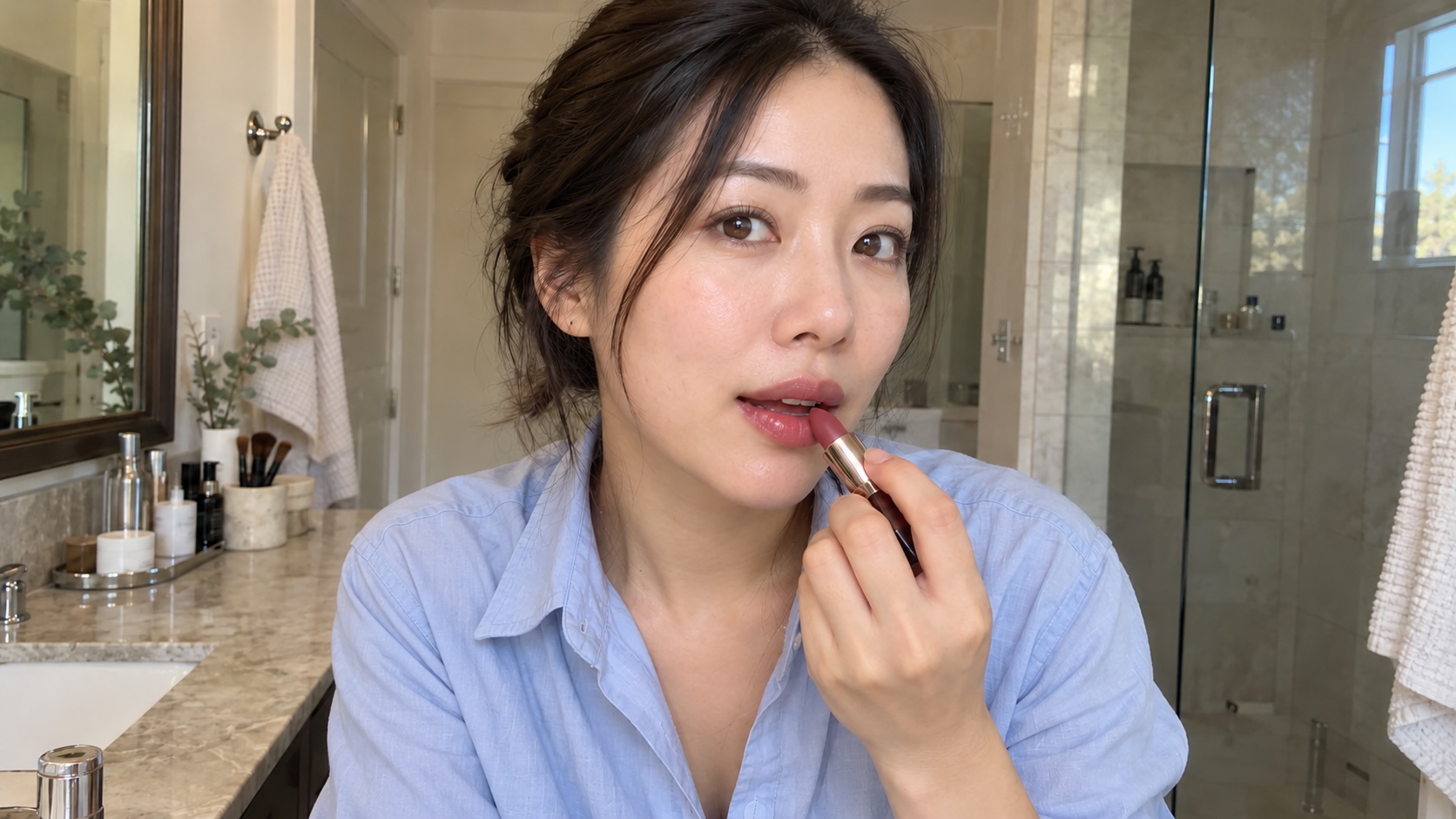
Patient testimonials and before-and-after videos need to be real to convert. Office tours, local ads and provider introductions don’t need a real person filmed at all. That makes them a strong fit for AI-generated video. Clinical explainer content sits in its own category regardless of production method: a dentist reviews the script and visuals before it publishes, whether a camera crew shot it or a model generated it.
What types of video work for a dental practice
Most dental practices need some mix of seven formats, each doing a different job in the patient journey.
| Video type | Funnel stage | Patient consent needed |
|---|---|---|
| Office tour | Awareness, pre-visit | No |
| Provider introduction | Awareness, pre-visit | Not from patients, unless they appear. The provider’s written approval is needed. |
| Local ad | Awareness, acquisition | No |
| Treatment explainer | Consideration, education | No, unless real patient footage is used |
| FAQ video | Consideration, education | No |
| Patient testimonial | Consideration, trust | Yes, explicit and in writing |
| Before-and-after | Consideration, trust | Yes, explicit and in writing |
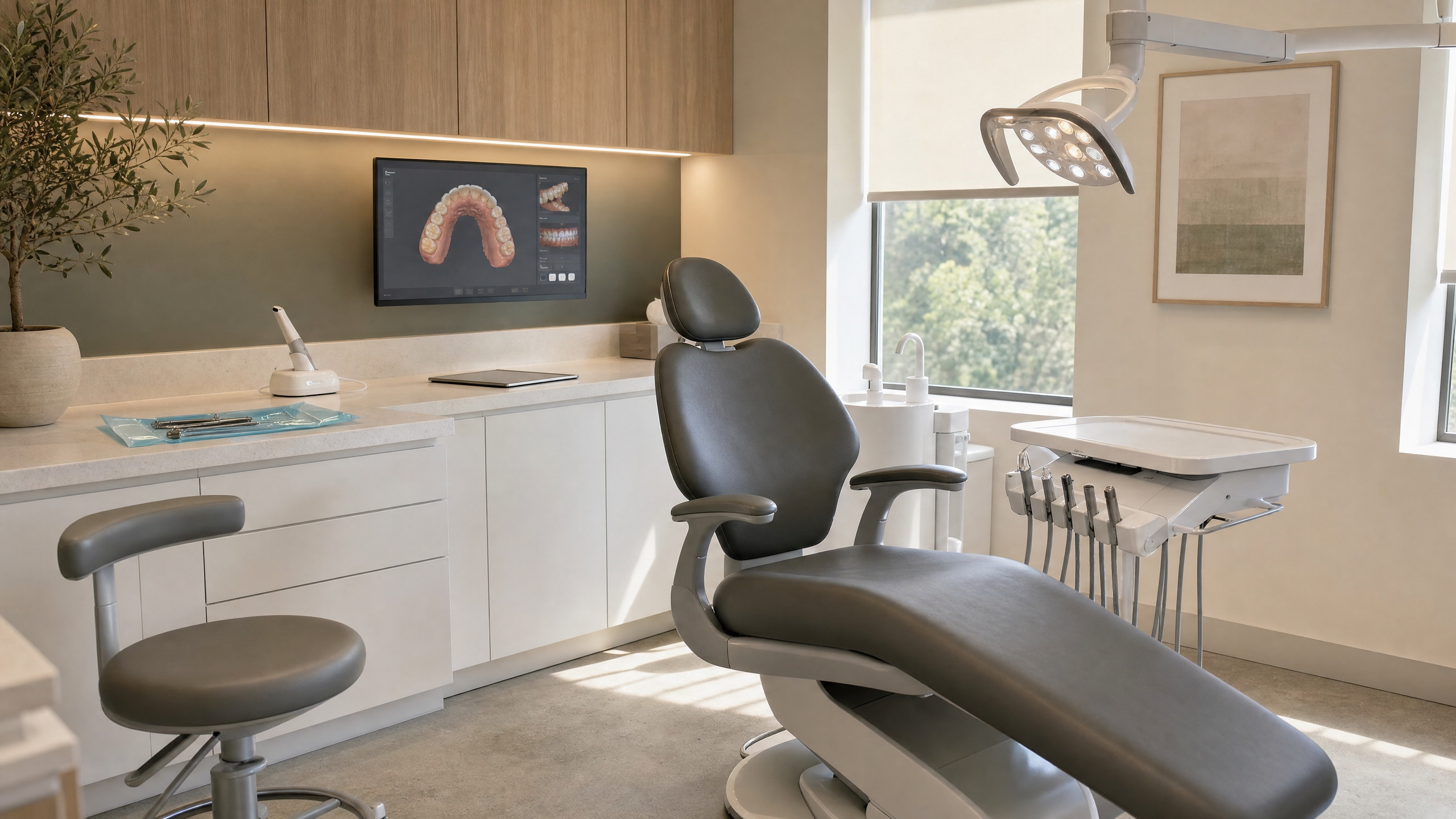
Office tours and provider introductions do the most work for the least cost. They show a nervous potential patient the room and face they’ll see before the first visit, which can help reduce no-shows and last-minute cancellations.
Treatment explainers and FAQ/educational videos answer the questions a front desk fields daily: cost, insurance, recovery time, what a root canal actually involves. As a result, patients arrive well-aware of what to expect, and the practice spends less time on the phone repeating the same answers.
Video testimonials and before-and-afters convert further down the funnel, once a patient has decided to see a dentist and is at the stage of comparing options. Some practices collect these as user-generated content, asking a patient to film a short clip on their own phone so they don’t have to stage a professional interview.
Beyond being cost-effective, UGC-style testimonials can read as more credible because they look unpolished, but the trust they build depends entirely on being real. A generated testimonial isn’t a testimonial at all, and presenting one as such is a sure way to damage credibility. It can also create legal risk: the FTC’s rule on consumer reviews and testimonials, in effect since October 21, 2024, prohibits fake testimonials, including AI-generated ones that misrepresent that the person exists or had the experience.
Consent and patient privacy basics
Any format that shows a real patient’s face, name or clinical details needs written permission, and that permission should be requested and collected before filming, not afterward. This covers testimonials, before-and-afters and any explainer footage that uses a real patient’s case.
For practices covered by HIPAA, that permission needs to be a HIPAA authorization (45 CFR 164.508), not just a general media release or the consent a patient signs at intake. Keep the signed authorization on file with the video itself. It protects the practice if a patient later asks for the footage to come down or questions how it’s being used. Office tours, provider introductions and local ads built without a patient in frame sidestep this requirement entirely, which is part of why they’re easier to produce on a regular schedule.
Providers and staff need to agree too. Before turning a dentist’s or team member’s photo into a talking introduction, get their written approval for the use of their likeness and for the script they will appear to say.
Marketing consent and consent under health privacy rules aren’t automatically the same thing. So, practices handling patient health information on camera, including before-and-after clinical images, should loop in whoever manages the practice’s compliance obligations before publishing.
Where AI fits in dental video production
The honest answer is that it depends on the format, and the line runs along whether a real person needs to be on camera.
A single headshot becomes a talking provider introduction. A few reference photos of the waiting room and treatment bay become a full walkthrough. For a practice that’s been putting off video because coordinating a crew around patient schedules never made it to the top of the list, that’s the meaningful shift AI generation offers for these formats.
Two checks apply to these formats. Review any generated walkthrough against the real office before it publishes: it shouldn’t show rooms, equipment or features the practice doesn’t have. And for a provider introduction, the dentist approves both the use of their likeness and the script.
Patient testimonials and before-and-after videos are the opposite case. Their entire value is that they’re real, and a generated testimonial has no evidentiary weight. If a patient later notices, it damages trust instead of building it. Keep these on camera with actual patients and actual written consent, whatever tool handles everything else.
Clinical explainer content is its own category, and this is where the caution matters most. AI-generated video can produce a confident, well-lit explanation of a dental procedure that gets a clinical detail wrong, and a wrong clinical claim from a dental practice is a liability, not a shortcut. The fix isn’t avoiding the tool, it’s the review step covered below: a dentist checks the script and any anatomical visuals before publishing any educational content, no matter which tool made it.
Read the full breakdown of formats and tooling in Runway’s guide to healthcare video marketing, and for prompt-level guidance on generating clean footage from a single reference photo, see the AI video prompting guide.
In-house, agency or AI-generated: what fits each format
| Method | Turnaround | Cost | Best for |
|---|---|---|---|
| Smartphone, in-house | Same day | Minimal, existing gear | FAQ videos, quick updates, social clips |
| Agency videography | Often a few weeks | Several thousand dollars per shoot | Testimonials, before-and-afters, brand video |
| AI-generated | Hours | Subscription, no crew | Office tours, provider intros, local ads |
The in-house and agency models haven’t changed much in years, and neither has the tradeoff between them: speed and cost against production quality and crew coordination. Businesses can now also use AI for this content.
A format that used to require either a smartphone and a willing staff member or a booked crew now takes hours and no scheduling at all. That’s where a tool like an AI video generator comes in handy. It isn’t a replacement for testimonials or clinical review, but it can help close the gap on formats that were getting skipped because production felt like too much overhead for a single office-tour video.
How to build a dental video marketing strategy
- Start with the two videos every new or prospective patient sees first: an office tour and a provider introduction.
- Add patient testimonials once three or four patients have given written consent to use their name and face.
- Build short explainer clips for the two or three procedures your front desk explains most often.
- Keep most videos under 90 seconds, and cut social clips down further, under 60 seconds.
- Host everything on the practice website and Google Business Profile first, before repurposing for social.
- Have the dentist review the script and visuals on any clinical explainer before it publishes, regardless of how it was produced.
- Repurpose long-form videos into shorter clips for Instagram and TikTok once they’re proven on the primary channels.
- Revisit the office tour and provider introduction whenever staff or the space changes, since these are the videos most likely to go stale.
How to measure ROI from dental video marketing
Track new-patient bookings by source in your practice management software, and tag video-driven traffic separately from general organic or paid traffic. Google Business Profile’s Performance report shows profile-level views, call clicks and website clicks. It doesn’t break results out by video, so record those numbers before you publish an office tour or provider intro and compare afterward, and use a tagged link or call-tracking number if you need attribution for a specific video.
For testimonials and explainer content hosted on service pages, watch time and page dwell time are the leading indicators. Video content that holds attention on a treatment page tends to correlate with more form submissions on that page, even before a single booking happens.
Set a baseline before publishing anything. Note current booking volume by source and average time on your top service pages, then compare after each video goes live. Three or four data points across different formats will tell you more than a single month of aggregate traffic ever will.
Where to distribute dental marketing video
- Practice website: Homepage for the office tour and provider intro, service pages for treatment explainers.
- Google Business Profile: Especially office tours and provider intros, which show up directly in local search.
- Instagram and TikTok: Cut-down clips from longer originals, under 60 seconds.
- Email and the patient portal: Pre-visit videos that reduce first-appointment anxiety.
- YouTube: Longer explainer and FAQ content that supports search beyond your own site.
Frequently asked questions
How much does dental video marketing cost?
It depends on the format. Smartphone-shot FAQ and update videos cost close to nothing beyond staff time. Agency-produced testimonials and brand video typically run several thousand dollars per shoot. AI-generated formats like office tours and provider intros fall in between, usually a monthly subscription with no crew or shoot day required.
Do I need patient consent to feature them in a video?
Yes, for any video featuring a real patient’s name, face or case details, including testimonials and before-and-afters that showcase transformation. For practices covered by HIPAA, that means a signed HIPAA authorization, not just a general media release. Get it before filming, not after, and keep a signed record on file. This applies regardless of who produces the video or where it’s posted.
Can AI-generated video handle clinical explainer content safely?
AI can create videos, but clinical accuracy still depends on human review. A dentist should check the script and any anatomical visuals before publishing, the same review step that applies to agency-produced or in-house explainer video. The specific risk with AI tools is a confident, well-produced clip that states a clinical detail incorrectly.
How long should a dental marketing video be?
Thirty to 90 seconds for most dental clinic video formats. Social clips and clinic tour videos should stay under 60 seconds. Longer explainer or FAQ content can run past 90 seconds on YouTube or a service page, where patients are actively looking for detail rather than scrolling past it. “Meet the dentist” introductions can run even shorter.
What equipment do I need to get started?
A smartphone, a basic tripod and natural light cover office tours, FAQ videos and testimonials shot in-house. For provider intros, local ads or an office tour without a shoot day, a single reference photo and an AI video generator can produce usable footage without any of that equipment.
Office tours, local ads and provider introductions are the easiest formats on this list to keep putting off, and the easiest to finally ship, because none of them need a real patient in frame. Generate a walkthrough of your office or turn a staff headshot into a talking introduction (with the provider’s approval) using the Add Dialogue app, then review it and publish it to your site and Google Business Profile. You can start experimenting on Runway’s free plan.
Related: Healthcare video marketing | AI video prompting guide | AI video for medical clinics