Now in the ChatGPT app directory
Runway MCP
Generate high-quality images and videos right from where you're already working. Use Runway in ChatGPT, Claude, Grok Bot, Cursor and other compatible agents.
Connect Runway in seconds
Setting up Runway MCP is simple and takes just a few moments.
02
Install and sign in
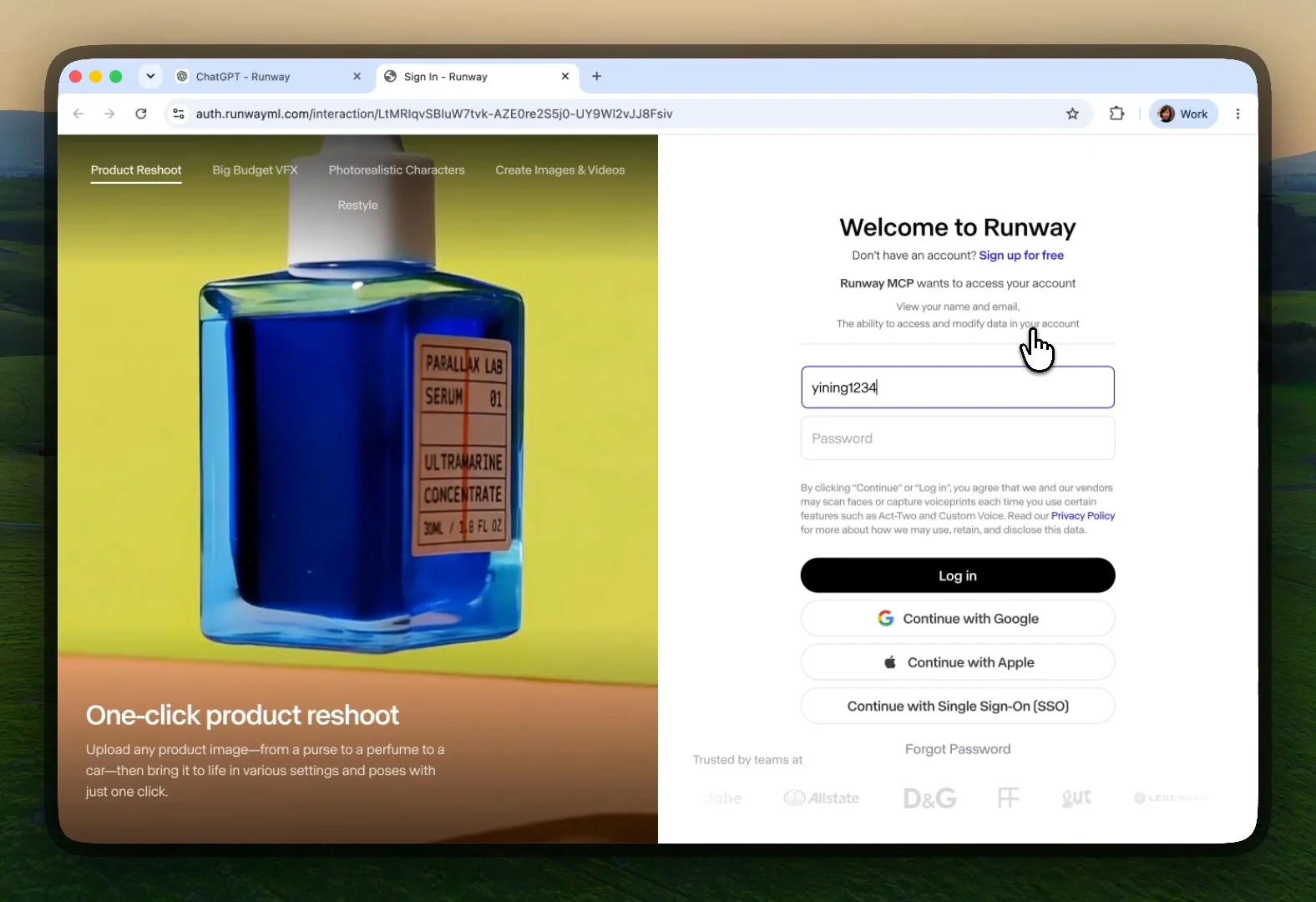
Click Install Plugin, then Sign in with Runway.
03
Start creating
Mention @Runway in any chat and describe what you want.
Start with a standout workflow
A product, a character or an idea. See how far one prompt can take it.
Product shot to finished commercial
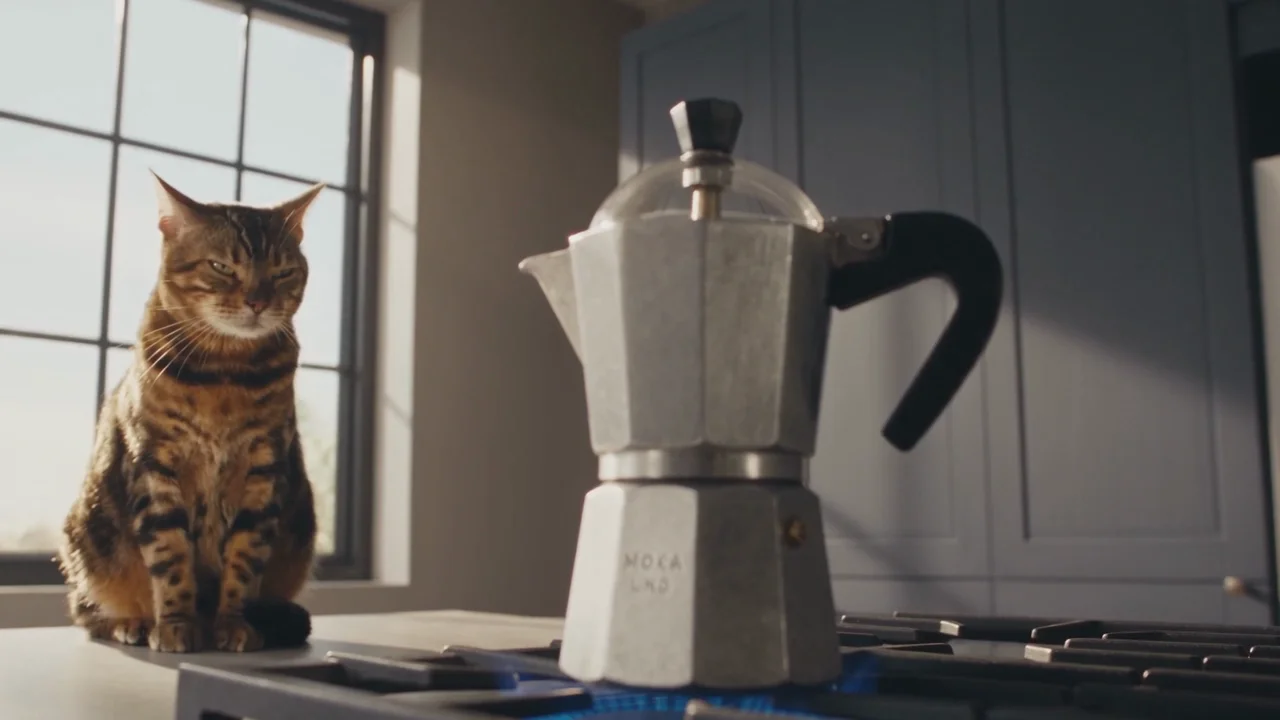
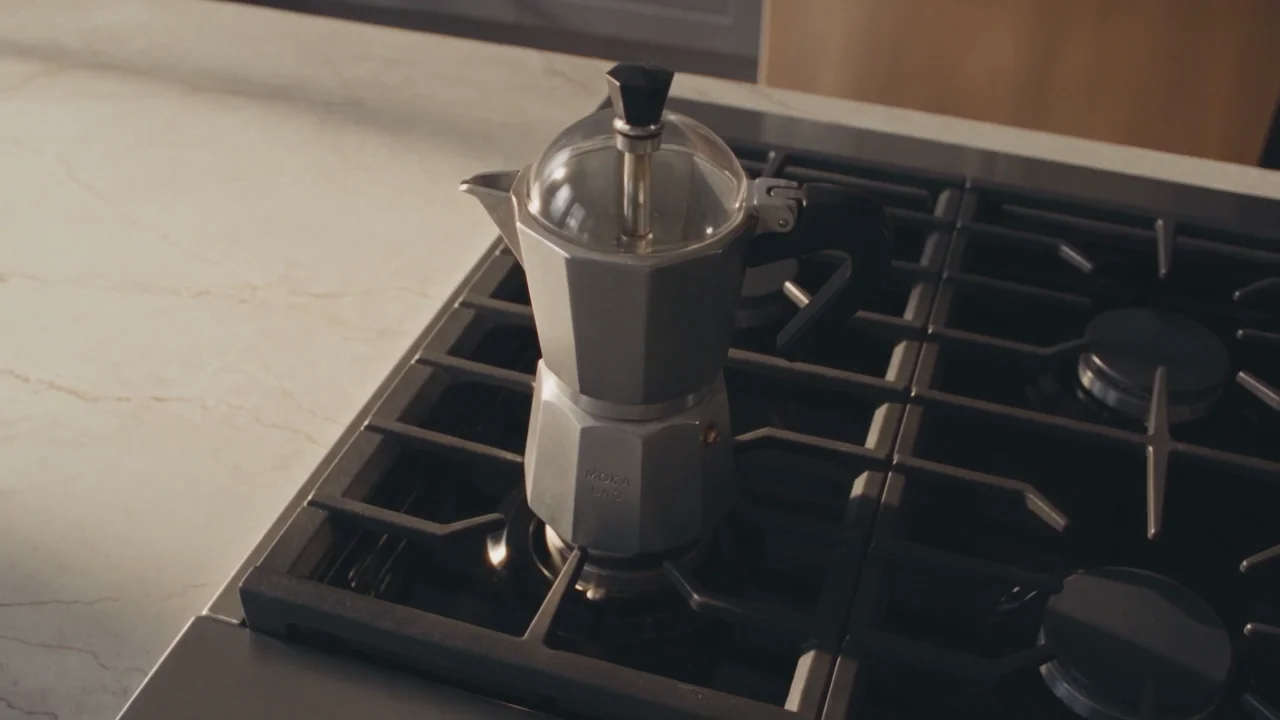
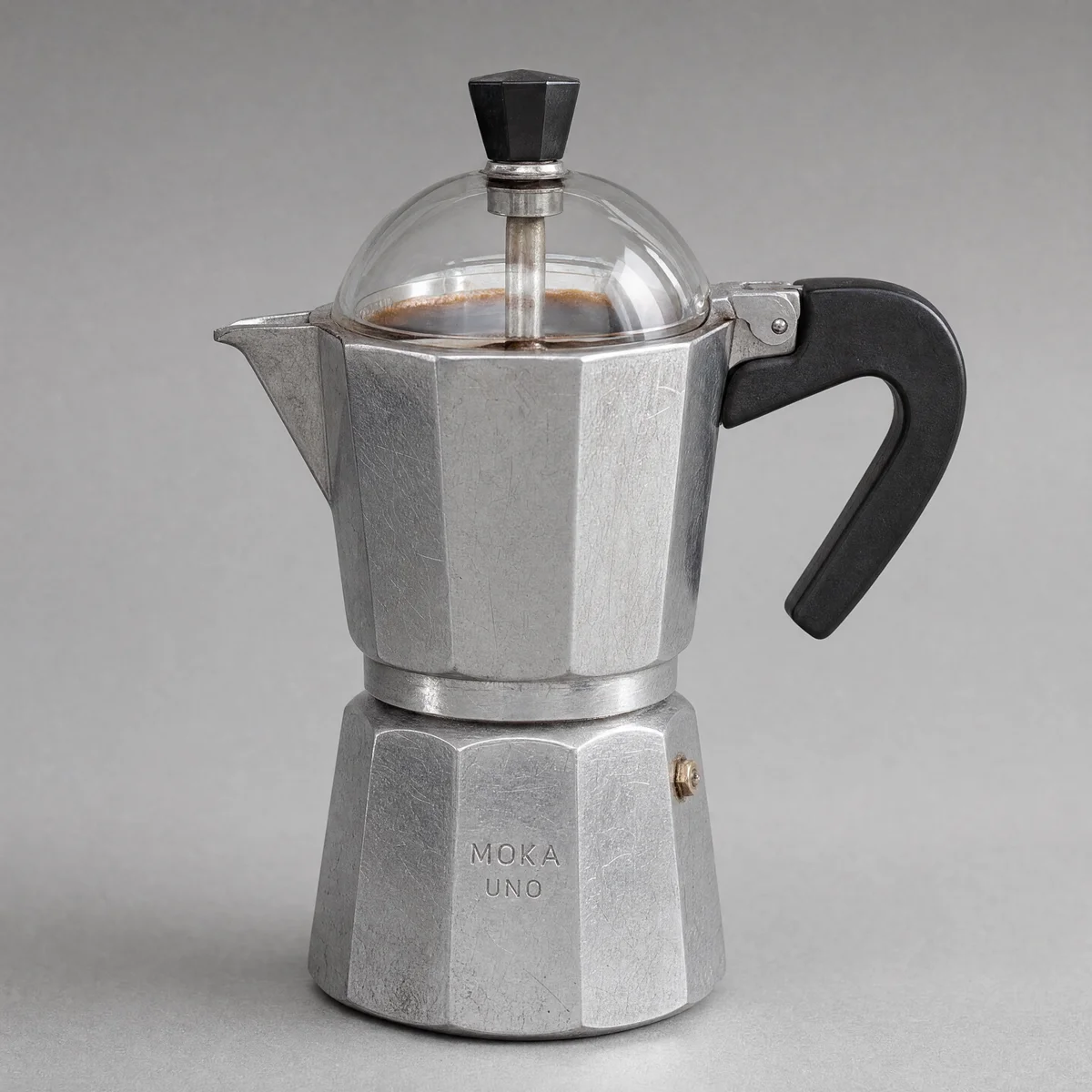
@Runway Make one complete stovetop coffee commercial for this moka pot: onto the blue flame, water in, grounds in, the cat watching it brew, the coffee climbing into the glass dome, then the pour and the cup in morning light. One kitchen, every shot in the same light.
Explore all examples
21 examples
Product shot to finished commercial
@Runway Make one complete stovetop coffee commercial for this moka pot: onto the blue flame, water in, grounds in, the cat watching it brew, the coffee climbing into the glass dome, then the pour and the cup in morning light. One kitchen, every shot in the same light.
Five-shot brand film from one cup
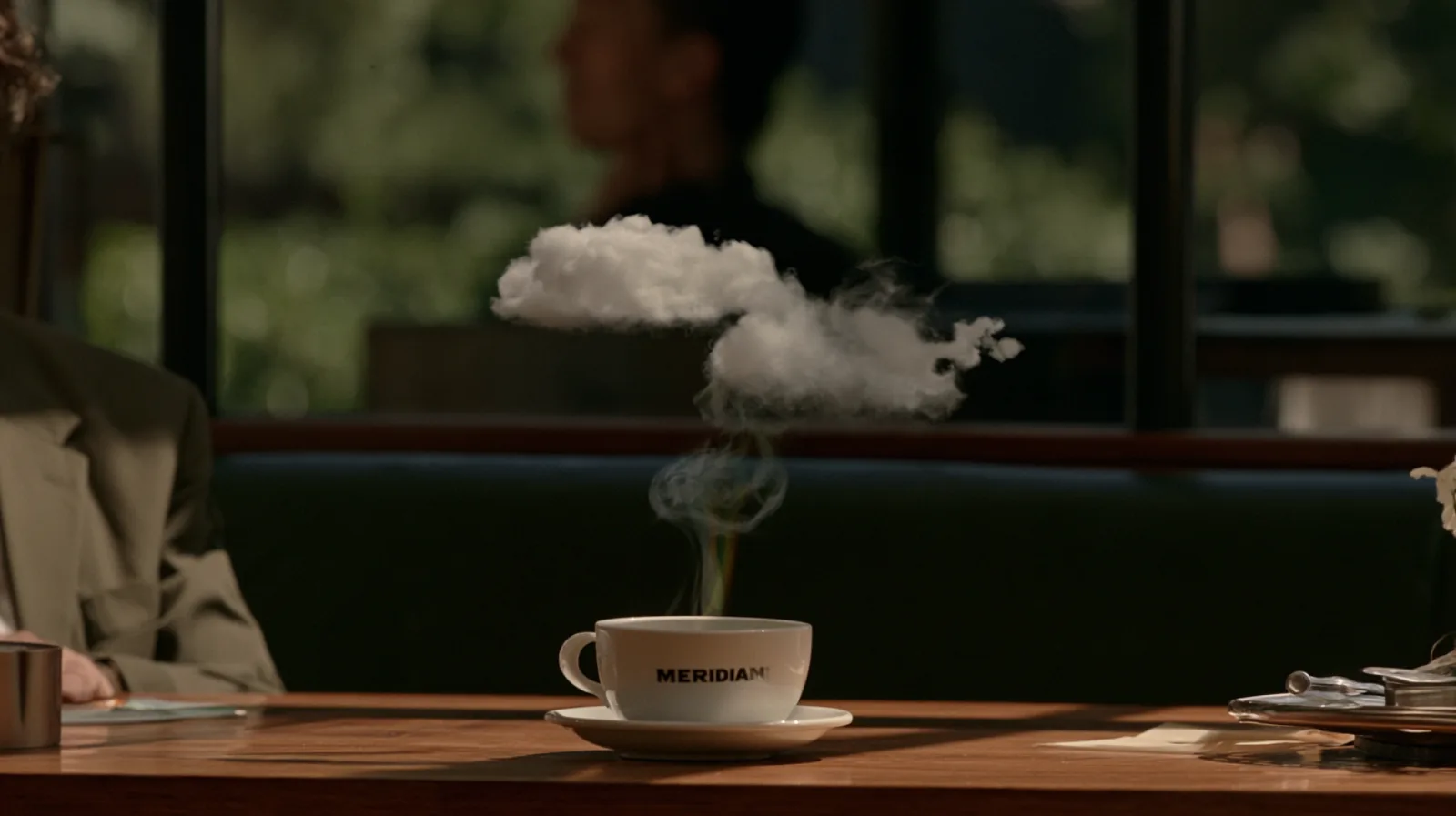
@Runway Cinematic magical realism 5-shot sequence. A MERIDIAN coffee cup on a sunlit café table, real miniature clouds floating above it from the steam. The magical realism: the clouds are a living transport system — they carry the camera from the café to the high-altitude coffee farms of Colombia, floating over misty Andean slopes covered in coffee plants, before scooping up the essence of the place and drifting back to deposit it into the cup. A journey there and back, told through clouds. SHOT 1 [0–2s]: Wide café — the MERIDIAN cup on the table, two small perfect clouds hovering above it, rotating slowly. One cloud begins to grow, darkening slightly, purposeful. It drifts toward the café window and presses through the glass. Sound: café ambient, the cloud humming with intent, a shift in pressure. SHOT 2 [2–5s]: The cloud is now outside and rising rapidly — above the city, above the ocean, accelerating south. The camera rides with it. Below, green coastlines give way to the Andes rising from the earth, mist-covered peaks, and then — the Colombian coffee region: impossibly steep green hillsides terraced with rows of coffee plants in deep emerald and red, small farms dotted across the slopes, mist hanging in the valleys, golden morning light breaking over the ridgeline. Sound: wind and altitude, the world below, the coffee farms breathing. SHOT 3 [5–8s]: The cloud descends slowly over the coffee farm — drifting between rows of coffee plants heavy with bright red cherries, the plants reaching up into the mist, a farmer moving between the rows in the early light. The cloud absorbs the red cherry colour, the soil smell, the mountain air, the morning — visibly deepening in colour, warming from white to the faintest amber-brown. Sound: farm birds, coffee cherries in the breeze, the mist, soil and altitude and rain all at once. SHOT 4 [8–11s]: The amber-tinged cloud rises again, now full and heavy with the essence of the farm, and begins its journey back — rushing north over ocean and city, shrinking as it travels, carrying everything it collected. SHOT 5 [11–15s]: Back in the café — the cloud descends into the MERIDIAN cup, dissolving into the coffee, releasing everything it carried: the altitude, the cherry, the mist, the soil, the morning. The coffee glows faintly richer. A pair of hands lifts the cup. One sip. Their eyes close. Sound: the cloud dissolving, the coffee deepening, the sip, and then — very faintly — the sound of the Colombian hillside, just for a moment, then the café returning.
Animated story with consistent characters
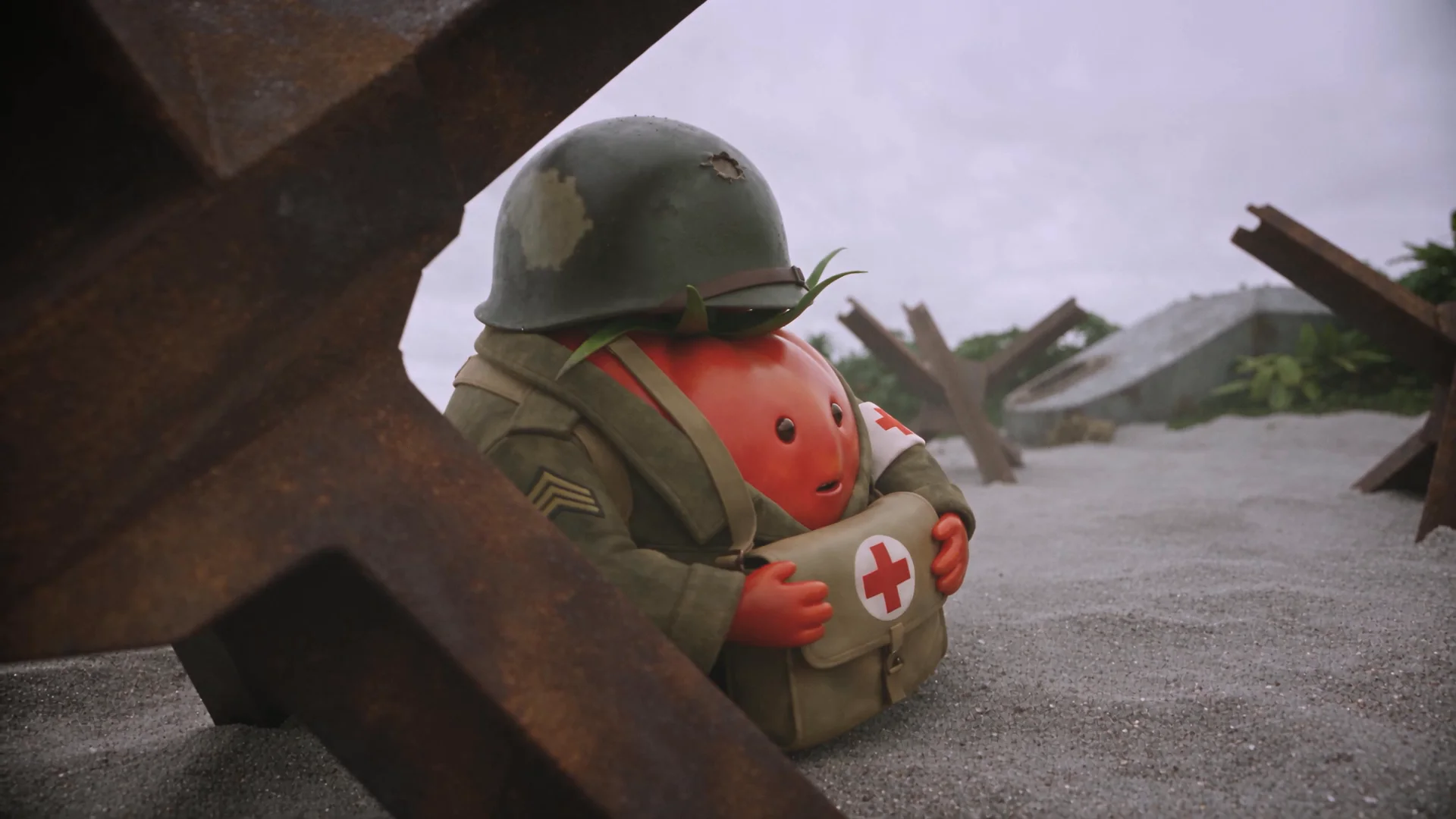
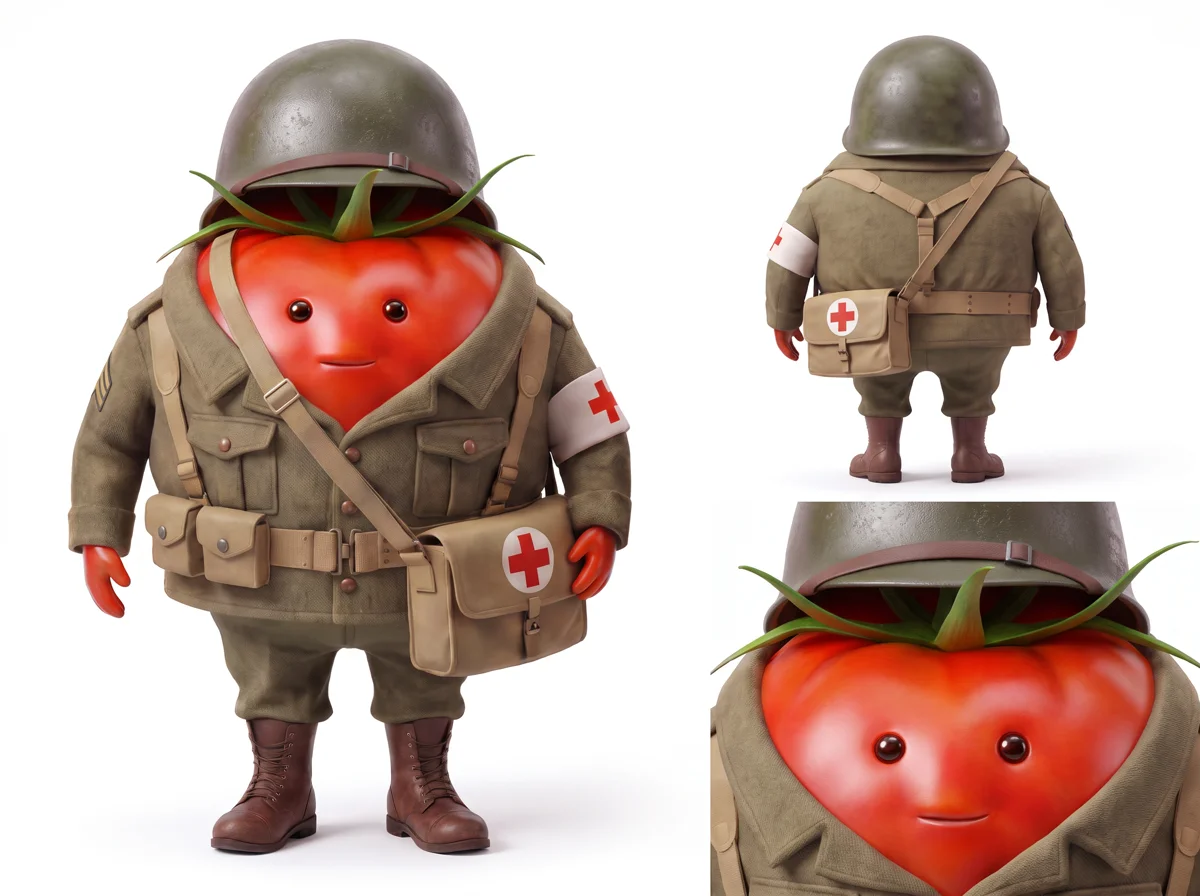
@Runway Turn this tomato soldier into a 20-second animated war-movie parody: he storms the beach with his veggie squad to get the ketchup to the fries. Keep the characters consistent in every shot, no text on screen.
UGC-style product video
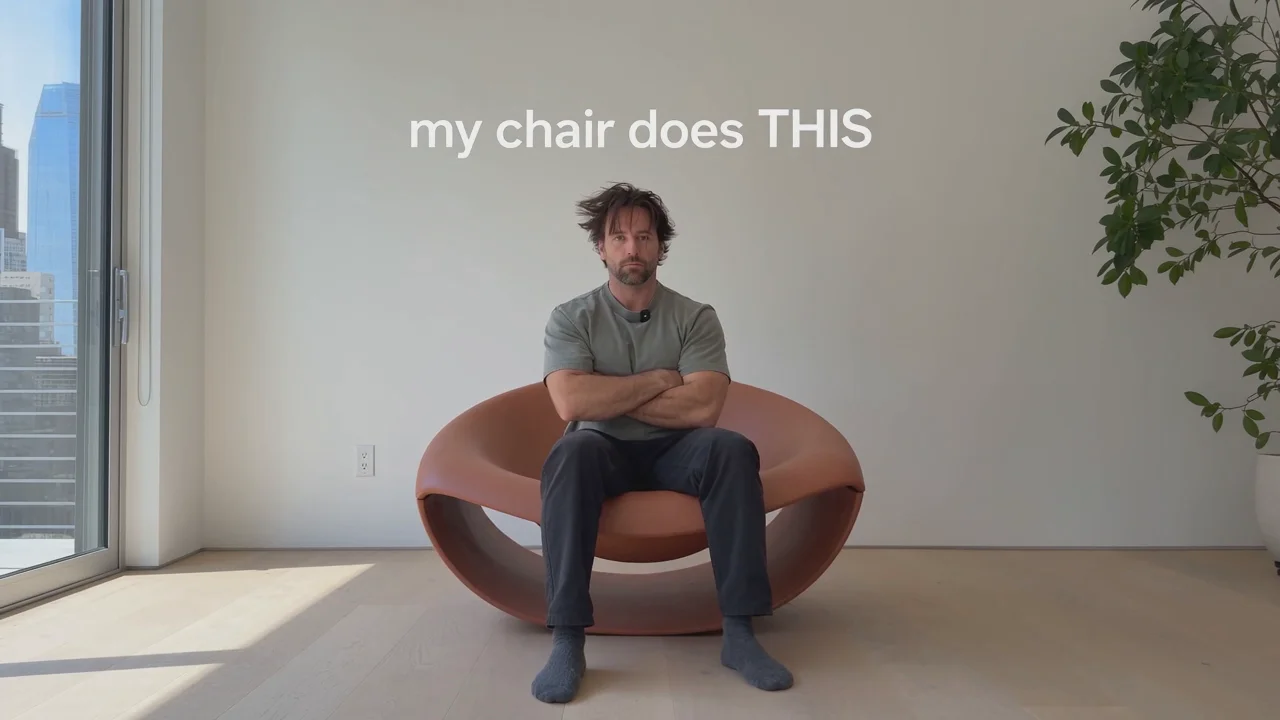
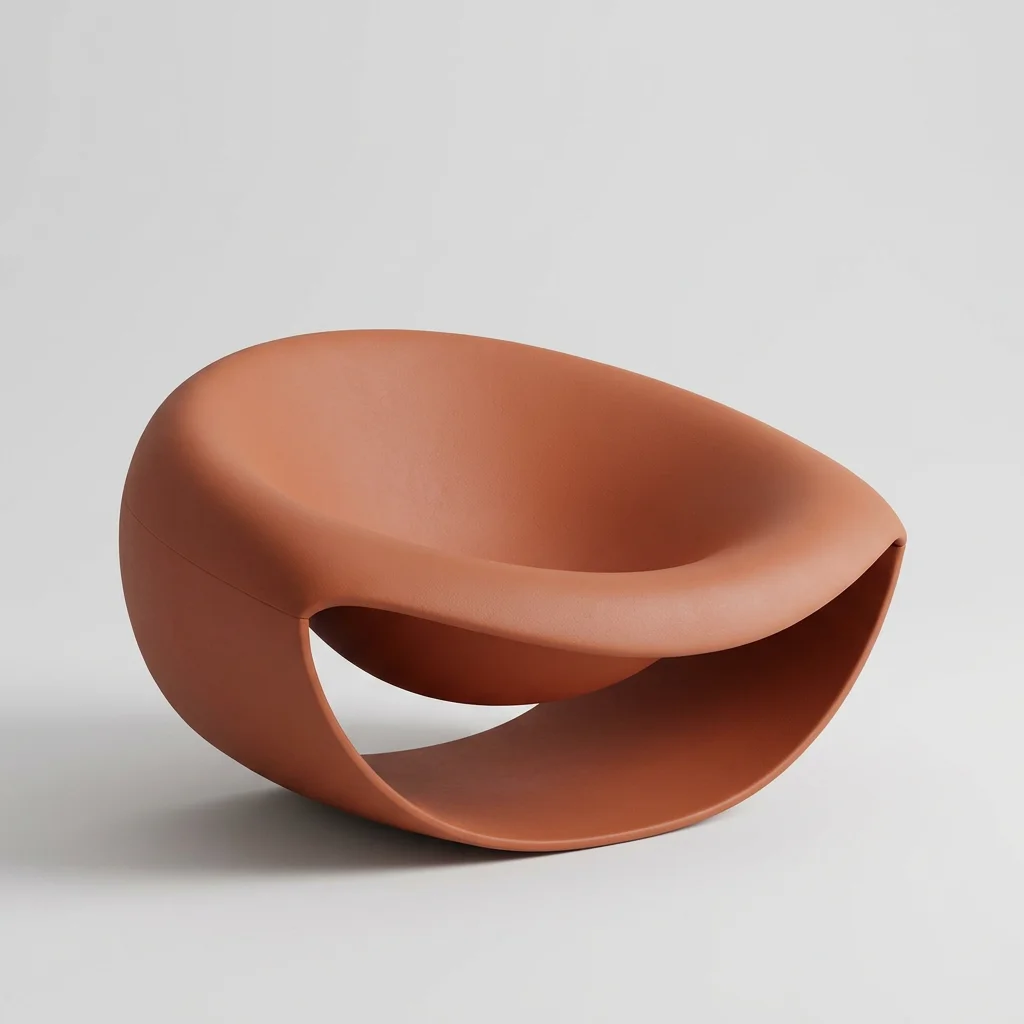
@Runway Make a 15-second TikTok Shop style UGC ad for this chair: a guy films himself in his apartment, flops into it, hard cuts, handheld, real reactions.
Product page to tech commercial
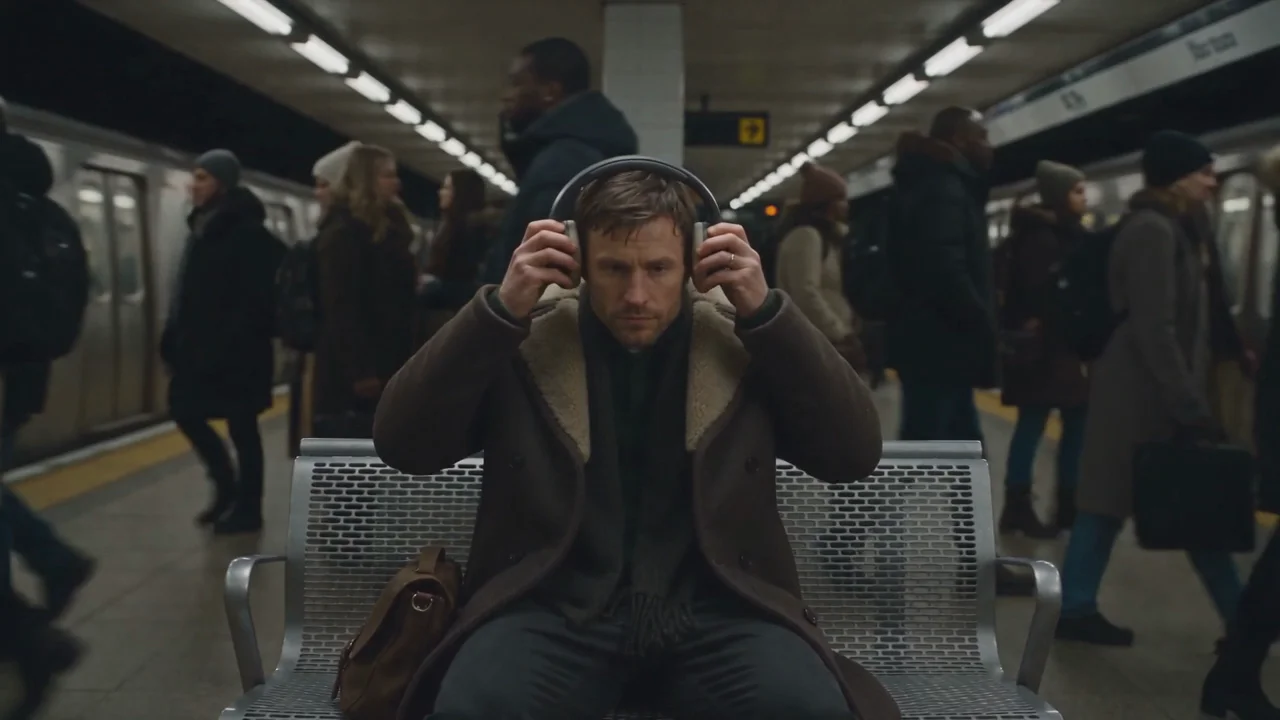
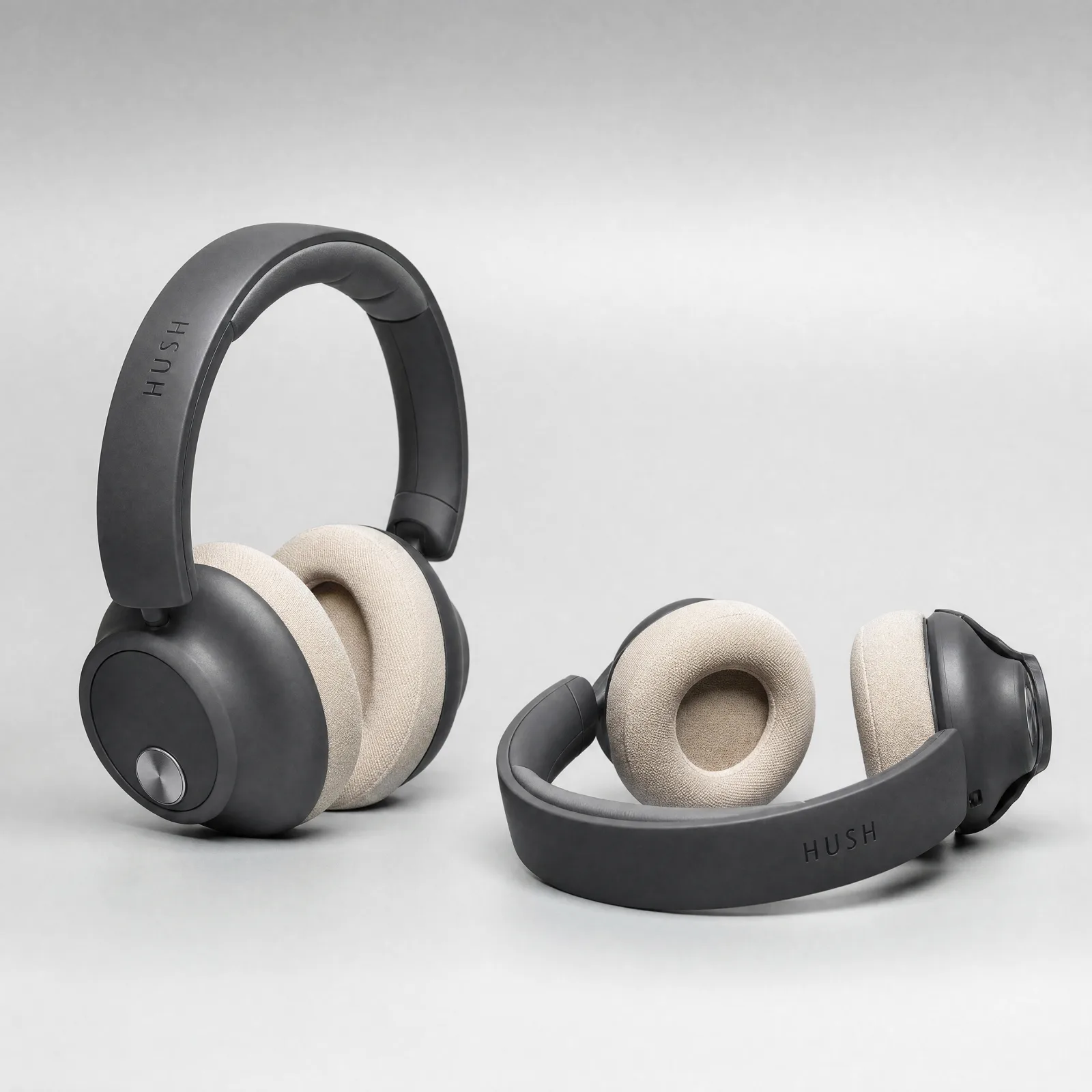
@Runway Here's the product page for these headphones: https://shop.example.com/wireless-headphones. Make a 30-second photoreal tech commercial built on sound: a loud commute, a busy street, then a forest that falls silent the moment he puts them on.
Product sheet to brand spot
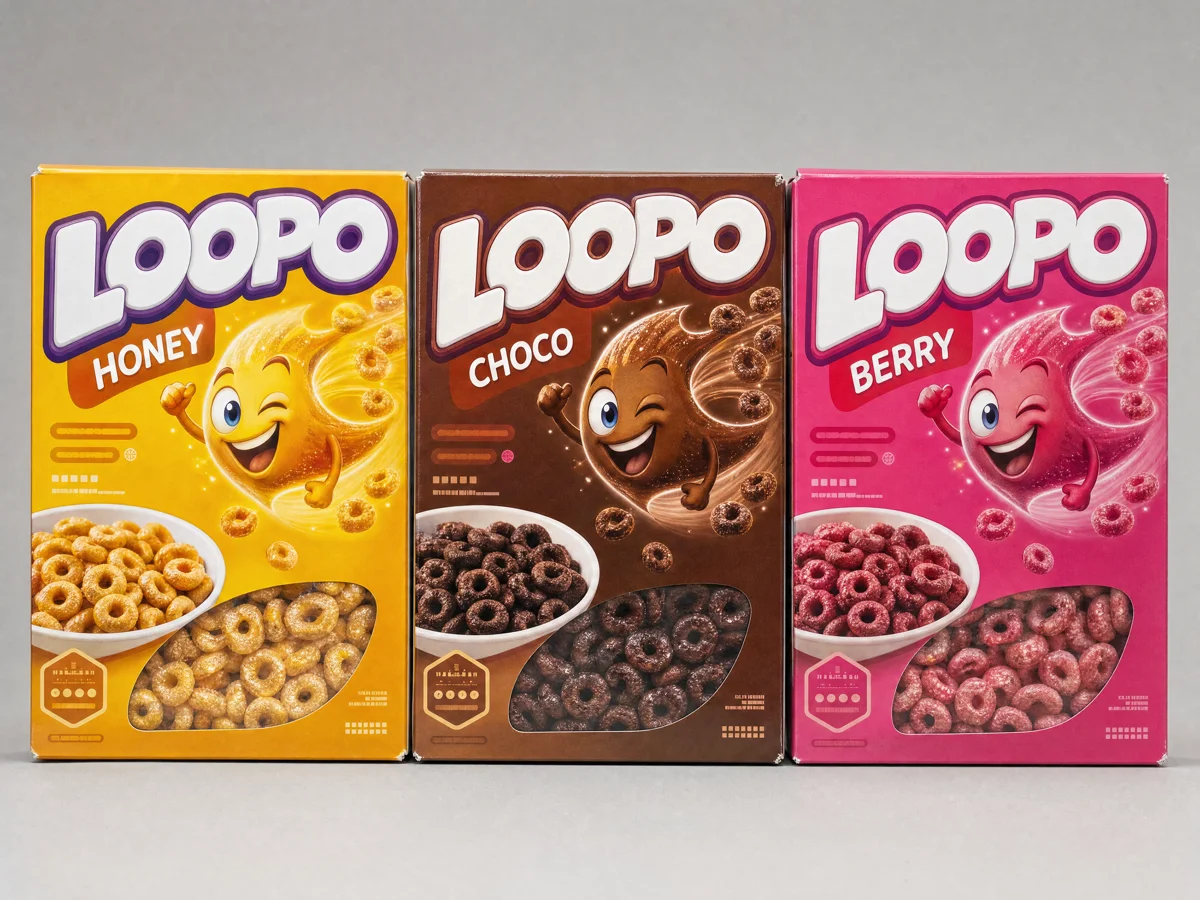
@Runway Make a 30-second cereal ad from these three boxes: photoreal, a kid's imagination turns the cereal rings into giant hoops rolling across a beach at sunset, then back to the breakfast table.
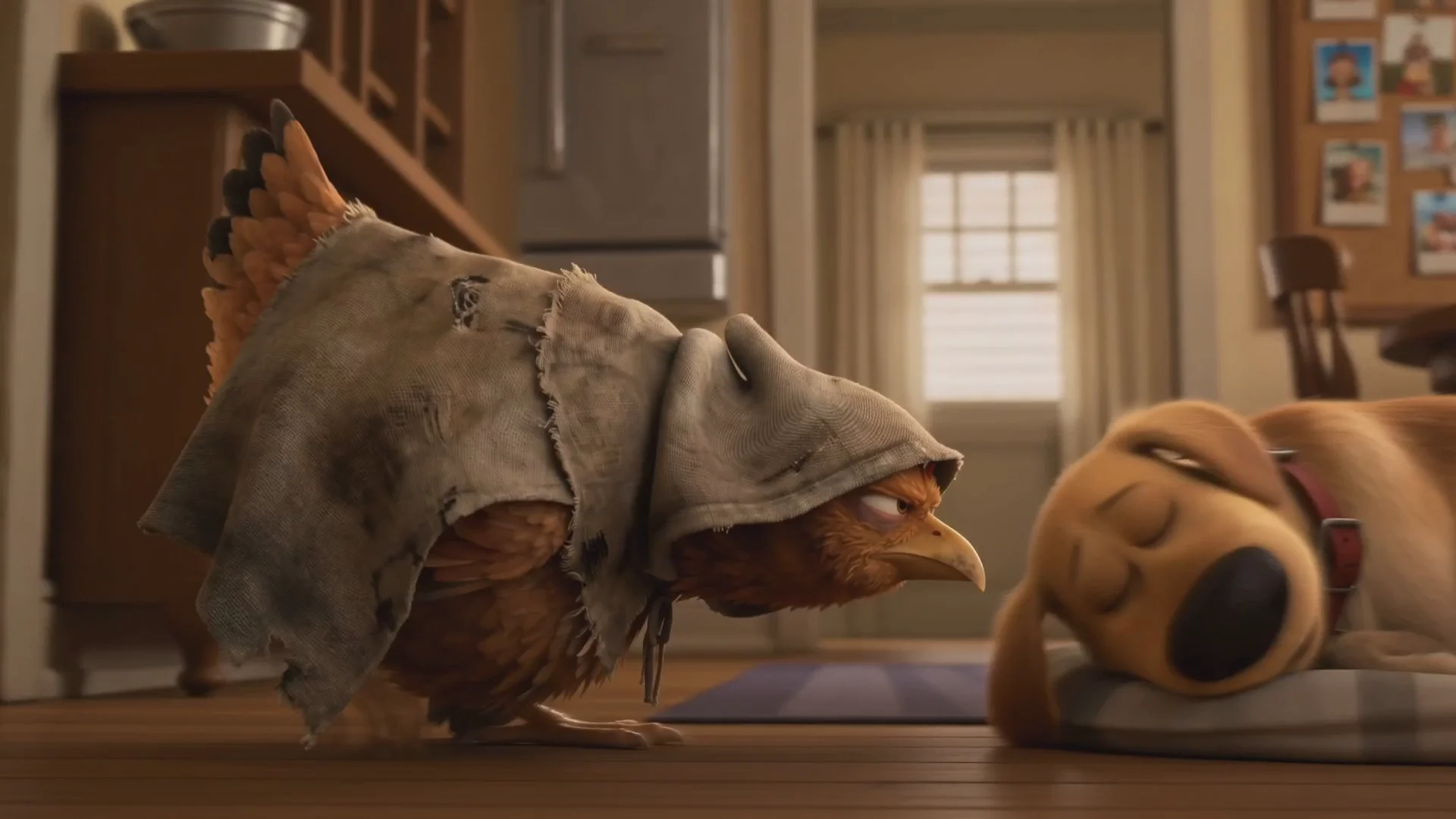
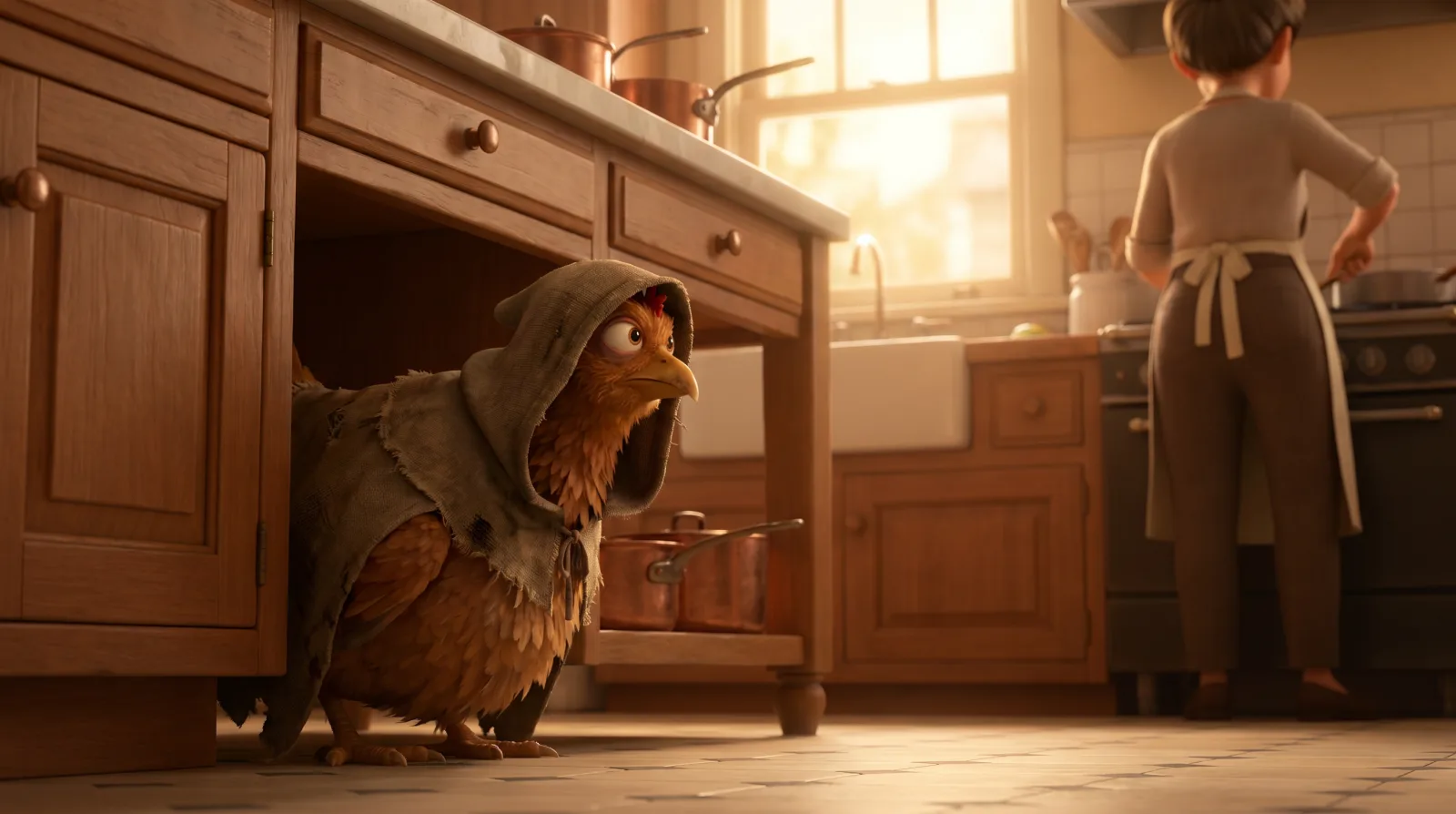
Animated comedy scene
@Runway In the style of Pixar comedy animation, an undercover escape scene: the chicken looks both ways, then quickly runs over to a sleeping dog, looks around, then hits him with its beak.
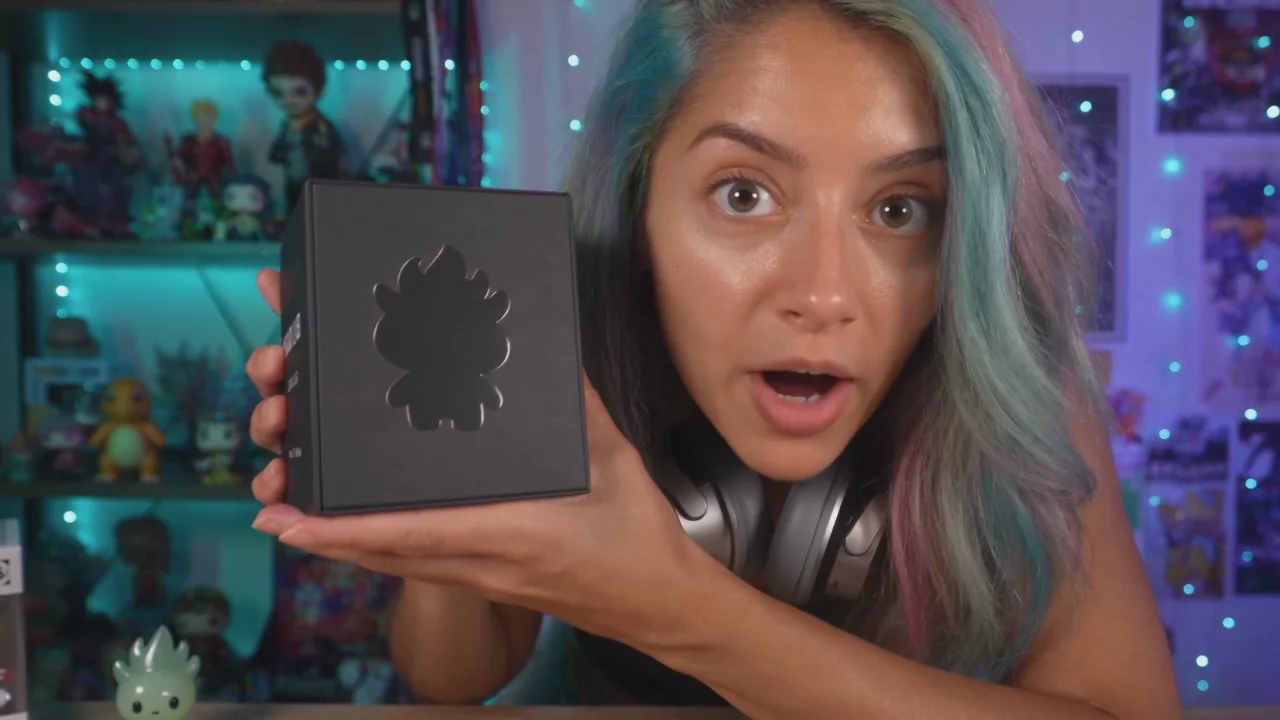
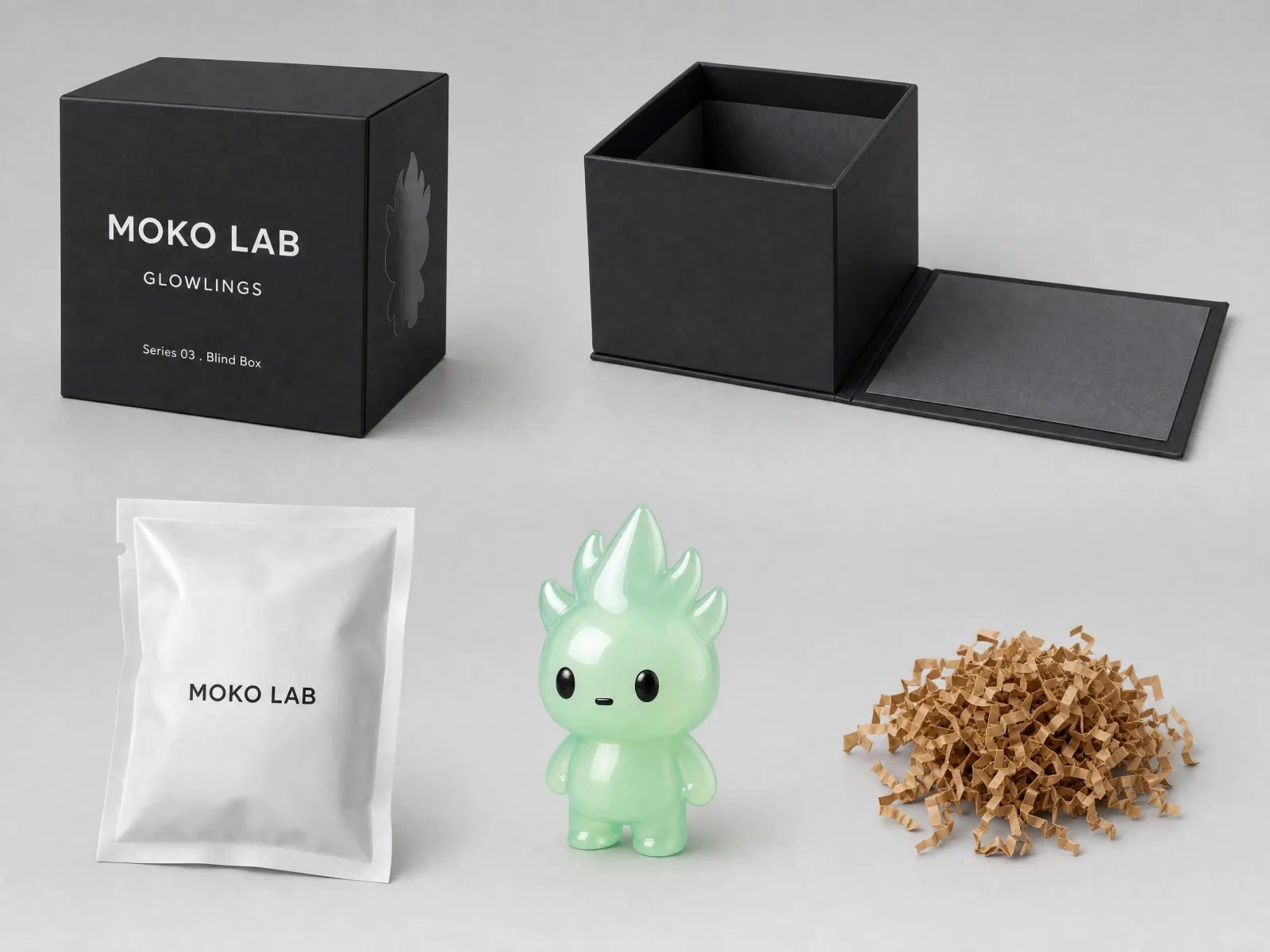
UGC unboxing video
@Runway Make a 15-second YouTube-style unboxing for this blind box: cold-open hook, she shows the box to camera, tears open the pouch and reveals the glow-in-the-dark figure. Handheld, natural light, real reactions.
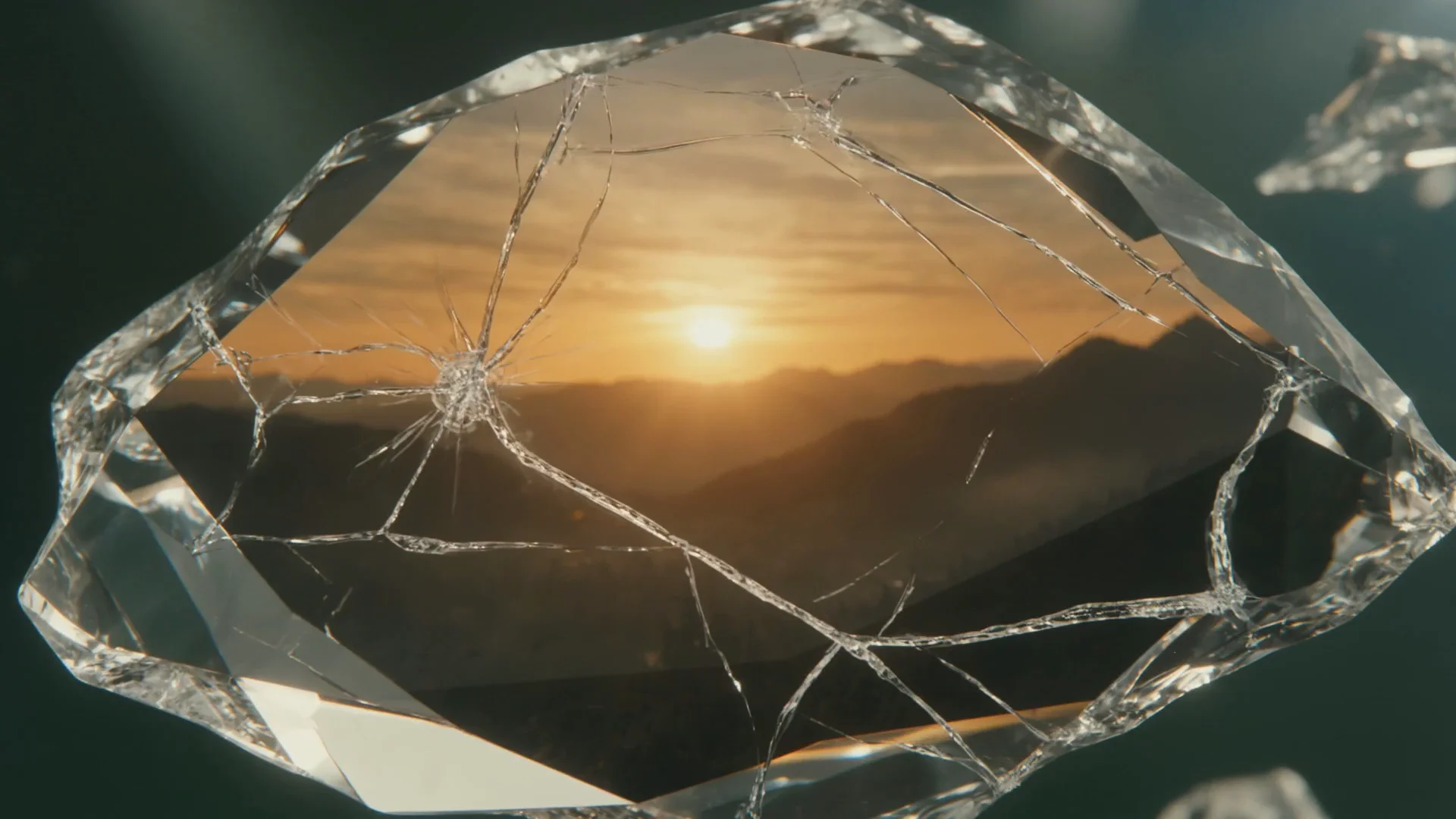
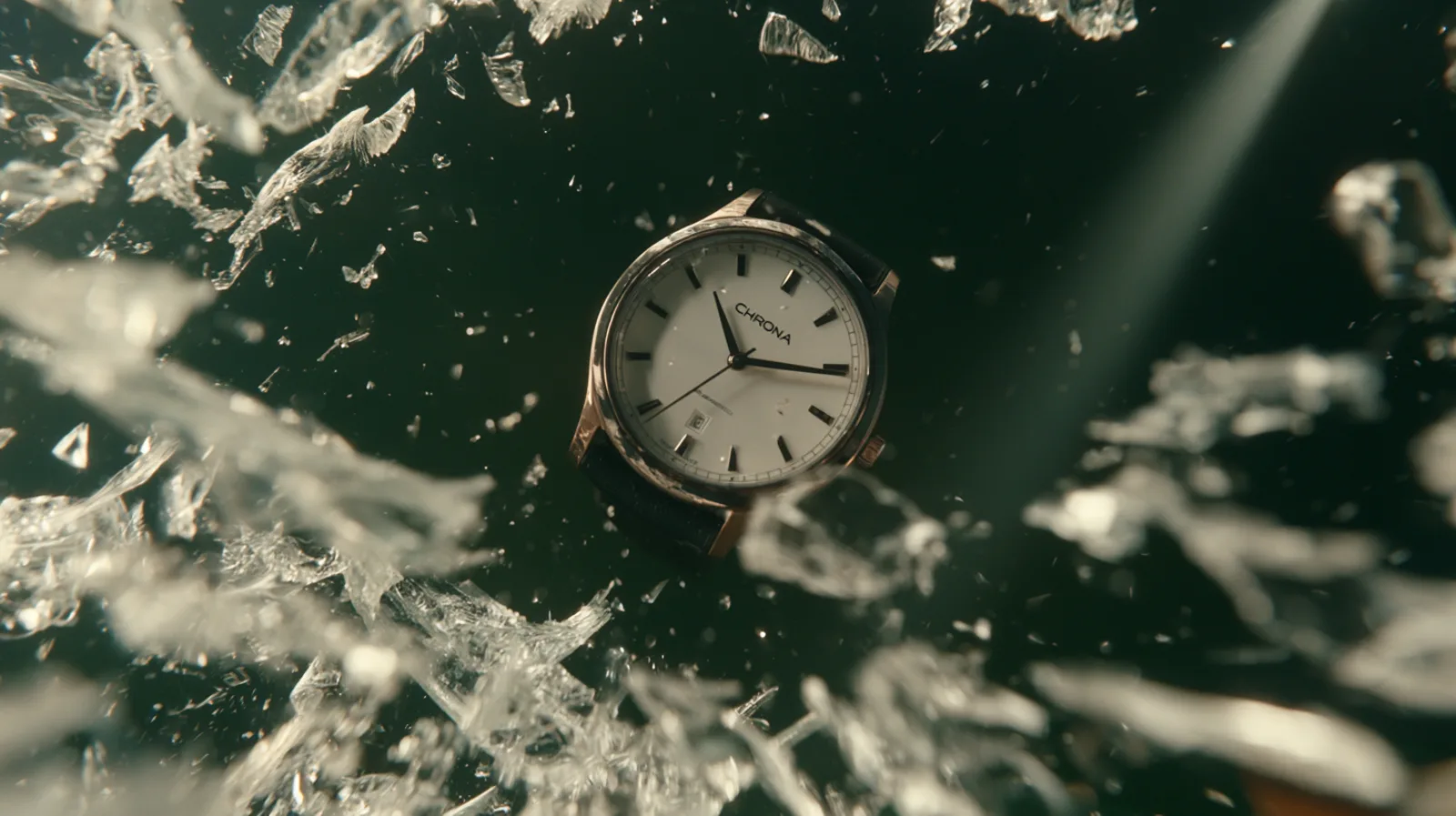
Product page to luxury sequence
@Runway Take the watch from this product page, https://shop.example.com/chronograph-watch, and make a five-shot magical realism sequence: shattering glass frozen mid-air, a single beam of light, the watch untouched at the center of it all.
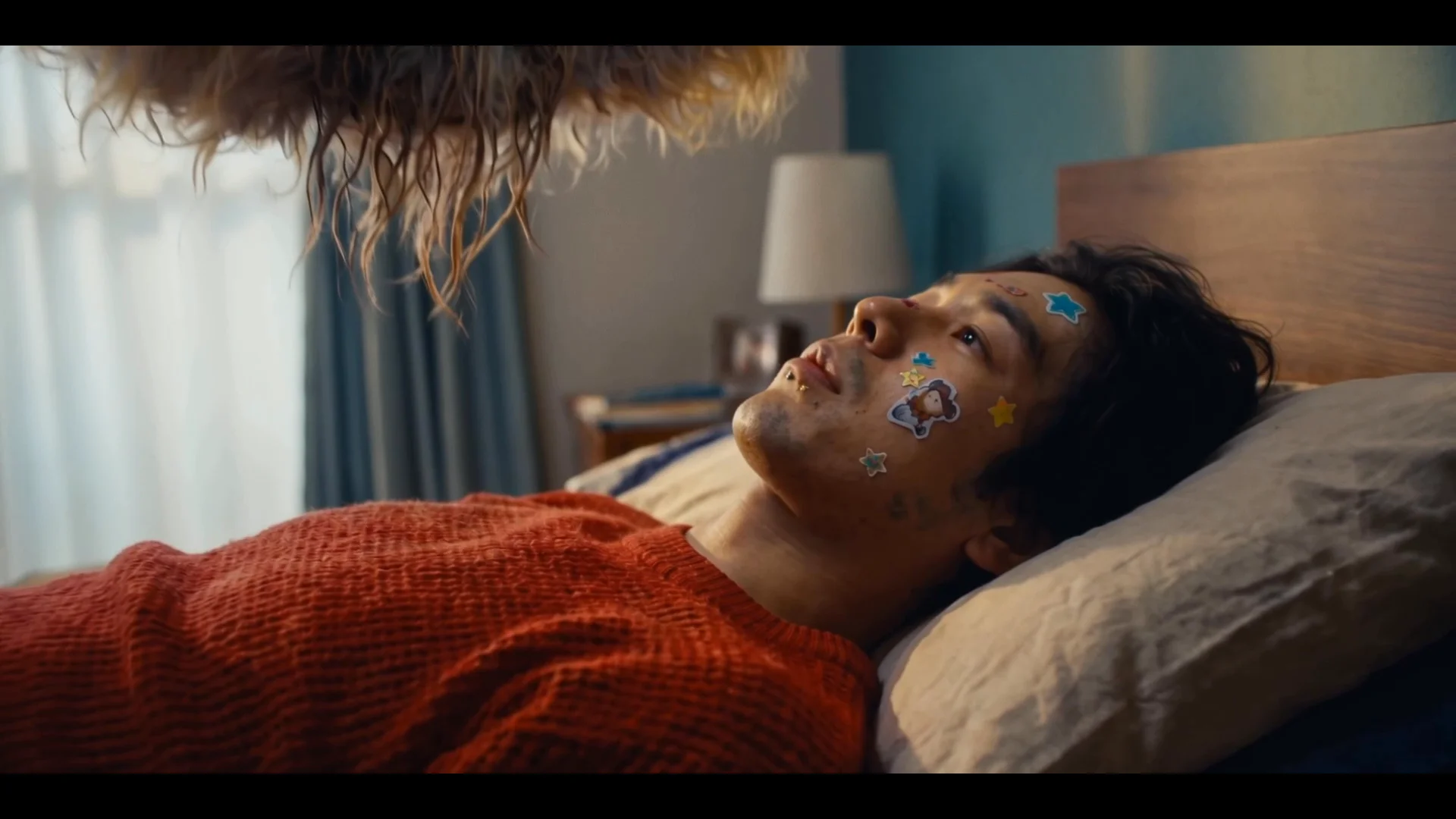
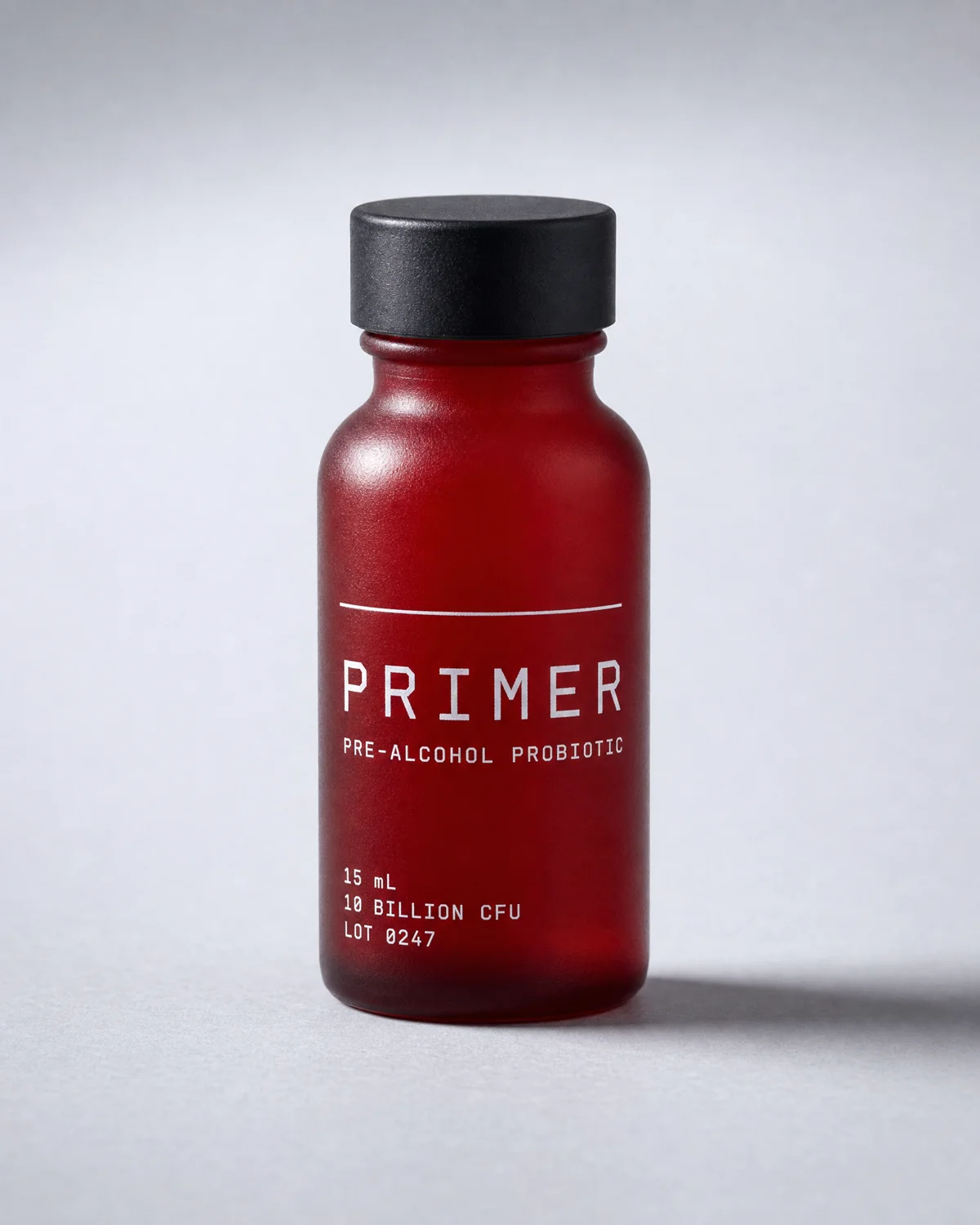
Comedy product ad
@Runway Make a deadpan comedy ad for this supplement bottle: a guy wakes up hungover as a hairy one-eyed monster, his roommate doesn't flinch, and Primer fixes it. 16:9, photoreal.
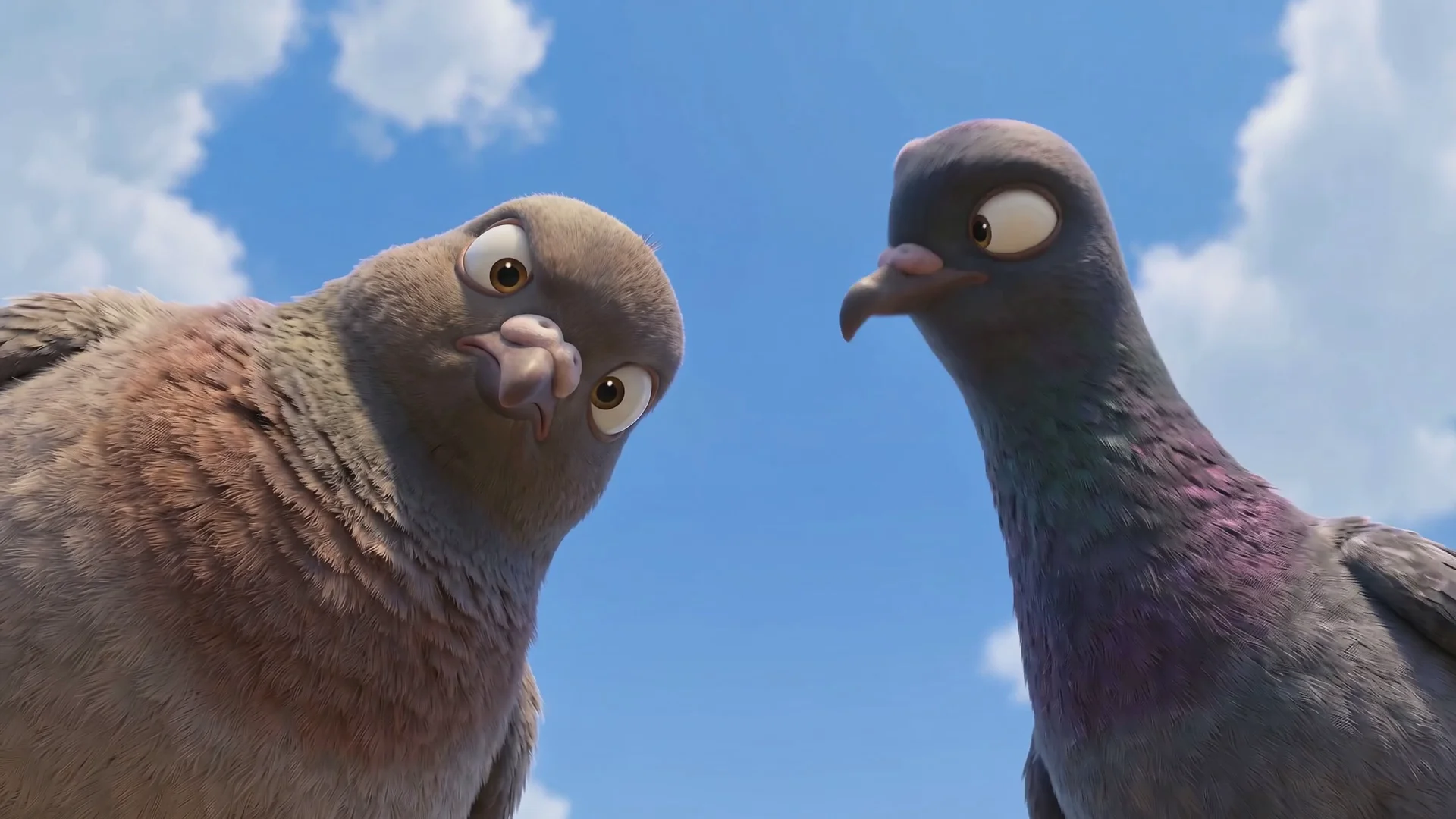
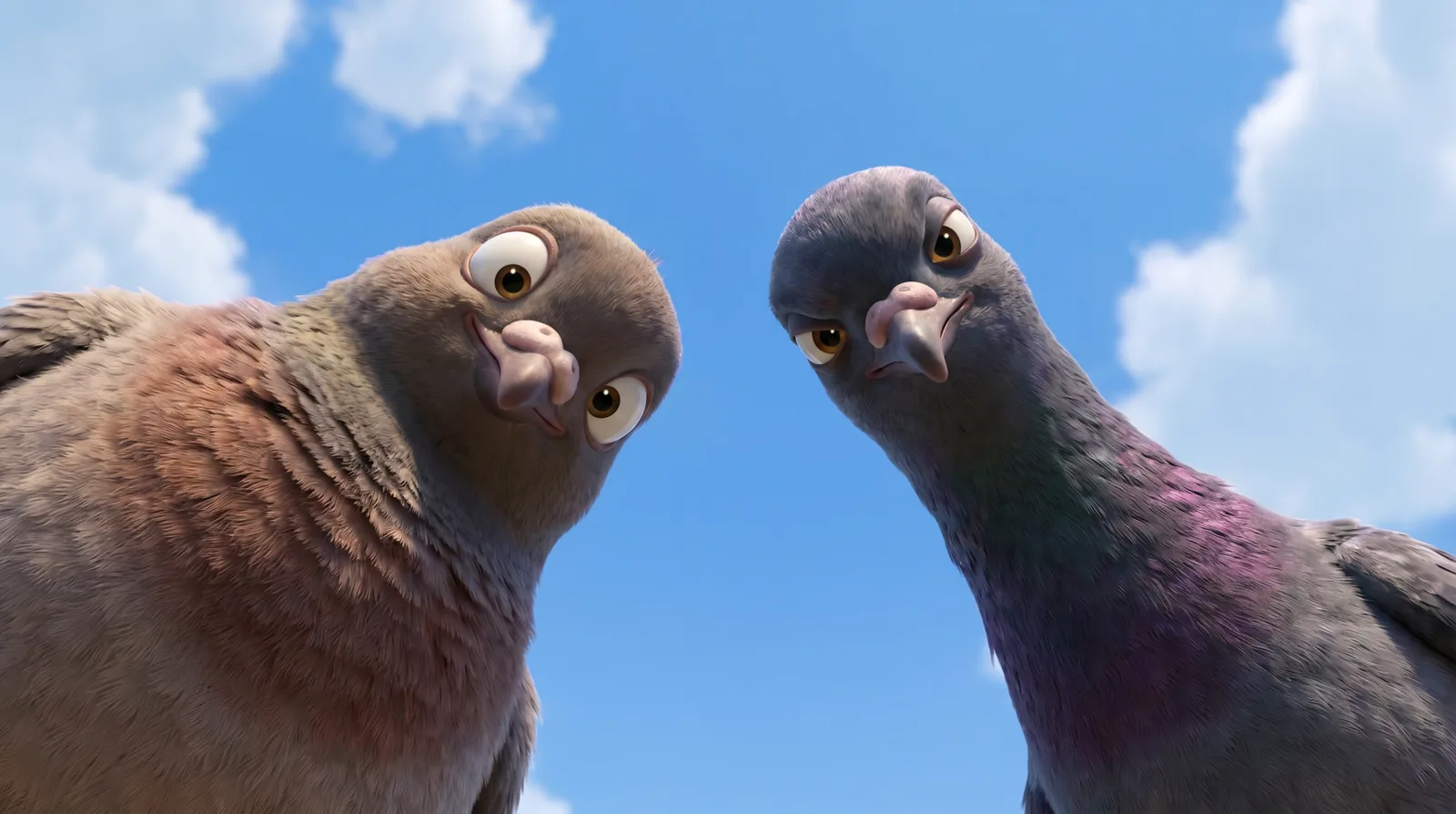
Animated dialogue scene
@Runway Cinematic scene from a comedy: low angle, ground POV looking straight up, two tough-guy pigeons leaned over with their heads in frame, looking directly into the camera, curious. One is chubby with large eyes and a bit dim, the other thin. Mature Pixar animation style, sky above them.
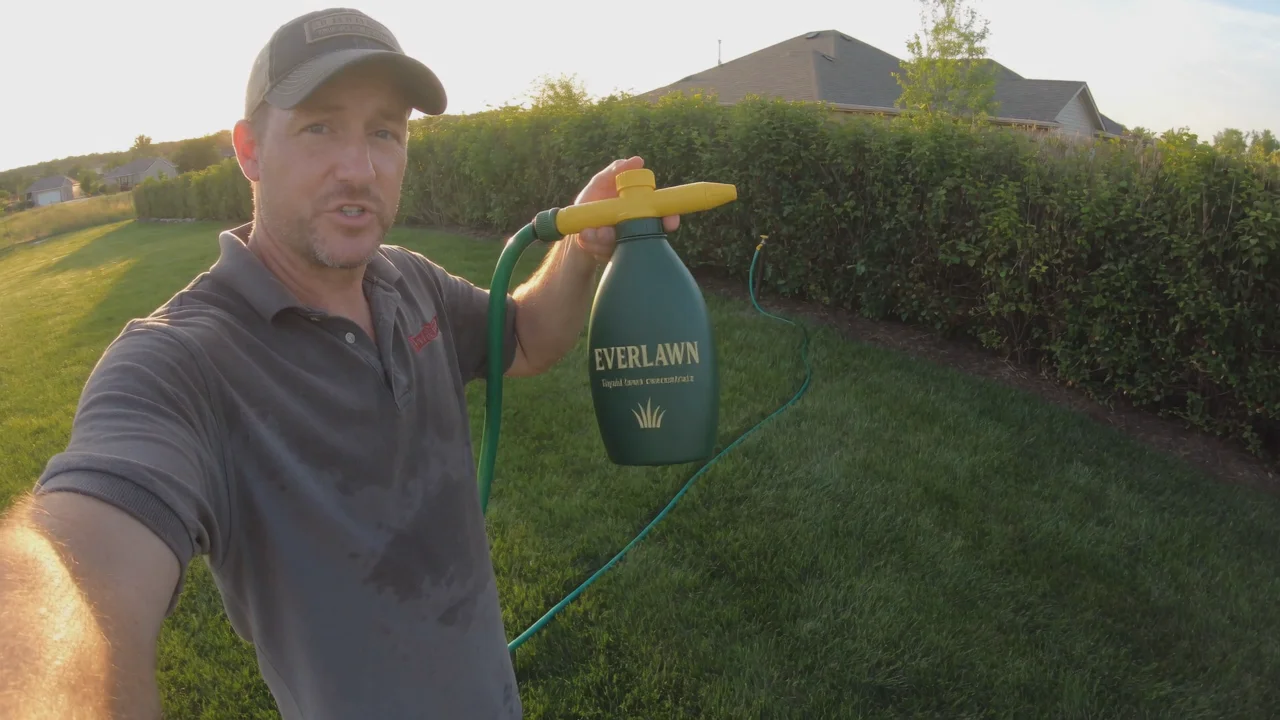
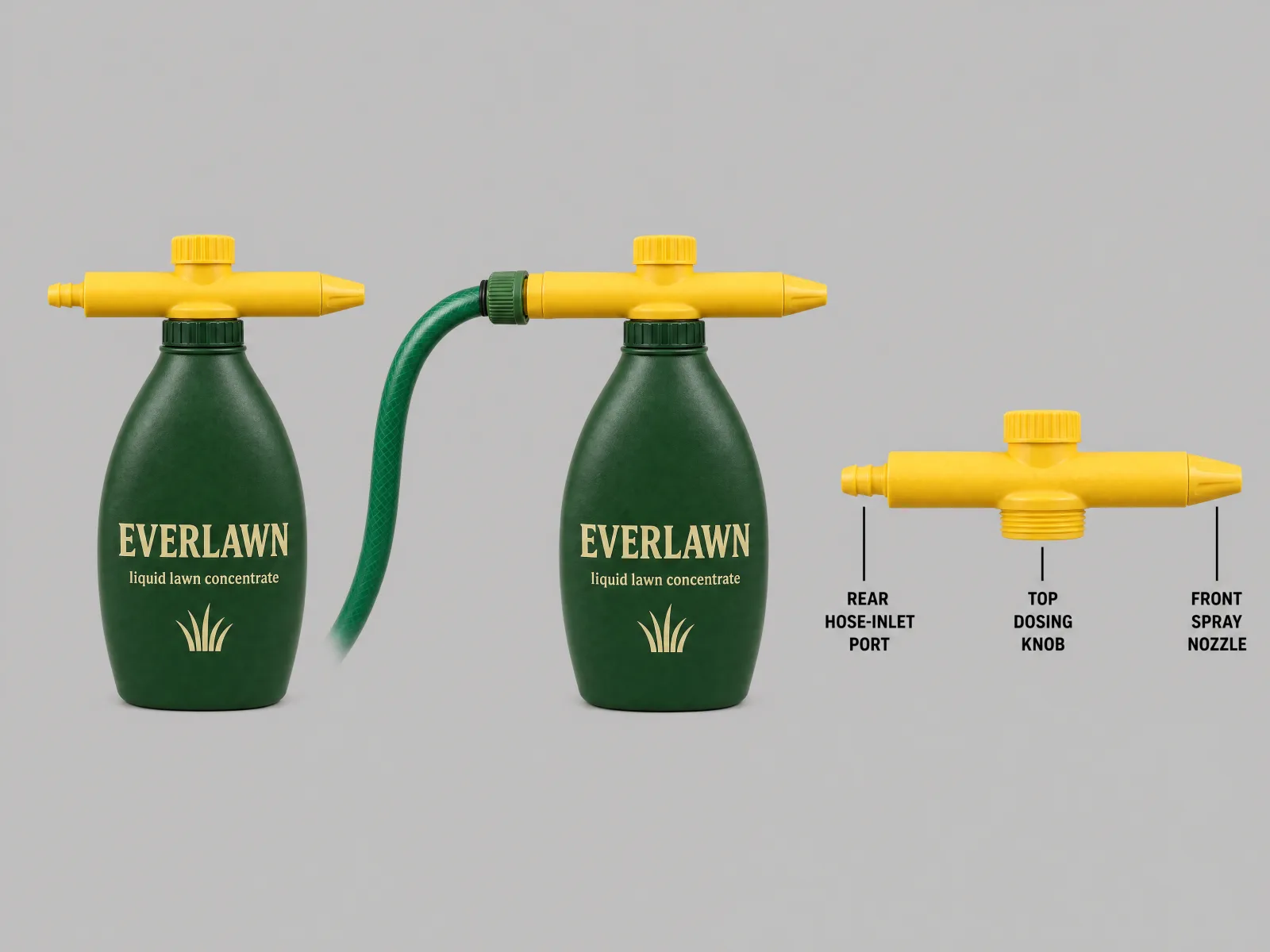
UGC demo video
@Runway Make a 15-second UGC clip for this hose-end lawn sprayer: a real person filming himself in his own front yard at golden hour, hooking it up to the hose, spraying the lawn and talking to camera. Handheld, unpolished.
Product page to cinematic spot
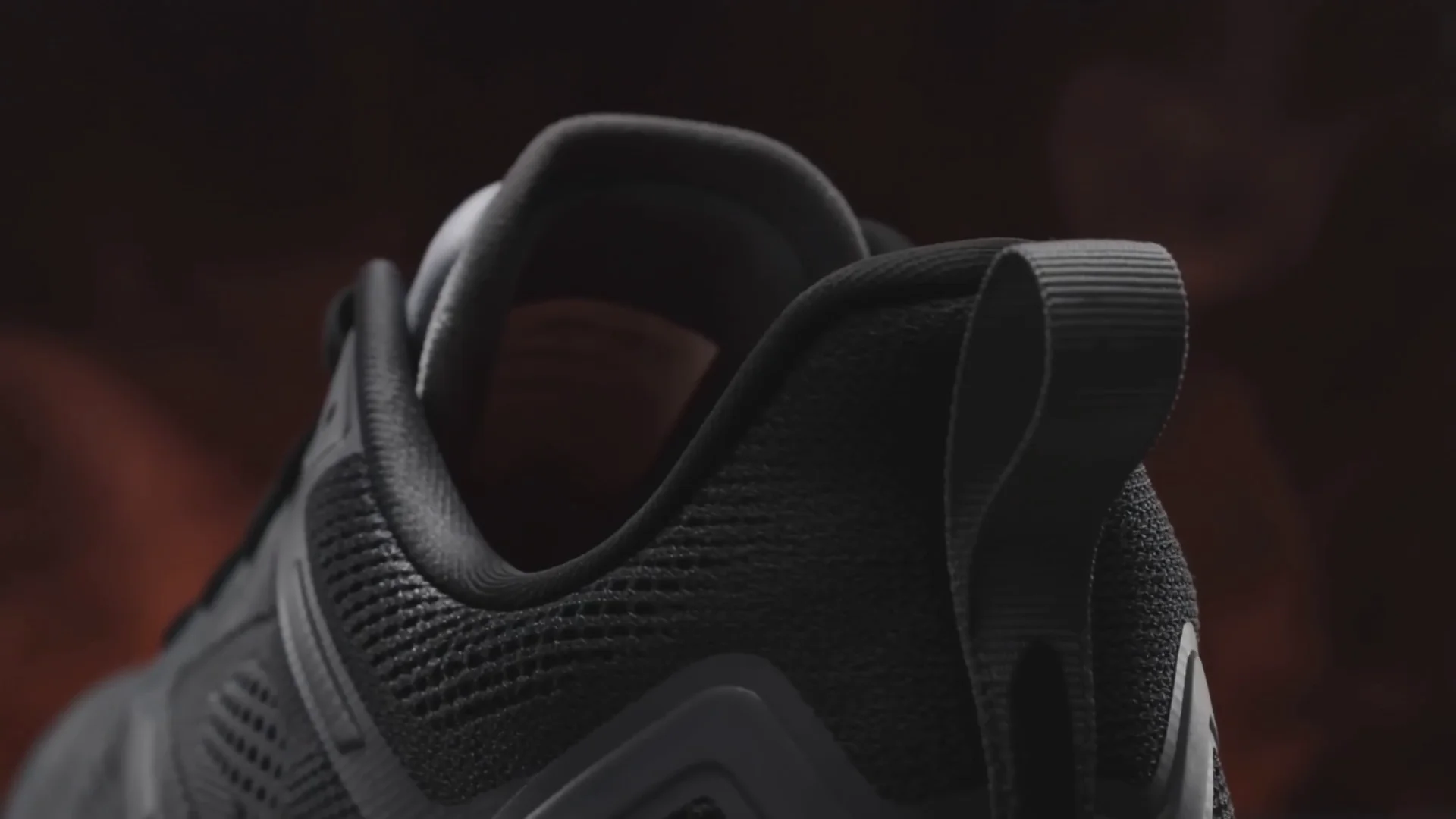
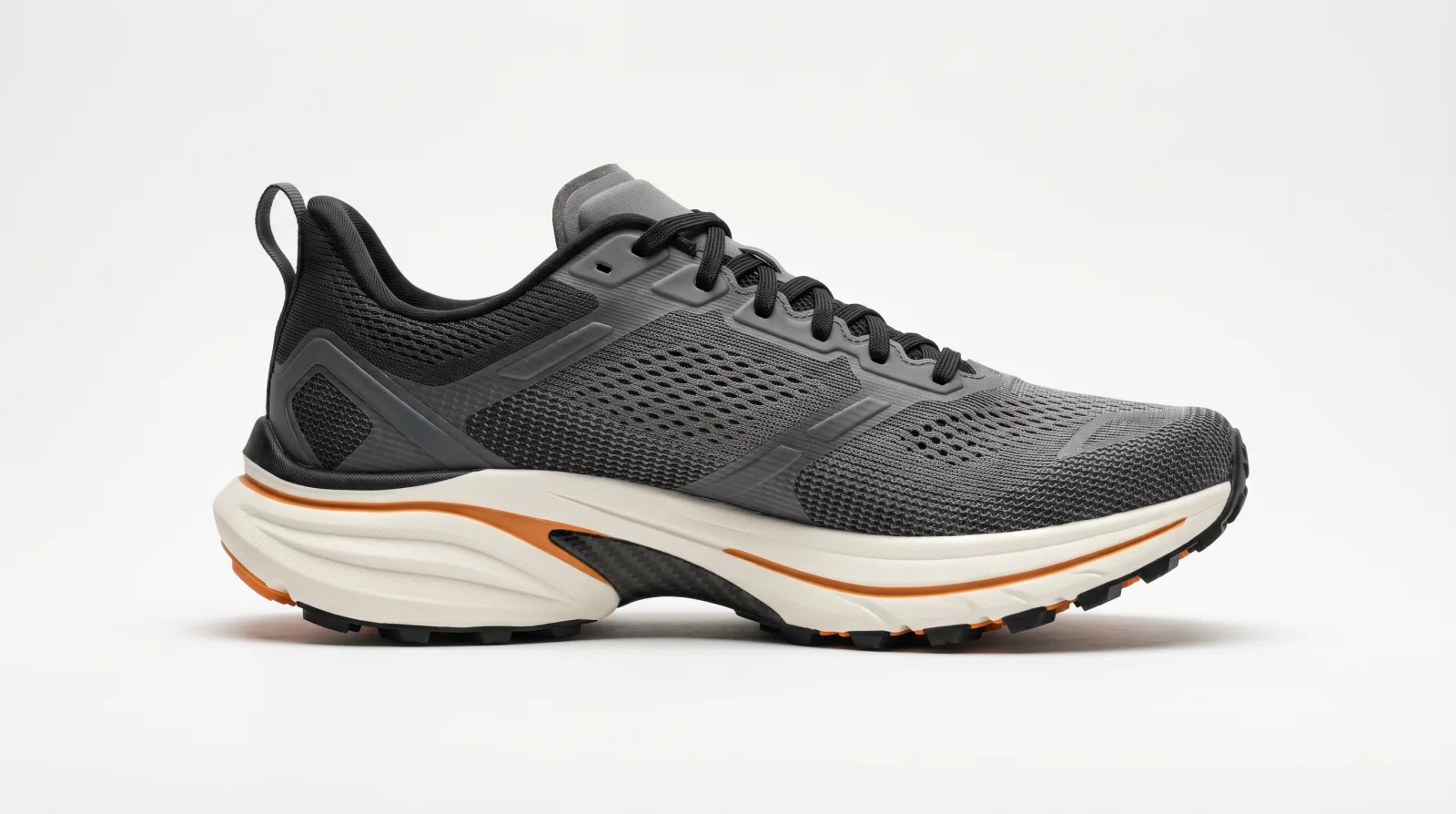
@Runway Make a 15-second ultra-premium cinematic commercial from this product page, https://shop.example.com/running-shoe: macro details of the shoe, a slow orbit, dramatic red and black lighting, ending on the full silhouette.
Character sheet to animated short
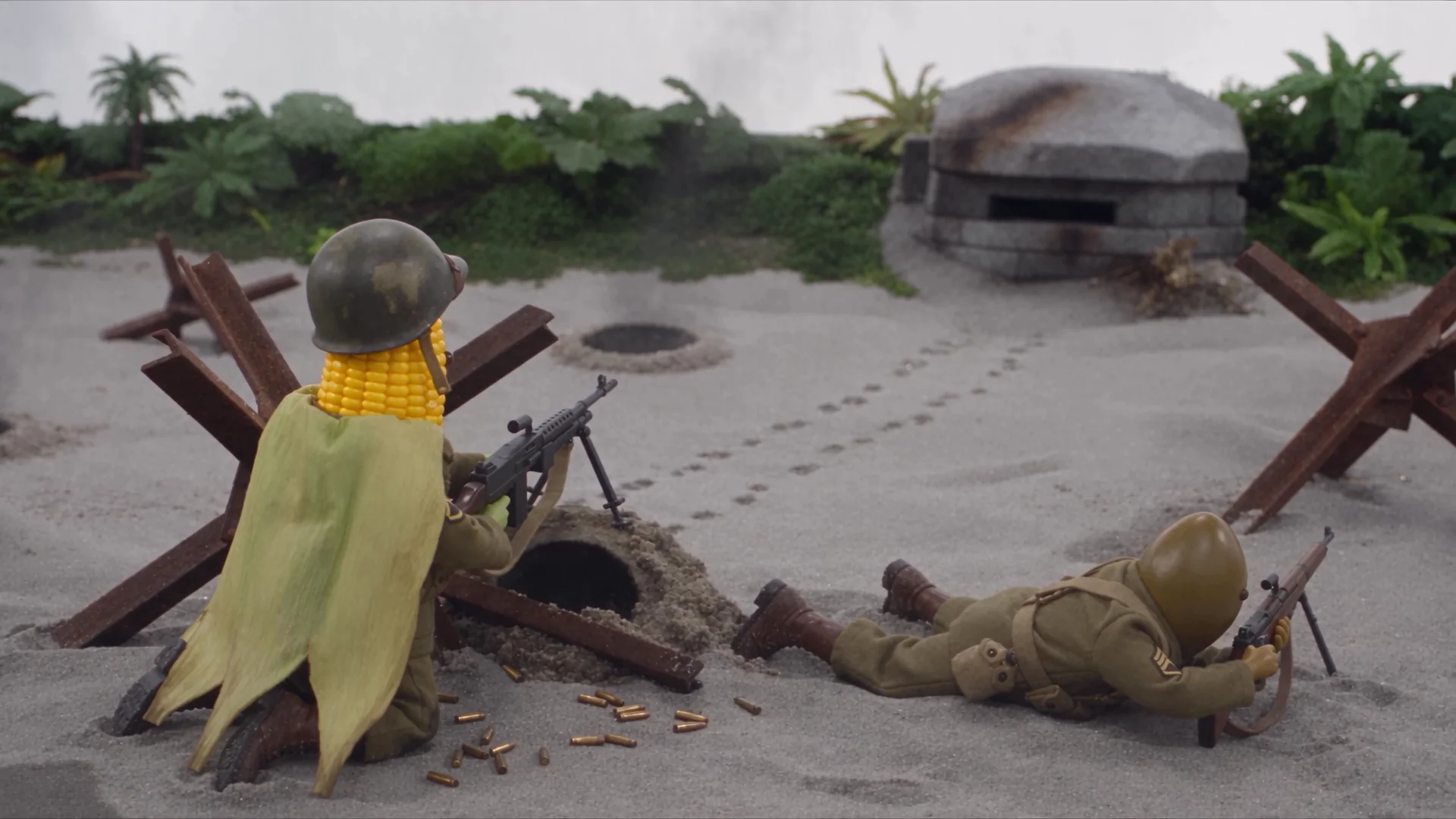
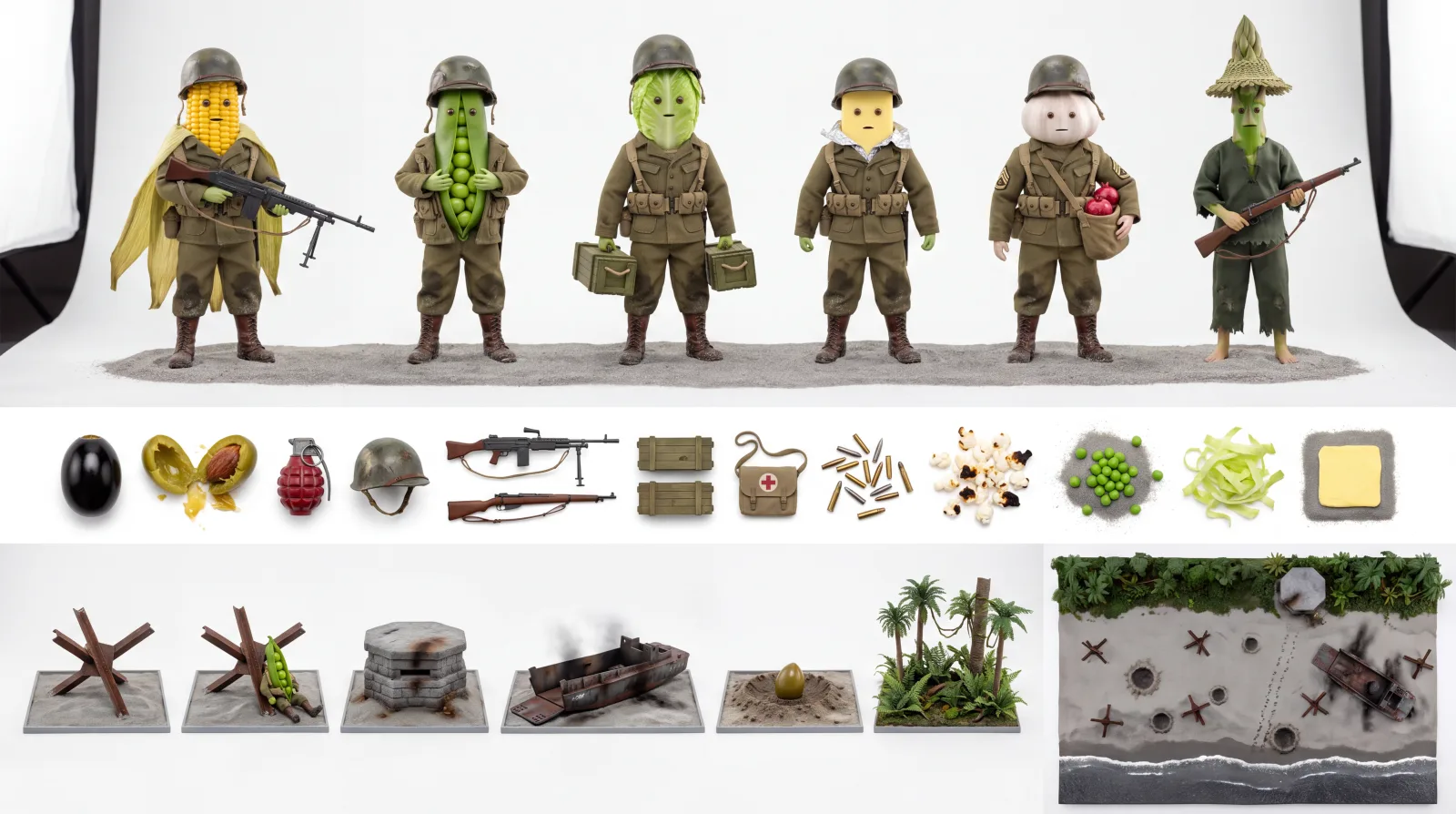
@Runway Use this character and prop sheet to make a 25-second stop-motion style war movie: the corn platoon pinned down on the beach, then the popcorn finale. Keep every soldier consistent across shots, no text on screen.
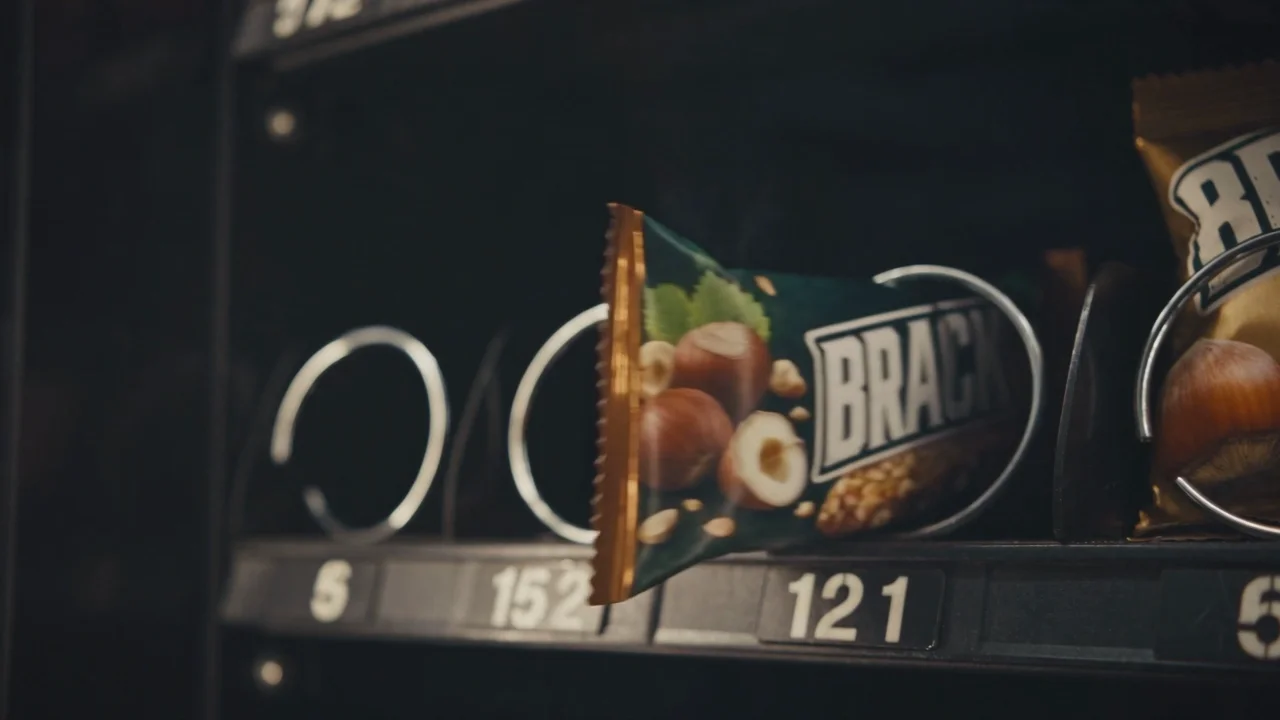
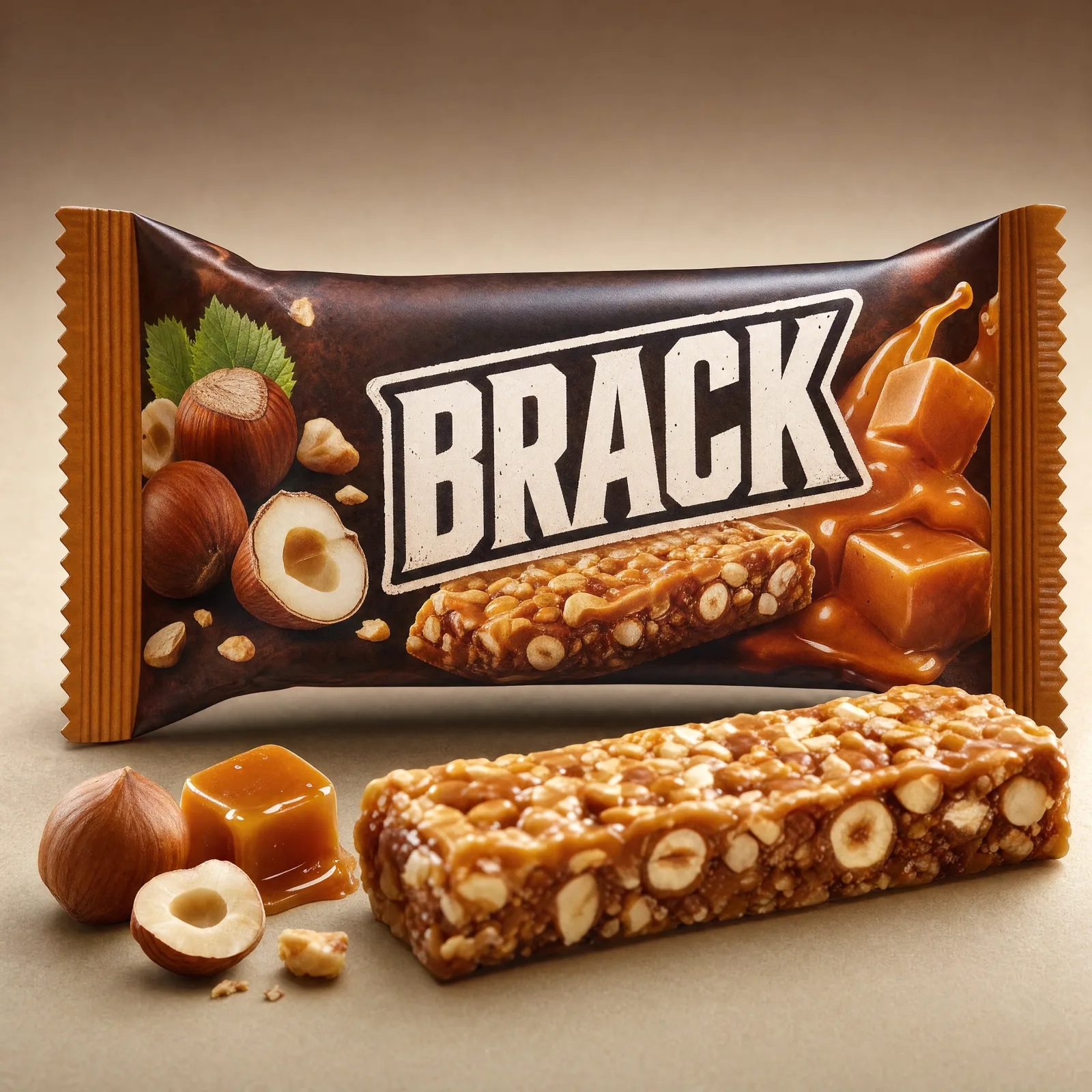
Product page to comedy spot
@Runway Here's the product page for this hazelnut caramel bar: https://shop.example.com/hazelnut-caramel-bar. Make a 30-second 16:9 photoreal deadpan comedy commercial, played completely straight: a teenager against a school vending machine that won't give up the last bar.
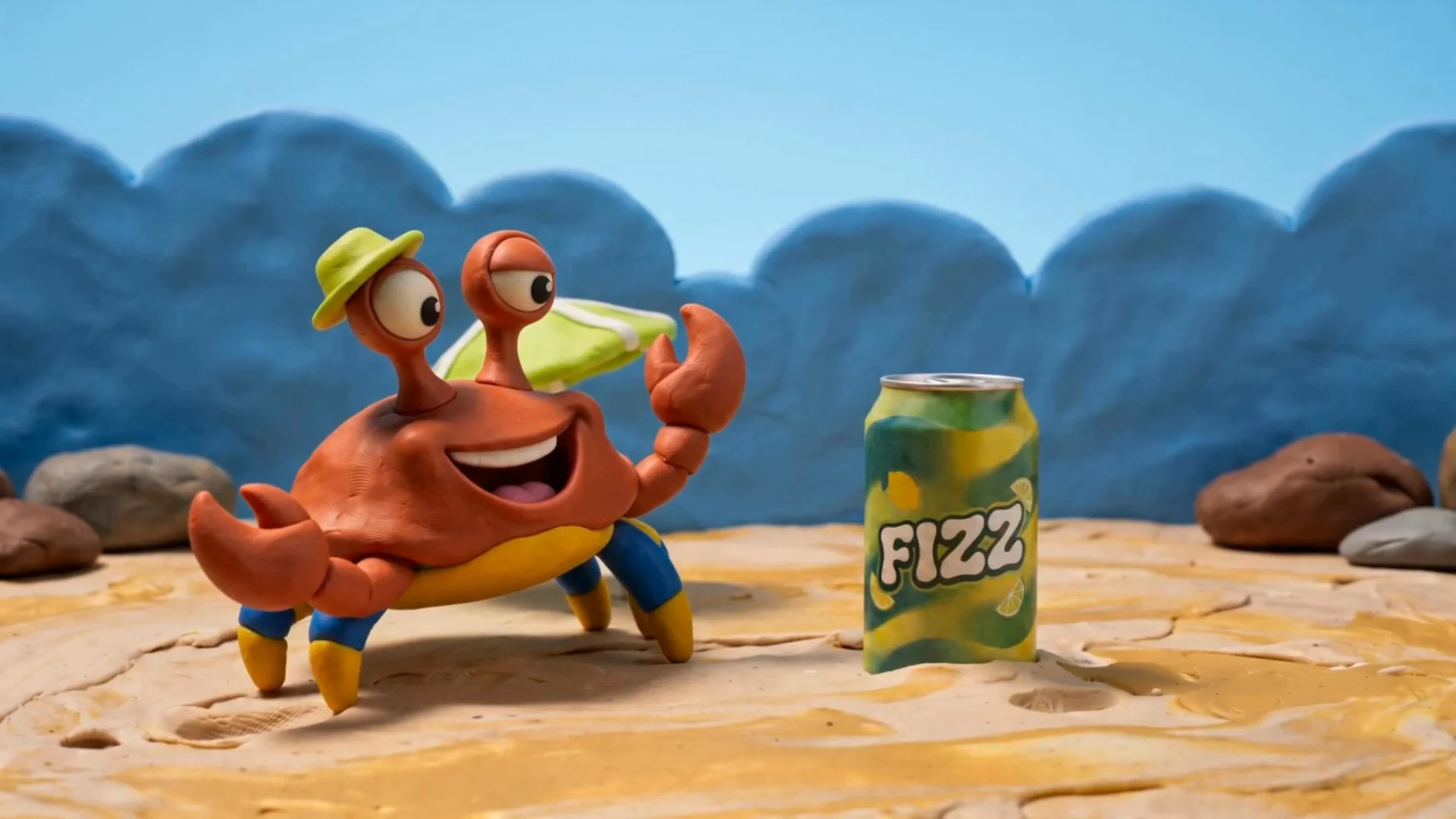
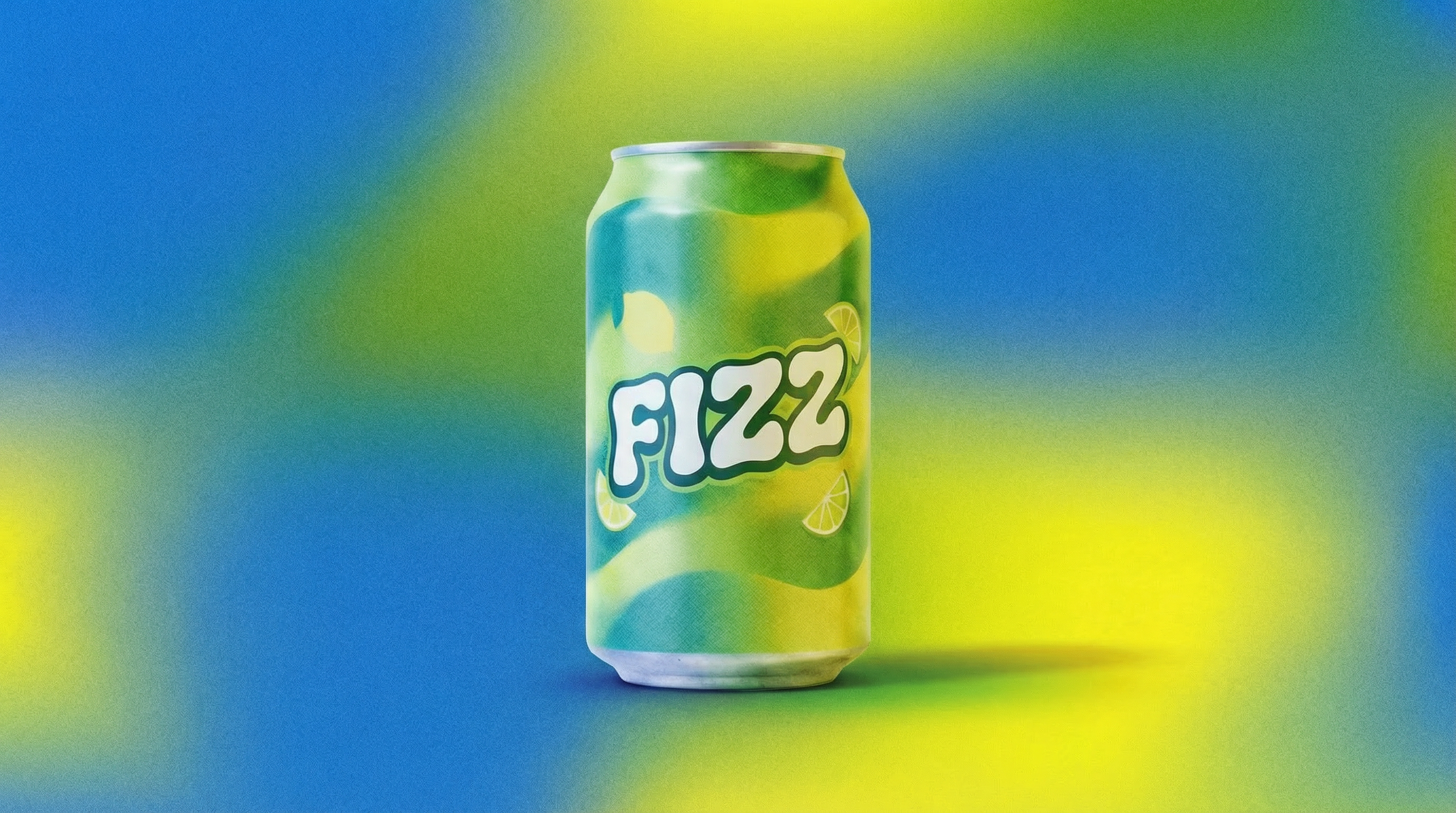
Creative product ad
@Runway Can you make a claymation style product ad featuring two crabs fighting over a can of Fizz. One crab says "don't be so shellfish."
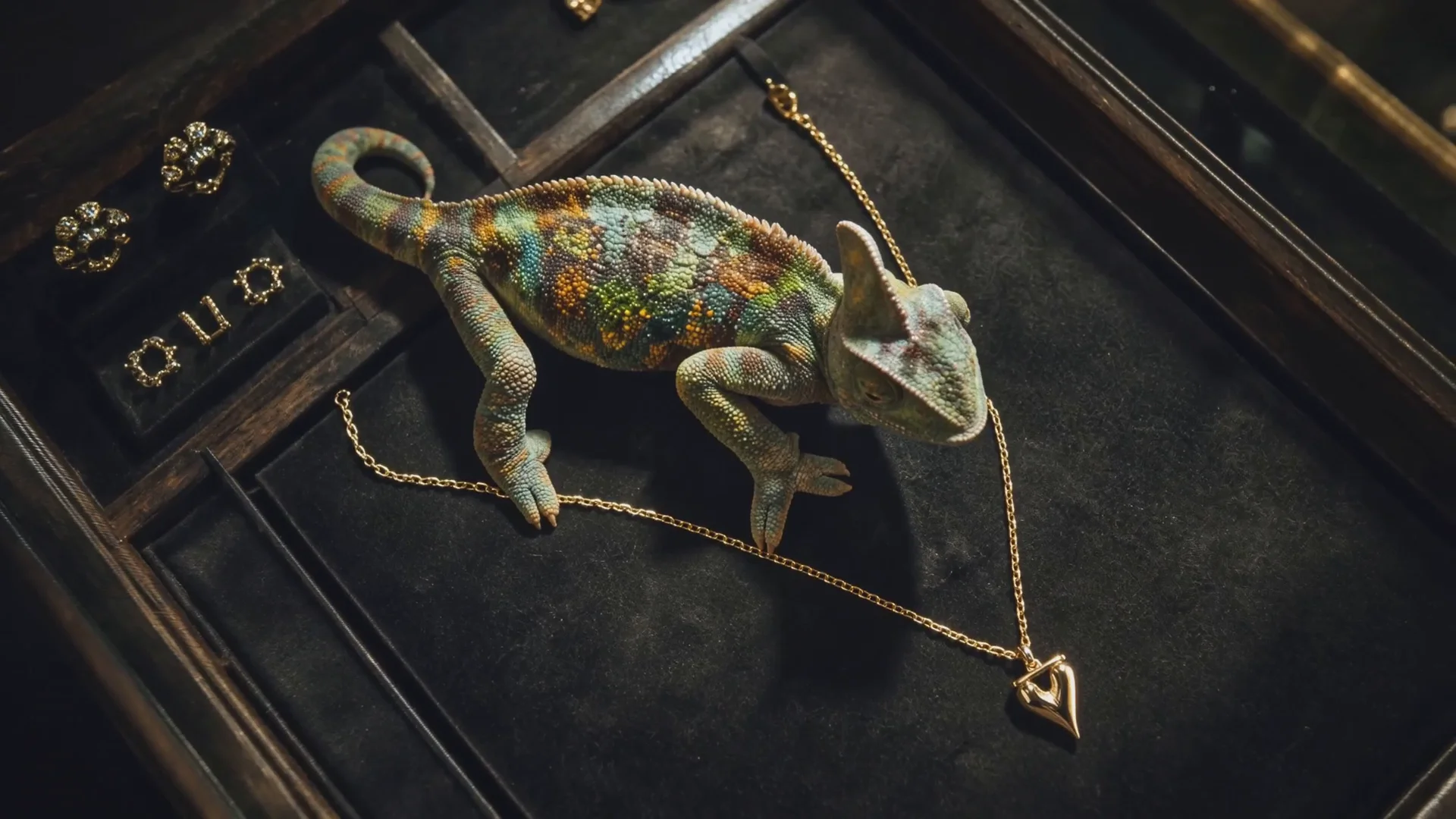
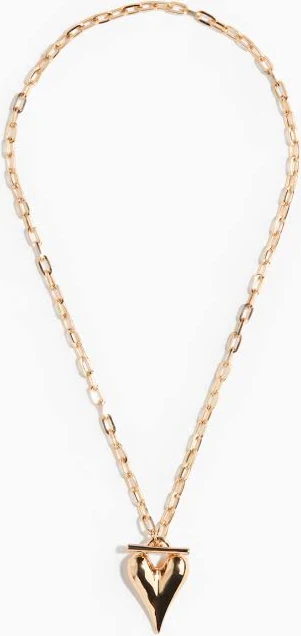
Image to product ad
@Runway Use Runway to make a product ad for this necklace, featuring a chameleon in a jewelry store with this necklace image.
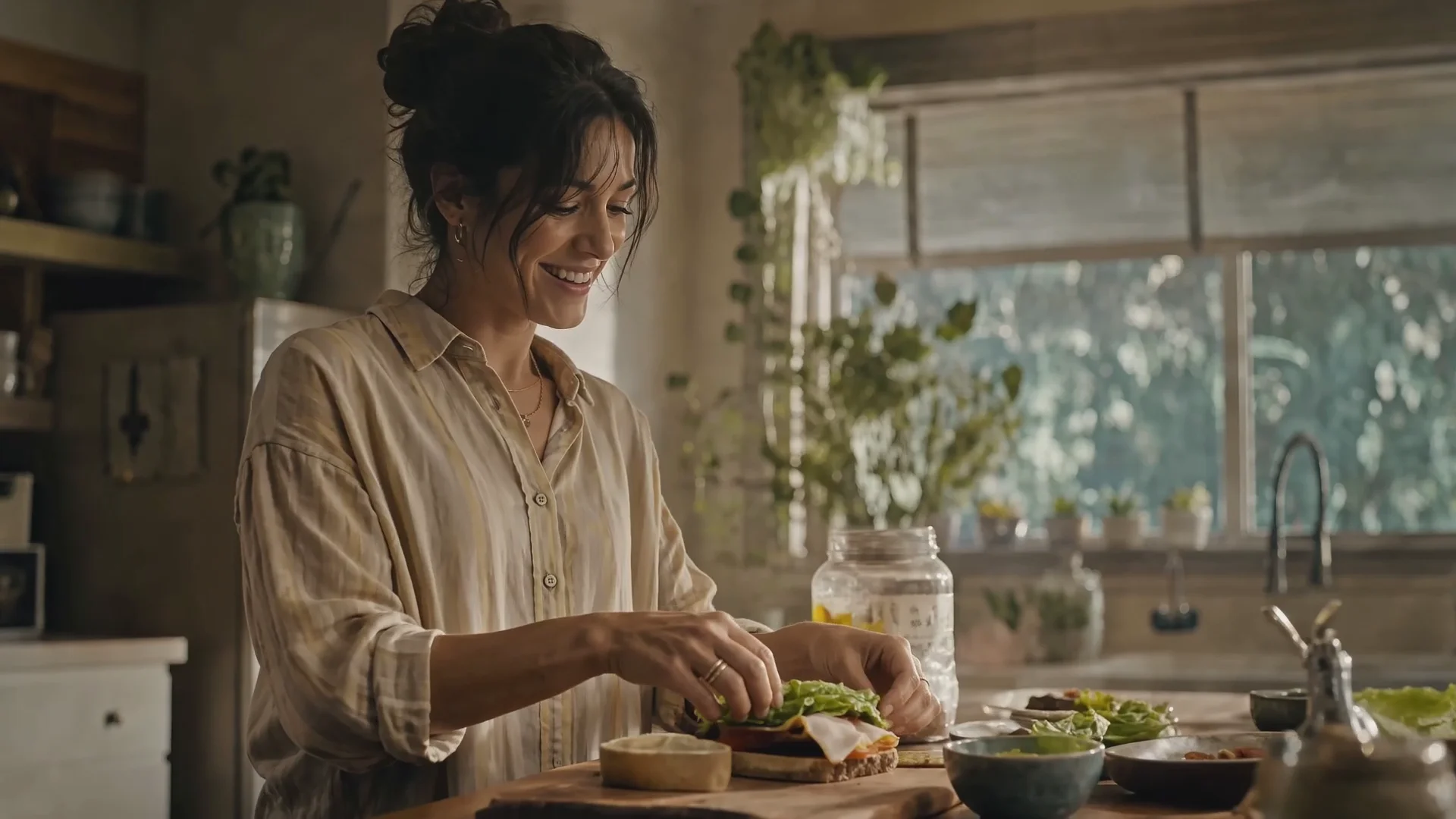
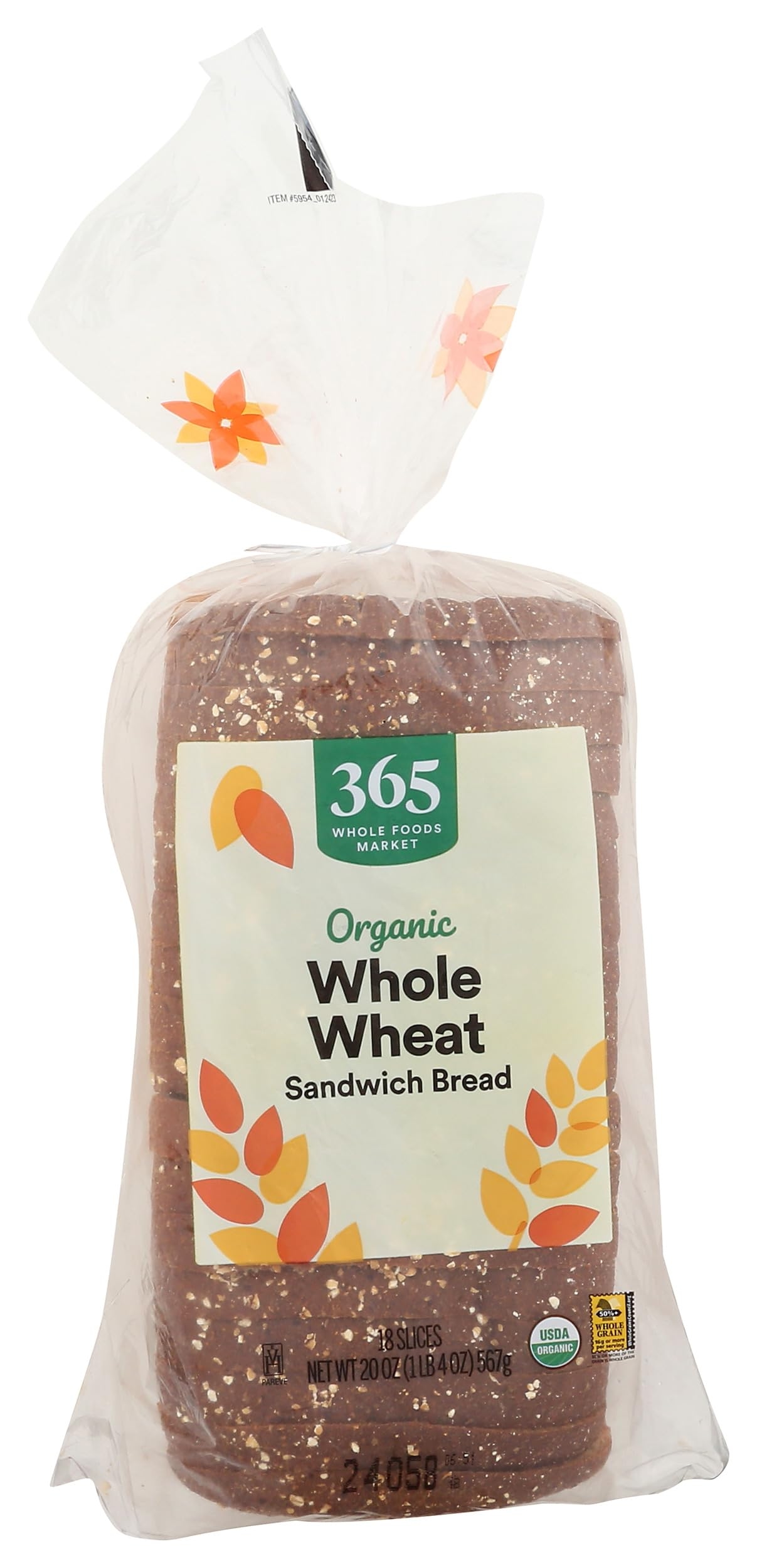
Product image to dialogue ad
@Runway Make a product ad for this bread. The dialogue is "Fill your table for less with 365 brand."
Product URL to marketing video
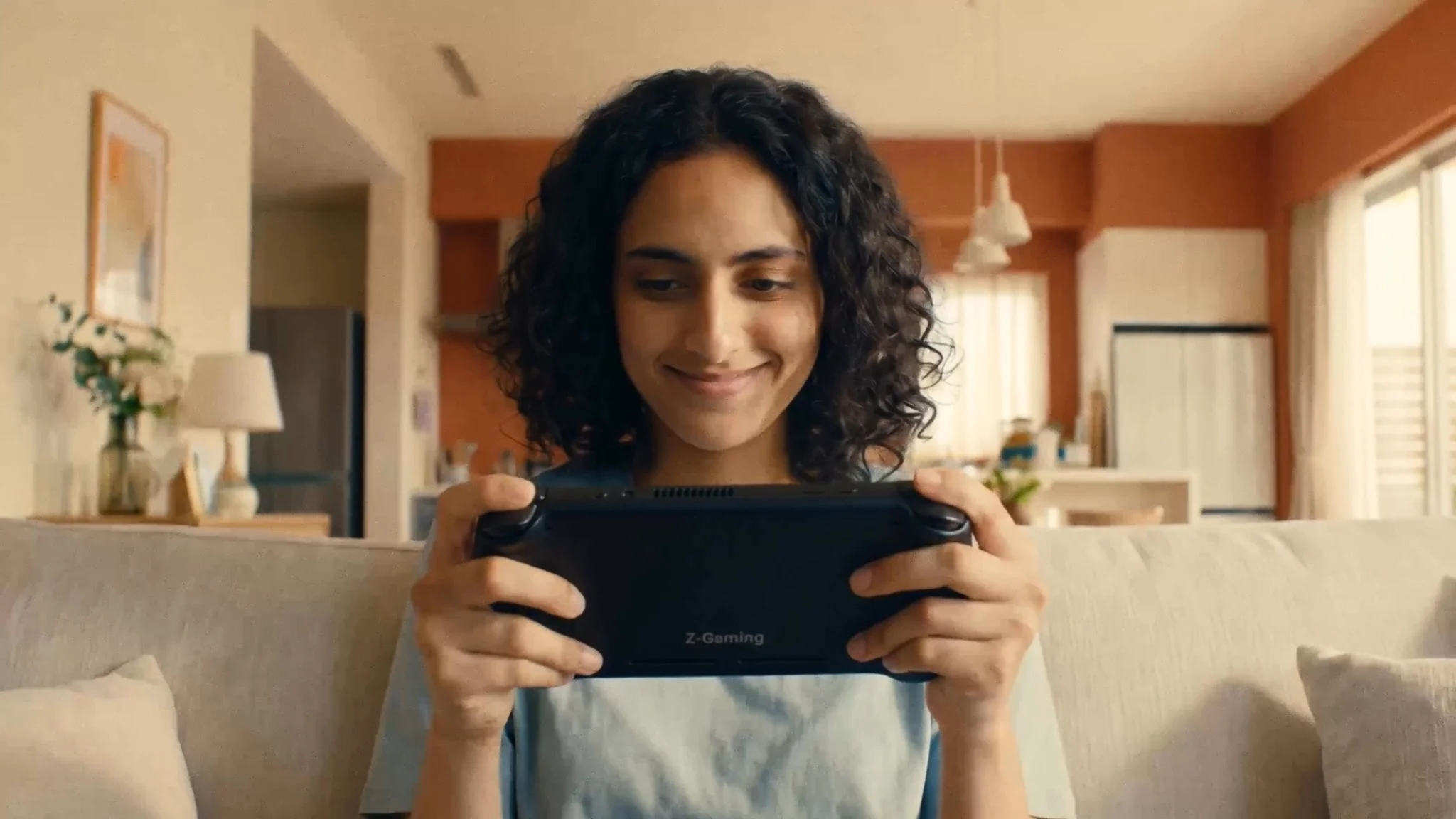
@Runway Use this product URL to create a polished marketing video for launch: https://mygameconsole.com
Build a 2D roguelike
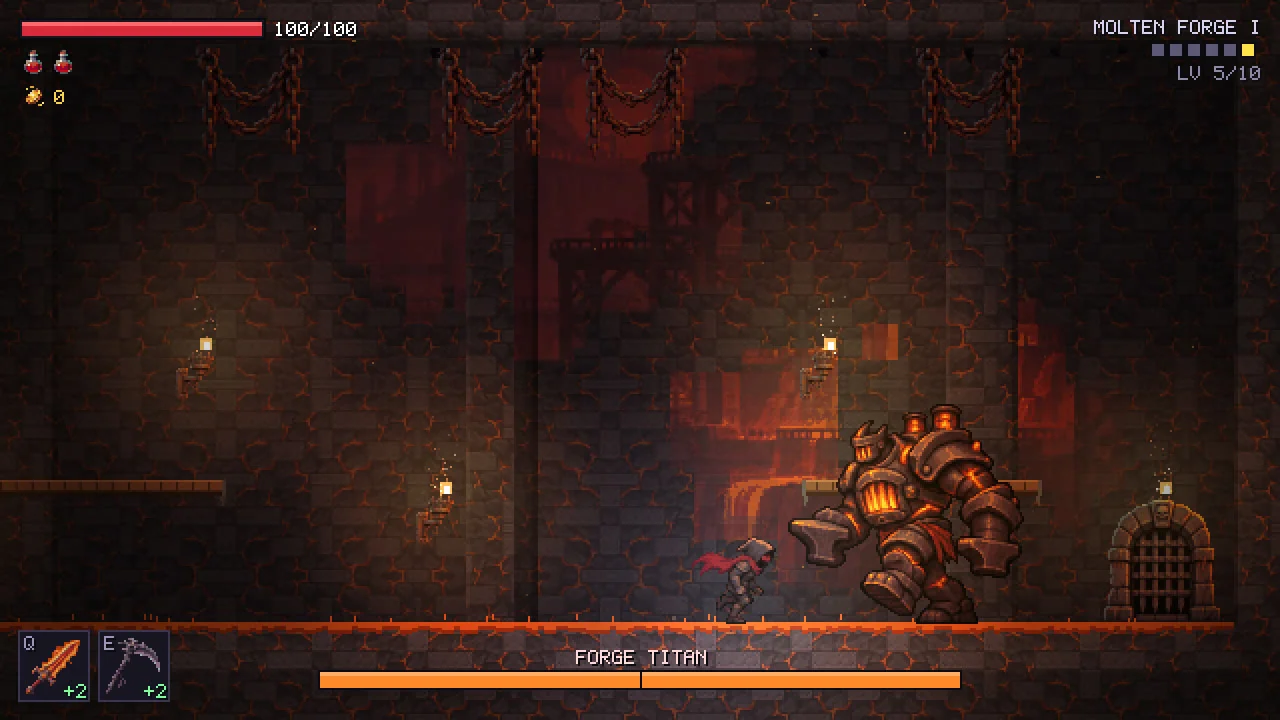
Build a complete 2D roguelike action platformer for the browser in this folder, using the Runway MCP for every piece of art, music and the longer sound effects. Make the design decisions yourself and do not stop to ask me questions. THE GAME (change the parts in brackets) - Title: [Cinderdeep] - Hero: [a nimble hooded wanderer in dark slate leather armor with a long tattered crimson scarf and glowing ember-orange eyes] - World: [a descent through five places, two levels each: an underground prison, a fungal swamp cavern, an infernal foundry, frozen fortress ramparts, a burning citadel] - Enemies: [12 kinds that fit those places, from a shambling ghoul and a cave bat to an armored knight, a fire mage and a stone golem] - Bosses: [one per level, 10 in total, each a huge creature of its place, ending with a giant king of ash and embers] - Weapons: [12: short sword, twin daggers, war hammer, spear, flaming greatsword, scythe, frost axe, bow, throwing knives, fire staff, lightning wand, hand crossbow] - Style: [16-bit arcade pixel art, dark fantasy palette with saturated accents] STACK - Plain HTML, one canvas and JavaScript ES modules. No build step, no framework, no game engine. - Internal resolution 640x360 scaled up with nearest-neighbour, 24 px tiles, a fixed 1/60 s simulation step. - A small static server with caching turned off (python3) on a free port for development. - A Python virtual environment with pillow and numpy for the sprite slicer. - A 5x7 bitmap font drawn in code for all text. ART PIPELINE (Runway MCP) Call whoami first and note the balance. Log every generation in COSTS.md (tool, model, ratio and size, file, credits from the balance change) and every prompt in tools/asset_prompts.md. 1. Sprite sheets: generate_image, model gpt-image-2.6-sunburst, imageSize 2K, transparentBackground true. Every prompt is STYLE + subject + LAYOUT. STYLE: "Pixel art sprite sheet for a 2D side-scrolling action platformer video game. 16-bit arcade style, crisp chunky pixels, limited dark fantasy palette with saturated accents, bold dark outlines, strong rim lighting, no anti-aliasing, no text, no labels, no grid lines." LAYOUT: "Strict side view, always facing right, full body, identical size and proportions in every frame. Layout: a strict even grid of R rows and C columns, every frame centered in its own cell with clear empty space around it, nothing overlapping or touching." Then say what each row holds. - Hero, 16:9, 4 rows x 8 columns, empty hands: run x8 | idle x4 + jump x4 | strike x4 + dodge roll x4 | throw x3 + hurt x1 + death x4. - Each enemy, 16:9, 2 rows x 4 columns: 4-frame move cycle | wind-up, strike, flinch, defeated. - Each boss, 4:3, 3 rows x 4 columns: move cycle | attack wind-up, strike, follow-through, recover | special wind-up, special release, flinch, defeated. 2. Weapon combo sheets, one per weapon, 16:9, 3 rows x 5 columns, with the hero sheet's task ID passed as a reference image tagged @hero. Ask for "the exact same hero as in the reference sheet @hero, now wielding the weapon, gripped firmly in the hands in every single frame". Each row is one hit of a three-hit combo in 5 frames: wind-up, attack begins, peak, follow-through, recovery. The third row is the finisher. For melee weapons the peak frame has "a bright crescent motion-smear trail following the weapon". For ranged weapons it has a small flash at the weapon and no projectile. Do not draw the weapon as a separate icon over an empty-handed pose. 3. Icon sheets, transparent: weapons (4:3, 3x4, each drawn at 45 degrees), items and projectiles (1:1, 4x4), upgrade runes (1:1, 4x4), props such as doors, torches, chains, crates and banners (16:9, 2x4). 4. Opaque art: one 16:9 background per place ("muted low contrast so gameplay sprites stand out in front, no characters, no foreground platforms"), one 16:9 title style frame with no text, and one 1:1 1K tile texture per place ("seamless tileable, flat front view, evenly lit, medium brightness"). 5. Audio: three music tracks with generate_music (title, exploring, boss). Sound effects with generate_sound_effect at 0.5 to 1.5 seconds: three sword swing variants, one heavy swing, two impacts, explosion, roar, splat, door, room clear, heal, pickup, hurt. Ask for sounds that "start instantly" with "no reverb tail". Synthesize jump, coin, roll and menu blips in code with Web Audio. 6. Start generations in batches and write code while they run. Hand the bulk generation to a subagent with tools/asset_prompts.md as its spec so your own context stays small. Poll get_task and download every file into assets/raw/. Asset links are long signed URLs: copy them exactly. 7. Look at every sheet when it arrives. Re-roll a sheet that has the wrong number of frames in a row, frames that touch, or a hazy background in place of transparency. Budget for four re-rolls. SLICER (tools/slice.py, run by tools/build_assets.sh) - Cut frames on transparent gaps, not on even cells: frames are never centred and attack effects cross cell lines. Fall back to an even grid only when a row has no gaps. - Merge stray blobs such as sparks and dust into the nearest frame. - Threshold the alpha channel. The model returns values like 0 to 3 and 249 to 253. - Downscale so the reference row is a set pixel height (hero about 46 px), quantise to a 32 to 48 colour palette and anchor every frame at the feet in a uniform cell. Write a .json with the cell size next to each sheet. - The model draws each combo sheet at a different character size. Measure the body height in a recovery frame and scale each sheet so it matches the base hero. Anchor wide attack frames on the feet only, or the smear drags the anchor. - To edit a sheet with a model that has no transparency, ask for a flat #00FF00 background, key it out and remove the green spill. - Mirror each tile texture 2x2 at load so it repeats without seams, and normalise its brightness. GAME DESIGN - A run is 10 levels. Each level is three to six combat rooms, one rest room with a healing shrine and a chest, then a boss arena. Rooms are generated from a seed in several shapes (hall, cavern, tower, arena) with one-way platforms and spikes. Doors lock until every enemy in the room is dead. - Early levels are easier: scale enemy count, health and damage with the level, bring in tougher enemy kinds later, and keep enemies asleep for a moment and far from the door when a room starts. - Player: run, jump with coyote time and a buffered press, an air jump, drop through platforms, a dodge roll with invulnerability, healing flasks. - Combat: two weapon slots. Pressing attack again during the last third of a hit chains into the next. The third hit is a slower finisher with more damage and knockback, a lunge, afterimages and a longer hit-stop. Show a hit counter. - Enemies share a small set of behaviours (walker, flyer, hopper, shooter, charger, caster). Every attack has a visible wind-up. - Bosses are built from a shared library of moves (slam, charge, leap, projectile fan, lob, ring, rain, pillars, summon, dive, blink). Later bosses get more moves and less waiting. Show a boss health bar and name. - Rewards: after each room, choose one of three (a new weapon, a weapon upgrade or a boon), with a re-roll for gold and a skip for gold. Offer at least 16 boons. Gold drops from enemies and buys a gilded chest. - Effects: hit-stop, screen shake, sparks, dust, floating damage numbers, blood that sprays in the direction of the hit and stains the walls, gibs on death, explosions with a soft radial glow. Add settings for shake and gore. - Lighting: darken the scene with an ambient multiply layer, then add light from torches, projectiles and swings. Keep tiles and back walls bright enough that dark sprites read against them. - Controls: A/D or arrows to move, Space to jump, Q and E to attack, R to interact, Shift or Down to roll, F to heal, Esc to pause. Mouse buttons also attack. On a touch device, also show on-screen controls as soon as the screen is touched and hide them again on a key press: a thumb stick to move, buttons for jump, each weapon, roll, heal and pause, an interact button beside chests, shrines and doors, and menus and reward cards that respond to taps. - Menus: a title screen on the style frame, pause, settings (sound, music, shake, gore) and a setting to start a new run from the deepest level reached. Save progress and settings in the browser. - Death and victory screens with the run's stats. TESTING - Keep the simulation steppable by hand: expose a hook that advances N steps, reports the run state and presses actions. Add URL flags to start at any level and to turn off damage. - Add an autopilot that plays through the same input actions a person uses, and run it through all 10 levels. Fix every error it finds. - Take screenshots of the title, a fight in each place, a boss, the reward screen and both end screens, and look at them. If the browser you drive pauses when idle, use the step hook. Keep the browser console free of errors. DELIVER - The game running locally. - COSTS.md with the Runway credit ledger and tools/asset_prompts.md with every prompt. - NOTES.md with what worked and what did not. - A short list of what you could not verify.
Build a 3D game
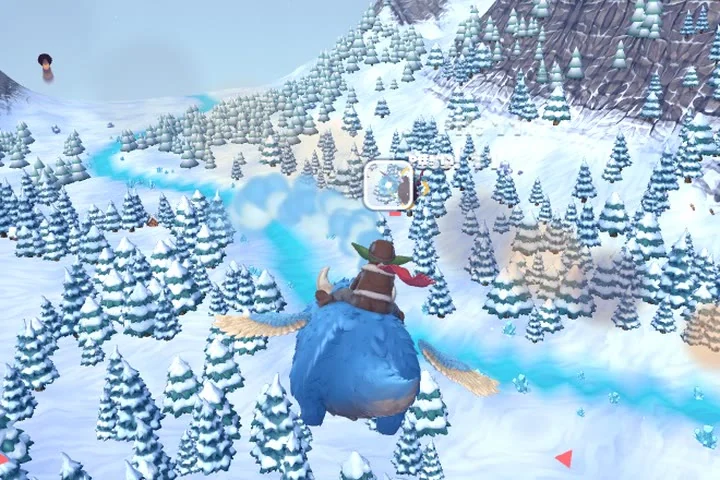
Build a complete 3D browser game in this folder, using the Runway MCP for every piece of art. Make the design decisions yourself and do not stop to ask me questions. THE GAME (change the parts in brackets) - Hero: [a round, shaggy blue creature with two very small wings] - Rider: [a goblin in a leather jacket and aviator goggles] - Enemies: [soot-black cousins of the hero with bat wings and imp riders] - Boss: [a giant creature with a furnace in its belly] - World: [a snowy mountain valley with a frozen river, a pine forest and a small village] - Style: [hand-painted anime, soft cel shading] STACK - three.js r170 as ES modules (three.module.js, GLTFLoader.js, BufferGeometryUtils.js), vendored locally with an import map, no build step. Plain HTML, CSS and JavaScript files. - A small static server with caching turned off (python3) on a free port for development. - All sound and music synthesized in code with Web Audio. - Keep the simulation free of rendering and the DOM so it can be stepped by hand and run in Node. ART PIPELINE (Runway MCP) 1. Call whoami and note the credit balance. Check that it lists a 3D model under availableMeshModels and stop if it does not. Log every generation in COSTS.md: tool, model, settings, file, credits. 2. Style frame: one 16:9 image with generate_image (nano-banana-pro). It is the title screen and the style reference for everything else. 3. Reference sheets: generate_image (nano-banana-pro, 1:1, 1K) with the style frame as a reference image tagged @styleframe. Make 11: hero, rider, enemy, enemy rider, boss, one wing per winged creature, two props that repeat hundreds of times, one building and one landmark. One subject, neutral pose, three-quarter view, plain light grey background, no ground, no shadow. Draw creatures without their wings and without their riders. 4. Wing sheets: one detached wing, seen flat from the side, root at the left, solid opaque membrane. 5. generate_3d_model from each sheet (image-to-3D, GLB output). Pass the sheet's task ID as the reference image; no upload is needed. Set faceLimit: about 40,000 for the hero, 25,000 for enemies, 50,000 for the boss, 15,000 for the hero's rider, 8,000 for enemy riders, 3,000 per wing, 6,000 for buildings and landmarks and 1,500 to 2,000 for anything drawn hundreds of times. Start all models at once and write code while they run. 6. A generated model is one static mesh, so anything that moves on its own needs its own model. Riders are separate models placed on the creature. Mirror each wing for the other side and normalise it so its root is at the origin. 7. Two ground textures that fit the world with generate_image, one for flat ground and one for slopes and cliffs. Ask for a top-down view with flat, even lighting, no shadows and no objects. Sample them with mirrored repeat so seams do not show. 8. Build sky, light, fog and any water in code. Do not generate them. 9. Poll get_task (output_kind "mesh" for models) and download every file into assets/. Asset links are long signed URLs: copy them exactly. Notes: - Prompt wording: start creature prompts with "An original creature design:" followed by your Hero line, riders with "An original design:" and props with "A single". - Models arrive facing arbitrary axes. Build one small viewer page that shows every model with its axes, read the bounds that get_task returns, and fix each rotation in one config table. - Use a soft lit material with the painted texture so the models keep the look of the style frame. - Draw repeated props with instancing, split into ground cells, and swap far cells to a simple code-built shape. - Each GLB carries three textures and is 2 to 5 MB whatever its face limit. Expect the zip to be 35 to 40 MB. GAME DESIGN - Flight: the hero hovers by default and flies forward only while W is held. Strafe, climb and sink in a hover. Boost, dash (double-tap W) and a dodge roll with a moment of invulnerability. - Camera: third person, behind and above, with the hero in the lower third so it never covers the target. - Combat: a short-range breath stream and a charged long-range shot, soft aim assist, Tab to lock a target, floating damage numbers on every hit. - Recovery: health pickups from some kills, a heal between waves and slow regeneration after a few seconds without a hit. - Progression: 10 levels earned from kills. Each level adds a little damage. The breath changes colour every few levels and chains between enemies at the top levels. - Story mode: three waves of rising difficulty, then the boss. The boss has a weak point that opens on a timer and takes triple damage. Give it three attacks with a clear warning before each, and make it look giant next to the hero. - Two more modes: the boss alone, starting at level 7, and endless survival that gets harder every wave. - Arena: keep the fight inside a bounded area. Props need no collision; keep large landmarks out of the fighting area. - Ranks S to D from time and damage taken, with best results saved in the browser. Rank endless survival by waves cleared. - Inputs: keyboard and mouse, gamepad and touch, with pause and mute. - A title screen on the style frame with the three modes and a list of controls. TESTING - Add two autopilots that play through the same input object a person uses: a sharp one, and a slow one with late reactions and sloppy aim. Add a hook that steps the simulation by hand so an autopilot can finish a run in seconds. - Tune until the sharp autopilot finishes the story in about four minutes and the slow one can still win. Fix what the numbers show: seconds per wave, damage taken, and seconds to get the nose on a target (the time from a new nearest target appearing until the nose is within 6 degrees of it). - Take screenshots as you go and look at them. If the browser you drive pauses when idle, use the step hook to reach each screen. Keep the browser console free of errors. DELIVER - The game running locally. - A zip with a launcher for Mac, Windows and Linux. ES modules need a local server, so each launcher starts one and opens the game. Include a fallback for Windows without Python. - Screenshots of the title, a fight, the boss and the result screen. - COSTS.md with the Runway credit ledger, and token counts if your tool can see them. - A short list of what you could not verify.
A complete generation studio, inside your agent.
Product ads
Turn one product shot into a finished commercial
Drop in a photo, describe the spot and Runway shoots every scene in the same kitchen and the same light. One prompt, one finished commercial.
Make one complete stovetop coffee commercial for this moka pot: onto the blue flame, water in, grounds in, the cat watching it brew, the coffee climbing into the glass dome, then the pour and the cup in morning light. One kitchen, every shot in the same light.

Image and video
Generate images and videos
Explore ideas, restyle product shots and turn early concepts into images or videos without leaving the conversation.
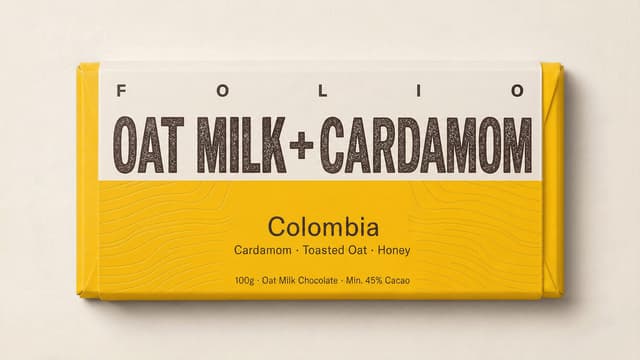
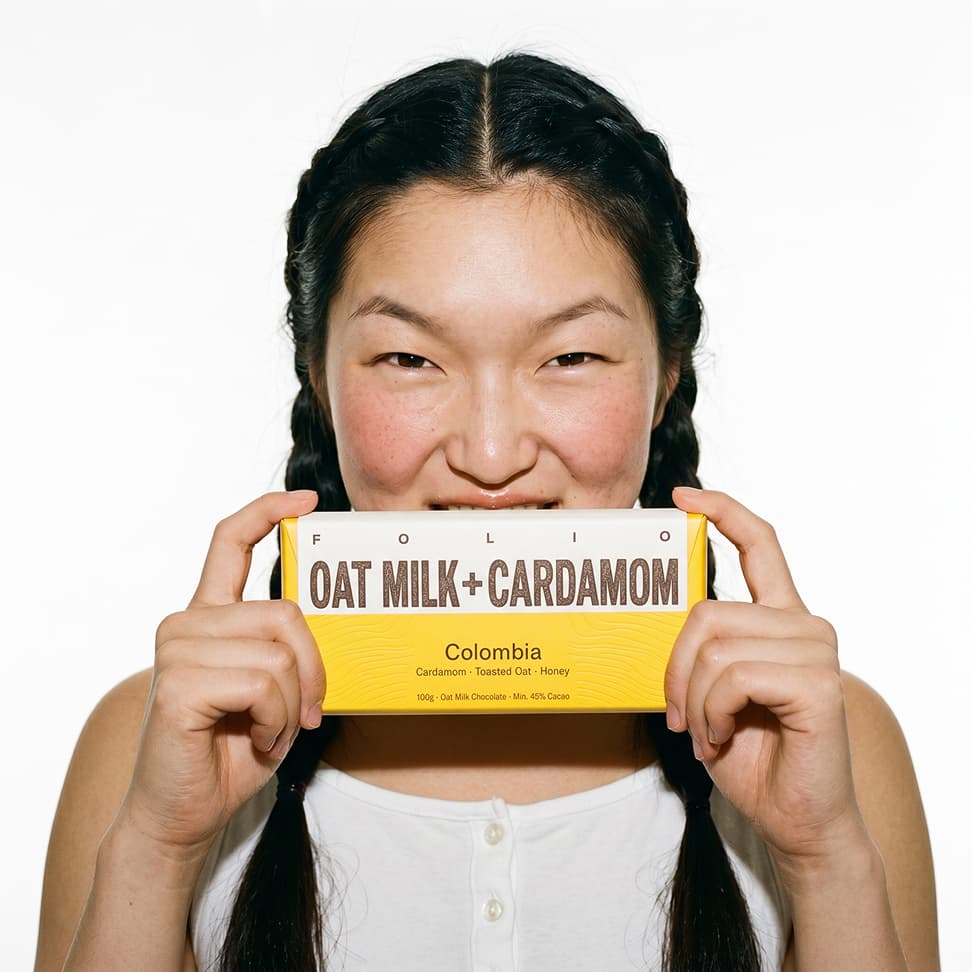
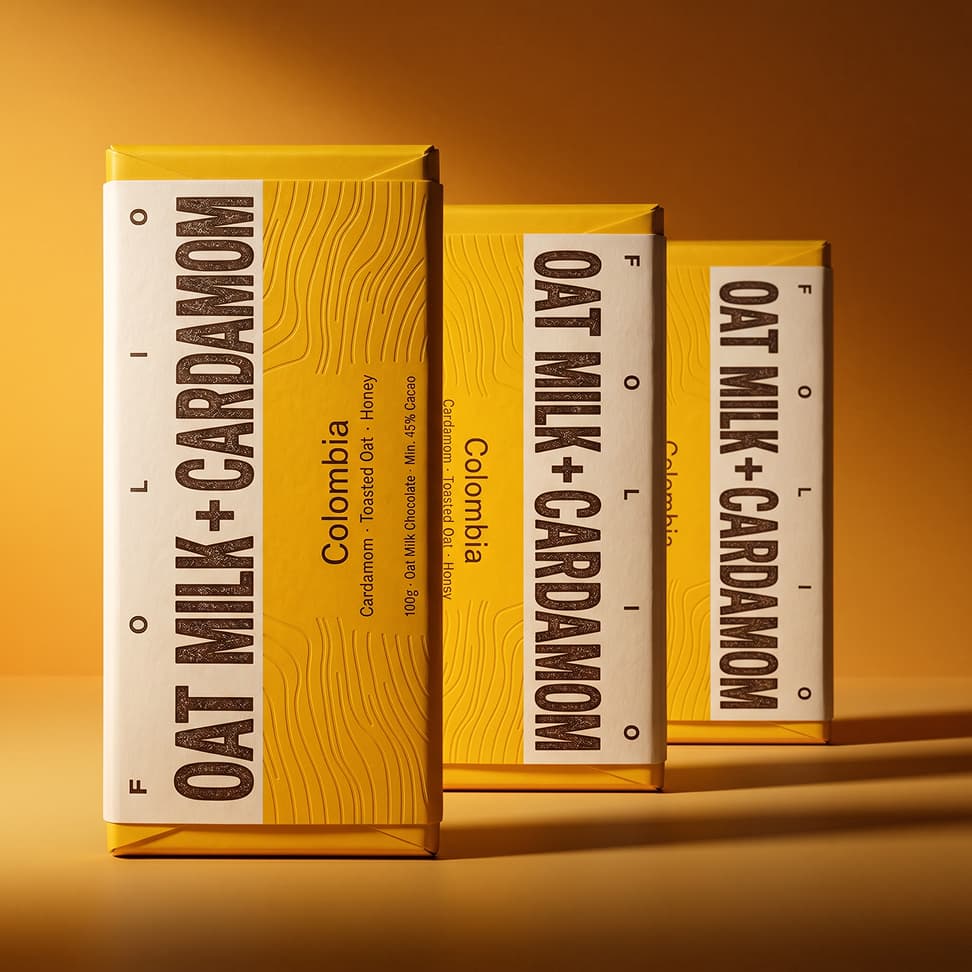
Generate 2 product images for this chocolate.
Product marketing
Create marketing content from a link
Send your agent a link to your product and ask Runway to create a polished marketing video.
Use this product URL to create a polished marketing video for launch: https://mygameconsole.com
Multi-shot storytelling
Make dialogue-driven ads
Write the line, set the scene and let Runway build a character-led product ad.
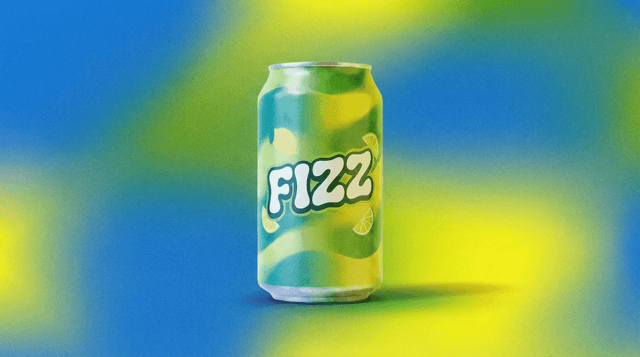
Make a playful dialogue-driven product spot with two crabs and a can of Fizz. One crab says "don't be so shellfish."
Product sites
Add stunning product imagery to your site
Give your agent an image of your product and ask Runway to create the images and videos you need for your marketing site.
Can you use Runway to generate a hero video for these jewelry products, and make a shopping website?