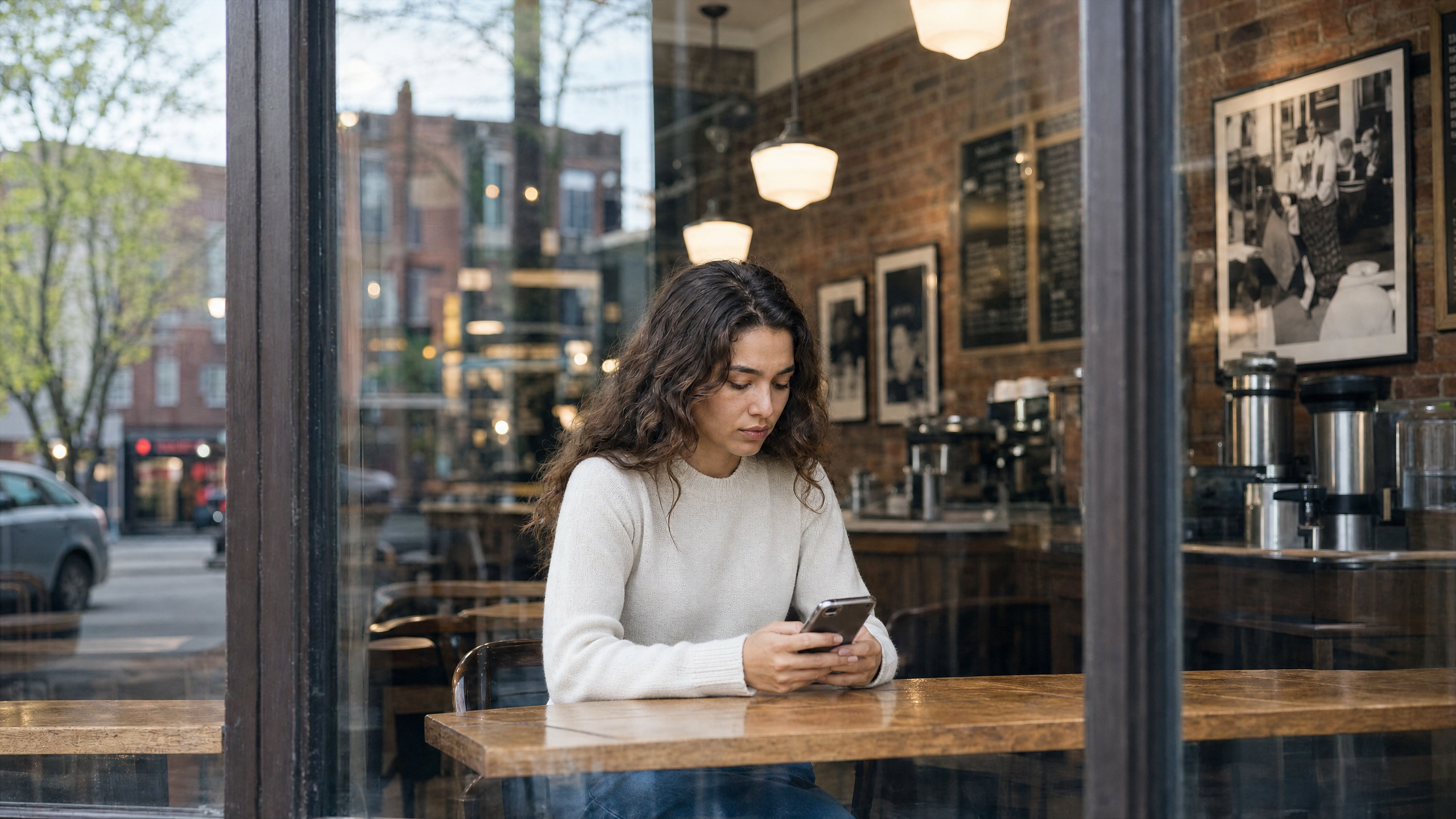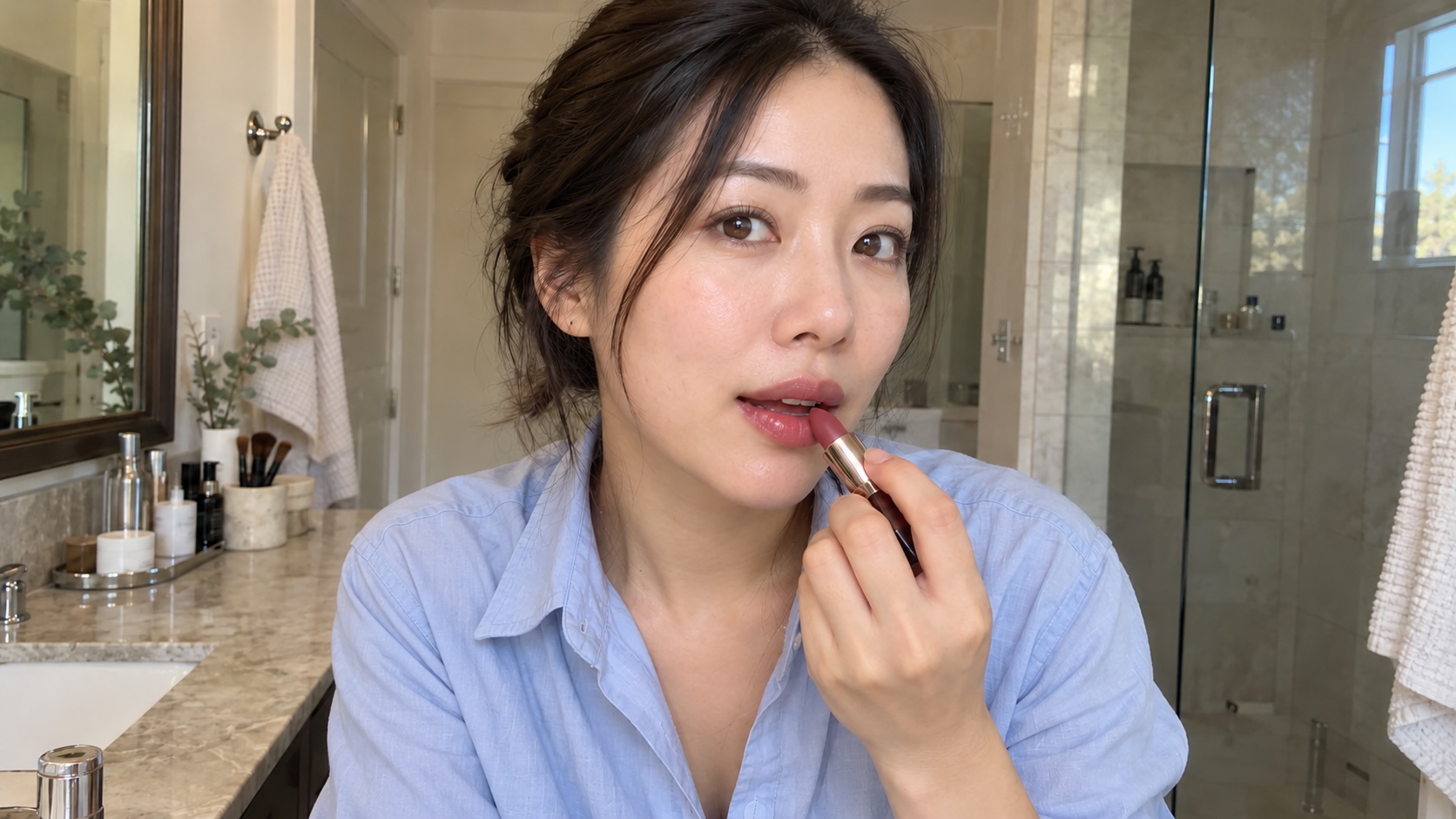
AI UGC is ad content made with AI to look like user-generated content, which is usually short, handheld-style vertical videos, also called UGC-style ads, of a product being used, unboxed or talked about. AI UGC comes in two main forms. AI avatars (or AI actors) present a script in talking-head video, while AI-generated footage shows the product in realistic scenes, often with a voiceover and no face.
The second form gets far less attention, yet many UGC video ads never show a face. Product demos with a voiceover, hands-only unboxings, POV shots, before-and-afters and text on screen over music all run on TikTok Shop and Meta ads and Reels every day, and they’re often where AI footage is strongest.
Brands and sellers are using AI UGC more frequently to test different hooks, refresh creative before ad fatigue sets in and localize winning ads. The most useful way to judge this content is shot by shot: which parts of an ad AI makes well and which still need a real customer.
Which parts of a UGC ad does AI handle best?
AI does a good job at making the product, the scene, the narration and the different versions high quality and realistic. You still need a real person for the experience and the claim you’re making, whether it's said on camera or in a voiceover. Most UGC ads are cut from a mix of shots, so you’ll usually see the split inside a single ad.
| Part of a UGC ad | Can AI make it well? | Needs a real person? |
|---|---|---|
| Product in hand or in use | Yes, from real product images | Never, as long as the product matches what ships |
| Unboxing, POV and close-ups | Yes | Never |
| B-roll and scenes (a kitchen counter, a bathroom shelf, a car seat) | Yes | Never |
| Hooks and text on screen | Yes, as several variants to test | If the words make a claim about results |
| Narrating voiceover (“It crushes ice in 10 seconds.”) | Yes | If it claims a personal experience (“I've used this for a month.”) |
| Talking to camera (talking head video) | Yes | If the speaker presents as a real customer |
| Before-and-after results | No, when it shows a result | Always |
| Testimonial or review | No | Always |
| Other-language versions | Yes, with voice and lip sync | If the original speaker is a real person (their consent should cover it) |
AI can show what a product looks like and how it works; only a real customer can say what it did for them.
What are the rules for AI-generated UGC?
Three rules shape AI UGC in the US: the FTC’s ban on fake testimonials, platform AI labels and New York’s synthetic performer law. This isn’t legal advice, so check with a lawyer for your situation.
The FTC testimonial rule
The FTC's rule on consumer reviews and testimonials (16 CFR Part 465) has been in effect since October 21, 2024. It bans reviews and testimonials that misrepresent that they come from someone who doesn't exist, including AI-generated ones, from someone with no actual experience of the product, or that misrepresent a real person's experience. The same goes for a voiceover. One that narrates the product (“It folds flat and fits in a carry-on.”) can be AI. One that describes a personal experience (“I’ve used this for a month.”) presents itself as a testimonial, so it should be a real person describing a real experience.
A lifelike AI avatar saying "this cleared my skin in two weeks" fails the first two tests. A real customer who used the product for two weeks saying the same thing about their own skin, with a few AI-reshot product photos, passes.
Platform labels
| Platform | Organic posts | Ads | Where to set it |
|---|---|---|---|
| TikTok - AI-generated content label | Realistic AI-generated or significantly AI-edited content must be labeled | Allowed only with TikTok's AIGC label or a clear disclaimer; unlabeled ads can be rejected or restricted | The AI-generated content setting when posting (Spark Ads use this too); the "This ad contains AI-generated content" toggle in Ads Manager |
| Instagram, Facebook and Threads | Photorealistic video or realistic-sounding audio made or altered with AI must be disclosed | Self-disclosure only for social issue, election and political ads; Meta adds an "AI info" label when it detects AI, shown next to "Sponsored" for an AI-generated photorealistic person | The AI label option when posting; Ads Manager for political ads |
| YouTube | Realistic altered or synthetic content must be disclosed | Since July 2026, Google adds a "How this ad was made" disclosure to ads made with its own AI tools; for ads made elsewhere, advertisers mark AI use themselves | The "Altered or synthetic content" question in YouTube Studio; the AI label setting in Google Ads |
TikTok and Meta also label AI content automatically when the file carries C2PA Content Credentials (data attached to the file that records how it was made, including whether the creator used AI).
New York's synthetic performer law
New York's Synthetic Performer Disclosure Law (General Business Law § 396-b) took effect June 9, 2026. Visual and audiovisual ads reaching New York audiences must conspicuously disclose a synthetic performer: a digitally created human who looks real but isn't an identifiable real person. It applies when the advertiser knows, exempts audio-only ads and translation-only uses, and carries penalties of $1,000 for a first violation and $5,000 after. This law also covers AI actors or avatars.
How to make AI UGC that holds up
AI UGC holds up when the product is exact, the hooks are tested and every claim traces back to a real customer. These seven steps cover a typical 15-second, 9:16 ad.
- Start from real product photos. Generate from photos of the product, rather than a text description, so the label, color and shape on screen match what ships. Three or four angles on a plain background work best.
- Write three to five hooks for the same ad. Put a question, a problem, a result or a POV line over the same body.
- Plan the shots. Write down what the ad needs and mark which shots are real and which are AI before you generate anything.
- Generate the product-in-use and scene footage in 9:16. A sample prompt for a handheld phone look: slight camera shake, natural window light, an everyday setting. Realism comes from ordinary details, so keep the kitchen a little cluttered and the lighting uneven.
- Make sure the claims are true. Pair AI footage with real reviews on screen or a real creator's voice for anything about results or experience. A narrating voiceover can be AI; a testimonial can't.
- Label it where the platform requires. Turn on TikTok’s AI-generated content setting and Meta’s AI label for organic posts, add the toggle for TikTok and Meta ads where it applies and add a clear disclosure for any synthetic person in ads reaching New York.
- Test the hooks, then localize the winner. Run a few variants for creative testing, keep the one with the best hold rate and cost per purchase, then localize the winner with a translated voiceover and lip sync.
Try it in Runway. Open Runway Agent with a faceless starter prompt, then swap in your product and setting:
Faceless UGC starter prompt
Runway Agent/UGC Video Make a 15 second vertical 9:16 hands-only unboxing ad for my product. No face on camera. Shot like a real person filming on their phone: slight camera shake, natural window light, a slightly cluttered kitchen counter. Quick hook in the first 2 seconds, close up of the product as it comes out of the box, no captions or watermarks. @image1 is the product to unbox.
For more on the formats themselves, see AI product demos and product video ads, and for cutting the final 9:16 edit, the best vertical video editor roundup can help.
How UGC creators use AI
An AI UGC creator doesn’t replace the real person in the ad; AI handles the parts around them. A content creator who films one testimonial can then use AI for product close-ups, B-roll in a second setting, different opening hooks or creating a version in Spanish with their own voice. That quickly turns a single shoot into a set of test variants, which is what performance marketing buyers pay for. Creators who agree to have their voice or likeness cloned should get the uses written into the contract. California’s AB 2602 makes a digital replica clause unenforceable unless it describes the intended uses specifically and the performer had a lawyer or union representing them.
Will AI UGC replace UGC creators?
Not fully. AI can't replace the testimonial or the product claim: a real person’s experience can’t be generated, and the FTC rule makes that a legal line as well as a creative one.
Can creators sell AI UGC to brands?
Yes, and many already do, usually creating things like faceless demos, unboxings and avatar ads. The same rules apply: no invented testimonials, labels where platforms require them and disclosure for synthetic people. Running a full UGC campaign with real customers or paid creators is covered in the UGC campaigns guide.
Where Runway fits
Runway is best for the production side of AI UGC, especially faceless formats. It turns product photos into 9:16 demos, unboxings and POV shots that keep the product exact, and the AI UGC video generator page walks through the full workflow. Around the footage, the AI video editor, built on Aleph 2.0, changes a backdrop, relights a shot or removes an object without a reshoot. Runway’s audio tools add voiceovers or generate audio for clips. The Add Dialogue app lip-syncs a photo or video, and Runway Agent handles multi-shot sequences.
Avatar-first tools like HeyGen, Arcads and Creatify specialize in libraries of AI presenters, and creator marketplaces like Billo and JoinBrands cover real testimonials. For content creators, and for ads that mix real and AI shots, Runway builds product shots, B-roll and voiceovers around real footage.
| Format | What you get | Start from |
|---|---|---|
| Hands-only unboxing | A handheld 9:16 clip of the product coming out of the box, with no face on camera | Product photos |
| POV shot | The product in use from the shopper's point of view, in an everyday setting | Product photos |
| Product demo with voiceover | The product shown working, with a narrating voiceover | Product photos and a line of narration |
| Close-ups and B-roll | Detail shots and scenes such as a kitchen counter, a bathroom shelf or a car seat | Product photos |
| Hook variants | Three to five different openings over the same body | One finished ad |
| Other-language versions | The same ad with a translated voiceover and lip sync | One finished ad |
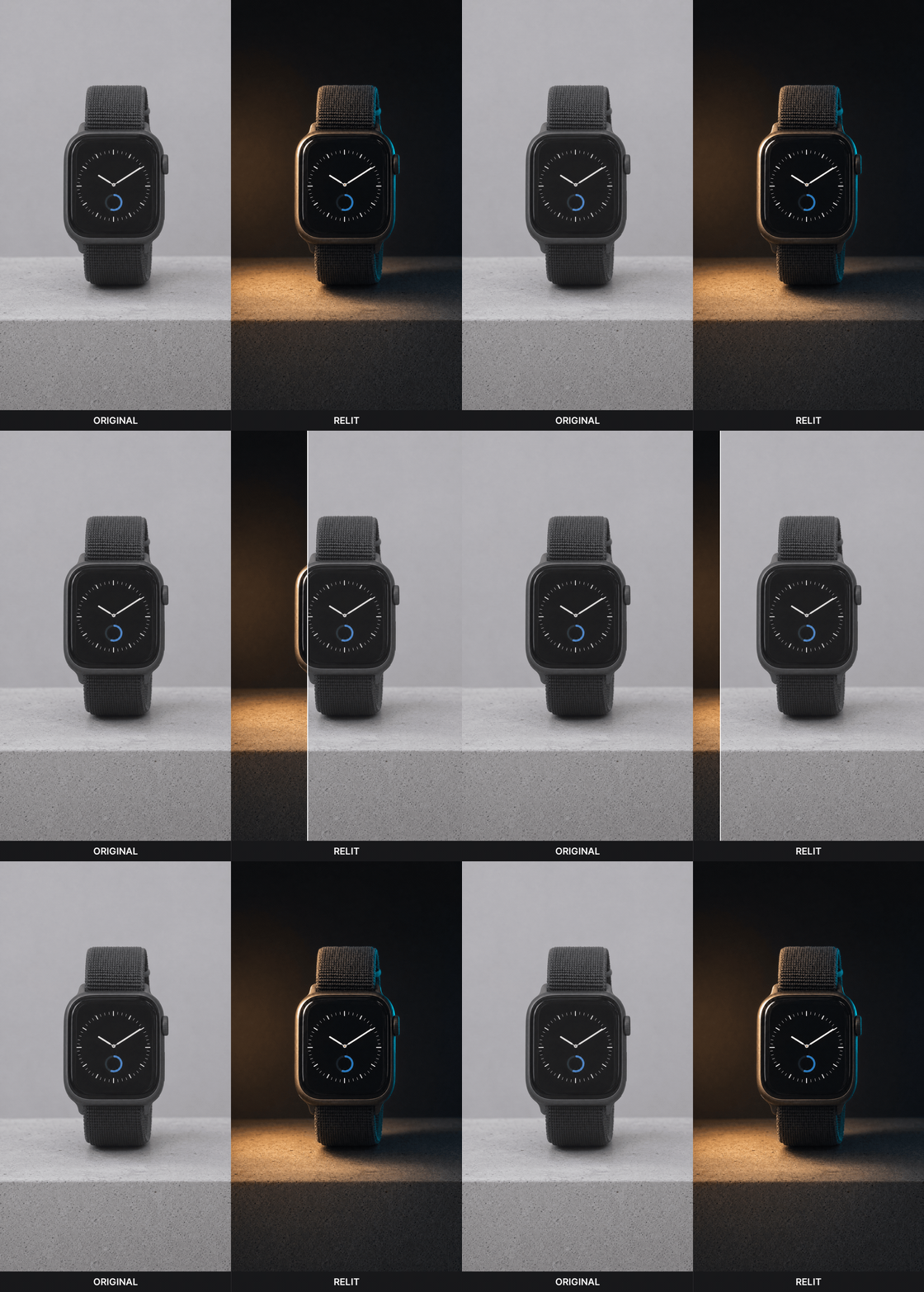
Runway's AI video editor relit a plain 9:16 product shot
Frequently asked questions
Is AI UGC legal?
Yes, within certain limits. AI product footage, scenes and narrating voiceovers are legal in the US. Under the FTC's testimonial rule, an AI-generated testimonial or a review from someone with no real experience of the product is not. TikTok requires a label on realistic AI content in posts and ads, Meta requires one on photorealistic AI video in organic posts and New York requires ads to disclose AI-generated people.
Does AI UGC work as well as real UGC?
That really depends on the shot. AI footage works well for product demos, unboxings, POV shots and hook variants, where the product is the subject and volume helps testing. You still need real UGC for a customer testimonial, because that has to be a real person’s experience. Brands get the best results mixing both: AI for the product reshoot and ad variations, a real customer for the proof.
Can I make AI UGC from just product photos?
Yes. Three or four clear photos of the product from different angles are enough to generate 9:16 demos, hands-only unboxings, POV shots and B-roll that keep the product accurate. Add a narrating voiceover or text on screen and you have a complete faceless ad. A testimonial still needs a real customer.
What's the difference between AI UGC and AI avatars?
AI avatars are one form of AI UGC: a generated presenter who delivers a human-written or AI-generated script to camera. AI UGC also covers AI footage of the product itself, including faceless formats like demos, unboxings and POV shots with a voiceover. Avatars are the form New York's synthetic performer law and Meta's "AI info" placement next to "Sponsored" target most directly.
How much does AI UGC cost compared with hiring creators?
As of October 2026, ppc.io’s UGC pricing study puts the average creator video at about $212, and Billo starts at $99 per video, sold in packs. On the AI side, Runway Standard starts at $12 a month billed annually for 625 credits, and the cost per video depends on the model and how many drafts you throw away. An AI video costs a fraction of a creator video, but testing hooks means discarded drafts, so the cost per usable ad is higher than the sticker price. A real testimonial still needs a real person, so most brands end up paying for both.
Make the product shots with AI, but use real claims
The parts of a UGC ad that show the product are the parts AI makes best. Turn a few product photos into 9:16 demos, unboxings and POV shots with Runway, then pair them with a real customer's words so every version you test holds up. Get started for free.
Related: UGC campaigns · AI UGC video generator · AI product demos