What is an AI image generator, and how does it work?
An AI image generator is software that turns a written prompt or reference image into a new image using an image or multi-modal model. You describe a subject, setting and style in plain language, and the model produces several original interpretations in seconds, with no drawing skills or design software required.
Under the hood, most modern tools use a diffusion model: a system built on large-scale image data to recognize the relationship between words and visual patterns. When you type "a golden retriever puppy in a garden," the model doesn't search for an existing photo. It builds a new image from noise, refining it step by step until it matches your prompt.
That's why two people can type the same prompt and get different, equally valid results: the model generates; it doesn’t retrieve.
For more on the mechanics of the different generation types (text-to-image, image-to-image, inpainting and outpainting), see our guide on how AI image generation works.
What you need to get started
You don't need a portfolio, subscription plan or any prior design experience to make stunning images. You need three things:
- An account with a tool that has a free tier. Most major options, including Runway, Canva and Google Gemini, let you generate your first images at no cost.
- A plain-language description of what you want to create (and a reference image, character or mascot, if you have one).
- A few minutes to generate a handful of variations and pick the one worth refining.
That's the extent of any barrier to entry. The model handles composition, lighting and rendering, and your job is just to describe the result clearly.
How to write your first AI image prompt
A good first prompt names four things: the subject, setting, style and one detail about lighting or mood. "A golden retriever puppy in a garden" is a fine start but it's vague and can result in random outputs. But "a golden retriever puppy sitting in a sunlit garden, soft morning light, photorealistic" gets you closer to something usable on the first try.
Here’s exactly what to do:
- Pick a tool with a free tier and open the prompt box.
- Write one to two sentences naming your subject, setting and style. Front-load the details that matter most, since models tend to weigh earlier words more heavily.
- Generate a few variations instead of settling on the first result. You'll typically need three to five attempts to get close to the vision you had in mind.
- Refine with small, specific edits like "make the lighting warmer" or "remove the fence in the background," rather than rewriting the prompt from scratch.
- Export once you're happy, upscaling first if you need a larger file size.
Our guide to AI image prompting has 68 ready-to-use examples if you'd rather start from a template than a blank box. And for a full walkthrough from account setup to export, this 6-step roadmap for AI image generation (with built-in tool comparisons) can help.
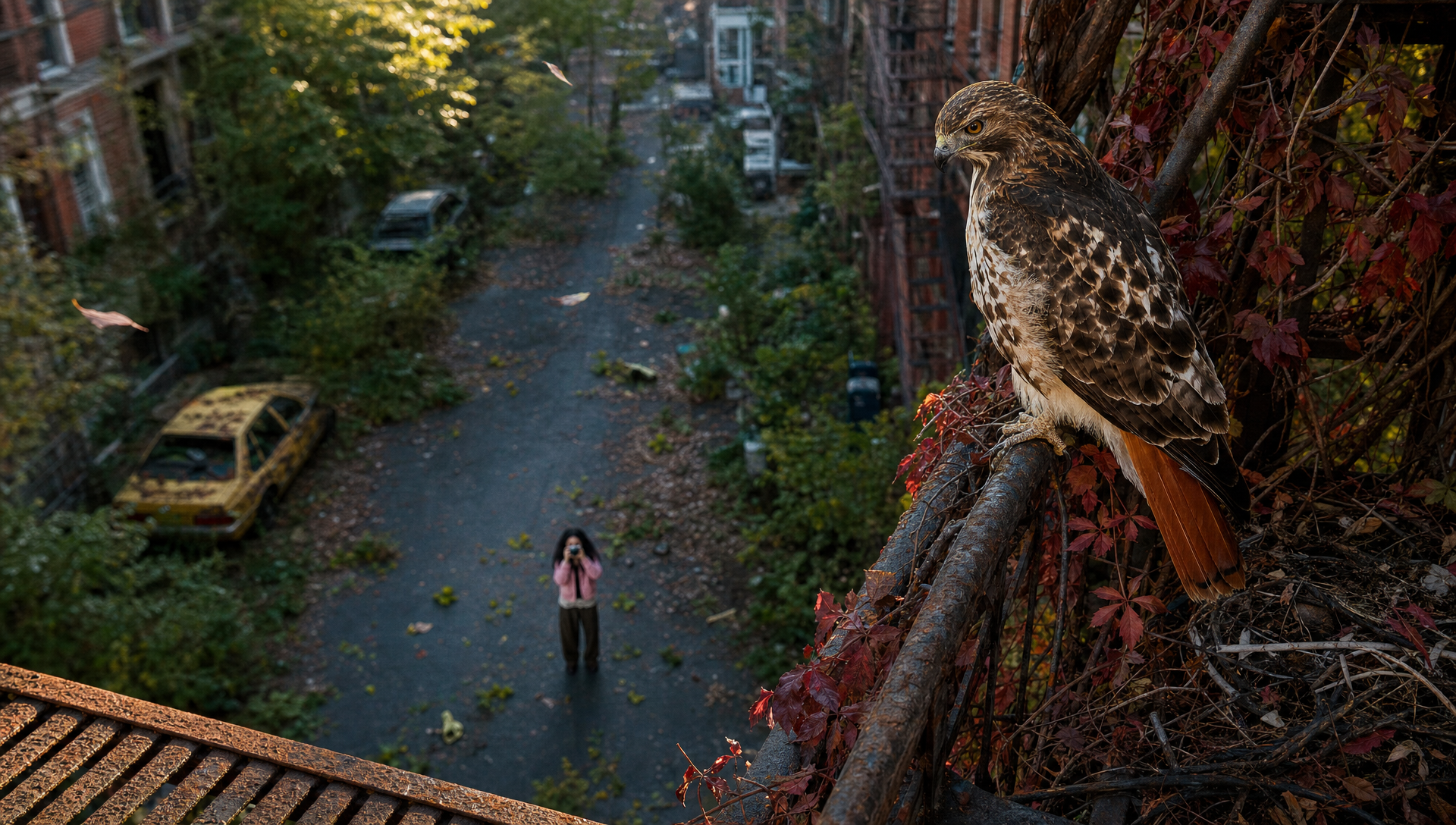
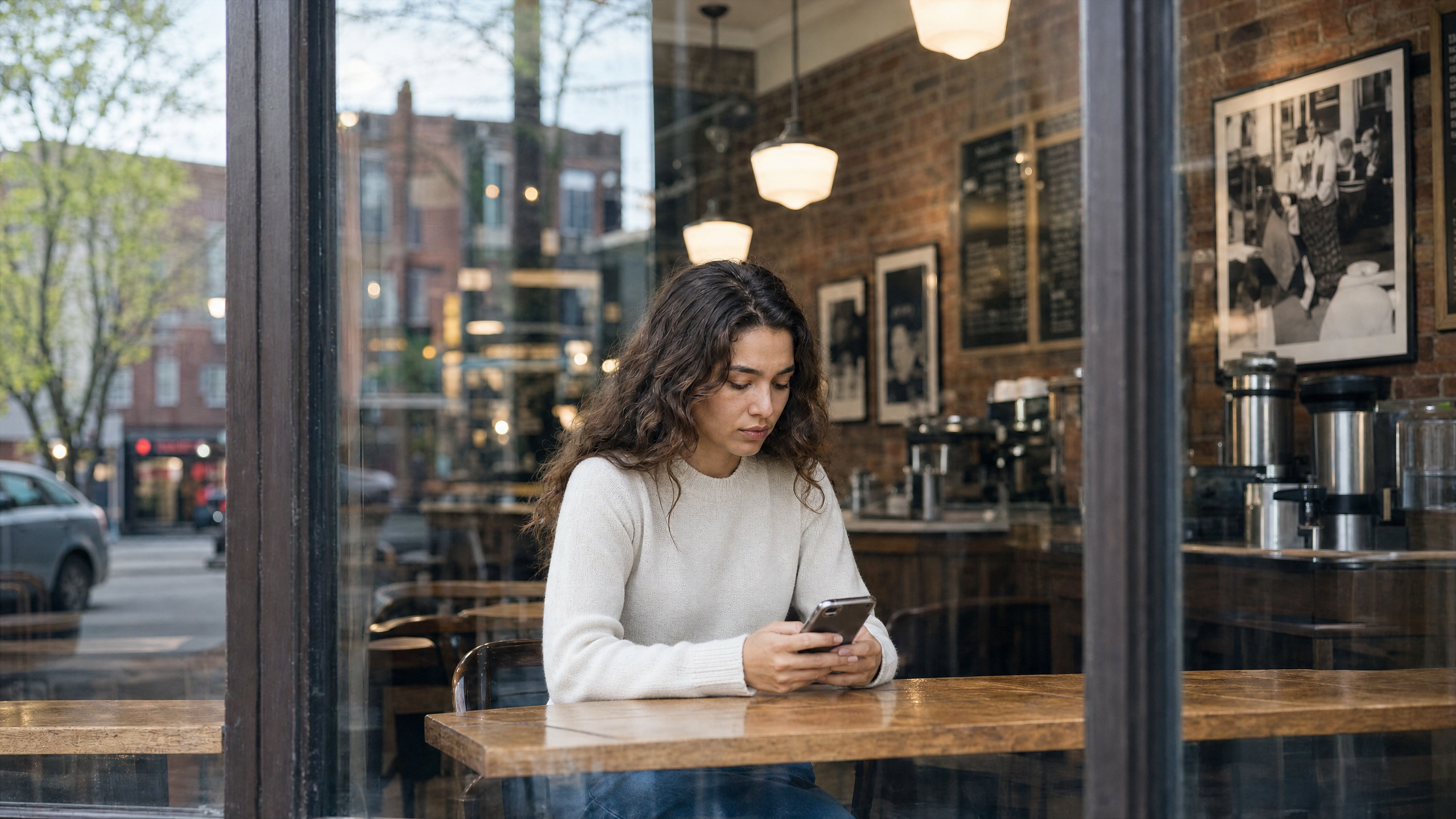
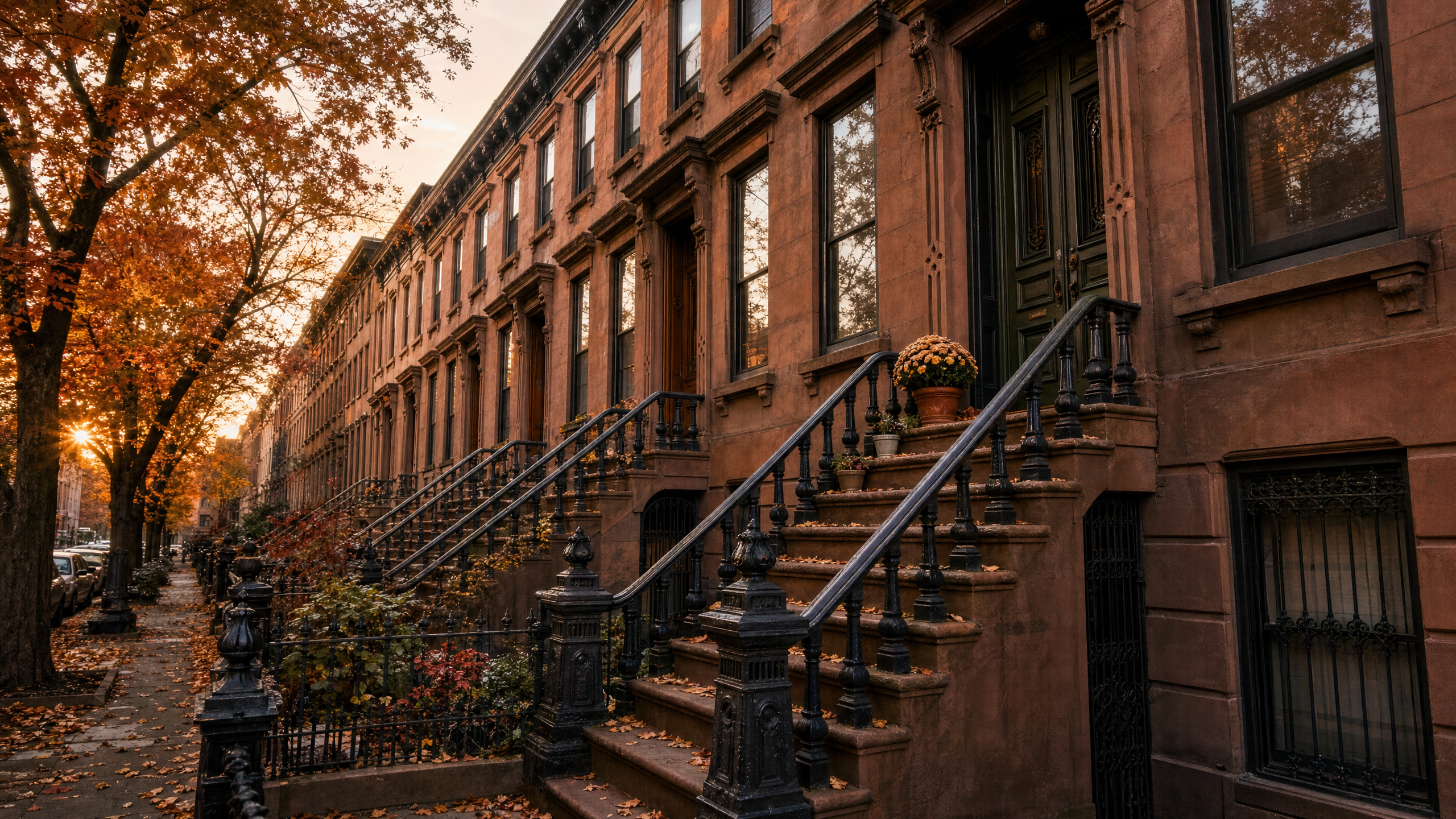
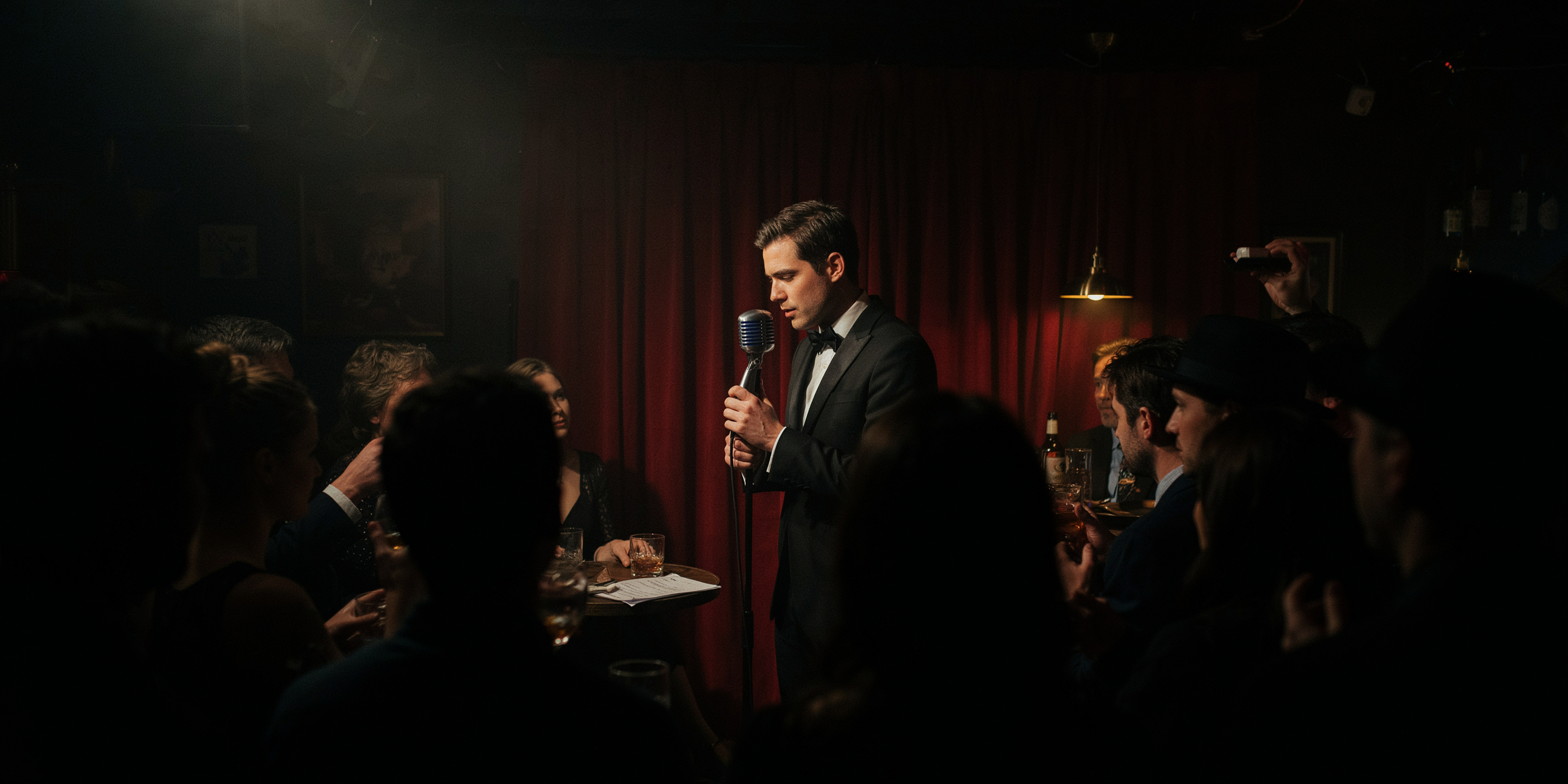
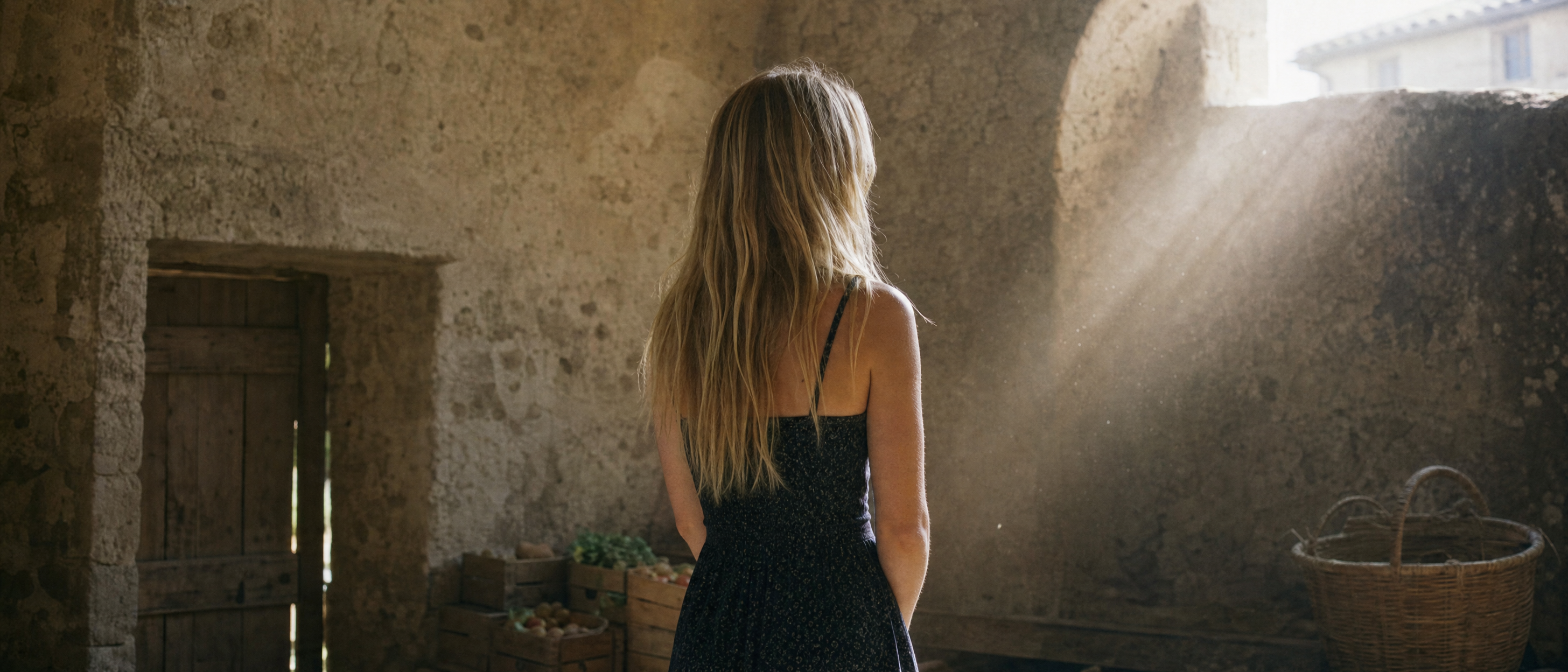
An example of photoreal image quality you can generate with Runway
Which AI image generator should you start with?
Popular or feature-rich tools are good, but when deciding on the right AI image generator as a beginner, what’s most important is what you're building.
For example, a tool that specializes primarily in social media content might be the wrong choice if the project will eventually grow into a video campaign three months from now. At that point, switching tools means starting over, re-learning a new interface and losing any consistency you'd built into your characters or scenes.
Here’s a simple decision-framework, based on your AI image generation goal:
| Your goal | What to look for | Why |
|---|---|---|
| A one-off image for a post or a personal project | Zero-friction free tier, plain text box | You want speed, not a learning curve |
| Ongoing content on a regular schedule | Consistent style controls, reference images | You need repeatable results, not one-off luck |
| A project that will need editing or animating later | A platform that generates, edits and animates in one place | Switching tools mid-project breaks consistency and costs you the work you've already done |
If you're in the first two categories, almost any free image tool will get you there today. If you're in the third, it's worth starting somewhere that won't force a replacement or tool-toggling later.
AI image generators worth exploring (based on their biggest upsides)
- Google's Gemini (Nano Banana) for users already well-embedded in the Google Workspace ecosystem.
- Canva for minimal friction generation, especially if you want to use templates.
- Adobe Firefly if you’re already embedded in the Adobe Creative Cloud ecosystem.
- Runway for professional-grade image generation if you want to move past a single static image and into editing or video.
Which one is "best" depends more on what you'll do with the image next than on raw output quality on day one.
The global campaign Paris-based creative studio, Unveil, produced for sports lifestyle brand Salomon is one you can draw inspiration from. The project started the same way a beginner starts: by generating images to test an idea before committing resources. The creative team storyboarded and concepted the entire campaign in Runway, pitching a visual direction the client could see before shooting a single frame.
The final campaign combined live-action footage with AI-generated environments, and the studio estimates a traditional CGI approach would have taken twice as long and required a crew of 10 to 15 people. But instead, the starting point was the same one-image, one-prompt process covered above. It just kept going.
Read the full Salomon case study →
Free vs paid AI image generators: what actually changes
Free tiers on most major tools, including Runway, Adobe Firefly and Canva, cover a meaningful number of generations before you hit a limit. That's enough to test whether a tool's style and creative control match your needs.
Paid tiers typically add:
- Higher-resolution exports for print or large-format use
- Faster generation queues, which matters once you're generating dozens of images a week
- More generations per month
- Access to newer or higher-fidelity models as they release
If you're still deciding whether AI image generation fits your workflow, start on a free plan. You'll know within a handful of prompts whether the style and control match what you're after, before you spend anything.
The biggest beginner prompt mistake, and how to fix it
Most disappointing first results come from a prompt that's too vague, not necessarily from a subpar image generator. The solution is to get more specific.
| Vague prompt | Specific rewrite |
|---|---|
| "A nice dog picture" | "A golden retriever puppy sitting in a sunlit garden, soft morning light, photorealistic" |
| "A city" | "A rain-soaked Tokyo street at night, neon signs reflected in puddles, cinematic lighting" |
| "A logo for my coffee shop" | "A minimalist line-art logo of a coffee cup, single color, flat design, white background" |
| "Make it better" | "Make the lighting warmer and remove the background clutter" |
The more specific your prompt is, the fewer regenerations and edits you need.
What to do if your AI image looks distorted
Faces, hands and text are the three places AI image generators most often struggle, because each requires the model to get fine, high-stakes detail right across a small area of the image.
A few fixes:
- If the tool supports it, add an existing image of a face, pose or setting you want preserved as a reference image; don’t rely only on a text prompt.
- Regenerate rather than accept the first less-than-ideal result. Variation is normal, and your third or fourth attempt is often meaningfully better than your first.
- For text in an image (a sign, a label), expect to add it in a separate editing step instead of trusting the model to render it correctly inline.
- Use an editing tool to fix a single problem area, like a hand or a shadow, instead of regenerating the whole image from scratch.
Frequently asked questions
Do I need design skills to use an AI image generator?
No. The AI image model handles composition, rendering and technique. Your job is to describe what you want clearly, which is closer to writing than drawing.
Is there a free AI image generator for beginners?
Yes. Most major tools, including Runway, Canva and Google Gemini, offer a free tier with no credit card required, so you can generate your first images at no cost.
What's the best AI image generator for beginners in 2026?
It depends on what you're building next. For a single quick image, almost any free tool works. For a project that will eventually need editing or video, a platform like Runway that handles all three in one place saves you a rebuild later.
Can I use AI images commercially?
Often yes on paid tiers, though terms vary by platform and copyright law is still evolving in several jurisdictions. Check the specific tool's current terms of service before generating AI images and publishing commercial work.
How long does it take to generate an image?
Most AI image tools generate a set of variations in seconds. The time that actually adds up is refinement. Expect three to five prompt iterations before you land on a result you'd use.
Make your first AI image today
Generating your first AI image takes a prompt and a few minutes of refinement, and most of the quality comes from how specific that prompt is. Generate, relight, edit and animate your images without starting over with Runway's AI image generator. Get started for free.
Related: How to make AI images in 6 steps | Text-to-Image Prompting Tips | Complete guide to AI image styles