Retire the spreadsheet for good
With Runway’s real-time updates and true collaboration, you get a planning experience that's more intuitive and designed for how modern finance teams operate.
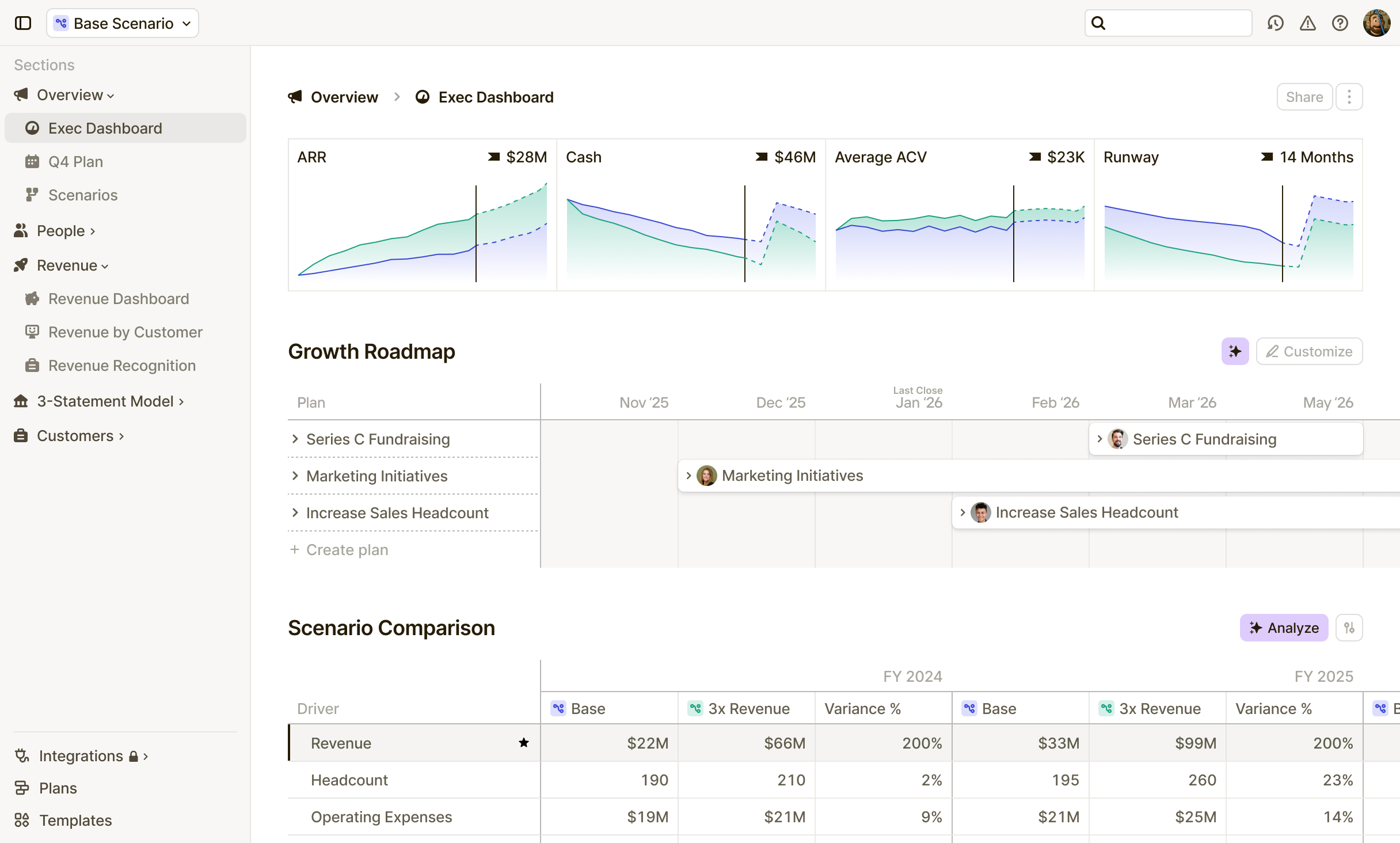

Trusted by fast-moving teams













The core difference
Both Runway and Datarails give you data integration, version control, and collaborative workflows. The main differences are the modeling experience, how you explore scenarios, and the ability to have your whole team iterate in real time.

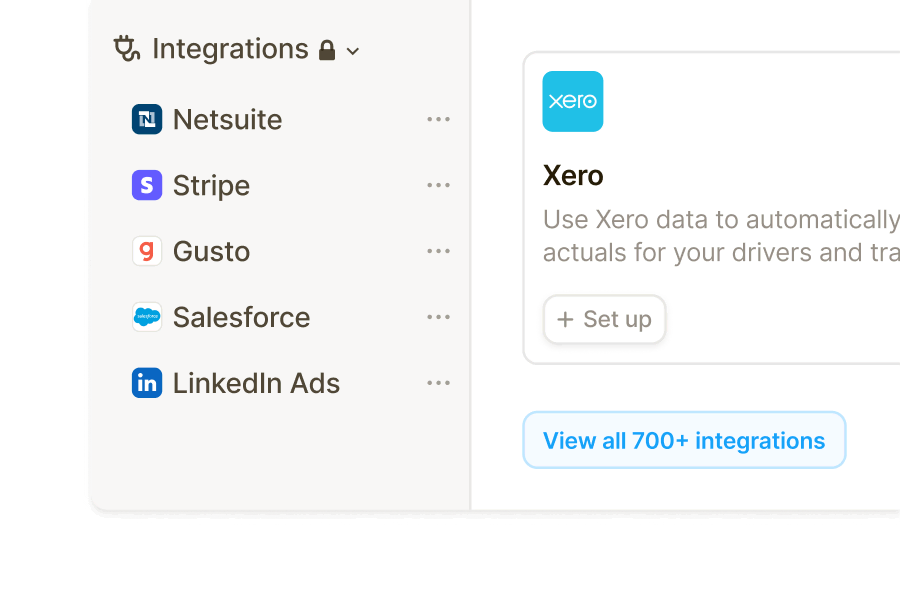
Modeling environment
Runway connects to 750+ tools and brings everything into a single, live model that updates as your business does.
Datarails requires you to stay in spreadsheets. It layers automation and reporting on top of a familiar, but rigid, foundation.
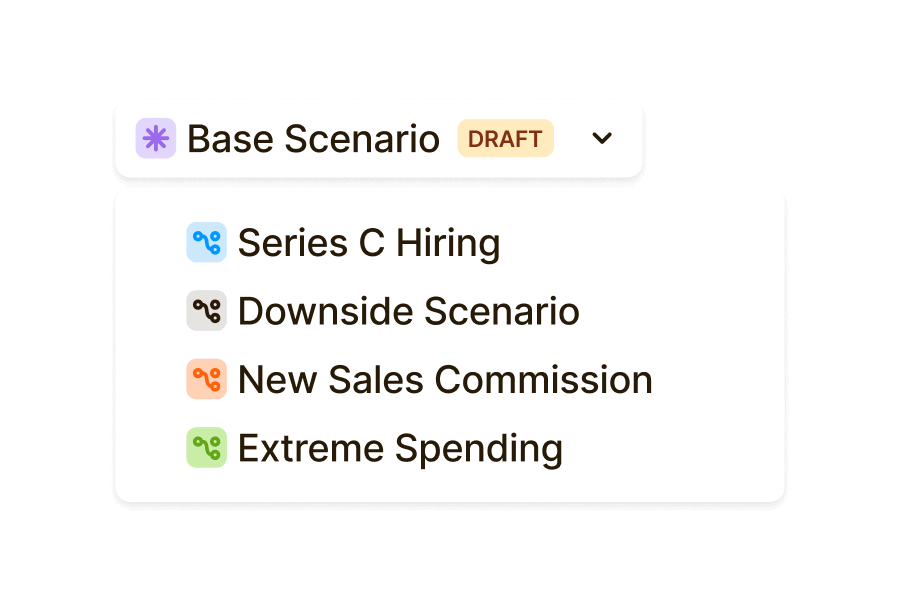
Scenario exploration
Runway lets you create a draft scenario, drag a hiring date or funding round on a timeline, and see every metric update instantly.
Datarails means updating cells manually, checking for broken formulas, and saving new versions as duplicates.
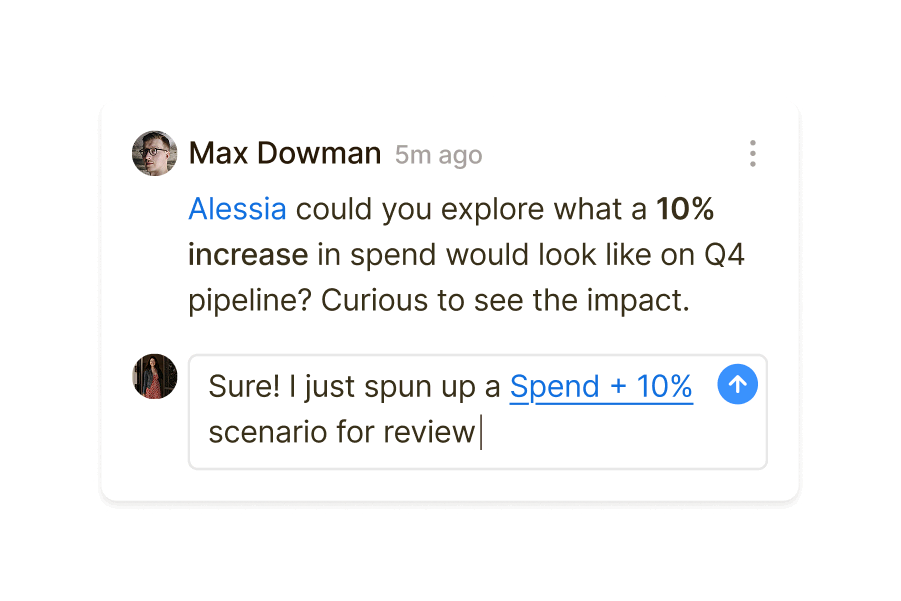
Team collaboration
Runway lets teams adjust assumptions individually and watch the impact on the whole business.
- Datarails limits other teams to submitting requests and waiting on updates from finance, while they own and controls the master file.
Simulate business decisions in real time
See how Runway works for the way your team actually plans. Faster decisions, fewer bottlenecks, and a model your whole team can use without managing formulas or maintaining versions.

Platform breakdown


Honest reviews—The good and the bad


”Runway has allowed me to immediately reference any part of our model with ease, and to segment in any way I can imagine. We can now get down to vendor level BvA analysis.”


“Runway makes complex modeling a lot easier. It's just better and easier than an Excel spreadsheet.”


”The system is incredibly powerful, easy to use, easy to implement and learn, and they have a very responsive team of real people.”

“There's somewhat of a learning curve but not as steep of a learning curve as other FP&A software.”

”The options are limitless on the dimensions that you can create and link within your various models.”

”Some bugs here and there, a bit sus, but support is so fast it barely matters.”

”The onboarding specialist listens to feedback and actually implements improvements.”

“Many up front hours required for implementation. But this is easier than competitors like Anaplan.”

“Runway helps me plan for any "what if" scenario, to compare simultaneously without affecting my model, and then easily update as decisions are made.”
Fast track to clarity
Start building a unified model you can trust as the source of truth for planning and forecasting.
Onboarding guided by finance experts
01 Kickoff
Integrate all your sources
Connect data from our 750+ integrations. Including your HRIS, ERP, CRM, and more.
1-week average
02 Model
Build your model
Create your P&L, cashflow, headcount model, and more. Build out your projections, scenarios, and plans.
4-week average
03 Strategize
Get continuous support
Stay aligned with our team through strategic check-ins and real-time support in a dedicated Slack channel.
Ongoing