What Seedance 2.5 is
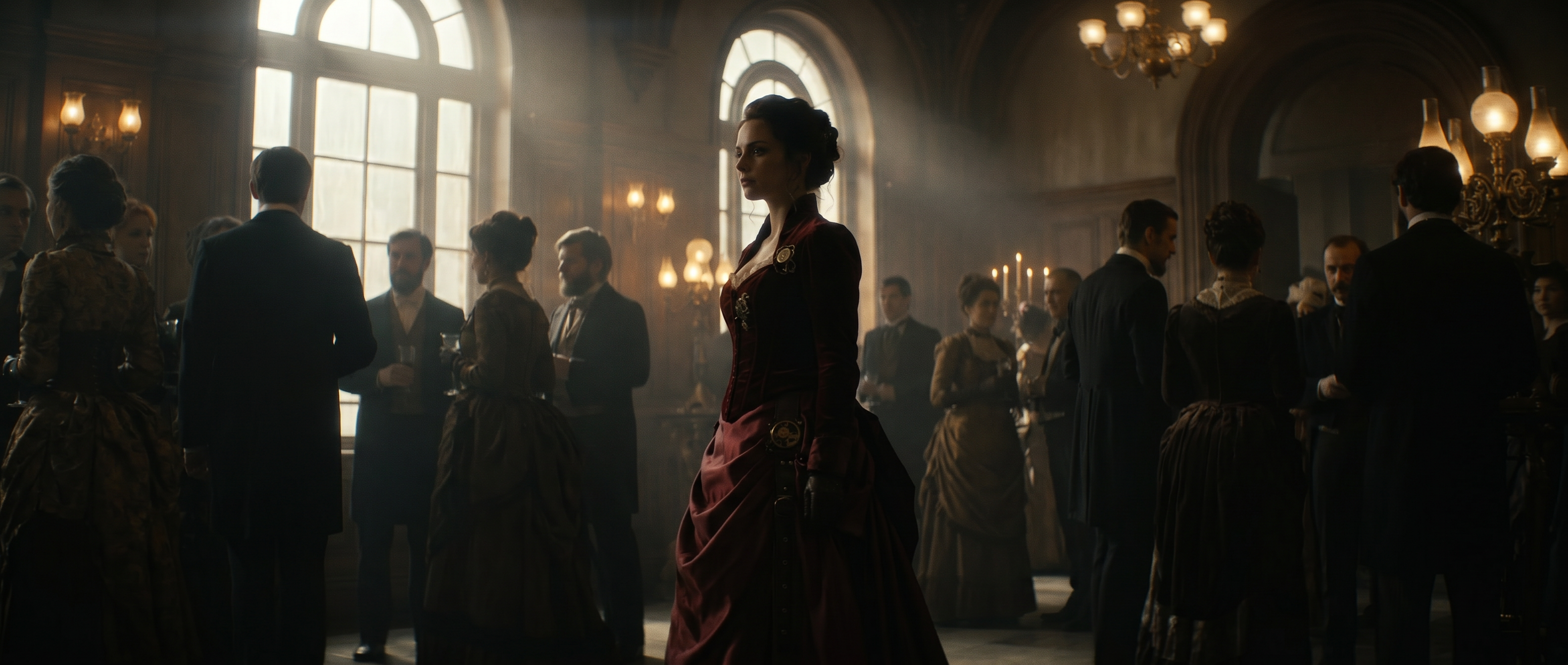
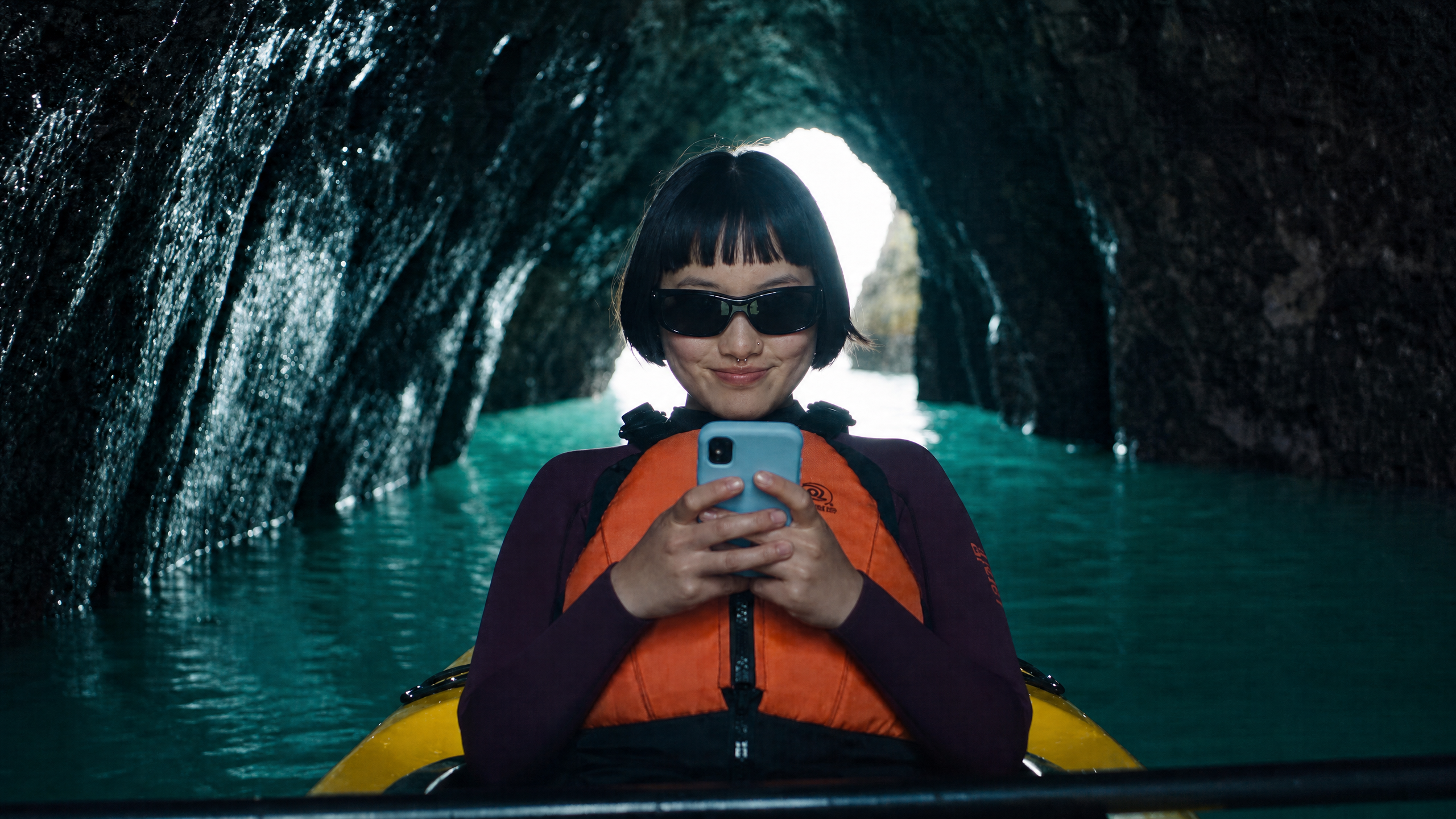
Seedance 2.5 is ByteDance's video generation model, available in Runway, built for reference-to-video generation, editing, and extension rather than one-shot scene generation alone. It accepts text, images, video, and audio in combination, along with material like 3D clay-model references, storyboards, and keyframes, and combines, edits, or extends them into up to 30 seconds of video with audio generated in the same pass.
What Seedance 2.5 is built for
Seedance 2.5 is built for cinematic, long-form, multi-shot production work up to 30 seconds, held together by a fixed structure rather than left to drift. It handles complex, compound camera movement within a single beat, and holds a character's appearance consistently across many beats once that character's fixed traits are set early and repeated at each one, so references carry what's already established while the prompt text directs what happens next rather than re-describing the scene from scratch.
Keyframe mode delivers reliable first and last frame control. Editing and extension run with the same precision as generation: a single detail can change on command, including audio and a lip-synced line in another language, without disturbing the rest of the clip. It accepts up to 50 reference assets in one request (30 images, 10 videos, 10 audio clips), so a complex multi-element scene doesn't need compressing down to one or two references. Instruction following holds up across long, structured prompts.
Which Seedance version you're prompting for
This guide covers Seedance 2.5. Seedance 2.0 is a separate model with its own guide. Both use structured, labeled prompts. 2.5 builds on that same foundation with more scale, 30 seconds against 15, 50 references against 15, and adds timestamped partial editing, forward and backward extension, and lip-synced translation.
→ Read the Seedance 2.0 prompting guide
Choosing between Seedance 2.0 and 2.5
Seedance 2.5 reads as an upgraded sibling to Seedance 2.0. 2.5 is built for longer, more complex, multi-shot productions. 2.0 is built for short, fast-turnaround work. It roughly doubles duration, expands reference capacity more than fivefold, and adds editing, extension, and multilingual dialogue that 2.0 doesn't have. That expanded capability set generally comes with a higher cost than 2.0's narrower, faster feature set, in the same way that higher resolution, longer duration, and editing or extension operations generally cost more than a short, single-pass, lower-resolution generation.
For shorter, simpler deliverables, 2.0 remains a solid model on its own, including its Fast and Mini variants for rapid iteration and high-volume work. Runway Agent's Model selection preference — speed, cost, quality, or custom — lets a model be chosen automatically across both Seedance versions, or a specific model requested directly.
| Seedance 2.0 | Seedance 2.5 | |
|---|---|---|
| Duration | 5 to 15 seconds | Up to 30 seconds, or Auto |
| Reference assets | Up to 9 images, 3 videos, 3 audio clips | Up to 50 total: 30 images (up to 4K), 10 videos (30s combined), 10 audio clips (30s combined) |
| Editing and extension | Not built for in-place editing | Timestamped instruction editing, including dialogue and lip-synced translation, plus forward/backward extension |
| Keyframe control | Start/End Frame mode, same first/last-frame job as Keyframe, different name | Keyframe mode, built for reliable first and last frame control |
| Prompt structure | Flowing prose across subject, action, setting, lighting, camera, style, image quality, constraints | Structured labeled blocks: asset-binding list, one-sentence summary, timeline, consistency notes |
| Aspect ratio | Six fixed ratios | Seven Runway presets; the model natively supports 0.4 to 2.5 |
| Dialogue formatting | Four-symbol markup (braces, parentheses, angle brackets, corner brackets) | Plain labeled dialogue lines |
| Camera movement | One movement type per shot | Compound movement within a single beat past about 4 seconds |
What a thin Seedance 2.5 prompt produces
A thin prompt at 2.5's scale doesn't fail in one recognizable way. It fails in several, and they look different enough on screen that it helps to know which one you're looking at.
- An unbound reference leaves the model with no sense of which asset governs what. With up to 50 assets allowed in one request, this compounds faster than it would with a handful.
- A loosely bound reference, "use this one for style" rather than exclusively, tends to pull in qualities you didn't intend.
- Skipping the one-sentence summary before the timeline leaves the shots without an anchor tying them into one coherent scene.
- Gaps in the timeline leave that time ungoverned rather than filled in by inference.
- A vague edit instruction, with no stated scope and no note of what should stay untouched, tends to change more than intended.
At this scale, structure is what keeps a long, multi-element generation coherent rather than optional polish. The core structure is composed of four parts: an asset-binding list, a one-sentence summary, a timeline, and closing consistency notes. Nine descriptive categories — format, subject, action, environment, camera, look, timing, audio, and constraints — fill in the timeline once that skeleton is in place.
Structuring the prompt
Open with an asset-binding list
Number every uploaded asset and bind each one to a role, subject, voice, action, scene, and so on, before writing anything else. With up to 50 assets allowed in one request, an unbound reference may leave the model guessing which asset governs what, and the failure compounds fast at that scale.
Prompt
Seedance 2.5@Image 1: the woman (subject). @Image 2: the car (subject). @Video 1: camera movement reference (motion).
Lead with a one-sentence summary
Before the timeline, one sentence should cover the subject, location, event, genre or style, and camera movement. Without it, the shots have no anchor tying them into one coherent scene, and the model treats them as more independent than intended.
Prompt
Seedance 2.5A weathered robot helps an elderly woman board a departing airship at dusk, in a warm, cinematic style, with slow handheld camera movement.
Write the timeline in continuous, gap-free segments
Cover the full duration in continuous, integer-second timestamps, each describing that segment's visuals, camera movement, actions, dialogue and sound. A gap between two timestamped blocks doesn't get filled in; it's left ungoverned rather than inferred.
Roughly 6 to 8 seconds per beat is a reasonable practical default for sizing them, with 3 to 4 seconds often reserved for a closing beat. Runway's own output treats these timestamps as pacing guidance rather than frame-exact cut points, so exact-to-the-frame precision isn't the goal.
Close with consistency notes
Close the prompt with a short note stating whatever visual detail should stay consistent throughout: camera angle, environment, atmosphere, recurring elements. Recurring details can drift shot to shot without something anchoring them.
Prompt
Seedance 2.5Consistency: warm dusk lighting and the same handheld camera feel throughout.
Working with references
Name one primary reference and repeat its traits
Name one primary reference, list its two or three fixed traits, and try to repeat those traits at each major beat rather than declaring them once up front and moving on. A single up-front declaration, the way Seedance 2.0 handles it, doesn't carry the same weight across a full 30-second generation.
Prompt
Seedance 2.5The same silver-haired grandmother in the grey shawl, restated briefly at beat 3, beat 6, and beat 9 rather than described only once at the start.
Use Keyframe mode for reliable first and last frames
When the deliverable needs a specific first frame and last frame held exactly, supply both through Keyframe mode rather than describing the start and end states in prose and letting the timeline land on them by inference. Describing a desired opening and closing image only in the summary or timeline leaves both endpoints to inference, so the generation can drift away from either one.
Phrase edits by scope, change and what stays the same
State three things for an edit: the scope, the A-to-B change, and what stays unchanged. Refer to the video directly rather than calling it "the reference." A vague instruction with no stated scope and no note of what should stay untouched tends to change more of the video than intended.
Prompt
Seedance 2.5Preserve the composition, camera position, lighting, and performance rhythm of @Video 1. Only modify the subject's expression.
Identify each reference and what it controls
Cite references as @Image 1, @Video 1, @Audio 1, consistent with Seedance 2.0. Re-describing a reference in prose instead of citing it risks the model reading that description as a new element rather than the asset already provided, but experiment with both per generation depending on how long of a scene you are generating. (Tip: In Runway, rename or tag references for easy referencing.)
Prompt
Seedance 2.5Refer to the camera movement and motion in @Video 1.
Directing camera, dialogue and sound
Let a longer beat carry more than one camera movement
A single beat can carry more than one camera movement once it runs past about 4 seconds. Seedance 2.0's one-movement-per-shot guidance doesn't hold as a hard rule at 2.5's typical beat lengths, so a longer beat doesn't need splitting into shorter shots just to keep one movement each.
Prompt
Seedance 2.5The camera continues side-following and orbiting around the subject, combining two movements inside a single beat rather than cutting to a new shot for the second one.
Write dialogue as plain labeled lines
Write dialogue as plain labeled lines, for example Dialogue (elderly woman): "Fly safe, my child.", rather than Seedance 2.0's four-symbol markup system of curly braces, parentheses, angle brackets, and corner brackets. Dialogue in a language other than English or Chinese should still be marked.
Reserve negative phrasing for subtitles and audio
Reserve negative phrasing for subtitles and audio, no subtitles, no background music, rather than general visual exclusions. Describe the intended visual positively; using negatives broadly for visual content tends to underperform positive, outcome-focused description.
Example: No subtitles. No background music, environmental sounds only.
What to decide before you generate
- Length and framing. You get 4 to 30 seconds, or Auto, so decide upfront whether this is a fixed-length deliverable or one that should run as long as the content needs.
- Resolution. Options are 480p, 720p, and 1080p, so decide which the deliverable needs before writing. A prompt built for fine 1080p detail reads differently than one built for 480p.
- Reference budgets. Up to 50 reference assets can be bound in one request (30 images up to 4K, 10 videos totaling 30 seconds, 10 audio clips totaling 30 seconds), though scale only pays off when each one is given a role in the binding list, and when the number of subjects per reference stays within ByteDance's recommended range rather than maxing out the ceiling.
- Creation mode. Four modes are available: Reference, Keyframe, Edit, and Extend. Editing, first/last-frame generation, and extension automatically lock the output's aspect ratio, and sometimes its duration, to the source asset.
- Aspect ratio. Choice is limited to Runway's seven presets in practice, even though the model itself can technically render other ratios, so pick from that list rather than the model's native range.
- People in references. Public-figure moderation applies to reference inputs the same way it does on Seedance 2.0.
Seedance 2.5 prompts in practice
Each prompt below isolates one technique rather than one use case, so what you're seeing is the effect of a single decision. Swap the subject and the technique still holds.
Prompt
Seedance 2.5One complete finished commercial in a single generation: a stovetop moka pot treated with the full gravity of a space launch broadcast, live action photoreal, deadpan. REFERENCE: @Image 1 is the moka pot, exact octagonal aluminum design, glass dome lid, engraved 'MOKA UNO' on the boiler, identical in every shot. AUDIO INPUT: @Audio 1 is the finished mission-control voiceover, the only voice of the film, generate no other voice. Its cues clock the edit: 'T minus sixty.' at 3s, 'Pressure is nominal.' at 13s, 'We have liftoff.' at 17s, 'MOKA UNO. Every morning is a launch.' at 27s. Land every beat on these cues, the eruption breaking exactly on 'We have liftoff.' WORLD: a modern minimal kitchen at dawn, matte graphite handleless cabinets, a long pale stone counter, a black steel-framed window at screen left, low sun raking the surfaces. Minimal but lived in: a chipped white mug, an open notebook, a child's crayon rocket drawing taped to the fridge, a basil plant, fine scratches in the stone. BEAT 1 (0s-6s), overhead top-down opening like a satellite view, descending slowly with a quarter rotation, the moka from @Image 1 dead centre on the black gas hob like a rocket on the pad. On the first cue, hard cut to extreme macro with a fast push-in: the gas ring clicks twice and ignites, a crown of blue flame under the boiler. BEAT 2 (6s-12s), three macro inserts with moving camera, hard cuts: a lateral slide as water fills the boiler to the valve line like fuelling; a micro push-in as grounds settle into the funnel, tamped once; the upper chamber screwed down with the camera rolling in sync with the turns, the roll stopping dead as the hatch seals. BEAT 3 (12s-17s), slow push-in from medium to close, low angle: slight pressure builds under the second cue and the camera itself begins to vibrate lightly with it, while in the background at screen left a tabby cat sits perfectly still, eyes locked on the pot, ears flattening. BEAT 4 (17s-23s), fast half orbit around the glass dome in extreme macro: on the third cue, liftoff, coffee surges up the column in a dark golden plume filling the dome in slow motion like an engine burn seen through a porthole, the orbit wrapping the eruption, droplets crowning against the glass, the orbit easing to a stop as the roar settles. BEAT 5 (23s-30s), crane move: the camera follows the pour down into a white brand new espresso cup, the crema swirling into a slow galaxy, then rises and pulls away in one ascending drift like a chase plane leaving the pad, passing close enough to read 'MOKA UNO' facet, settling wide on the end tableau, the moka steaming on the hob, the cat asleep, the rocket drawing readable only as a child's scribble. Light: the low dawn sun through the steel window at screen left is the only source, warm and raking, the blue flame the single accent, all shadows agreeing. Physics: real weight and thermodynamics, the tremble driven by pressure, the camera vibration matching it, the eruption with true liquid mass. Shot on 35mm spherical, Kodak Vision3 250D, fine grain, natural halation on window and flame, honest motion blur in the orbit. Audio: NO MUSIC. Raw diegetic SFX only, mixed under the @Audio 1 voice: the gas ring clicking, water filling, the hatch turns creaking, cups rattling with the tremble, the valve hissing, the eruption gurgling under the glass, the pour, the cat purring at the end.
Prompt
Seedance 2.5Summary: In a packed, strobing nightclub, two out-of-place guys in their thirties stand shoulder to shoulder clutching drinks, visibly bored — until they briefly perform enthusiasm at each other and immediately deflate again. A single locked-off two-shot comedy spot that hard-cuts to a golf club logo card. The music is really loud, they can barely hear each other over the music. Shot 1 (0–13s): [Two-shot, medium, locked-off camera at eye height, no movement, held unbroken for the entire shot] Guy 1 and Guy 2 stand side by side, wedged into the middle of a crowded nightclub, framed centered with dancers passing in and out of the soft foreground and background. Guy 1 is a white man in his mid-thirties, receding hairline, tucked-in short-sleeve button-up, holding a bottled beer with a napkin around it. Guy 2 is a South Asian man in his mid-thirties, glasses, quarter-zip pullover, holding a tall glass of something clear with a lime wedge. Behind and around them the club is dense with movement: bodies dancing, arms up, a magenta and cyan lighting rig strobing across the ceiling, haze in the beams, a bar glowing in the deep background. 0–6s: Both men are openly, unmistakably bored. Flat faces, no smiles, shoulders slack, feet planted. Guy 1 stares blankly into the middle distance and takes a slow sip he doesn't taste. Guy 2 looks up at the lighting rig, then down at his shoes, then checks his watch. A dancer bumps Guy 1's arm; he lifts the beer clear without reacting at all. Neither of them moves to the music. 6–8s: Guy 1 snaps abruptly into performance mode — face brightening, head bobbing to the beat, shoulders loosening. He leans in close to Guy 2's ear, cups a hand beside his mouth, and shouts with big forced enthusiasm, throwing a thumbs up: "THIS IS FUN!" 8–10s: Guy 2 instantly matches the energy, grinning wide, nodding hard, adding a small shoulder shimmy, and shouts back a beat too late and a beat too loud: "YEAH... THIS IS AWESOME!" Beat. Guy 1: "WE SHOULD DO THIS AGAIN!" Guy 2: "TOTALLY!" 10–13s: The performance drains out of both of them within a second of finishing the sentence. Smiles collapse, heads stop bobbing, shoulders drop, eyes go dead and drift back to the middle distance. They face forward again in total silence between them while the club roars around them. Guy 1 takes another sip he does not want. Hold on the two bored faces to the end of the shot. Shot 2 (13–18s): [Hard cut to a clean logo card, static] A crisp graphic card on a deep green background: the Oakwood Golf Club logo centered — a simple engraved oak tree emblem above the words "OAKWOOD GOLF CLUB" in a classic serif. Total quiet after the wall of club noise, with only faint birdsong and a distant golf swing. A warm, dry male narrator says: "There are better ways to spend your time. Oakwood Golf Club." Overall requirements: Shot 1 is one continuous locked-off take with no cuts, no camera movement, and no reframing — all the comedy comes from the two men holding position while the club moves around them, and from the sharp on/off switch between boredom and performed enthusiasm. Both men's appearance and wardrobe must remain consistent; avoid face changes. The fake enthusiasm should be committed and sincere-looking while it lasts, never mugging or winking at the camera, and the return to boredom should be fast and complete. Dialogue is in English, shouted over the music with natural American accents and clean lip sync. Loud driving club music fills Shot 1 as diegetic sound from the room, mixed over crowd noise, muffled voices, and glass clinking; the music cuts out completely on the hard cut to the logo card. No subtitles.
Prompt
Seedance 2.5Whimsical stop-motion-style animation brought to vibrant cinematic life, IMAX 70mm crispness, playful commercial energy. The small wheat character — a wheat-head head, thin twig limbs, and a dried leaf cape, exactly as in @Video 1 — rides confidently astride a majestic hawk like it's a dragon, gripping its feathers with tiny twig arms, cape fluttering dramatically behind him in the wind. The setting is the whimsical LOOPO farm scene from @Image 1: oversized cereal-box silo towers in honey, chocolate, and berry colors, the golden "Only the Best Wheat" barn, all under a bright blue sky. SHOT 1 [0–3s]: Close tracking shot from just behind the wheat character's shoulder as the hawk beats its wings hard and launches upward past the golden barn roof, the wheat character whooping and raising a twig arm triumphantly, feathers rippling in the wind. SHOT 2 [3–6s]: Cut to a dramatic low-angle shot from the ground looking up as the hawk soars directly overhead between the honey and berry-colored silo towers, its shadow sweeping fast across the wheat fields below, the wheat character's cape flapping wildly. SHOT 3 [6–8s]: Cut to a fast lateral tracking shot as the hawk swoops low and skims just above the golden wheat field, wingtips nearly brushing the stalks, the wheat character laughing with arms out at his sides. SHOT 4 [8–10s]: Cut to a wide shot as the hawk banks sharply and rockets straight toward camera past the chocolate-colored silo, the frame whip-panning into a fast motion-blurred wipe as they exit, transitioning the screen to a clean blur streak. SFX throughout: powerful wing flaps, wind rushing, the wheat character's delighted laughter, a whooshing wipe transition sound at the end.
Prompt
Seedance 2.5@Image 1: the house (architecture, interior layout, materials, and furnishings). One single continuous shot with camera flying through to tour a minimalist mid century modern house. Start from the entrance of the house, then to the living room, then turn right to the kitchen, then out to the garden, then to the other side of the house. Then up the stairs to the master bedroom, then the bathroom. One continuous shot, a single unbroken camera move from start to finish. Arri Alexa 65mm camera style, film grain slightly visible, shallow depth of field, cool shadow teal hues and warm highlights. Camera shake slightly visible. NO MUSIC, ONLY SFX.
Prompt
Seedance 2.5@Image 1: the roadside store (scene). @Image 2: the woman (subject). @Image 3: the man in the cream blazer (subject). @Image 4: the Fizz Seltzer can (product). SHOT 1 [0–2s]: Extreme low angle, camera nearly at road level, golden desert daylight, the vintage American sports car rockets past in the foreground, tires throwing up a massive plume of dust and grit that fills the frame, blurring past at speed. SFX: roaring engine blast, gravel spray, dust hiss. SHOT 2 [2–5s]: Cut — wide shot from behind the roadside store, dust from the passing car still drifting across frame as the man in the cream blazer and dark sunglasses steps out from the settling haze, walking a diagonal path toward the counter, confident long strides, dust curling around his legs. SFX: footsteps crunching gravel, dust settling, distant engine fading. SHOT 3 [5–7s]: Cut — low-angle close-up from below the counter looking up at the woman, venetian blind shadows striping steeply across her face and neck at a sharp diagonal angle, she takes a slow drag from a lit cigarette held between two fingers, smoke curling up through the striped light, cool composed expression as she turns her head slightly to track him approaching. SFX: quiet inhale, fluorescent hum, approaching footsteps. SHOT 4 [7–9s]: Cut — overhead-angled shot looking down into the cooler as she exhales a stream of smoke and yanks open the lid, blind-light stripes crossing her hands, grabbing a heavily condensed, ice-cold can of Fizz Seltzer, ice crystals clinging to it. SFX: soft exhale, cooler lid clunk, ice shifting, can clinking. SHOT 5 [9–10s]: Cut — dynamic side-angle close-up as she sets the cigarette down in an ashtray and cracks the tab with a sharp hiss, carbonation mist curling up through the blind-striped light, camera whip-panning slightly with the motion. SFX: sharp crack-hiss, fizzing carbonation. SHOT 6 [10–12s]: Cut — tight low-angle two-shot across the counter as she slides the can toward him with a confident flick of her wrist, condensation trailing on the counter surface, blind-light stripes falling across both faces. SFX: can sliding fast on the counter, quiet ambient wind. SHOT 7 [12–14s]: The turn — his hand snaps out fast and traps the can right at the counter's edge before it falls, then he raises it and takes a slow, deliberate sip without breaking eye contact with her, sunglasses catching the striped light. SFX: can stopping with a sharp thud, the sip and swallow, quiet carbonation fizz. SHOT 8 [14–15s]: Final shot — close push-in on her face as she watches him drink, lips curling into a faint, sexy, suspicious smirk, eyes narrowing slightly, blind-light stripes sweeping across her face as smoke drifts up one last time from the ashtray. Hold the frame. SFX: quiet ambient wind, distant engine tick, fluorescent hum.
Frequently Asked Questions
What's the right structure for a Seedance 2.5 prompt?
Four parts: an asset-binding list, a one-sentence summary, a timeline in continuous integer-second segments, and closing consistency notes.
What's the difference between Seedance 2.0 and 2.5 prompts?
Scale and editability. 2.5 handles up to 30 seconds against 2.0's 15, up to 50 references against 2.0's 15, and adds timestamped partial editing, forward and backward extension, and lip-synced translation that 2.0 doesn't have.
Should I use Seedance 2.0 or 2.5?
Longer or more complex deliverables lean 2.5; shorter, simpler ones do fine on 2.0. Runway Agent's model-selection preference exists for anyone who'd rather not make that call themselves.
How do I edit part of an existing video with Seedance 2.5?
State the scope, the specific change, and what should stay the same, referring to the video directly rather than calling it a reference.
How many reference assets can I use?
Up to 50 total: 30 images (up to 4K), 10 videos totaling 30 seconds, and 10 audio clips totaling 30 seconds.
Does Seedance 2.5 generate audio automatically?
Yes. Audio generates in the same pass as the video and can be toggled off entirely.
Can Seedance 2.5 translate dialogue into another language?
Yes, through its editing feature: a line of dialogue can be changed, including into another language with matching lip sync, without disturbing the rest of the clip.
Can Runway Agent choose Seedance 2.5 for me automatically?
Yes. Agent already routes to both Seedance versions and can pick one automatically based on a Model selection preference, or a specific model can be requested directly.
Start writing Seedance 2.5 prompts
Generate your first video with Seedance 2.5 and see how the structure holds up at scale. Try Seedance 2.5 on Runway.
Related: Seedance 2.0 Prompt Guide · Seedance 2.5 on Runway · AI Video Prompting Guide