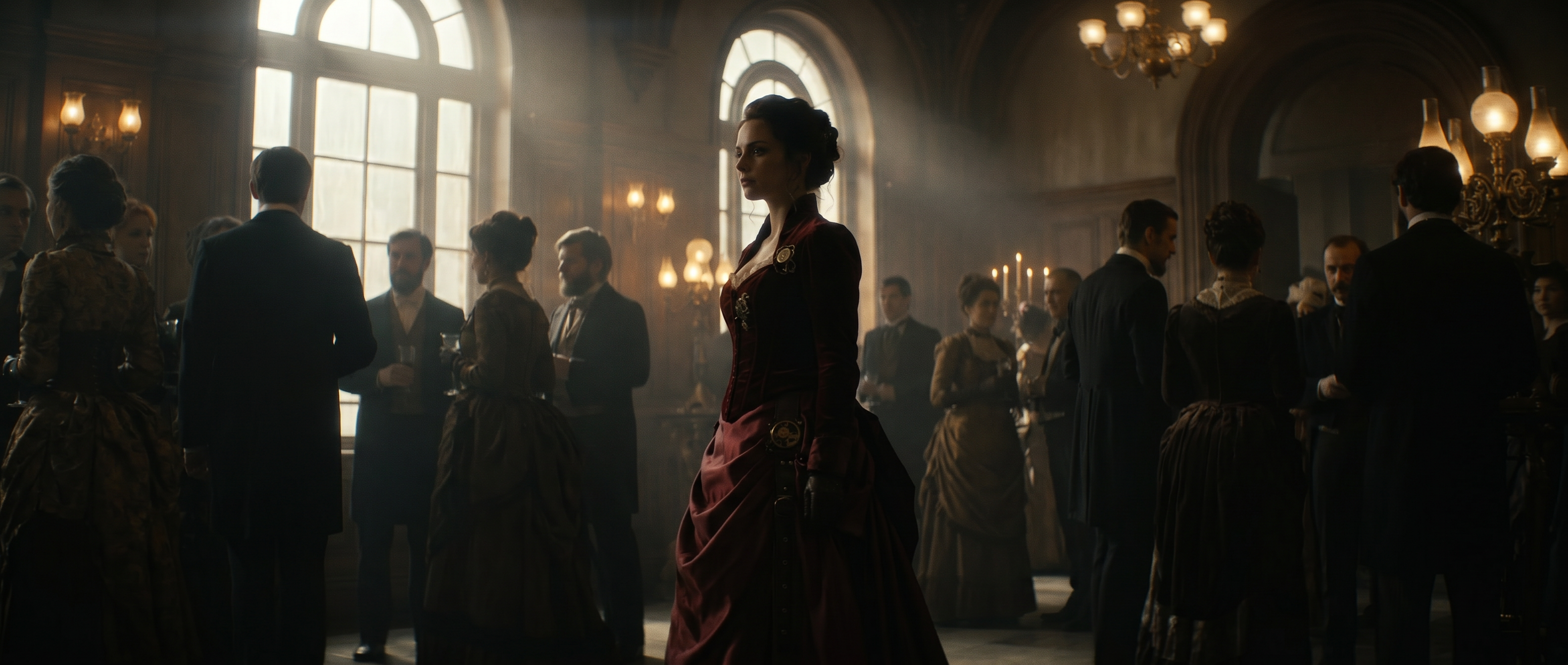
What is corporate video production?
Corporate video production is the process of planning, filming and editing video that represents a business to a target audience, either internal or external. It's a subset of business video production generally — video made to represent a company rather than to entertain an audience — and every corporate video ties to a specific business goal, from generating demand for a product to showcasing company culture.
Producing corporate videos takes time and budget, so companies want to ensure each video fulfills its intended goal and stays relevant for as long as possible. An onboarding or training video may need to stick around for several years, while a social clip may be reused only a few times during a three-month launch period.
In all of these cases, new AI tools have made corporate video cheaper and faster to produce, but the importance of defining a goal, an audience and a production plan remains the same.
Is corporate video production worth the cost?
Video can bring ideas to life and leave a lasting impression on customers, reach new audiences, and save time by recording repetitive or time consuming training sessions. The return on any single video is hard to reduce to one number, which is why defining a goal up front and thinking through a video's full lifecycle is key to success.
AI tools are changing this calculus. When a video costs a software subscription and a few hours of staff time instead of a five-figure agency invoice, the bar for "worth making" drops. AI tools also extend a video's shelf life: editing and repurposing footage into new cuts no longer requires the multiple shoot days a traditional production would need.
What are the most useful types of corporate videos?
Social media clips and sizzle reels are often the most visible types of corporate videos, but video has a place in nearly every department. It saves time and creates clarity across a variety of corporate use cases:
- Product demos show a product in action and let a viewer see how it fits into their life.
- Customer testimonials and case studies use a real customer's voice to make the company's impact credible, and seeing and hearing it leaves a lasting impression.
- Company explainer videos help a prospect self-select into the funnel by quickly showing whether a product fits their needs.
- Onboarding and training videos replace repetitive live sessions with content employees or customers can watch on their own schedule, and free up a trainer's time.
- Brand and culture videos build recognition and trust over time rather than driving an immediate action.
- How-to and support videos reduce support tickets by answering common questions once, on video, instead of over email every time.
The mix shifts as a company grows, but two questions run through every item on this list: will this video help a team connect with customers or coworkers in a way that drives growth or retention, and will it save time by replacing a live event or a recurring meeting? Those two questions form the framework that will define the production plan.
Types of corporate videos by production style
Beyond department or use case, corporate videos also break down by how they're made. Three production styles cover most business video production, and each comes with its own cost, timeline and best use case.
Talking-head videos put one person on camera, on script, with minimal setup. They're the fastest and cheapest style to produce, and generally best for updates, testimonials and simple company explainer videos where the message matters more than the visuals.
Animated corporate videos replace filming with illustration or motion graphics. They can explain a complex product or process without needing a camera, a location or talent, which is why animation still dominates the explainer-video format. AI tools have started collapsing the cost gap here, too: generating stylized, animated-style footage from a prompt costs closer to a talking-head video than a traditional animation studio.
Full commercial video production covers everything with a scripted shoot, a crew and post-production polish: brand films, flagship product launches, campaign spots. This is where cost and timeline climb fastest, and it's the style most associated with hiring an agency rather than producing in-house.
The best corporate videos don't default to the most expensive style. They match production style to the message: a talking-head video says something simple and direct, animation explains something complex without needing to film it, and full commercial production earns its cost when the stakes, like a flagship launch or a brand campaign, justify it.
AI-assisted production is changing how fast these examples come together. Havas Group's AI production workflows show what this looks like at agency scale: generating and iterating on brand campaign footage in a fraction of the time a traditional shoot would take. That same shift is available to a single in-house marketer, not just an agency with a full production team.
Where corporate videos get used
A finished video is only useful once it reaches an audience, and where it lives changes how it should be produced.
- Website and landing pages: Product demos and explainers convert best when placed directly where a prospect is already evaluating the product.
- Social and paid media: Short, vertical-first cuts pulled from a longer master edit keep output consistent across every channel.
- Sales enablement: A demo or testimonial embedded in an email, proposal or deck shortens the sales cycle by answering objections before a rep has to.
- Internal channels: Onboarding, training and culture videos get distributed through an intranet, learning management system or Slack.
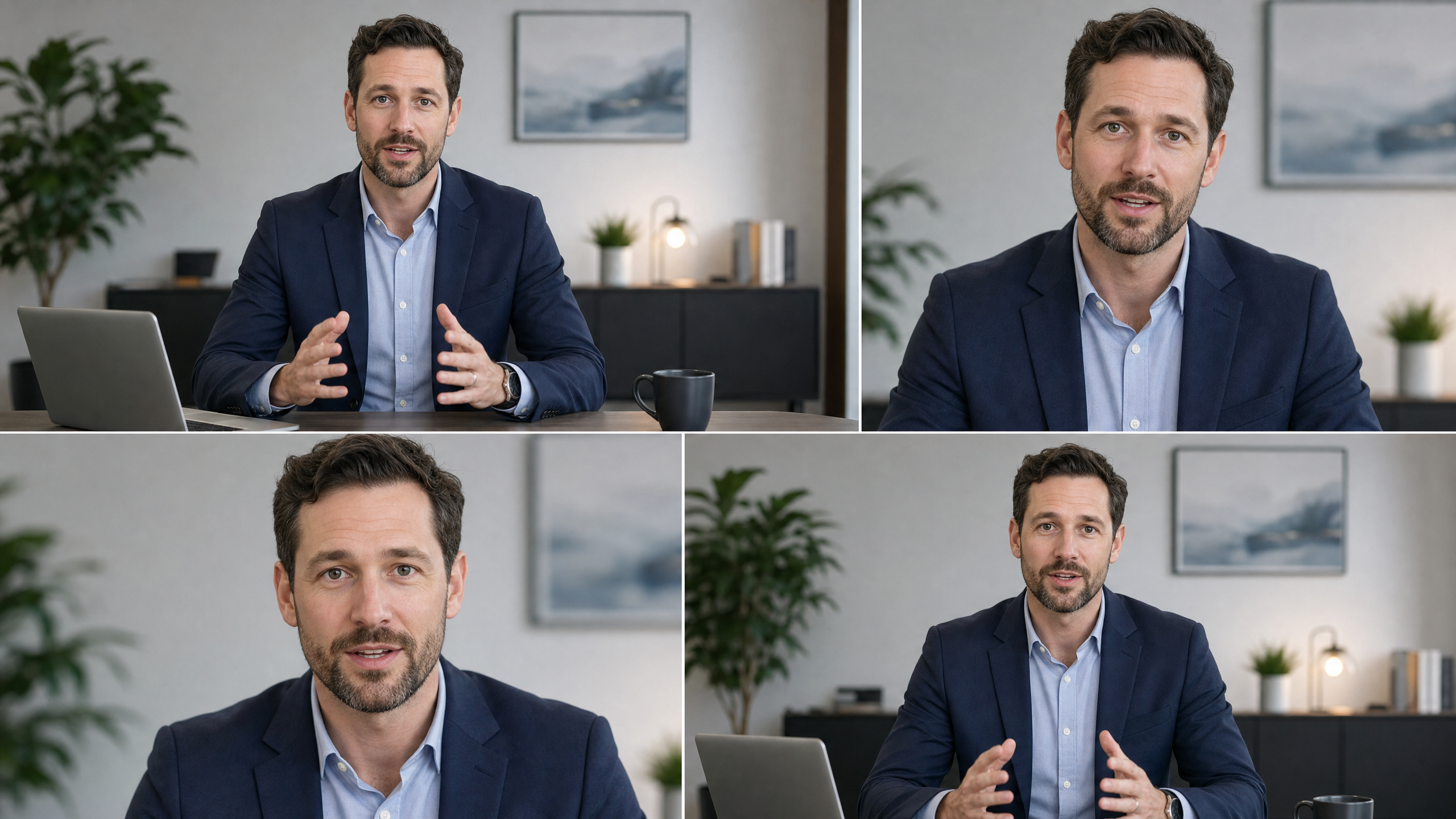
Optimizing a corporate video for its audience and its destination is critical for success, but that doesn't mean creating a new video for every channel. A well-planned production process leaves a master edit that a team can pull multiple clips from, for social, web or internal use.
Runway's guide to AI for advertising and marketing and its breakdown of generative AI by marketing function cover how teams adapt one video into the cuts each channel needs.
Whether you should hire an agency or produce video in-house
The right answer depends on the project and resources at hand. And the answer might change as your company scales or needs to layer in more production styles. That's why planning and measuring success are critical — you can take this framework and adapt it with your own company's learnings to help make your decisions.
| Factor | Agency | In-house |
|---|---|---|
| Cost | Higher upfront, fixed by contract | Lower per video once the workflow is set up |
| Speed | Weeks per project, scoped in advance | Faster once tools are in place, easy to iterate |
| Creative control | Limited to the agreed scope and revision rounds | Full control end to end |
| Skill required | Not required — the agency brings the crew | Some editing skill, or AI tools that close the gap |
| Best for | A first flagship brand film or a high-stakes launch | Frequent content: social clips, demos, training, updates |
Most teams that need video regularly, whether weekly social content, monthly product updates or ongoing training, outgrow the agency model quickly. That's usually where AI-assisted, in-house production starts to make sense: the team keeps the control and speed of doing it themselves without needing a full production crew on staff.
The cost of corporate video production
Cost scales with scope and style of video. It's important to keep in mind how revisions will work: if you're doing a full commercial shoot with a corporate video production company, you can't go back and reshoot without investing considerably more time and effort.
| Video type | Typical cost range | Typical timeline |
|---|---|---|
| Simple explainer or social clip | $500–$3,000 | One to two weeks |
| Product demo | $2,000–$10,000 | Two to four weeks |
| Testimonial or case study | $3,000–$15,000 | Three to six weeks |
| Full brand film | $10,000–$50,000+ | Six to 12 weeks |
| AI-produced video (any format above) | Mostly software cost plus staff time | Hours to days |
How to produce corporate video with AI
AI tools compress the parts of production that used to require a crew, a studio and a multi-week edit schedule.
- Define the goal: name the single business use case this video needs to accomplish, the target audience and where it will live. If a master edit is the plan, define the goal, audience and destination for each clip that will be pulled from it.
- Define success metrics: decide upfront whether success looks like a sales number, an internal watch count or feedback from a key stakeholder. Conversion isn't the right metric for every corporate video, but a specific goal makes it easier to track what worked and repeat or tune the process next time.
- Write the script and shot list: a generative tool works from a clear prompt, not a vague idea.
- Generate footage: Runway's AI video generator turns a text or image prompt into usable footage without a camera, location or talent booking.
- Edit and refine: Runway’s AI video editor handles cuts, pacing and revisions in the same place the footage was generated, instead of round-tripping through a separate editing tool.
- Add voiceover and graphics: layer in narration, captions and branded graphics before export.
- Export for each channel: cut the master edit into the vertical, square and horizontal versions each distribution channel needs.
Track the metrics defined in step two throughout, so each video informs the next one.
Selecting the right toolstack shortens production time, and identifying where AI expands your team's capabilities will make your video production faster and more consistent.
| Tool | Best for |
|---|---|
| Runway | Generating and editing video from a prompt in any style or production type, precisely editing existing footage and generating multiple content types (resolution, background, etc.) from one or more clips. |
| Canva | Templated social and marketing clips for teams without a dedicated editor |
| Adobe Premiere Pro | Professional editing with existing footage |
| Final Cut Pro | Fast, Mac-based editing with a one-time purchase instead of a subscription |
| DaVinci Resolve | Color grading and audio-heavy edits, with a strong free tier |
| Adobe After Effects | Motion graphics, titles and branded animation |
| Synthesia | Generating corporate-styled AI avatar videos for training and onboarding from a script |
| Vyond | Animated training and explainer videos built from business-focused templates |
| Descript | Editing interview or podcast-style footage by editing the transcript |
| Camtasia | Screen recordings and software walkthroughs for training teams |
| Loom | Quick, unpolished internal updates for remote teams |
The right combination usually comes down to team size more than any single tool:
| Team size | Recommended tools |
|---|---|
| Small business (1–10 employees) | Runway, Canva, Descript and Loom |
| Marketing team (10–100 employees) | Runway, Adobe Premiere Pro, After Effects and Descript |
| Enterprise training and HR | Synthesia or Runway, Camtasia and Loom |
| High-end corporate production | Runway, DaVinci Resolve or Premiere Pro, After Effects and professional camera and audio equipment |
Runway's AI video prompting guide covers how to write prompts that generate usable footage on the first pass. How to make AI videos fast walks through a full production timeline, start to finish.
Frequently asked questions
How much does it cost to make a corporate video?
Cost ranges from around $500 for a simple in-house social clip to $50,000 or more for a fully produced brand film with an agency and crew. Most mid-range projects, like a product demo or testimonial, fall between $2,000 and $15,000. Producing in-house with AI tools cuts most of that cost down to a software subscription and staff time.
How much does a corporate video cost per minute?
Corporate video companies commonly price finished video at $1,000 to $5,000 per minute, depending on crew size, location and post-production complexity. AI-produced video usually costs far less per minute, since the cost is tied to a subscription rather than a day rate for a crew.
How long does it take to make a corporate video?
A simple explainer or social clip takes one to two weeks with a small team, and closer to six to 12 weeks for a full agency-produced brand film once pre-production, filming and revisions are factored in. AI-generated video compresses this to hours or days, since there's no crew to schedule or location to book.
Corporate video production can now happen faster, with fewer moving pieces: no location to book, no talent to schedule, fewer rounds of revisions. AI tools can turn a few lines of script into a finished corporate video. For that video to succeed, the production plan and the script still need to be clear, targeted and tied to the success metrics defined up front. AI is a tool. It's still human creativity, judgment and planning that determine whether a video works.
Start with a script and a goal, then generate footage with Runway to see how much of the process AI can take on. Get started for free.