Last updated October 26, 2026
Social media video is the most common thing video marketers make. Wyzowl's 2026 report puts it ahead of every other video type, with 69% of video marketers producing one that year. What the tools rarely tell you is that "making a social video" covers two jobs that barely resemble each other, and picking from the wrong one costs more time than picking the wrong tool within the right one.
Maker or editor
“Make me a 30-second Instagram ad about my bakery” is a very different ask than “turn this 10-minute baking video into a 30-second Reel.” The finished videos might look similar. The processes have almost nothing in common. The first starts with nothing but an idea. The second starts with footage that already exists and needs to be cut down and reframed.
A social media video maker builds a video from scratch, generating it from a script, photos, templates or a descriptive prompt. A social media video editor works on footage that has already been shot, cutting it down and reframing it for each platform.
Picking from the wrong category wastes real time. Someone hunting for editing software before they have any footage can spend an hour looking for raw material a maker would have generated in minutes. Someone forcing real job footage into a maker's template usually ends up fighting the template instead of using the footage that would have made the video convincing in the first place.
Social media video tools sit on a spectrum
In practice these categories aren't a clean divide. Most tools now cover more than one point on a spectrum that runs from pure generation to fully manual editing.
| Point on the spectrum | Input | Output |
|---|---|---|
| AI video generator | An idea or description | A finished video from scratch |
| AI video maker | An idea plus assets: photos, brand elements, a script | A finished social video built from pieces |
| AI video editor | Raw footage | A polished, reframed social video |
| Traditional editor | Raw footage | A manually crafted finished video |
Knowing where your project starts, whether that’s an empty page or footage you already shot, points you to the right end of the spectrum before you commit to anything.
Building from nothing
Canva sits toward the maker end, offering templates, brand kits, stock footage and music. It’s built for assembling a consistent look across a lot of content rather than starting from raw footage. When logos, specific brand colors and repeatable formats are involved, that structure helps. A business posting several branded videos a week benefits from that consistency in a way a one-off project never would.
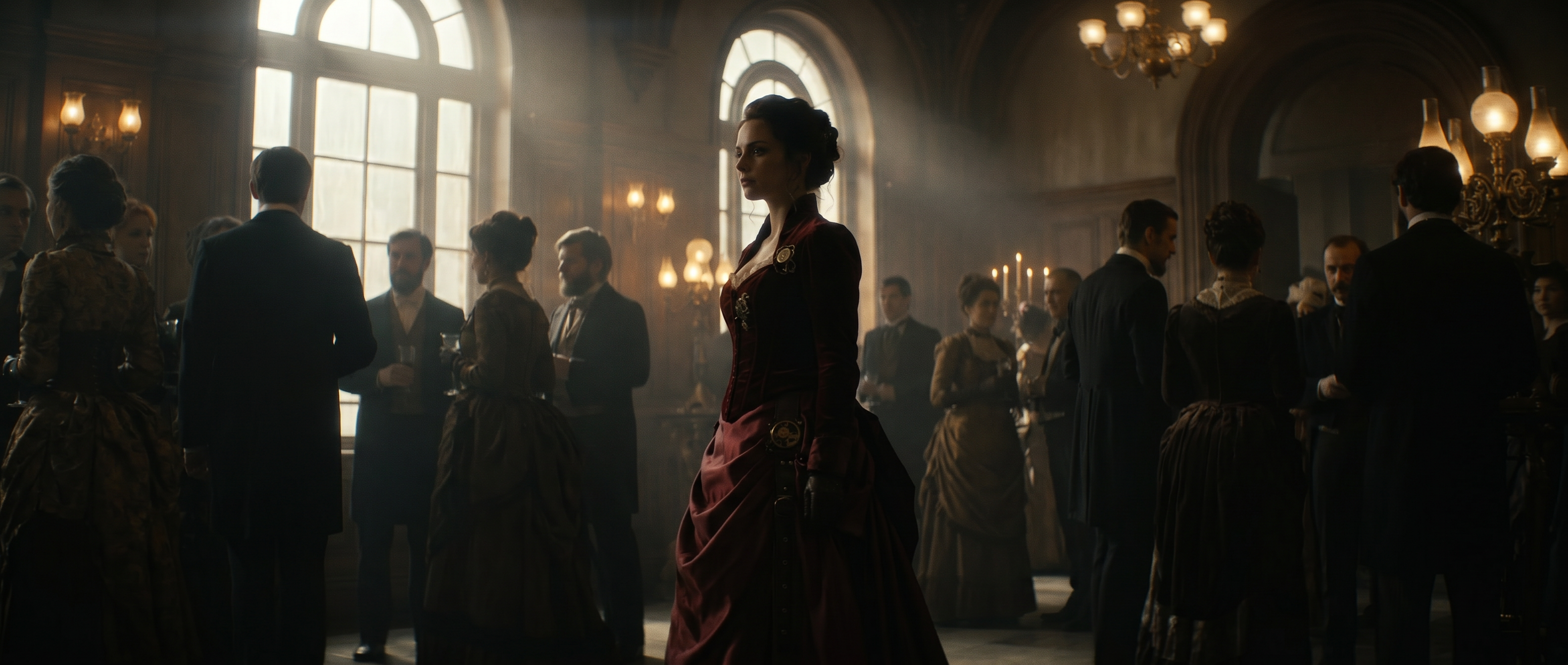
Past the maker end, some tools skip assets entirely and produce the footage itself. Runway generates video from a text description or a reference image or video, and those references are also how it holds one look across a whole set of clips. That suits an untested creative direction or a product with nothing shot yet, and it suits finished work: ads and campaign assets that have to match a brand rather than fit a template. It’s also the one tool here that doesn’t stay at this end of the spectrum, which is worth coming back to.
For a product with nothing shot yet, the prompt can describe the clip you would otherwise have gone out and filmed.
Product clip with nothing shot
Social videoA handheld unboxing in a home kitchen, a 15-second vertical clip, real-phone look with natural lighting.
When footage already exists
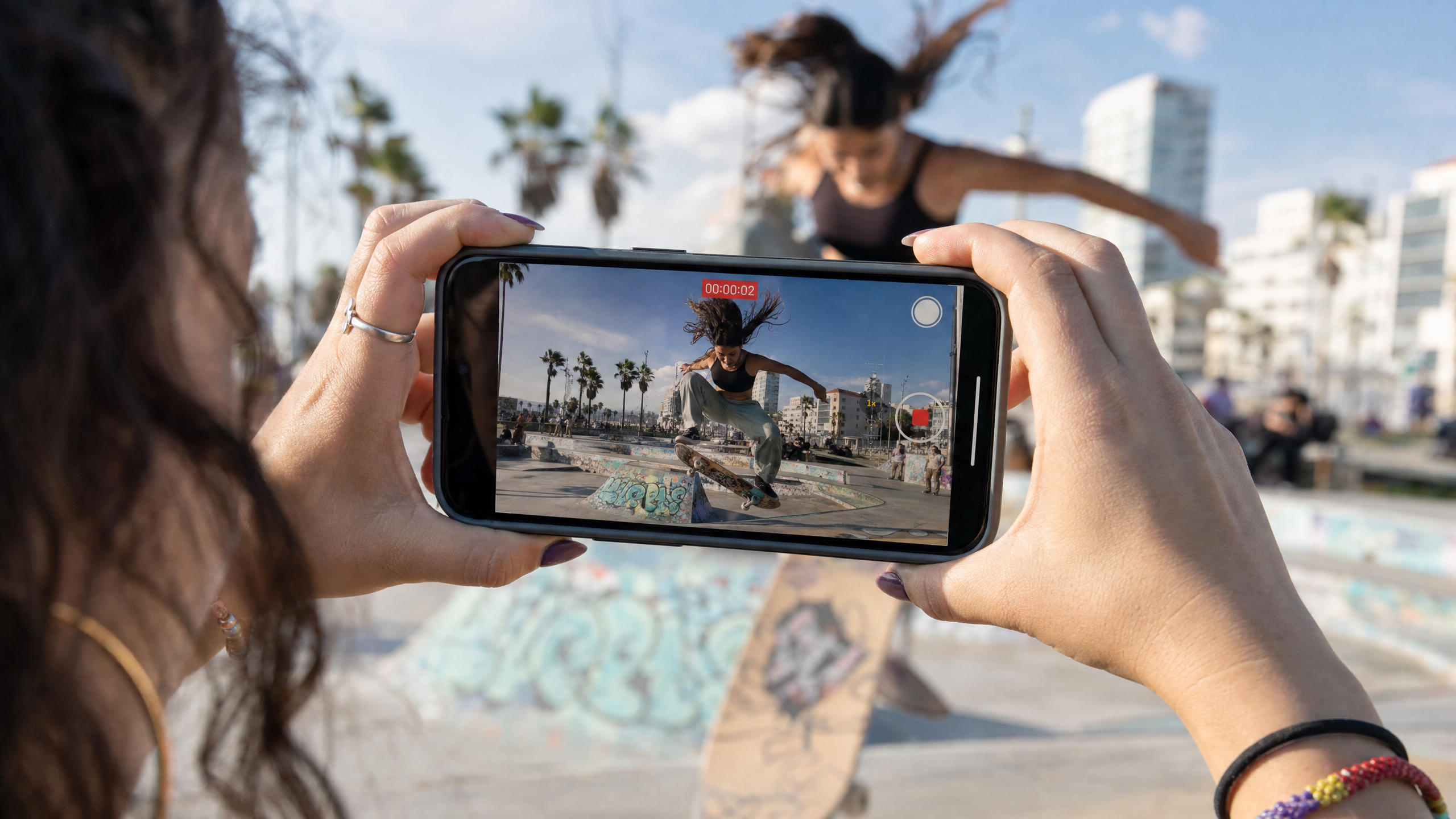
Once there's real footage, the job is editing. Descript and OpusClip turn one long recording into several clips. CapCut handles general short-form editing from footage you already have. For a proper comparison of those, the guides to the best vertical video editor and the best short-form video editor go deeper than this piece does.
According to Wyzowl’s State of Video Marketing 2026 report, 63% of video marketers have now used AI to create or edit video, up from 51% the year before. When footage exists, the primary job is editing rather than generating. AI is more useful for finding the good clips, cutting them down, adding captions, reframing and cleaning up audio than it is for replacing footage you already went out and shot, and real footage of a real business is usually more convincing than a generated stand-in for it.
AI still has a role once the camera is off. Few shoots come back perfect. A product with the logo turned the wrong way, a background that dates the shot, a clip framed horizontally when it needed to be vertical, a sequence missing the one cutaway that would tie it together: those are all generative edits applied to real footage rather than substitutes for it. The useful line is between generating the whole video and fixing the one thing that didn’t go to plan.
Where Runway fits
Most tools here specialize: a maker that only builds from assets, an editor that only reshapes footage. Runway covers the spectrum end to end, which matters when a project moves along it.
Generation is one half. Describe a scene, or hand it a product photo or a clip to work from, and Runway produces campaign-ready marketing video from it, which is the maker job.
Consistency is the part people assume needs a template tool. Agent handles it from your own materials. Hand it your brand materials, whether that’s logos, product shots, color references or a few frames in the look you’re matching, and it generates from those rather than defaulting to a generic house style. Image and video references do the same job at the shot level, holding a character or a location steady while the prompt changes everything around it, which is what keeps six clips looking like one campaign instead of six. Teams can formalize that with Brand Kits, reusable collections of reference images and videos that Agent pulls from any project they’re shared to, so nobody re-uploads the same assets every session.
Editing is the other half, and it splits across two surfaces. The Timeline in Agent is where you assemble a cut: arrange clips on tracks, trim and split them, layer audio, then export. Edit Studio handles work inside a single clip, where Aleph 2.0 runs. It edits real filmed footage as well as generated clips, up to 30 seconds at 1080p, holding an edit across cuts in a multi-shot sequence. It also expands a frame to a new aspect ratio by generating the parts of the scene that fall outside the original shot, across 16:9, 9:16, 1:1, 4:3, 3:4 and 21:9, so a horizontal clip becomes a vertical one without cropping anything out.
The AI video editor runs in Runway’s phone app as well as the browser, and a free plugin for paid plans puts Runway inside Premiere Pro and After Effects if that’s where your edit already lives.
What this buys you is not having to guess your project's category in advance. A campaign can start as a concept with nothing shot, get a generated version to test the idea, then absorb real footage once it's filmed, without changing tools halfway through. Projects rarely stay on one point of the spectrum, and most tools assume they will.
Comparing the best social media video makers
| Tool | Spectrum position | Best for |
|---|---|---|
| Canva | Maker | Branded content built from templates and assets |
| Descript, OpusClip | Editor | Turning one long recording into many distinct clips |
| CapCut | Editor | General short-form edits from footage you already have |
| Runway | Generator through editor | Projects that start with nothing, or that mix generated and filmed footage, with brand references held across both |
Frequently asked questions
What's the best free social media video maker?
Free tiers differ by job more than by quality, so the answer depends on which end of the spectrum you’re starting from. Template-based makers tend to have the most usable free plans for assembling branded content out of assets you already own. Free editing tools generally cover trimming and captions. Generation is the most constrained, because producing footage costs compute, so free plans there cap credits and resolution, and usually add a watermark to exports. Runway’s free plan provides 125 one-time credits, enough to generate a few clips and judge the output before paying.
Do I need a video maker or a video editor?
It depends entirely on whether the footage exists yet. Building a video from an idea or from photos and brand assets calls for a maker. Reformatting or cutting footage that’s already been shot calls for an editor. Some tools do both, which is worth looking for if your projects don’t reliably fall on one side.
Can AI make a social media video without any footage?
Yes. A generator builds a finished video from a text description or a script alone, creating the footage itself with no filmed input. That’s the right approach for a concept or a pitch you want to see before committing to a shoot. When you already have footage of the actual product or person, editing that footage will land better than generating a stand-in, though generative edits to the real footage itself, swapping a background or expanding the frame, are a different matter.
What aspect ratio should a social media video use?
Vertical 9:16 is the standard for short-form feeds like TikTok and Instagram Reels, while square and widescreen cover other placements. Generating natively in 9:16, as Runway does for native vertical UGC ads, avoids cropping a widescreen shot after the fact. For horizontal footage you already have, Aleph 2.0 expands the frame to 9:16 by generating the parts of the scene outside the original shot.
Can the same tool make and edit social videos?
Increasingly, yes, though most tools are stronger at one than the other depending on what they were originally built for. A maker that added trimming and captions later is usually a weaker editor than something built around footage from the start, and the reverse holds too. Runway is built at both ends: it generates video from a description or a reference image or video, and edits real filmed footage in the same platform, including reframing a clip to a new aspect ratio by generating the parts of the frame that were never shot.
Most social video projects don’t stay in one category from start to finish. Generate a concept, then cut and reframe it alongside the real footage once it’s shot, all in Runway, without moving between tools when the project changes shape. Get started for free.
Related: How to edit videos for social media · Social media video editing software · Video marketing for business