We’ve added new options that make bulk variance color adjustment possible and intuitive.
Bulk update variance colors
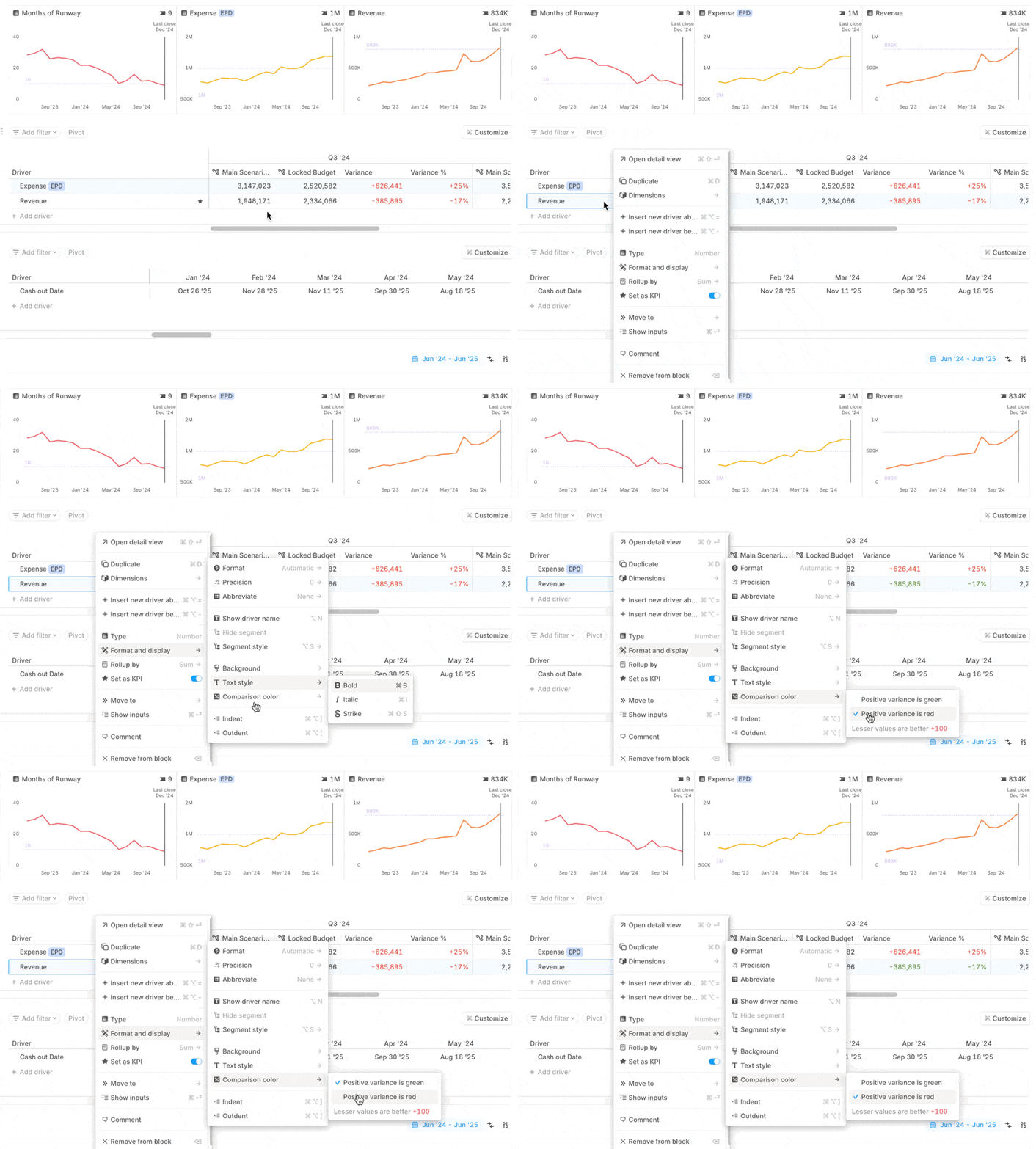
Outperformance is not always a good thing for your drivers. Now you can choose whether positive variance shows as green or red, depending on the business context that you know.
- Variance color updates can be applied across many drivers at once.
- Bulk update colors from the driver format menu, or use new context menus in comparison views for quicker bulk adjustments.
Small changes, big impact
- You can also now edit the current scenario formula in a comparison view.
- Goal shading on charts now correctly reflects logic for negative goals.
