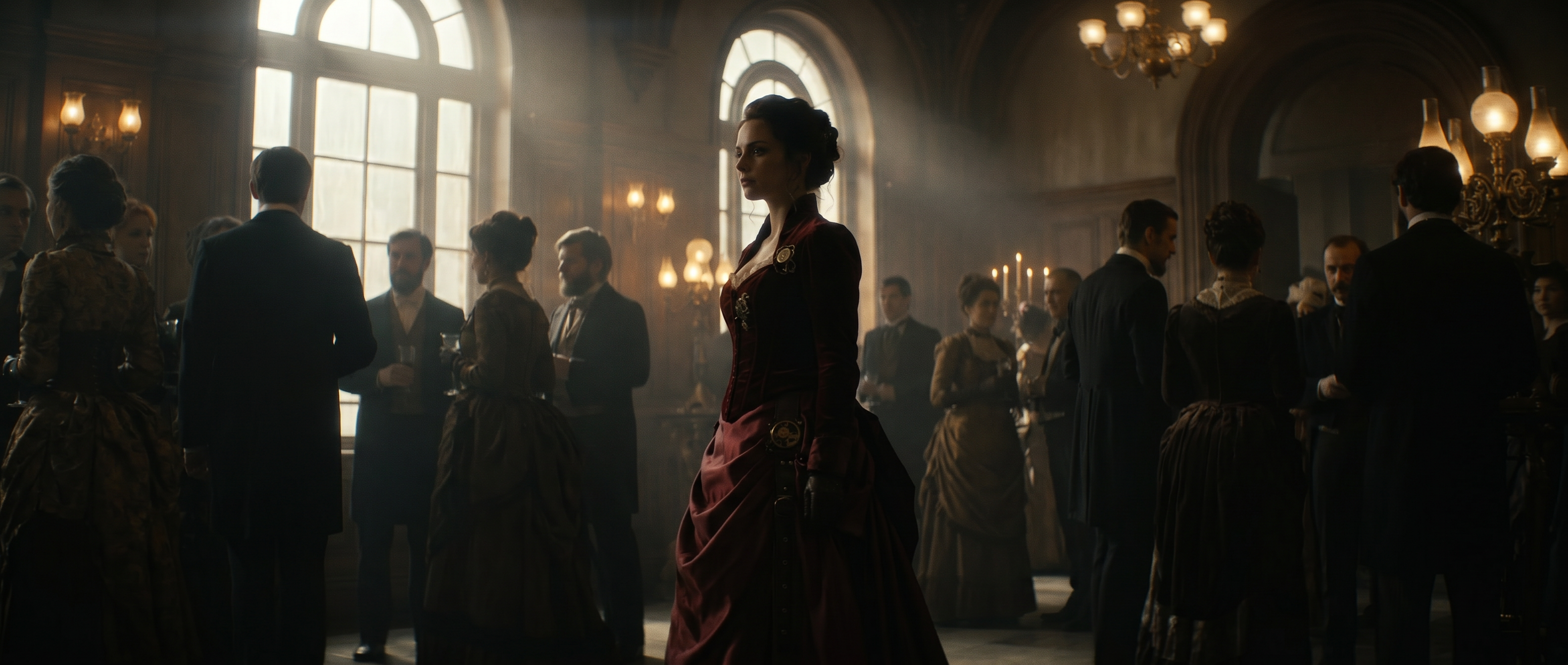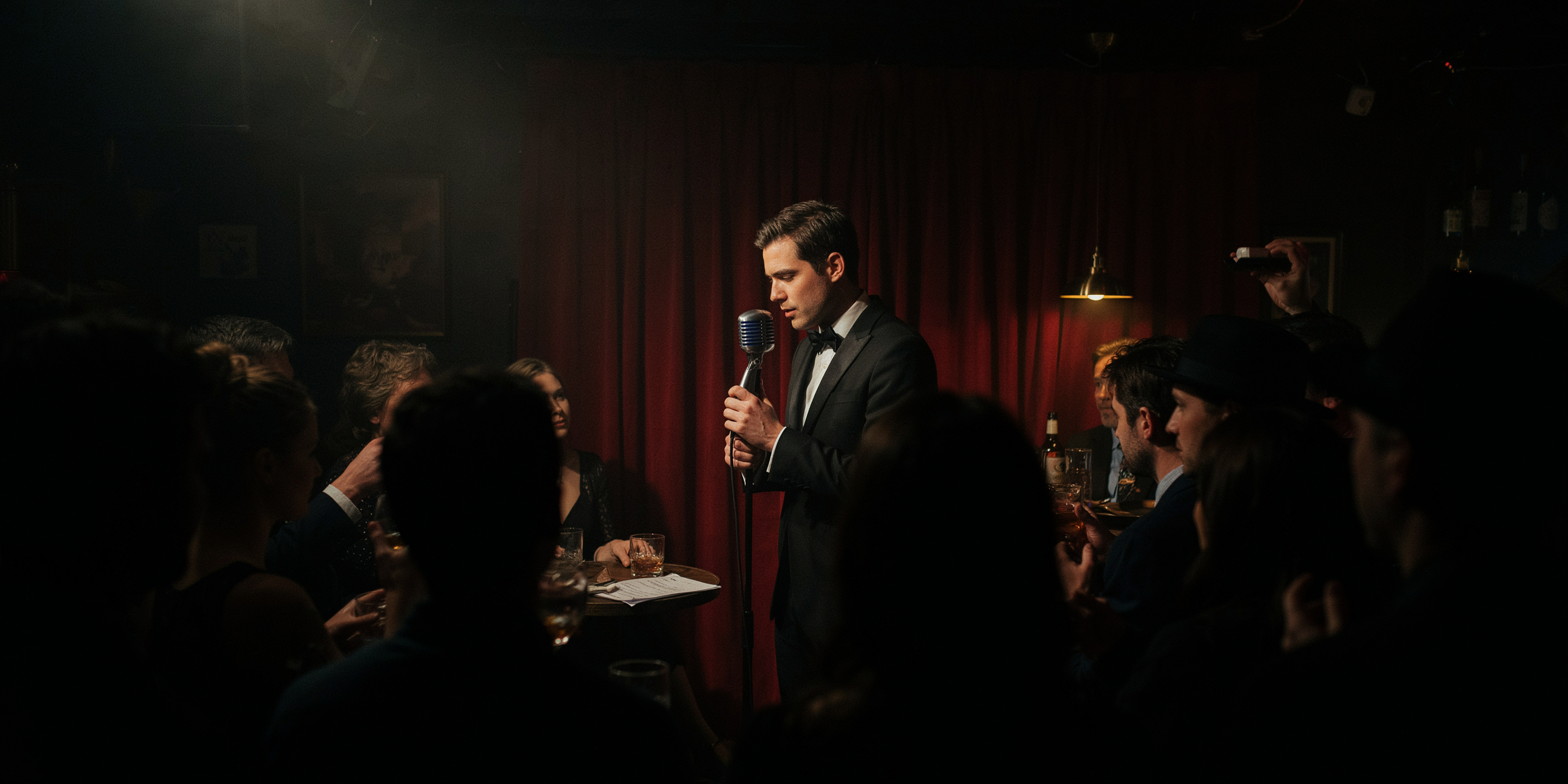
Where a video prototype fits
Before becoming a full production, a video concept usually moves through the same few stages of the creation process, and each stage has its own purpose.
A mood board helps you nail down what the video should feel like, focusing on color, tone and visual references (no motion or blocking involved). A storyboard comes next, focusing on what actually happens, shot by shot. This is usually a sequence of still frames laying out the story. A video prototype focuses on something neither of the other two stages can: does this concept actually work as a video? In a prototype, motion, mood, pacing and story come together for the first time, even in a rough, unfinished form. The final stage is full production, which comes once the concept has already been tested.
A video prototype doesn’t need to look good or polished. It just needs to show you whether the concept holds together before you invest real budget, cast and shoot days in a production. Each stage in this workflow is cheaper and faster than the next one, which is why skipping straight from a mood board to full production is a risky move. Every problem you catch at the prototype stage is one that never costs production time or money.
A five-step way to prototype a concept
- Start with the concept, not a prompt. Write down exactly what you’re trying to communicate with the video, including who it’s for, the arc from beginning to end and the 3 to 8 most important shots. A vague idea like “make a cool product launch video” doesn’t give an AI model much to work with. A specific prompt like “a designer sketches an idea, the product comes together piece by piece, ends with someone using the finished product,” gives the tool something concrete to visualize and create.
- Turn the idea into a rough shot list. Don’t aim for a finished script; just explain what needs to be in each shot and in what order. The shot list doesn’t need to be more detailed than a few words per shot. You’re just providing enough information to know what to generate, not so much that the generation gets caught up in details.
- Generate still images before video. This is a great stage for you to check the composition, the visual style, the setting and the subject as a still first. If a shot doesn’t work as an image, it likely won’t work as a video either. There’s little reason to spend time animating it before fixing the core issue.
- Animate only the shots that need motion. Test a push-in, a tracking shot or a transition between two scenes. Five to ten seconds of representative motion can help you get a sense for the flow of the video, and takes a fraction of the time of animating a full finished clip.
- Assemble a rough animatic. This includes stills and short clips on a timeline, temporary voiceover, placeholder music and rough timing. It’s ok if it looks unfinished. It’s supposed to. All you’re trying to see is whether the concept works, not a finalized, shareable video.
Prototype the uncertainty, not the whole video
Often, creators have an instinct to build a miniature version of the whole video, but there’s a faster approach. Dig in to figure out specifically what you’re uncertain about, then generate only enough video to test those pieces. Most of a concept is usually already clear. For instance, the product, the setting and the general tone or mood of the video likely won’t need to change much after coming up with the concept. If you spend time prototyping the parts that are already settled, you won’t end up saving much time using this workflow.
Unsure about the visual style? Generate three different opening frames rather than committing to one. Unsure about the camera work? Animate the same frame three different ways. Unsure whether the story makes sense? Build a rough seven-shot sequence and watch it start to finish. Unsure whether the opening is compelling enough? Generate three different five-second openings and compare them directly.
AI-generated video doesn’t have to be, or even resemble, the final product. It can be a rough-cut, disposable version that answers your lingering questions, then gets tossed once those questions are answered.
A one-minute prototype
A useful prototype can be much smaller than you might think. Here’s what a one-minute version looks like.
- Concept and shot list: write the concept and a list of six to eight shots, each about eight seconds long.
- Keyframes: generate one still for each shot.
- Motion: animate the two or three shots that most need it, at five to ten seconds each.
- Rough timeline: drop everything onto a timeline with placeholder voiceover or text, using the stills for the shots you didn’t animate.
The result is a draft of about a minute that you can watch and react to. And if it doesn’t work, you’ve only generated a handful of short clips, rather than spending hours filming or generating a polished version with the same fundamental issues.
Building the prototype
Runway can move through most of this workflow all in one platform. Describe the concept and generate keyframes as stills, then animate the shots that need testing with the AI video generator. For refining a specific clip once it’s close, the AI video editor adjusts what’s already there rather than requiring a full regeneration.
If you feel like the shot list itself needs more structure before generating anything, take a look at our more detailed guides to building an AI shot list and an AI storyboard.
Frequently asked questions
How is a video prototype different from a storyboard?
A storyboard is a sequence of still frames showing what happens shot by shot, sometimes created by hand, through existing photographs or with AI-generated images. A video prototype adds motion, pacing and rough audio on top of a still storyboard, helping you answer the question of whether the concept works as a cohesive video.
Do you need to generate a full video to test a concept?
No. It can be helpful to test even just a handful of key shots, like an opening, a transition or a specific camera move. A full finished cut usually isn’t necessary to evaluate whether a concept works.
How long should a video prototype take to make?
A simple video concept can go from idea to a rough, watchable one-minute draft in under an hour. Most of that time goes to writing the concept and shot list, since stills and short clips are quick to generate. Spend a little time on the concept and shot list, then generate keyframes, animate the most important shots and assemble a rough timeline.
What happens after a video prototype works?
Once you have a rough draft that helps you feel confident about the story, pacing and visual direction, that prototype can become the reference point for a full production with real cast, locations and crew. It doesn’t need to be shown to anyone outside the immediate team, but it can work as a baseline to look back at. The rough animatic can also be useful as a pacing and shot reference once actual filming or full-quality generation begins, since you already know that the timing and sequence it established worked.
Related resources: AI shot list · AI storyboard