

Claude Fable 5.2 + Runway MCP
Build a 3D browser game with Claude and Runway
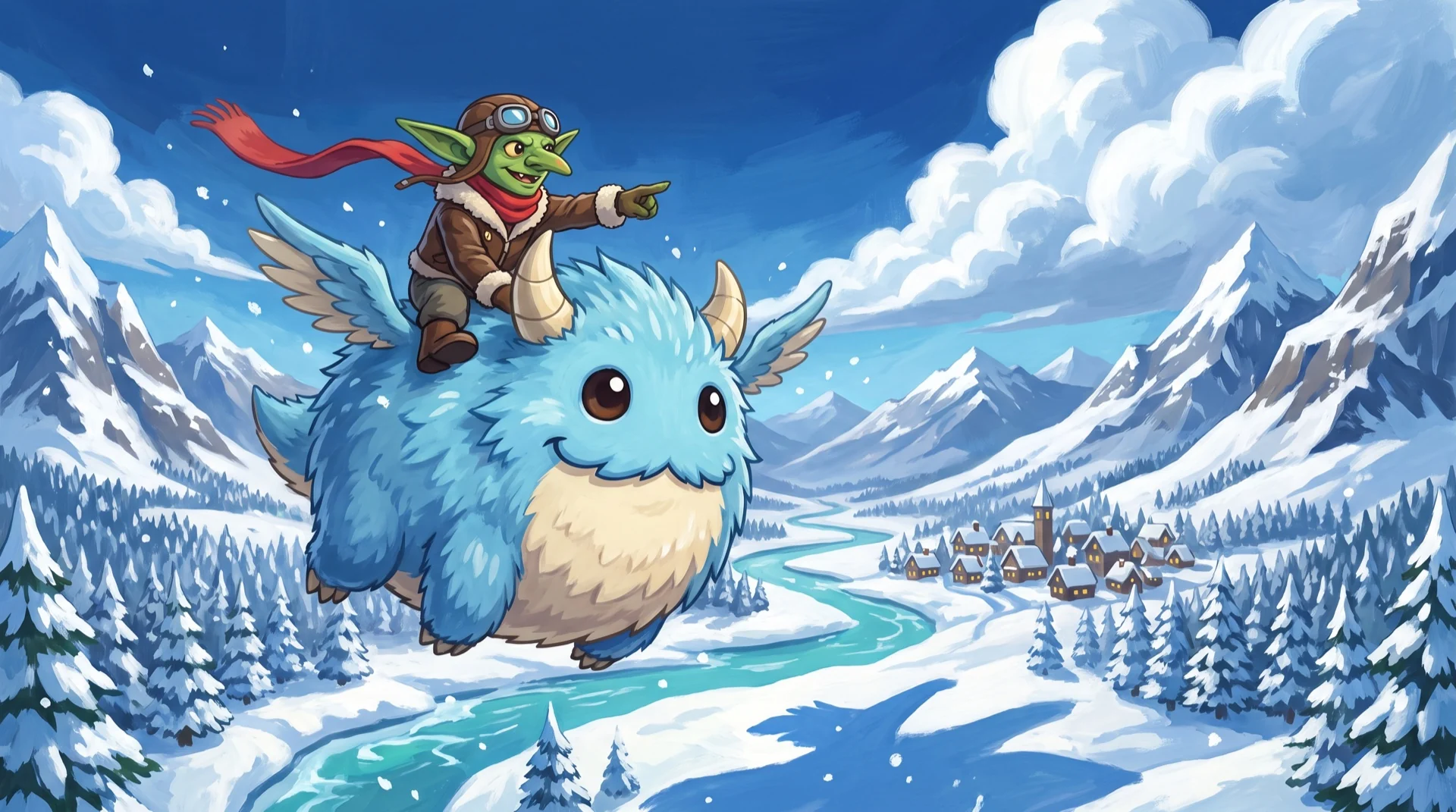
Fluffwing is a 3D flying game with a story mode, a boss fight and endless survival. Claude Fable 5.2 wrote it in one session, and every character and prop started as a Runway image that Runway turned into a 3D model. This guide gives you the prompt to build your own.
- Runway images
- 14
- 3D models from those images
- 11
- game modes
- 3
What you get
You get a game that runs in a browser tab with no build step: a fluffy monster with small wings, a goblin rider, three waves of enemies, a boss called the Furnace King and 10 levels that turn a frost breath into chain lightning. It plays with a keyboard and mouse, a gamepad or touch, and it packs into a zip that runs offline.
Claude wrote the code, the sound and the music. Runway made the art: one style frame, then a reference sheet and a 3D model for each character and prop, all in the style of that first image.
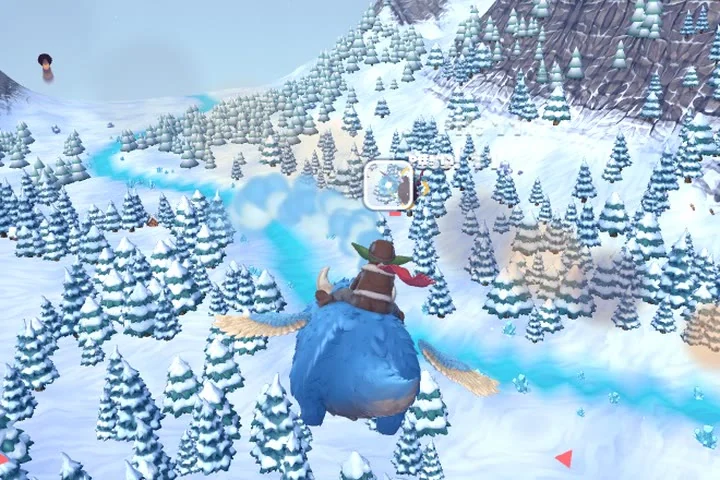
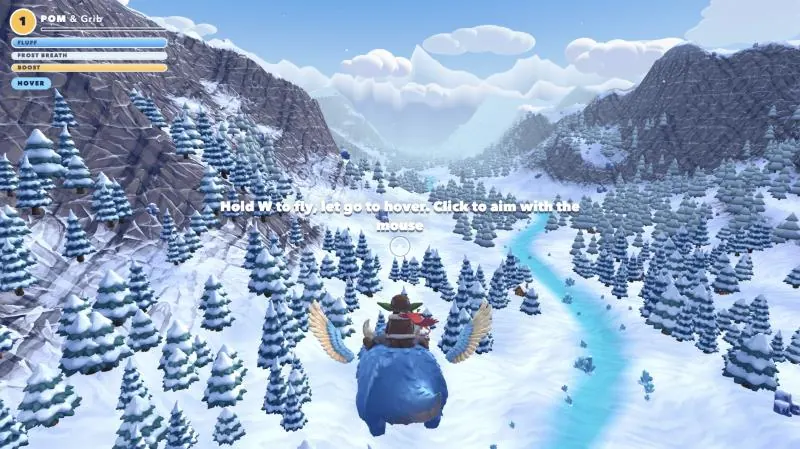
The valley
3,600 trees, 520 boulders and a frozen river, all drawn from six generated models.
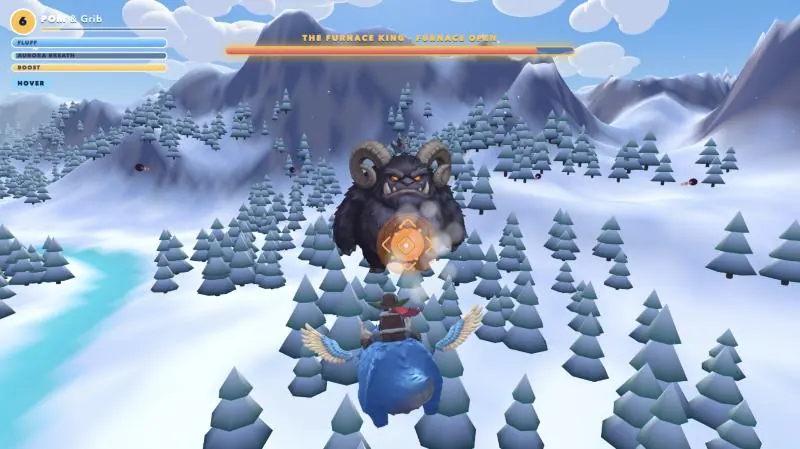
The Furnace King
The boss is one generated model, 40 metres long in the game.
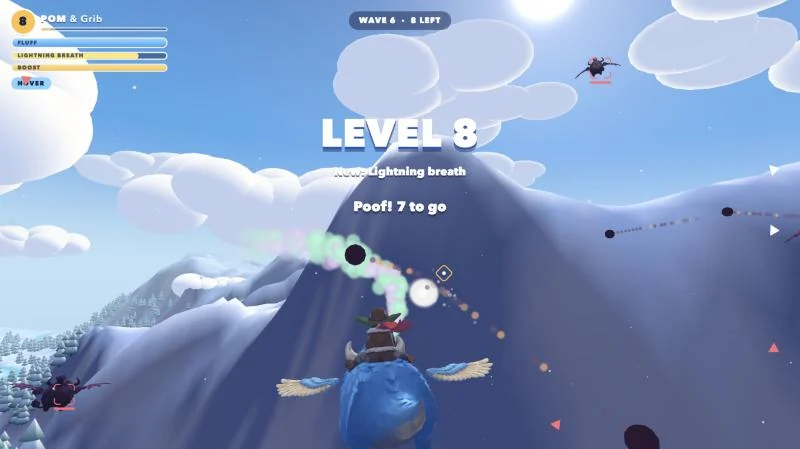
Level eight
The breath turns to lightning and arcs to a second enemy.
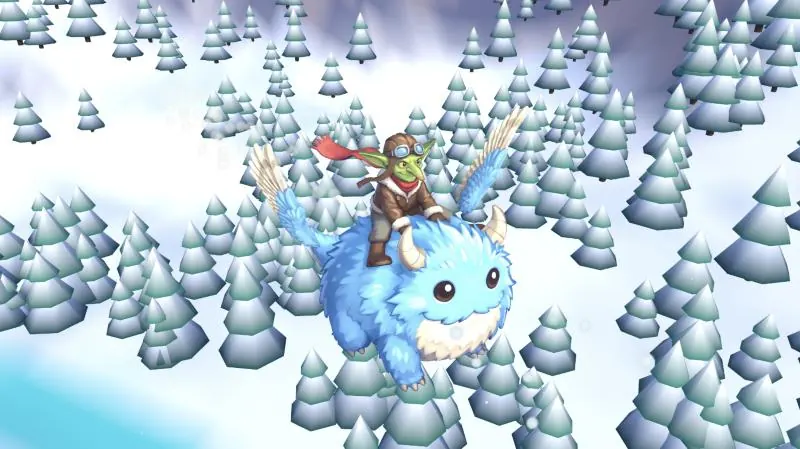
The wings
One generated wing, mirrored for the other side.
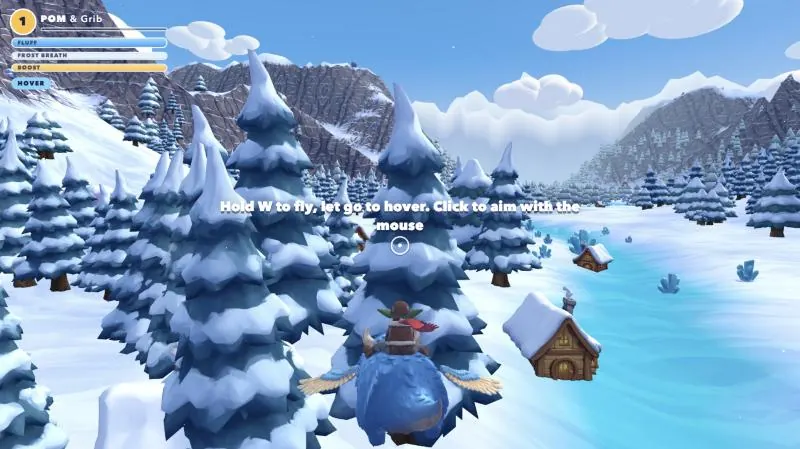
The village
One cottage model, placed 24 times.
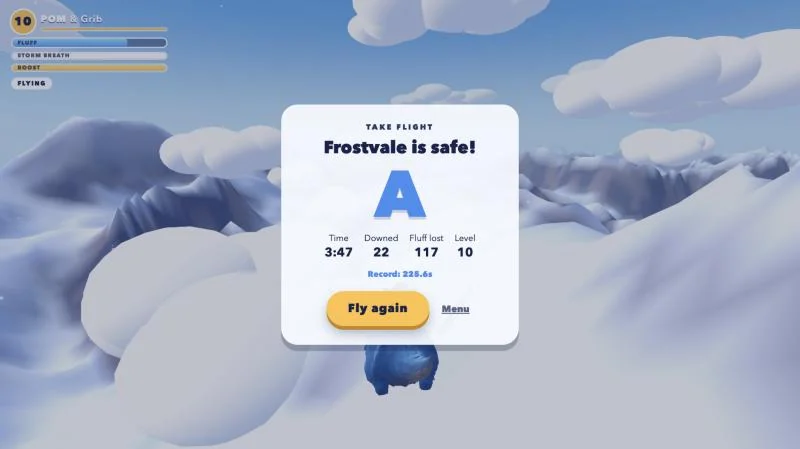
The result
Ranks run from S to D on time and damage taken.
What you need
- Claude Code or the Claude desktop app, running Claude Fable 5.2.
- The Runway MCP connected to Claude. Set it up in three steps.
- Python 3 for the local server and a browser with WebGL.
From a 2D image to a 3D model
Nothing in Fluffwing was modeled by hand. Claude asks Runway for a picture, then asks Runway to turn that picture into a textured 3D model it can load straight into the game. Every character and prop follows the same four steps.
1. Style frame
One 16:9 image sets the look. It becomes the title screen and the style reference for everything after it.
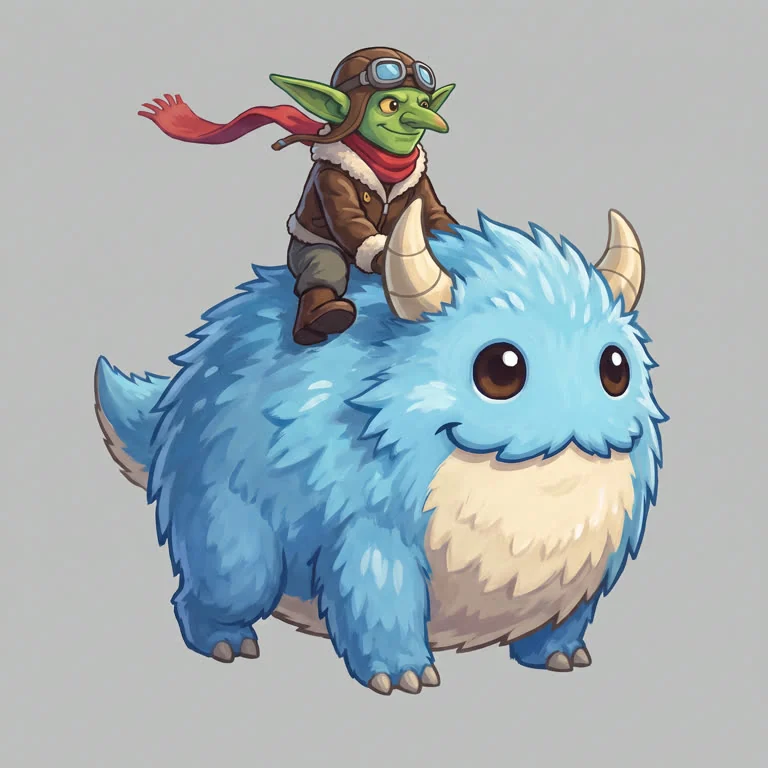
2. Reference sheet
One subject on plain grey, generated with the style frame as a reference so it keeps the same painted style.
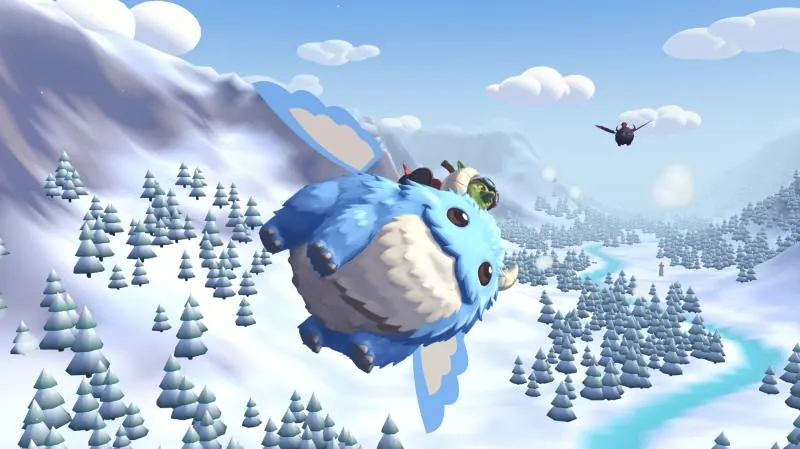
3. Image to 3D
Runway turns the sheet into a textured GLB model. Claude sets a face limit for each one: 40,000 for the hero, 2,000 for a tree.
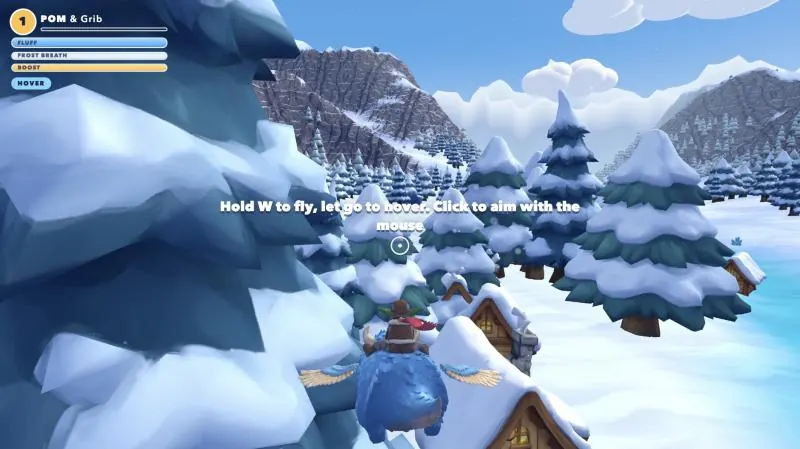
4. In the game
Claude loads the model, turns it to face forward and draws it, once for the hero or 3,600 times for the forest.
The reference sheets
These are four of the reference images Runway turned into models. Wings are separate models, so the creatures are drawn without them.
Pom and Grib
The hero and rider.
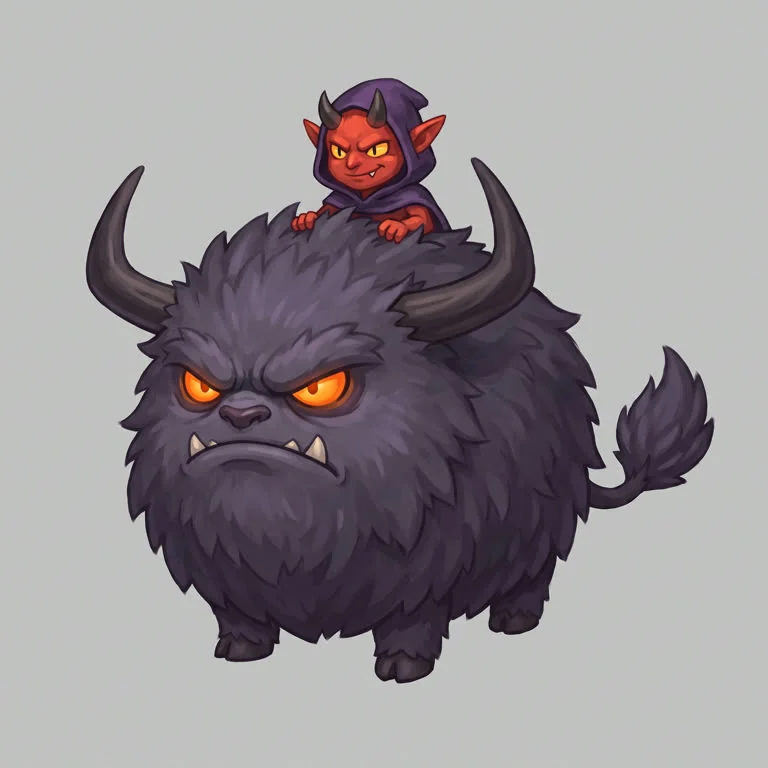
A Soot Raider
The enemy in the first wave.
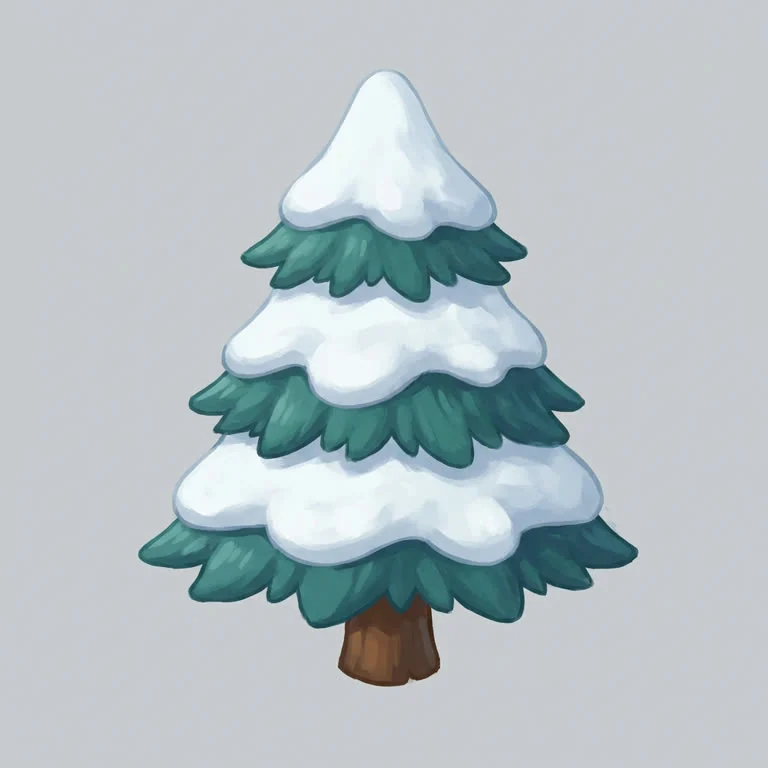
A pine
1,820 triangles as a model, drawn across the whole forest.
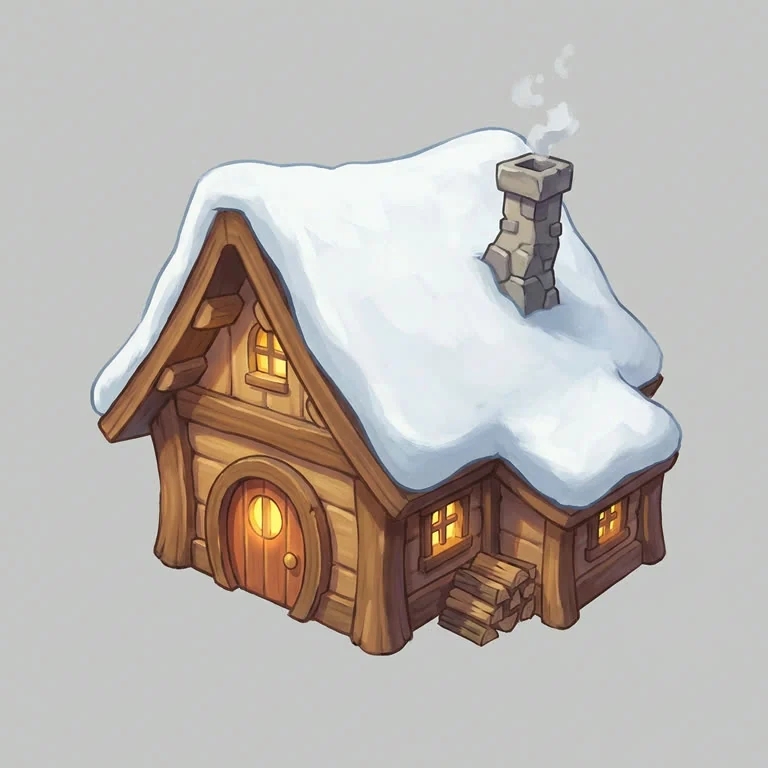
A cottage
Placed 24 times at different sizes and angles.
The one-shot prompt
Open an empty folder in Claude, connect Runway and paste this. The six lines in brackets describe the game, so change those to make it yours. The rest tells Claude how to build it, from the art to the testing.
one-shot-prompt.md
Claude Fable 5.2Build a complete 3D browser game in this folder, using the Runway MCP for every piece of art. Make the design decisions yourself and do not stop to ask me questions. THE GAME (change the parts in brackets) - Hero: [a round, shaggy blue creature with two very small wings] - Rider: [a goblin in a leather jacket and aviator goggles] - Enemies: [soot-black cousins of the hero with bat wings and imp riders] - Boss: [a giant creature with a furnace in its belly] - World: [a snowy mountain valley with a frozen river, a pine forest and a small village] - Style: [hand-painted anime, soft cel shading] STACK - three.js r170 as ES modules (three.module.js, GLTFLoader.js, BufferGeometryUtils.js), vendored locally with an import map, no build step. Plain HTML, CSS and JavaScript files. - A small static server with caching turned off (python3) on a free port for development. - All sound and music synthesized in code with Web Audio. - Keep the simulation free of rendering and the DOM so it can be stepped by hand and run in Node. ART PIPELINE (Runway MCP) 1. Call whoami and note the credit balance. Check that it lists a 3D model under availableMeshModels and stop if it does not. Log every generation in COSTS.md: tool, model, settings, file, credits. 2. Style frame: one 16:9 image with generate_image (nano-banana-pro). It is the title screen and the style reference for everything else. 3. Reference sheets: generate_image (nano-banana-pro, 1:1, 1K) with the style frame as a reference image tagged @styleframe. Make 11: hero, rider, enemy, enemy rider, boss, one wing per winged creature, two props that repeat hundreds of times, one building and one landmark. One subject, neutral pose, three-quarter view, plain light grey background, no ground, no shadow. Draw creatures without their wings and without their riders. 4. Wing sheets: one detached wing, seen flat from the side, root at the left, solid opaque membrane. 5. generate_3d_model from each sheet (image-to-3D, GLB output). Pass the sheet's task ID as the reference image; no upload is needed. Set faceLimit: about 40,000 for the hero, 25,000 for enemies, 50,000 for the boss, 15,000 for the hero's rider, 8,000 for enemy riders, 3,000 per wing, 6,000 for buildings and landmarks and 1,500 to 2,000 for anything drawn hundreds of times. Start all models at once and write code while they run. 6. A generated model is one static mesh, so anything that moves on its own needs its own model. Riders are separate models placed on the creature. Mirror each wing for the other side and normalise it so its root is at the origin. 7. Two ground textures that fit the world with generate_image, one for flat ground and one for slopes and cliffs. Ask for a top-down view with flat, even lighting, no shadows and no objects. Sample them with mirrored repeat so seams do not show. 8. Build sky, light, fog and any water in code. Do not generate them. 9. Poll get_task (output_kind "mesh" for models) and download every file into assets/. Asset links are long signed URLs: copy them exactly. Notes: - Prompt wording: start creature prompts with "An original creature design:" followed by your Hero line, riders with "An original design:" and props with "A single". - Models arrive facing arbitrary axes. Build one small viewer page that shows every model with its axes, read the bounds that get_task returns, and fix each rotation in one config table. - Use a soft lit material with the painted texture so the models keep the look of the style frame. - Draw repeated props with instancing, split into ground cells, and swap far cells to a simple code-built shape. - Each GLB carries three textures and is 2 to 5 MB whatever its face limit. Expect the zip to be 35 to 40 MB. GAME DESIGN - Flight: the hero hovers by default and flies forward only while W is held. Strafe, climb and sink in a hover. Boost, dash (double-tap W) and a dodge roll with a moment of invulnerability. - Camera: third person, behind and above, with the hero in the lower third so it never covers the target. - Combat: a short-range breath stream and a charged long-range shot, soft aim assist, Tab to lock a target, floating damage numbers on every hit. - Recovery: health pickups from some kills, a heal between waves and slow regeneration after a few seconds without a hit. - Progression: 10 levels earned from kills. Each level adds a little damage. The breath changes colour every few levels and chains between enemies at the top levels. - Story mode: three waves of rising difficulty, then the boss. The boss has a weak point that opens on a timer and takes triple damage. Give it three attacks with a clear warning before each, and make it look giant next to the hero. - Two more modes: the boss alone, starting at level 7, and endless survival that gets harder every wave. - Arena: keep the fight inside a bounded area. Props need no collision; keep large landmarks out of the fighting area. - Ranks S to D from time and damage taken, with best results saved in the browser. Rank endless survival by waves cleared. - Inputs: keyboard and mouse, gamepad and touch, with pause and mute. - A title screen on the style frame with the three modes and a list of controls. TESTING - Add two autopilots that play through the same input object a person uses: a sharp one, and a slow one with late reactions and sloppy aim. Add a hook that steps the simulation by hand so an autopilot can finish a run in seconds. - Tune until the sharp autopilot finishes the story in about four minutes and the slow one can still win. Fix what the numbers show: seconds per wave, damage taken, and seconds to get the nose on a target (the time from a new nearest target appearing until the nose is within 6 degrees of it). - Take screenshots as you go and look at them. If the browser you drive pauses when idle, use the step hook to reach each screen. Keep the browser console free of errors. DELIVER - The game running locally. - A zip with a launcher for Mac, Windows and Linux. ES modules need a local server, so each launcher starts one and opens the game. Include a fallback for Windows without Python. - Screenshots of the title, a fight, the boss and the result screen. - COSTS.md with the Runway credit ledger, and token counts if your tool can see them. - A short list of what you could not verify.
We ran this prompt from an empty folder with a different cast: a cactus-fruit beast, a fennec fox rider and a stone tortoise boss in a desert canyon. One session built the full game from 25 Runway generations.
What to know before you start
- Start from one image. Generate the style frame first and pass it as the reference for every sheet, so a pine tree and a boss belong to the same world.
- Moving parts need their own model. Generate creatures without wings, then generate one wing and mirror it.
- Set a face limit for anything repeated. A 2,000-face tree drawn 3,600 times runs at 60 frames a second on a recent Mac.
- Have Claude look at each model. One screenshot per model and one table of rotations turns every model to face forward.
- Let an autopilot fly it first. A scripted player that uses the real controls finishes a four-minute run in seconds and reports the same numbers every time.
Start building
Connect the Runway MCP to Claude, paste the prompt into an empty folder and change the six lines in brackets. The first image back is your style frame, and every model after it follows that look.