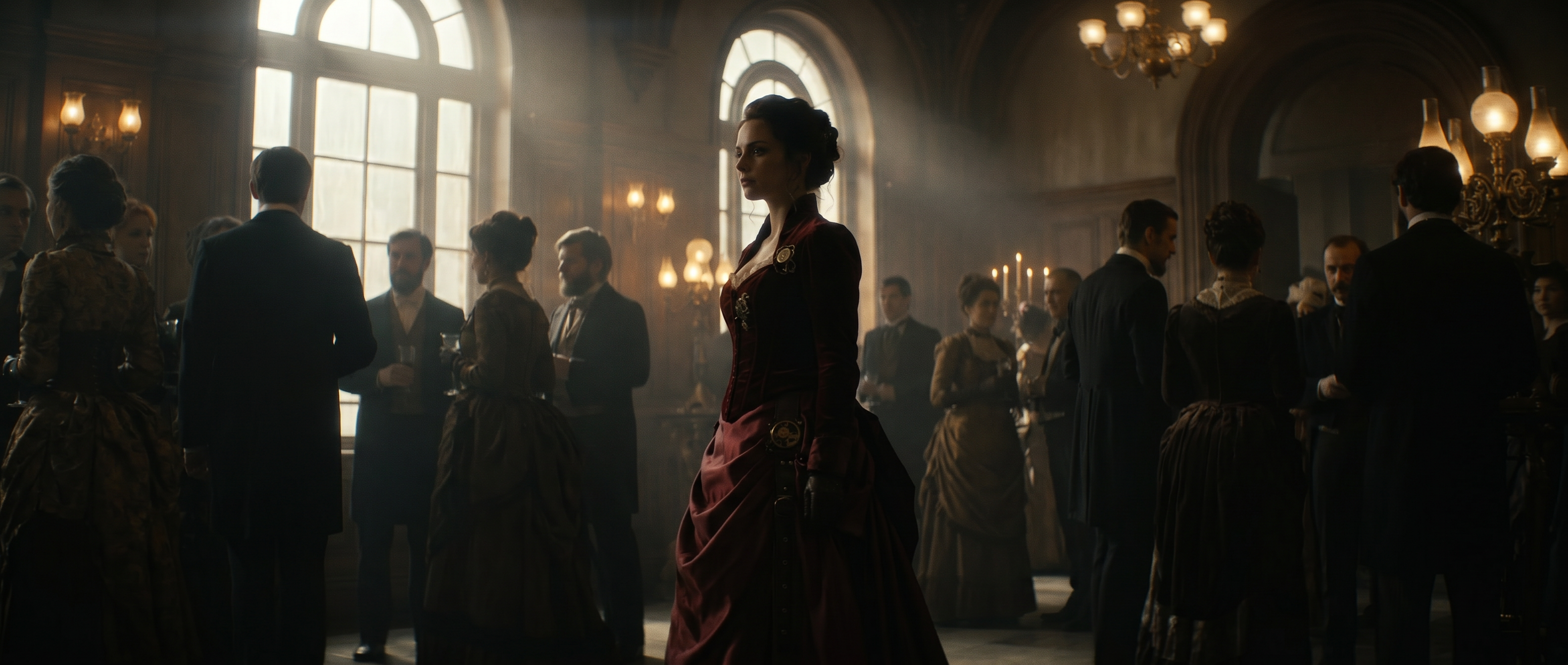
Finding the right B-roll is a critical step in the production process. Whether filming it yourself or scouring stock libraries for the right clip, it's time consuming to source and insert. Without it, however, your videos are missing an essential component of storytelling.
AI B-roll can save hours of time once spent sourcing and shooting, with two very different methodologies. Some AI B-roll software reads your transcript and drops in stock footage, while AI video models create the shot you describe from text, images or videos. Each one has its own use case, sometimes even in the same project. How do you pick the right one, and will it deliver the results your project needs?
What is AI B-roll?
AI B-roll is supplemental footage created or chosen by AI to cut against your main footage. B-roll is the cutaway: the hands on a keyboard over a voiceover about deep work, the drone shot while someone talks about moving to a city, the product in use while a founder explains what it does. A-roll is the primary footage, often a person speaking to camera. B-roll shows what the narration describes, breaking up the A-roll with movement and visual explanation.
The phrase covers two types of processes. Some tools mean AI-selected B-roll, where the software transcribes your audio, works out what each sentence is about and pulls matching clips from a stock library. Others mean AI-generated B-roll, where a generative model produces a clip that did not exist until you prompted it. A few do both.
Deciding if a line needs a specific shot
If the line in your narration names something specific like your product, your process or a claim the viewer has to see to believe, then no stock library is going to provide the right clip. Generative AI can create a tailored clip matched to your existing footage, featuring your product or business. If the line needs generic coverage, like a stroll in the park or a conversation at a water-cooler, an auto-insert tool will find it faster and cheaper than you can prompt it. If the footage has to be verifiably real like real estate you are selling or a machine you own, then it's worth working B-roll into your shooting schedule.
Often, videos use all three routes in one timeline. Mixing them works as long as everything on that timeline holds one lighting logic, one color temperature and one camera energy. B-roll that breaks continuity or feels forced is going to distract the viewer and cheapen your video. Using all three in combination might sound tricky, but it comes down to careful planning and excellent understanding of how to prompt ai tools with accurate creative and technical direction.
| Generate with AI | AI-select stock | Shoot it yourself | |
|---|---|---|---|
| Time per clip | Minutes, plus iteration | Seconds, batch inserted | Hours to days |
| Cost | Credit or subscription based | Subscription, often bundled | Crew, location, gear |
| Specificity | High: any shot you can describe | Low: limited to library coverage | Highest |
| Continuity risk | Moderate: needs deliberate matching | Low to moderate: stock rarely matches your look | Lowest |
| Licensing | Check the platform's usage terms | Check the library's license per clip | You own it |
| Best for | Shots that do not exist in stock | High-volume short-form | Anything that must be real |
The two AI B-roll workflows
AI-selected stock footage
You upload a talking-head video. The tool transcribes it, tags the concepts in each segment and inserts stock clips at the moments it judges appropriate. No prompt writing and no searching is required, which suits high-volume short-form where saving time is more important than creative or technical perfection.
The biggest limitation is the size of the library. If your script describes something no stock videographer has shot, an AI tool will pick the closest approximation. If the clip is generic while your script is getting specific, like a narrator describing a complex back-end software process while the video shows someone editing CSS files? Your viewers will notice and your credibility will take the hit.
AI-generated B-roll
You describe the shot from text or using video or image references and a model generates it. This is the workflow behind an AI video generator. The constraint shifts from what exists to what you can describe.
That opens up the shots stock never covers: your product on your surface, an interior that matches the room you shot in, an abstract idea with no literal footage equivalent. Planning how you'll use AI B-roll in the pre-production stage means you can get consistent reference images and use the same terminology from your shot list to ensure the camera and the AI are capturing the mood accurately.
Why generic B-roll costs you
A stock library prioritizes the shots that sell most often, so clips are as multipurpose as possible. Search "person working" and you get hundreds of clips. Search for the shot your script describes, like a roofing contractor scrolling job-site photos on a cracked phone in a truck cab at dusk, and nothing comes close. If you settle for a man in an office looking at a laptop, you've lost the narrative emphasis the B-roll could have conveyed and the project feels flat to viewers.
Generation removes the coverage problem. You can get as specific as your script needs or generate footage based on reference media you feed the model. Lighting, location, and mood can all be customized to fit your existing footage. When B-roll cutaways feel as natural and informative as your A-roll, the viewer gets pulled deeper into your story, which is why nailing the lighting and technical details becomes a critical part of the prompting process.
Where AI B-roll fits
Covering the cut. Talking-head interviews, podcasts and single-camera Q&A share one problem: one person talking, long stretches with no visual change and a run of jump cuts to cover. A three-second cutaway to create a visual break and add dimension is a perfect spot for auto-insertion. You can then save generations for the two or three claims that need specificity and to feel tailored to the footage.
Illustrating the claim. In explainer, tutorial and educational videos, the footage has to show the specific detail being described. Library coverage hits limits here: the more precise the claim, the less likely anyone has filmed it. For example, the chances that someone has shot how a particular valve works in a particular engine is extremely low. Generation is worth the iteration here, especially when it's doing more than adding texture to the project.
Selling the idea. This is where AI B-roll lands earliest: the concept cut, the pre-viz, the 15 seconds in a deck that has to show what the campaign feels like. Generating from a reference image gets you that footage in an afternoon, at a stage where the shot only has to be convincing enough to get a yes.
Carrying the video. In faceless YouTube and voiceover-driven formats generated footage is the entire visual layer. There is no A-roll to cut back to, so every shot has to hold on its own and connect to the one before it. Generating from a reference is how a single look holds across dozens of shots and an hour of runtime.
How to generate B-roll with AI: step by step
Mark your cutaways from the transcript
Run your A-roll through any transcription tool and read the transcript rather than the video. Mark the lines describing something visual, the jump cuts that need covering and the stretches longer than about 20 seconds with no visual change. That list is your B-roll shot list, and building it first keeps you from generating clips you never use. A 60 to 90 second video usually wants five to 10 inserts, not a clip per sentence.
Write the prompt
Runway's AI video prompting guide teaches a four-part structure that holds up for B-roll: camera movement, then scene, then action, then details. Two rules matter more here than in narrative work. Describe what you want rather than what you want to avoid, since "no camera shake" tends to produce camera shake. Keep each shot to a single action, because a clip that tries to do two things in four seconds does neither.
The one useful exception is signage. Adding "no readable text, no brand logos" is worth the words, because text is where generation fails most visibly.
| Prompt | B-roll use case |
|---|---|
| Slow push in on hands sorting invoices on a kitchen table. Warm lamp light from the left. Shallow depth of field. | Cutaway over a voiceover about bookkeeping or admin work |
| Static wide shot of an empty co-working space at dawn. Dust visible in low sun through tall windows. No readable text, no brand logos. | Establishing shot or chapter transition |
| Handheld tracking shot following a delivery cyclist through a wet city street. Overcast grey light, reflections on asphalt. | Illustrating logistics, speed or urban service work |
| Macro shot of coffee pouring into a white ceramic cup. Steam rising. Soft daylight from a window. | Texture cutaway to cover a jump cut in a talking-head segment |
| Slow orbit around a matte black speaker on a concrete plinth. Single hard key light, deep shadows. No readable text, no brand logos. | Product feature segment or ad insert |
Generate three to six variations of any shot that matters and treat them as takes rather than finished footage. In Runway, you can describe the sequence shot by shot in a single prompt to run generation and assembly in one pass.
Match continuity to your A-roll
This is the step that keeps your footage professional and high-impact. Four things to carry from your A-roll into every prompt:
- Color temperature, described in plain language such as warm tungsten or cool overcast daylight
- Light direction and hardness, so a hard key from the left in your A-roll does not become soft top light in the cutaway
- Lens character, meaning shallow or deep focus and wide or long
- Camera energy, since a locked-off interview does not cut well against a handheld sprint
Lock the aspect ratio to your timeline before you generate rather than cropping after, since a 16:9 clip cropped to 9:16 loses the framing you prompted for. If a person, product or location appears in more than one clip, use a reference image so the model carries it across shots instead of reinventing it each time.
Cut footage in and edit clips that need refinement
Generated clips are short by design, which suits B-roll since a cutaway running longer than four or five seconds usually wants to be a scene instead. Trim to the strongest two seconds and let the A-roll audio carry the cut. If your timeline is 4K and the clip generates at 1080p, upscale before you cut it in.
For clips that are close but wrong in one respect, run prompt-based edits on existing footage through Aleph 2.0, across multishot sequences up to 30 seconds at 1080p. Changing one element while the rest of the frame holds is faster than regenerating when the framing is already right.
AI B-roll limitations to plan around
Text and interface elements. Readable text is the most reliable way to make a generated clip look generated. Signage, phone screens, dashboards, logos and packaging copy come back as convincing-looking gibberish, which is worse than obvious nonsense because it survives a quick review. Frame around it: put the phone behind a shoulder at an angle where the screen is not legible, or crop the sign out.
Continuity across a sequence. Generate three clips of the same kitchen from one prompt and you get three different kitchens. Reference images reduce the drift without eliminating it, so separate consecutive generated shots with A-roll wherever the edit allows.
Physics and hands. Liquids, cloth, crowds and fine hand movement are where attention to detail is critical, along with the floating motion that gives a clip away even when every object in it is correct. Check anything with hands in it at full speed before committing it to a timeline.
Platform rules and disclosure. YouTube requires creators to disclose realistic AI-generated or altered content that could mislead viewers, while exempting clearly unrealistic content and minor production edits such as color filters and upscaling (YouTube's disclosure policy). Separately, the channel monetization policies target AI-generated content made with generic or unoriginal templates and without the creator's own perspective (YouTube channel monetization policies). Neither rule blocks generated B-roll inside an original video, and both are worth reading before you build a format around generation.
Commercial rights. Rights vary by tool and are the first thing to check before client work. Runway's usage rights states that users on any plan, including Free, retain ownership of content they upload and generate, with commercial use covered. Other generators tier commercial rights by plan or restrict them on free accounts, so confirm the terms for the tool you are using.
Pre-publish B-roll checklist
Before the video ships, check each generated clip for:
- Readable text, logos or interface elements that came out garbled
- Hands, faces and liquids at full speed rather than in a paused frame
- Floaty or weightless motion, especially in clips with a moving camera
- Color temperature and light direction against the A-roll on either side of the cut
- Aspect ratio and resolution matching the timeline with no upscaling artifacts
- Continuity of any person, product or location appearing in more than one clip
- Commercial use terms for every tool used, confirmed for your account tier
- Platform disclosure requirements for the channels you are publishing to
Frequently asked questions
What is AI B-roll?
Supplemental footage created or chosen by AI to cut against your main footage. It covers two workflows: software that transcribes your audio and auto-inserts stock clips, and text-to-video models that generate a new clip from a description.
What is the difference between AI-generated and AI-selected B-roll?
AI-selected B-roll searches an existing stock library on your behalf, so coverage is the limit. AI-generated B-roll makes a clip that did not exist before you prompted it, so description is the limit. Selected clips arrive in seconds and rarely match your look. Generated clips take iteration and can be matched to it.
How is AI B-roll different from regular stock footage?
Stock footage exists before you look for it, so you are searching a fixed catalog. AI-generated B-roll is made in response to a description, so coverage is not the constraint. AI-selected stock sits in between, using AI to search the catalog faster rather than to create anything new.
Can I use AI-generated B-roll in monetized YouTube videos?
Generated B-roll inside an original video is not itself a monetization problem. What YouTube's policies target is mass-produced content without original perspective, and separately, realistic synthetic content presented without disclosure. Check your generation tool's commercial terms as well, since those are set by the tool rather than by YouTube.
Do I have to disclose AI-generated B-roll?
On YouTube, disclosure applies to realistic content that could mislead viewers about real events, people or places. Clearly unrealistic footage and minor production edits such as color correction and upscaling are exempt. A generated texture cutaway over a voiceover generally sits outside the requirement, while a generated shot presented as documentary footage of a real place does not. Requirements differ by platform, so check each one you publish to.
What are the licensing risks of using AI-generated B-roll?
The risk sits in the gap between what a tool lets you make and what it lets you sell. Some generators grant commercial use on every tier and others restrict it to paid plans, so confirm the terms for your account tier before client work and keep a record of which tool produced which clip.
Are there free AI B-roll tools?
Most tools in the category run a free tier with watermarks, resolution caps or monthly credit limits. The two differences that decide whether free is usable are output resolution and whether commercial use is permitted, and the second varies by tool.
How do I write good prompts for AI B-roll?
Lead with the camera movement, describe one action per clip, specify the light in plain terms and describe what you want rather than what you want to avoid. The exception is text: adding "no readable text, no brand logos" suppresses the artifact that gives generated clips away.
How do I make AI B-roll match my footage?
Match color temperature, light direction, depth of field and camera energy in the prompt, then grade the generated clip alongside your A-roll rather than in isolation. Most of the work happens at the prompt stage and the last 10% is a grading pass.
How long should an AI B-roll clip be?
One to three seconds for a fast social cutaway and three to six seconds for a mood or explanation shot. Generate longer than you need and trim to the strongest moment.
You are no longer choosing between a stock library and extra hours on your own shoot day. Auto-insert still earns its place on high-volume work and short, non-specific cuts, and what is left across pre-production and the edit is judgment: knowing which lines in your script deserve a picture, and which ones are stronger without one.