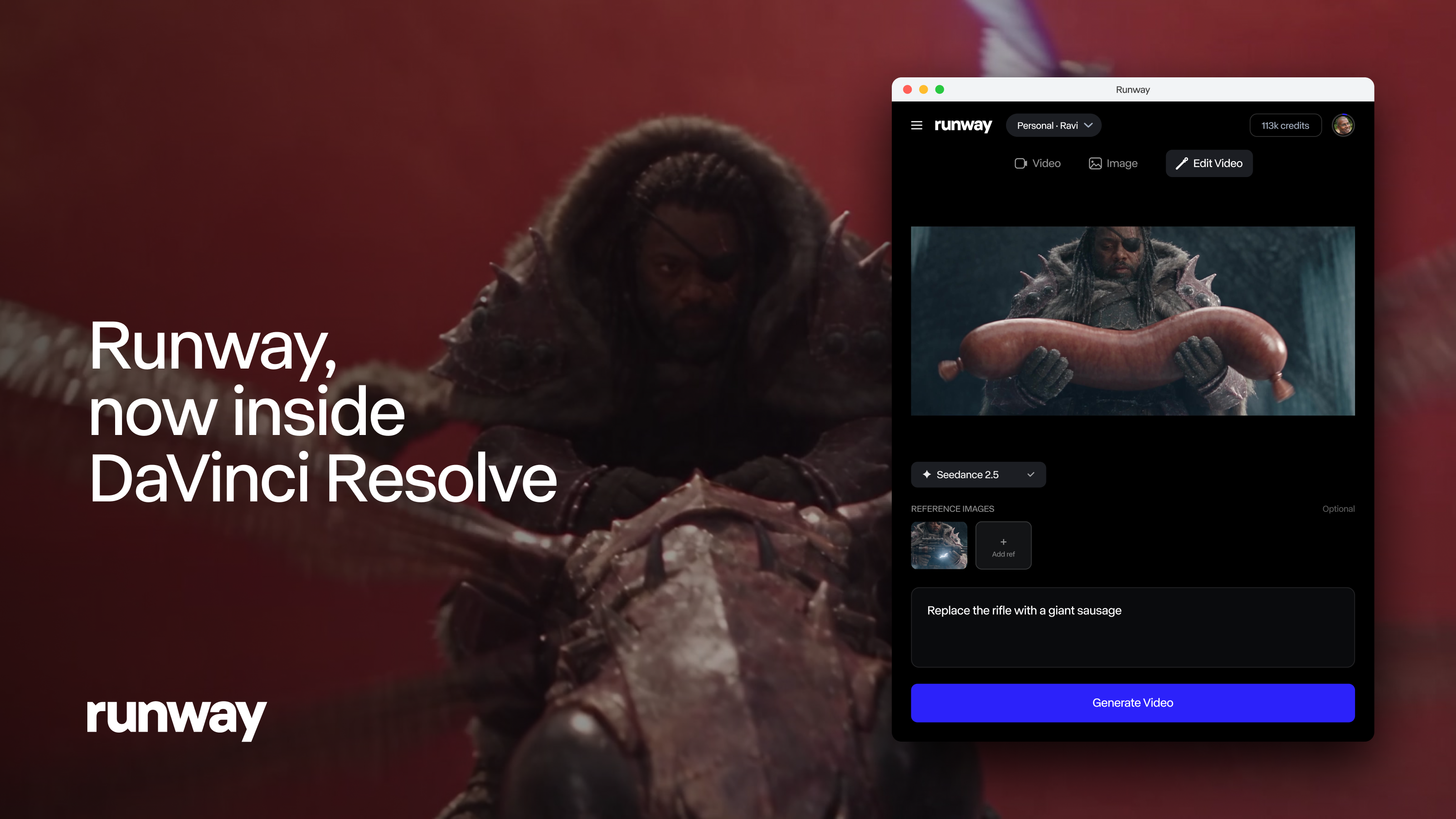
Access Runway's models directly inside DaVinci Resolve Studio to generate and restyle your footage and place results on your timeline without leaving the app.
Today, we're introducing the Runway plugin for DaVinci Resolve. Generate images and video, restyle the clip under your playhead and import every result straight into your Media Pool and onto your timeline.
Stay in the Edit
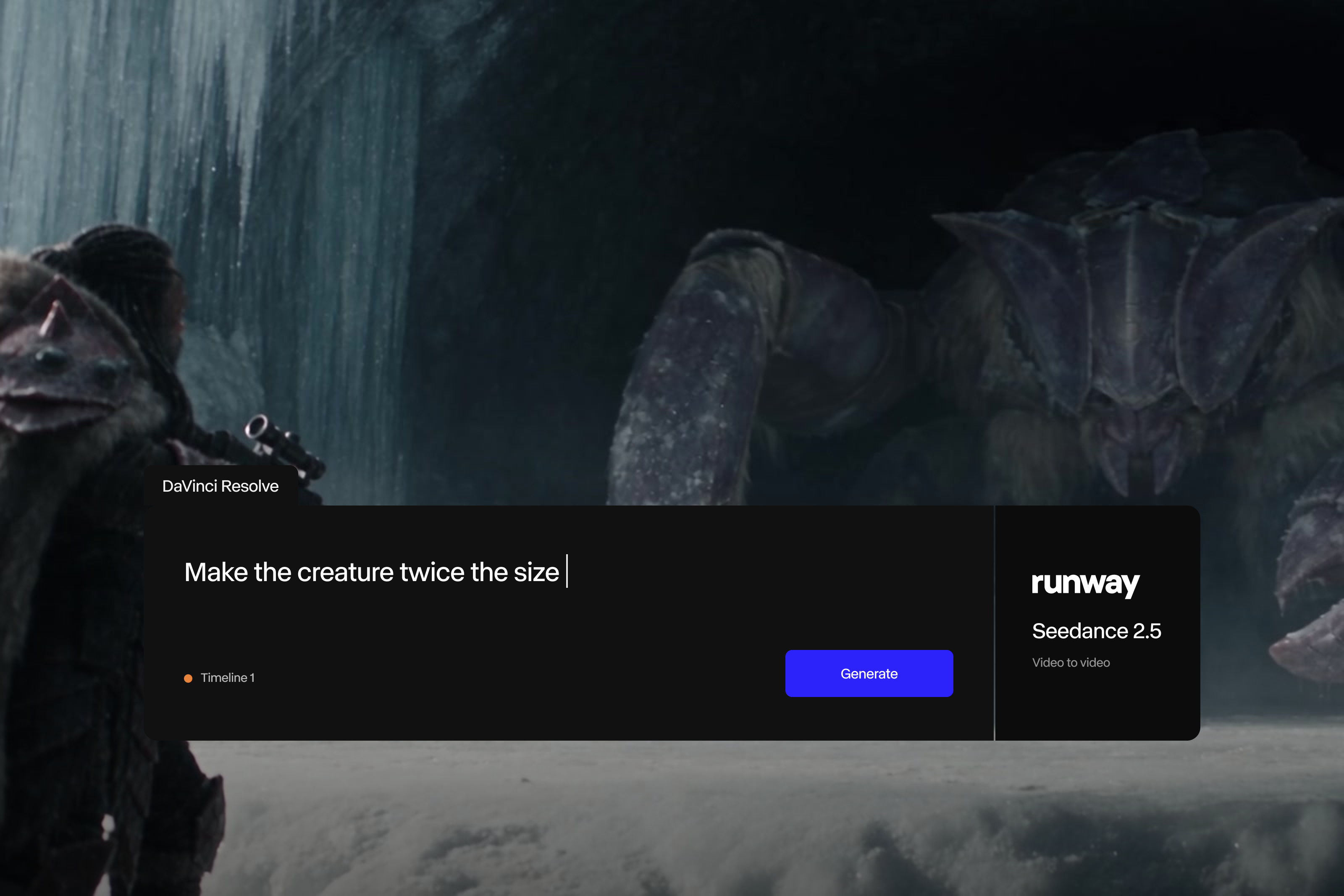
Until now, using Runway mid-edit meant leaving the platform. You had to export a clip, upload it to a browser tab, download the result, re-import it to the Media Pool and find your place again. Now, you can prompt from inside Resolve, watch the generation finish in the feed and click to import. The result lands in your bin and on your timeline, ready to trim.
Your Footage, Not Just New Footage
Edit Studio works on the clip you already have. Park the playhead on a shot or set in and out points, and the panel exports that range for you. Restyle its anchor frames, or set up to five keyframes for finer control, and Aleph 2.0 re-renders the clip to match at the same duration as your source. Compare before and after in the panel, then import the result above the original.
Your Account, Your Credits
Sign in with your Runway account and the panel shows your workspaces, your credit balance and the cost of each generation before you commit. Everything you make appears in your Runway library as well.
Pricing and Availability
The Runway plugin is free to download for macOS and Windows and requires DaVinci Resolve Studio 19 or later. Generating is available on all paid Runway plans and uses your existing plan credits.