


Change Video Background: Replace Any Backdrop Instantly with AI
Upload your footage, describe the backdrop you want and Change Backdrop replaces the video background behind your subject instantly. No green screen required.
How it works
1
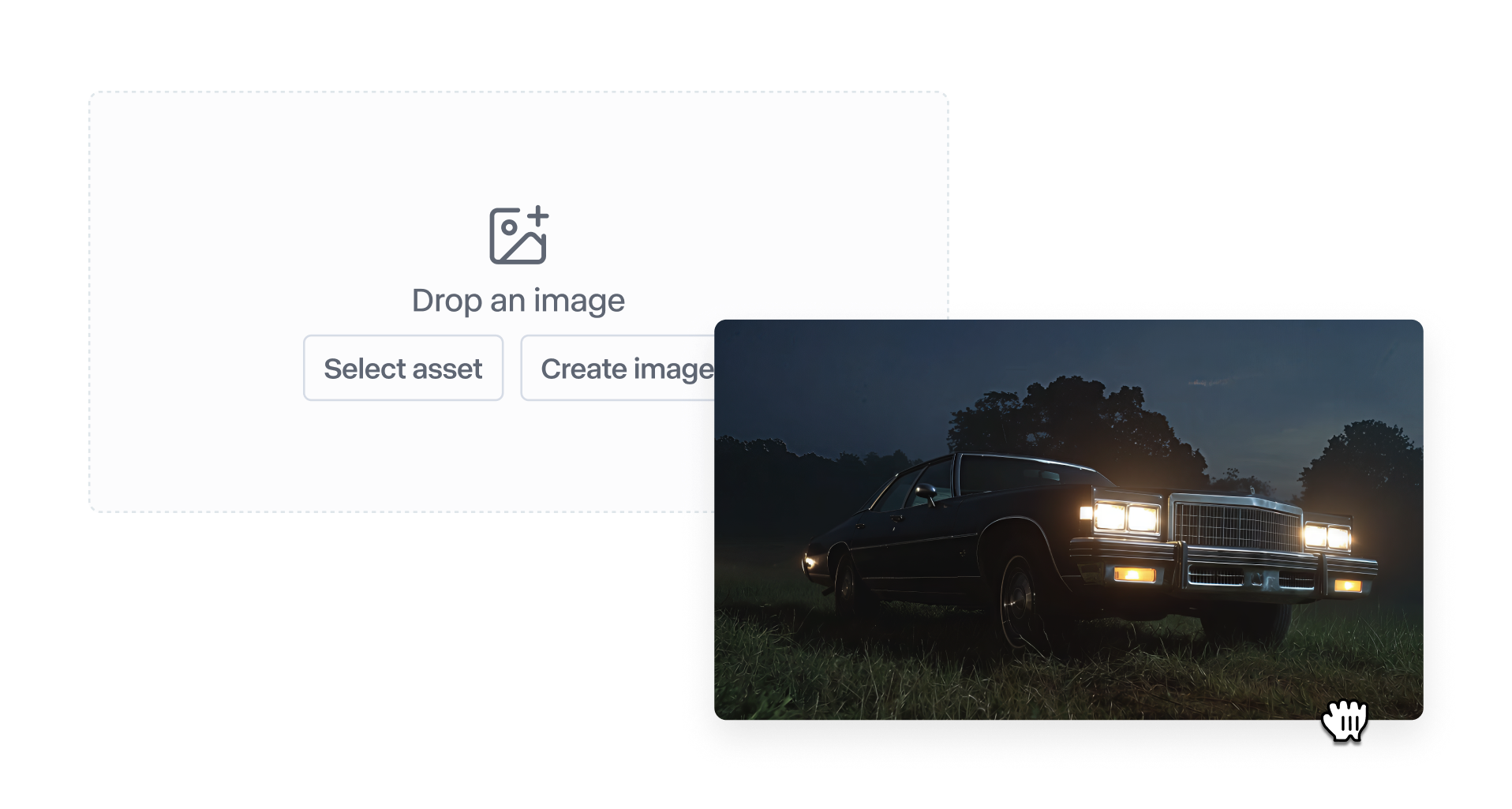
Upload your video
Start with any video up to five seconds—your own footage, stock content or something generated in Runway. Drop it in and you're ready to go.
2
Describe your backdrop
Prompt the background you want—'forest with a cave,' 'ambient orange light,' 'studio with blue tones'—and Change Backdrop replaces everything behind your subject.
3
That's it
Your subject, with a completely new backdrop. Download, refine or try another setting.
Featured examples
Poolside
Input
Output
Forest cave scene
Input
Output
Dimly lit bar
Input
Output
Explore other apps
View All Apps

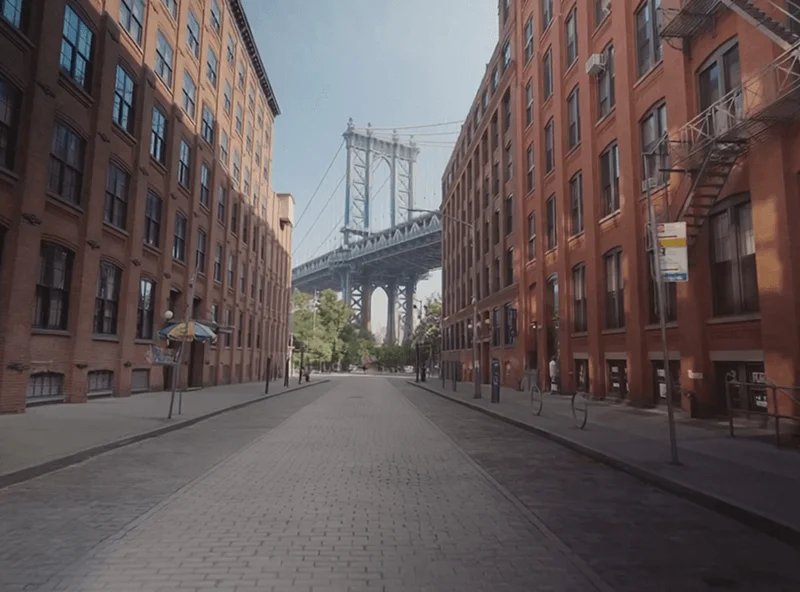
Remove from Video
Remove anything from any video with a simple prompt.

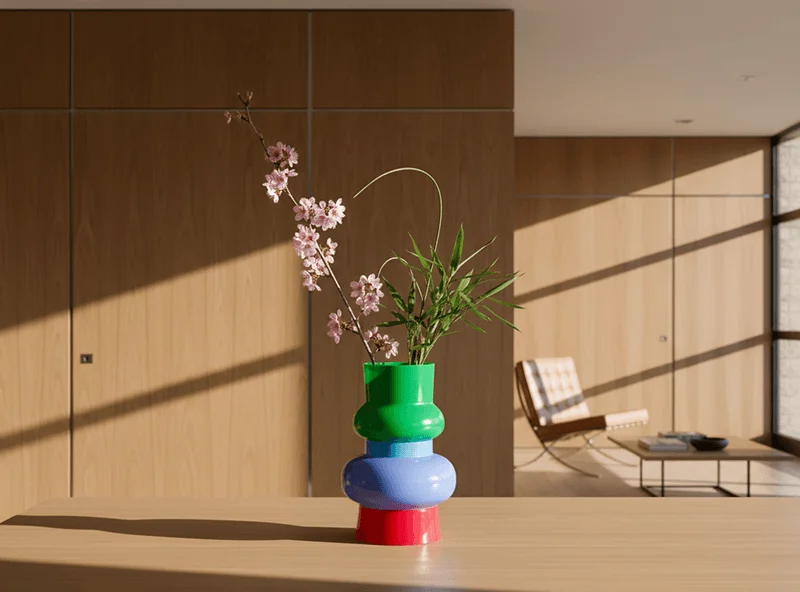
Reshoot Product
Transform product shots without reshooting. Just upload and describe.

Upscale Video
Enhance any video to higher resolution with one click.


Add Dialogue
Bring characters to life by typing what they should say.
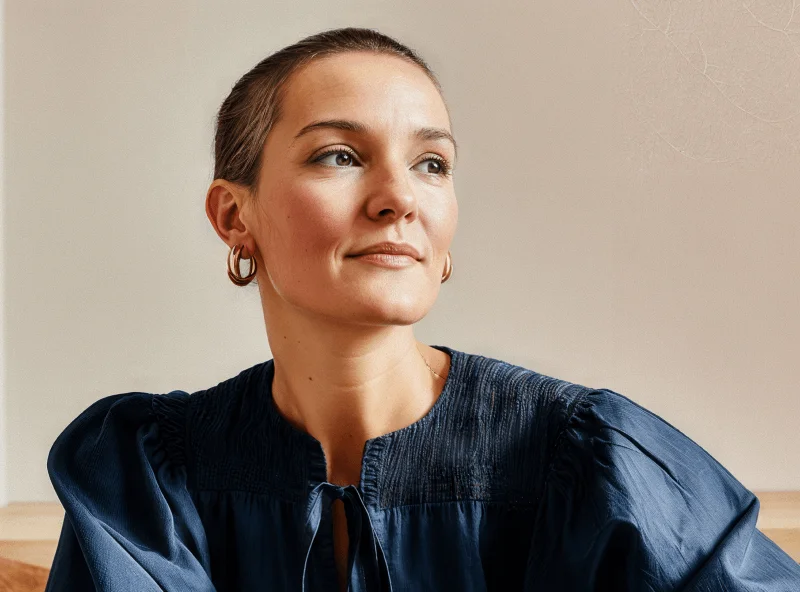

Change Image Style
Reimagine any image in different styles and artistic moods.
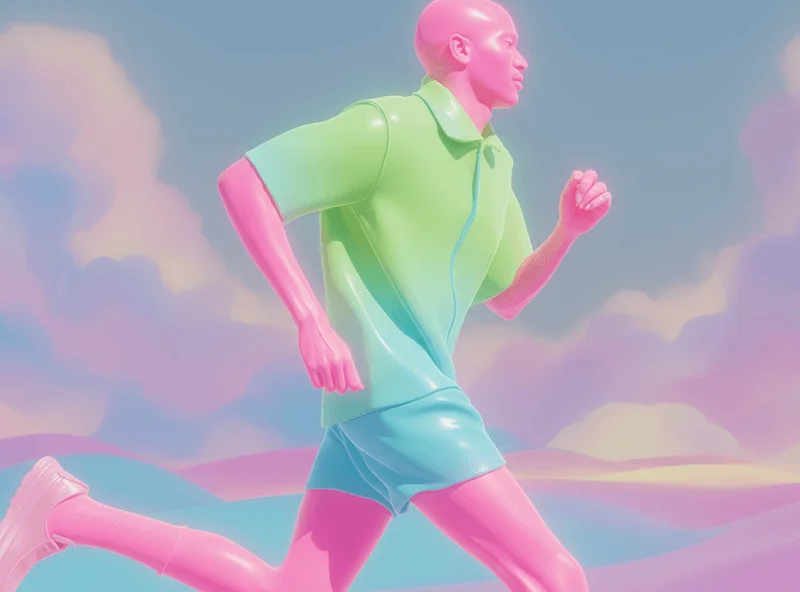

Add Performance
Map your voice and expressions onto any image or character.
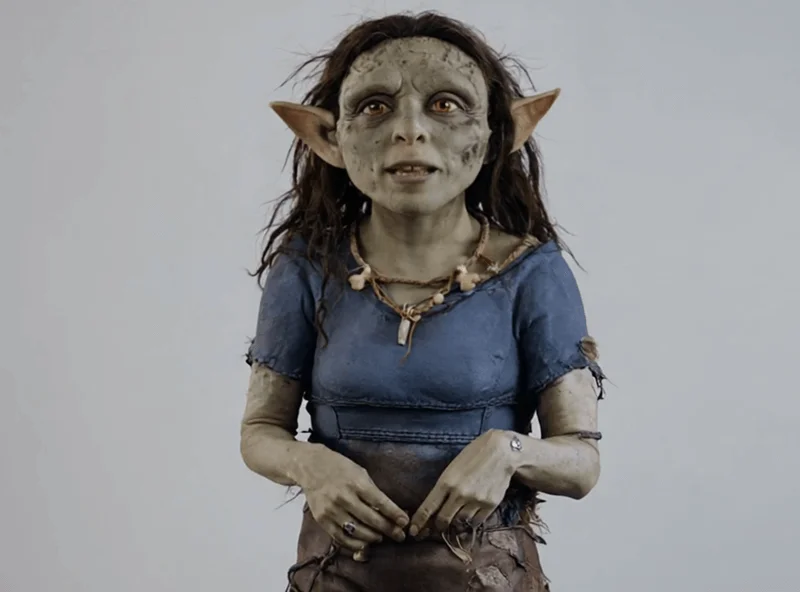

Change Time of Day
Adjust the time of the day in any video.
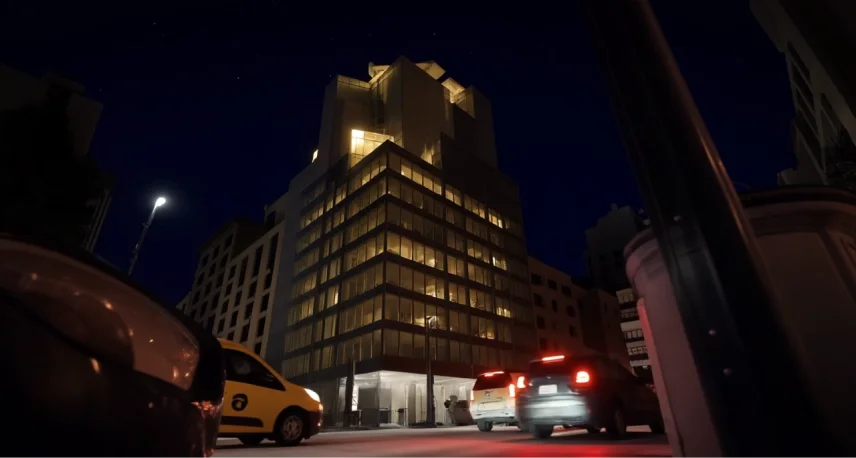

Relight Scene
Change the lighting in any video instantly.

0 / 0
FAQ