


Runway for fashion
AI video for fashion brands
Turn lookbook stills into editorial motion: models that move, fabric that flows, campaign scenes that would otherwise need a location and a week of production.
How to make fashion videos on Runway
Start from your lookbook
Upload the stills from your last shoot, or generate the model and the look from scratch. The garment's design stays exact.
Direct the motion
Subtle, elegant movement: a slow turn, hair in a breeze, fabric catching light. Or a full editorial scene: golden hour, tropical jungle, city night.
Generate for every channel
Vertical for Reels and TikTok, widescreen for campaign films, clean loops for product pages.
What you can make
On-model motion from stills
Bring lookbook photography to life with subtle, controlled movement: the model breathes, the fabric moves, the design stays exact.
Garment accuracy
Reference images preserve the cut, print, texture and details of the piece across every generated shot.
Campaign-grade scenes
Editorial settings (jungle, desert, studio, city) without location scouting, permits or travel.
The same model, every shot
Keep one consistent model across scenes and outfits using references, so a whole campaign reads as one shoot.
E-commerce angles
Show the piece from every side (turns, details, drape) from a single flat or on-model photo.

Your lookbook wants to move.
More ways to use Runway
Runway turns photos, footage and plain-language descriptions into professional video and imagery: one workspace whether you are marketing a business, telling a story or teaching something.
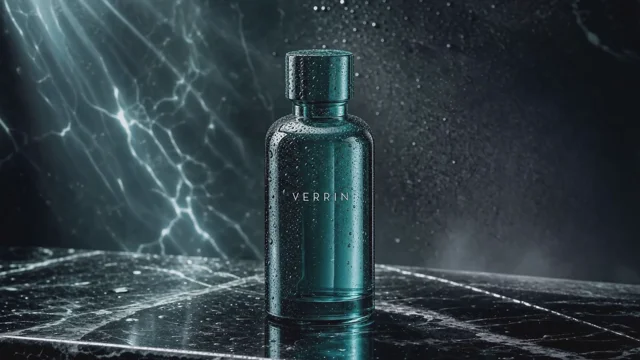
Product video ads
A single product photo becomes a polished, pixel-exact commercial.
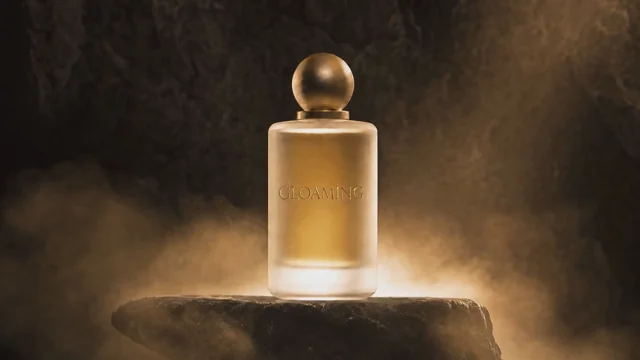
Beauty & skincare
Product photos become luxury beauty commercials and campaign films.
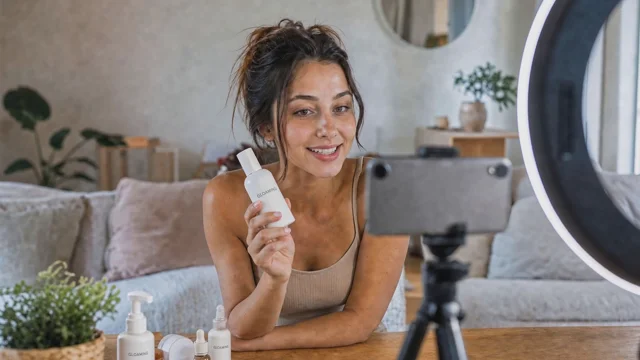
UGC ads
Authentic 9:16 UGC-style video for TikTok and Reels, straight from your product photos.
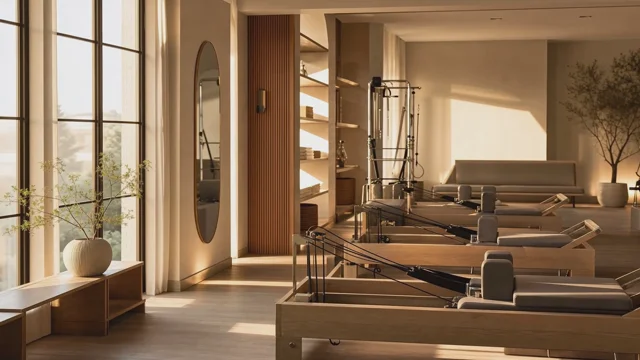
Fitness studios
Studio photos become cinematic tours, class promos and member ads.