


AI photo editor
Edit any photo with AI
If you can imagine it, you can edit it in Runway. Swap a backdrop, change the style, remove an object or reshoot a product, all on real photos, not just AI generations.
How to use AI photo editing with Runway
Three steps from upload to shippable image.
01
Upload your photo
Drop in a real photo, a product shot or an existing brand visual. Runway works on what you already have, not just AI-generated images.
02
Describe the change you want
Use the AI image editing tool to make any change. Or try one of our pre-built Runway Apps, like Stylize Image or Vary Image, for one-click AI image editing.
03
Export your edited photo
Just like that, you have production-ready stills you can drop straight into a campaign, a feed or a deck.

Why use Runway's AI image editor?
Runway delivers more than a single AI photo editing tool. Edit the images you already have, choose from leading AI models and build repeatable workflows for everything you create next.
Intentional edits made easy
Prompt in natural language or use reference images to refine and improve your image. Make targeted changes while keeping the parts of the image you already like.
Choose the right model for the job
Use Runway's own models alongside leading third-party AI image models. Switch between them depending on the quality, speed and creative control your edit calls for.
Turn edits into repeatable workflows
Make a quick change with a purpose-built App or connect multiple steps in a Workflow. Go from one-off edits to a process you can reuse across an entire campaign.
An App for every type of edit
Get started with purpose-built AI photo editing tools that wrap one edit in a single-step UI. Explore the Runway App library or chain Apps together in Workflows for repeatable processes.
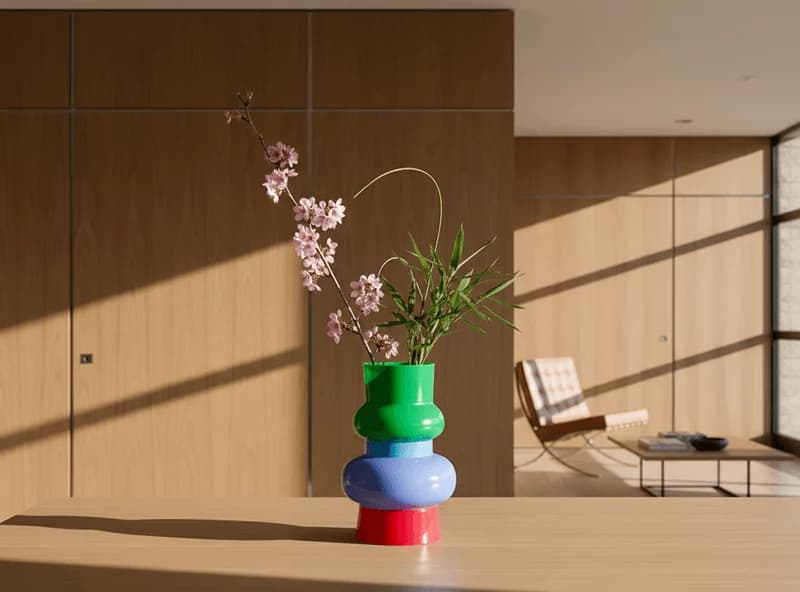
Product Reshoot
On-brand product shots from a single image, without organizing another shoot.
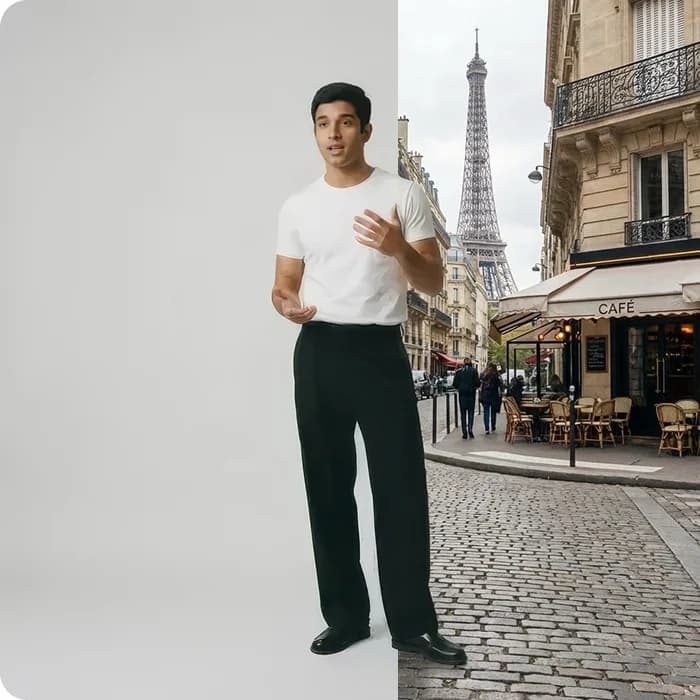
Vary Image
Change one thing in an image, like the backdrop or setting, while the rest stays put.
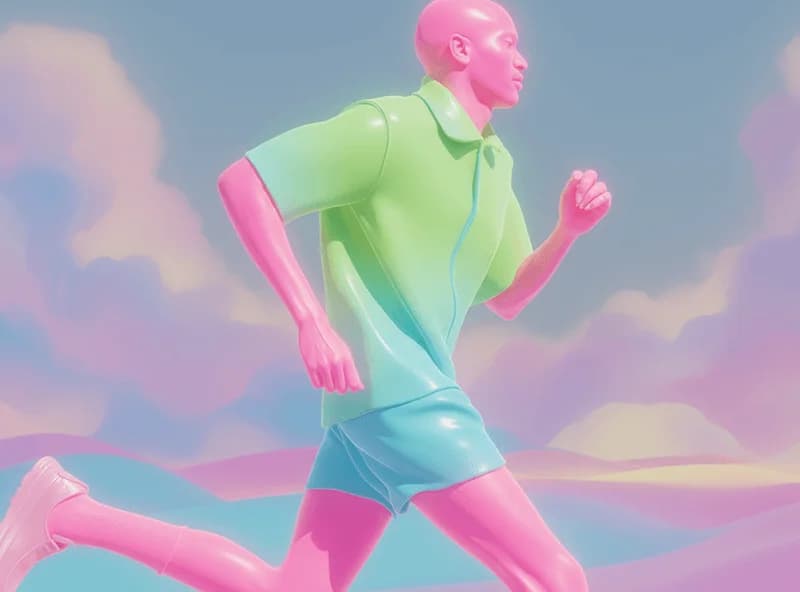
Stylize Image
Restyle the whole image to a new aesthetic while keeping the composition intact.
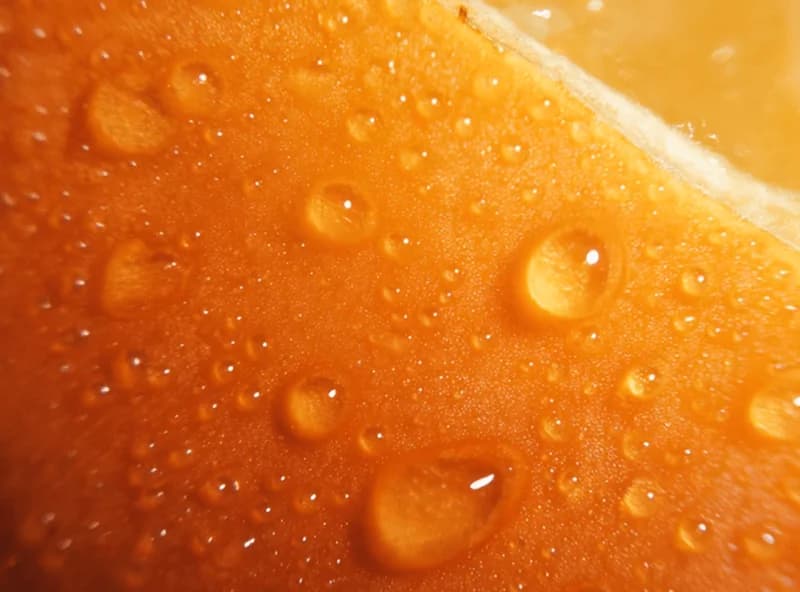
Upscale Image
An AI photo enhancer that upscales any image to 4K quality.
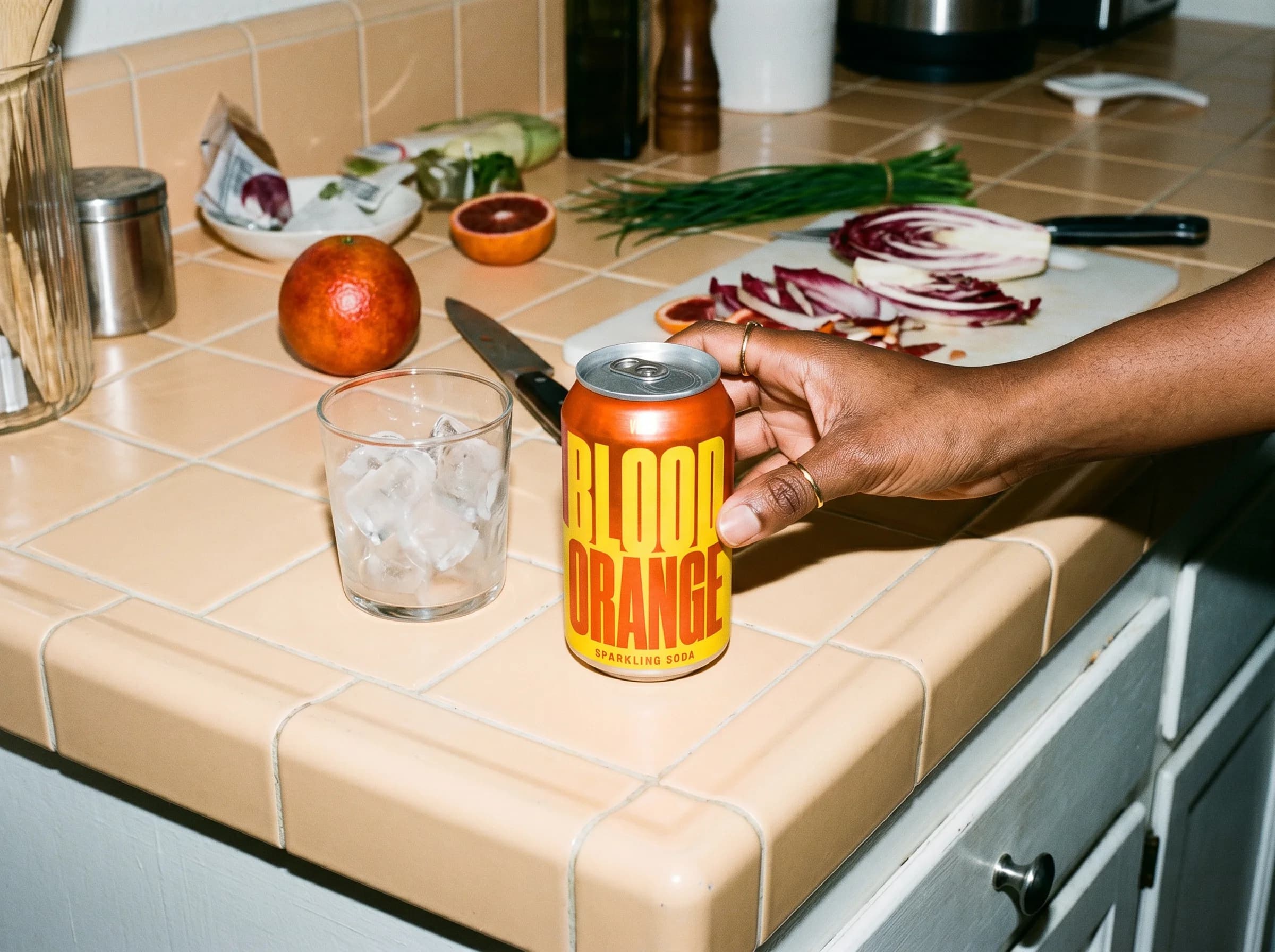
Mockup
Visualize your product in any setting, from subway ads to mosaic murals.
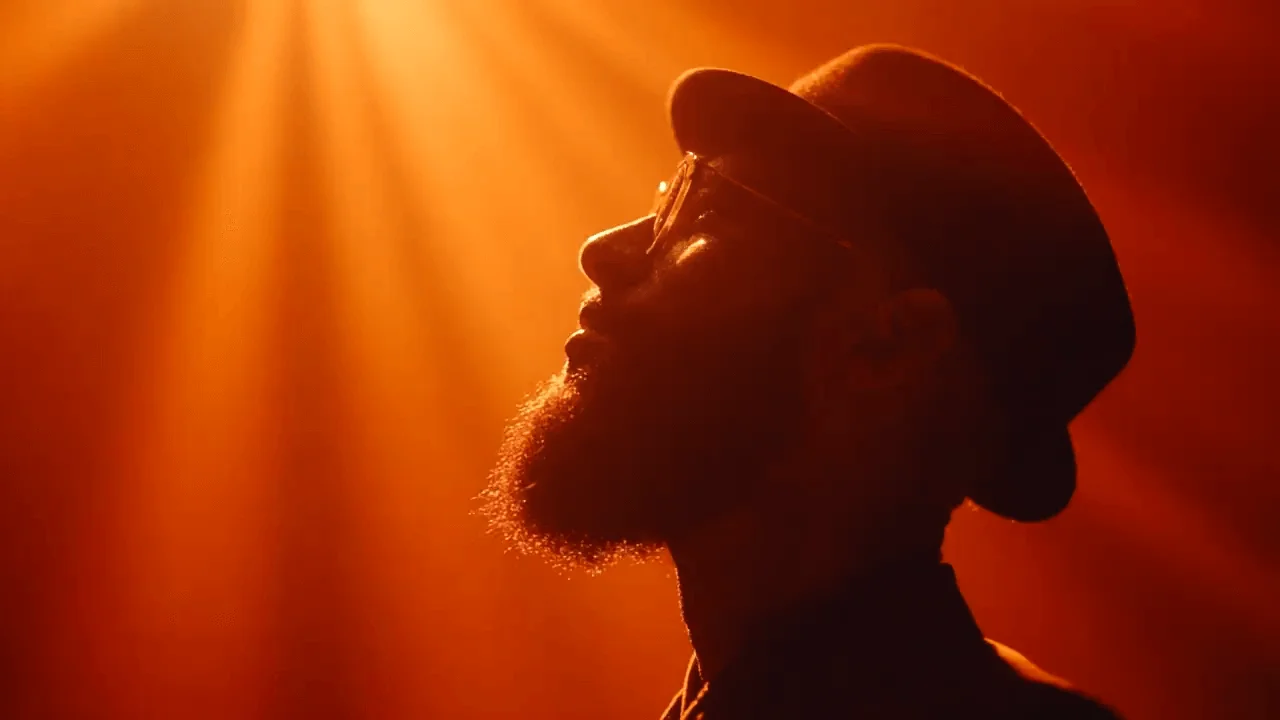
Expand Image
Expand any image to fit a new format, from 16:9 to 9:16, without starting over.
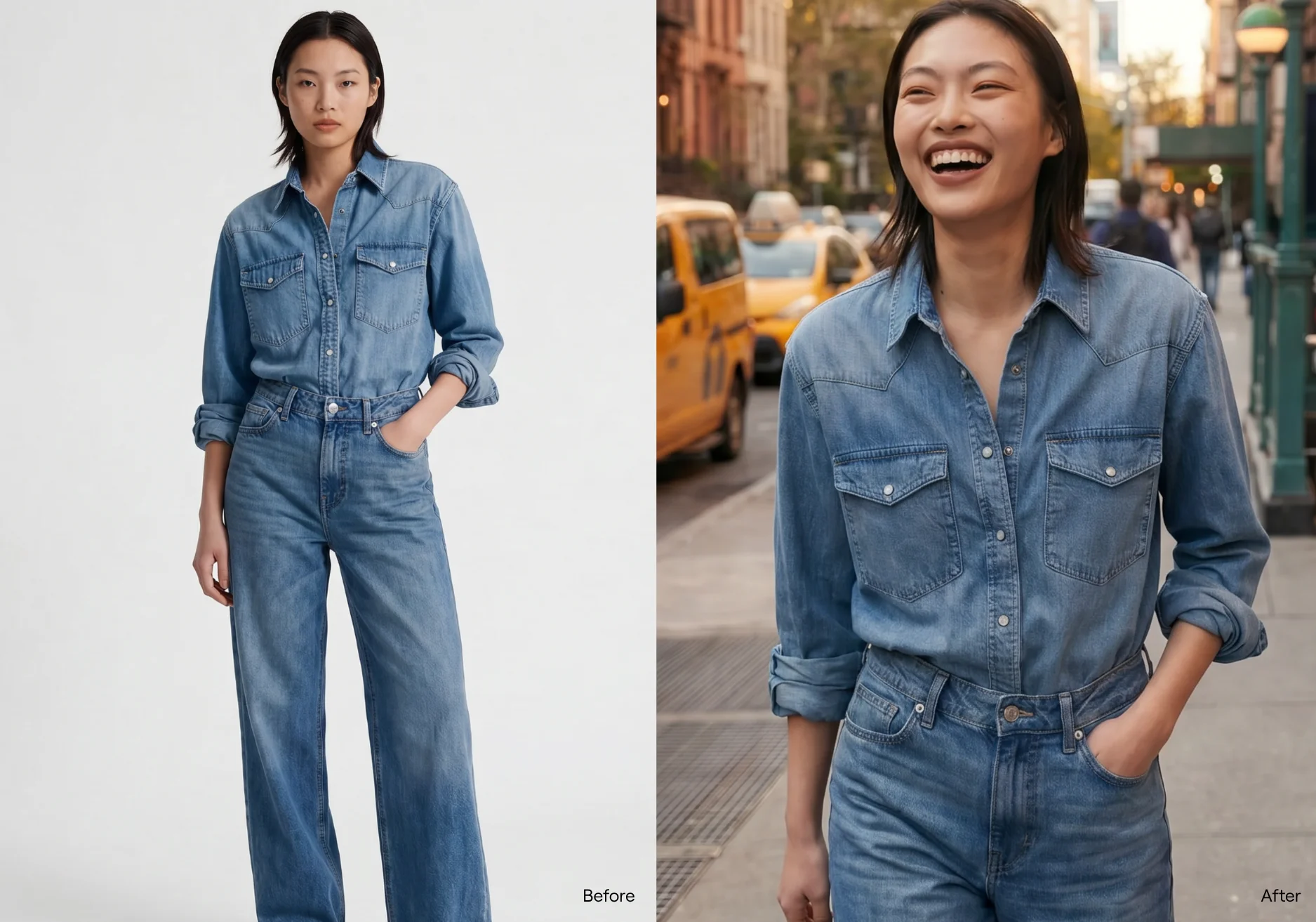
Edit any photo with AI
What can an AI photo editor actually do?
An AI photo editor lets you change a photo by describing what you want, instead of masking and adjusting by hand. Swap a background, relight a scene, remove an object or restyle the whole image, all from a prompt. Only what you describe changes, and everything else stays put. You can do it on real photos as well as AI-generated ones.
Try editing for freeExample AI photo editing outputs
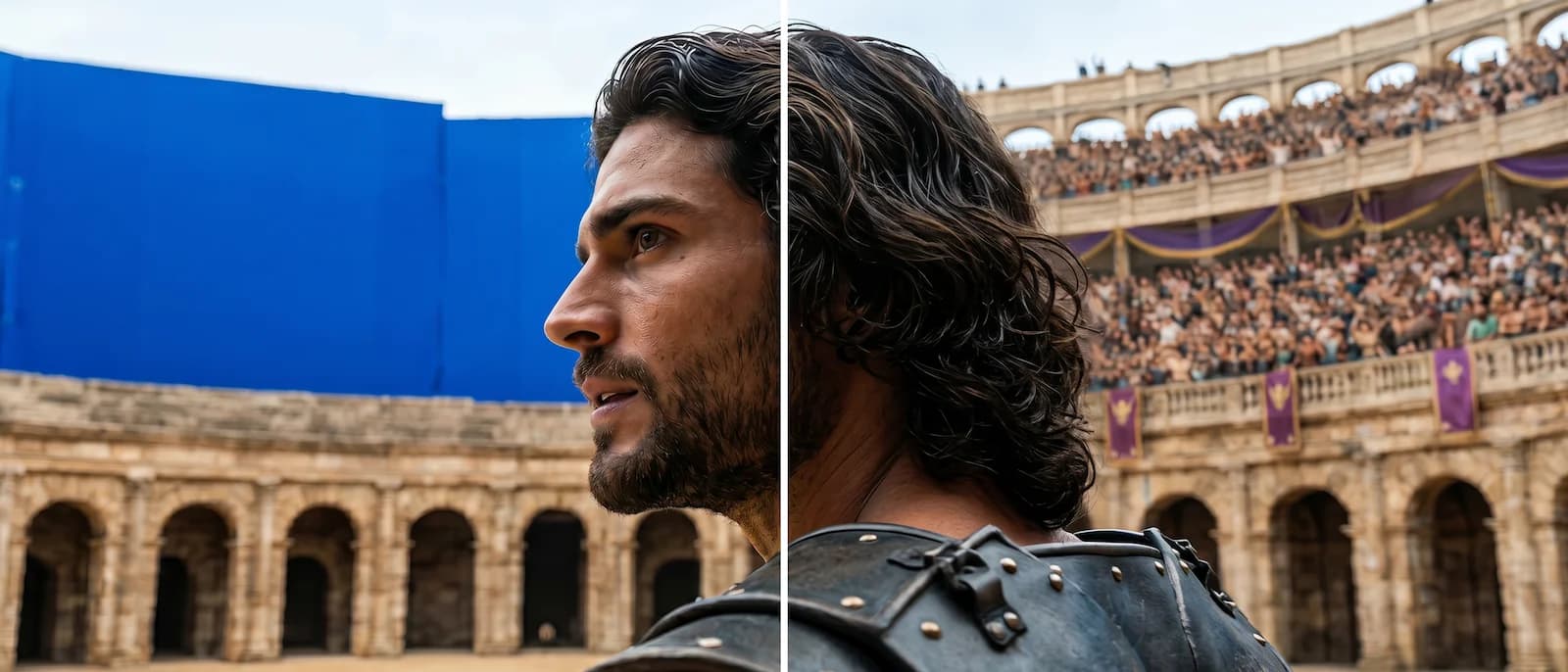
Backdrop & environments
Swap a location, add a setting or change the time of day. Works on real photos and AI-generated images.
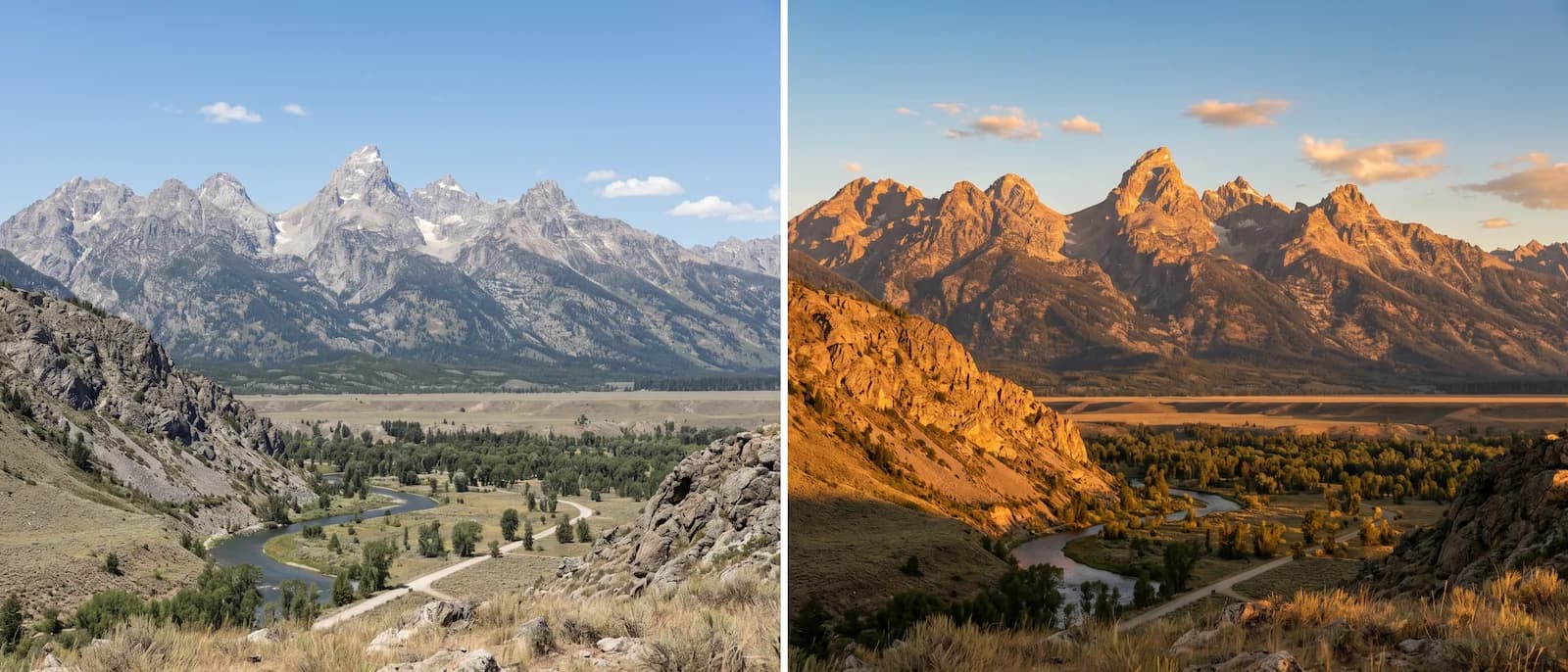
Lighting & retouch
Relight a portrait, correct an exposure or restyle the mood. Object-level control – everything else stays put.
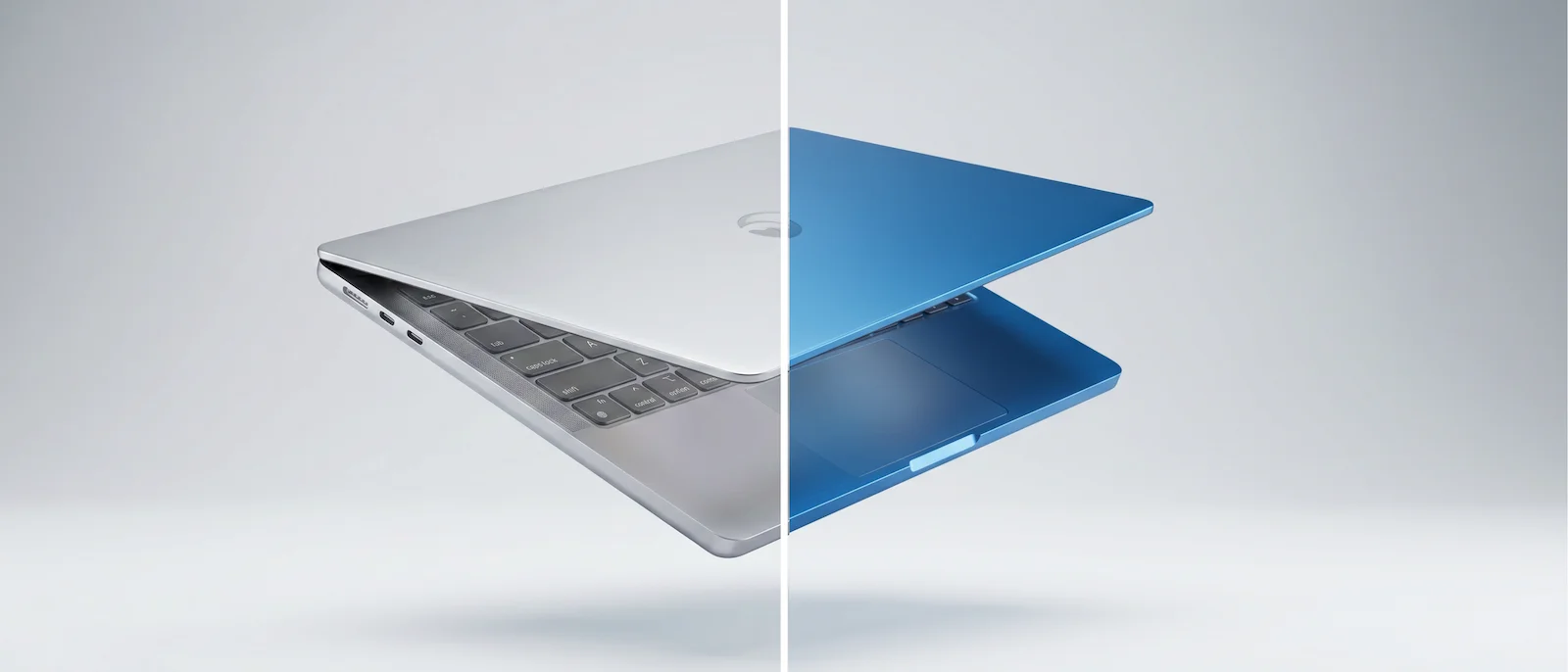
Objects & product details
Remove a stray prop, mark a logo for deletion or update a product to a new colorway. Runway fills the gap in-context.
Real campaigns, edited in Runway
Professional teams use Runway to edit product shots and campaign images.
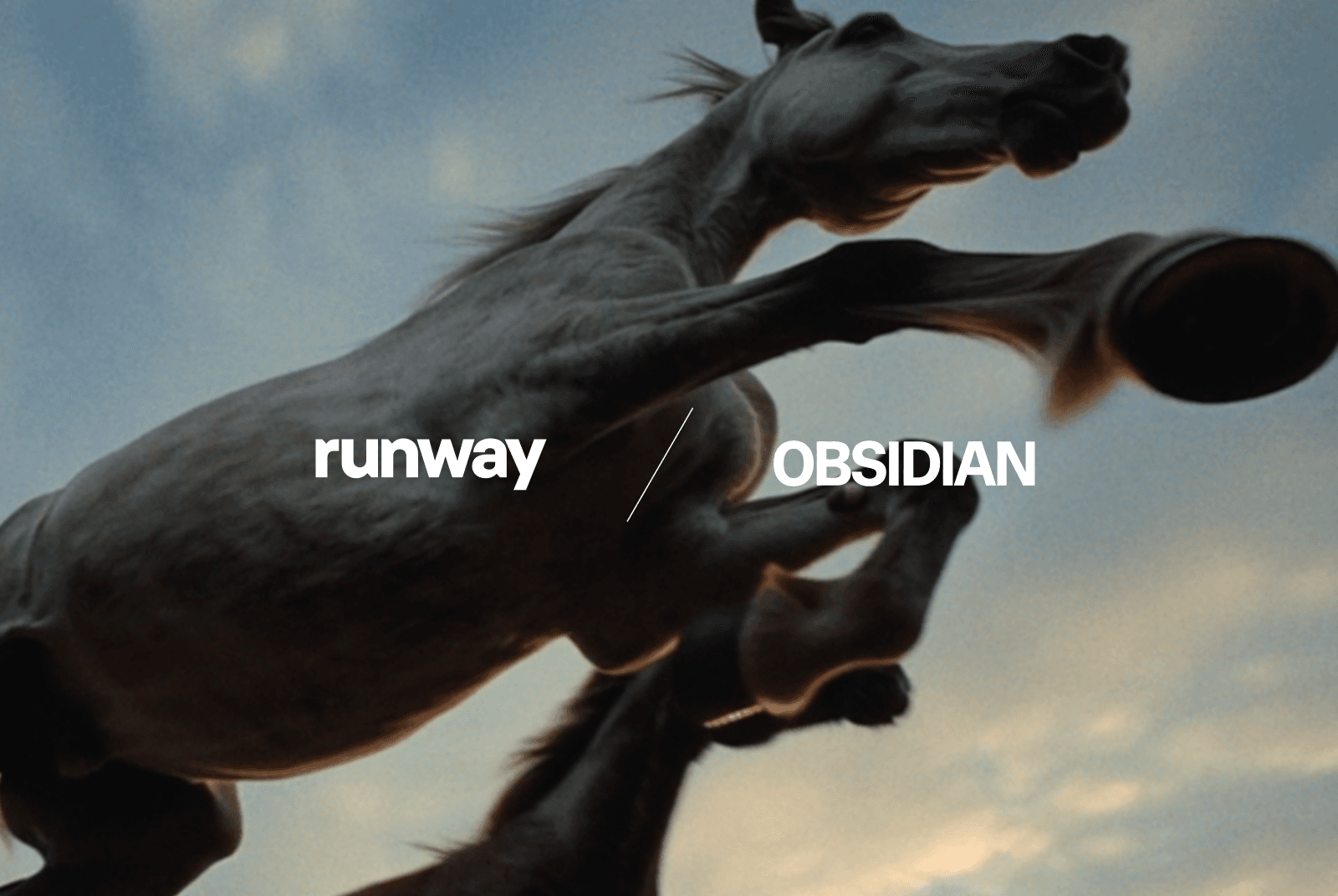
Obsidian
See how Obsidian uses Runway to create campaigns for brands like Nike, Disney and Louis Vuitton.
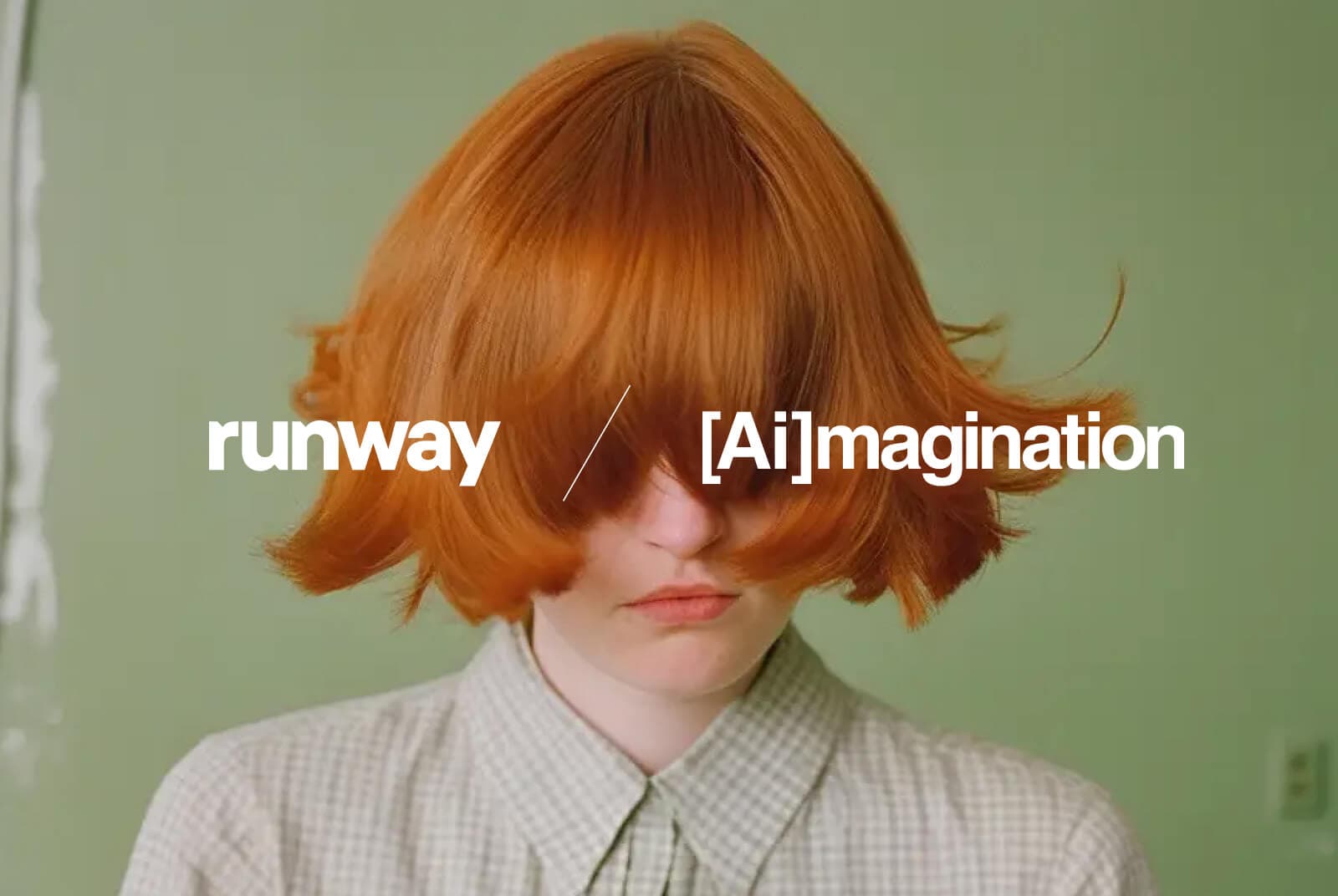
Fred & Farid
Learn why Fred & Farid chose Runway to create campaigns for brands like L'Oréal and The North Face.
Havas Group
Explore how Havas Group uses Runway to create campaigns for brands like Michelin and Woolite.
Try Runway for AI image editing
Real photos. Precise edits. Every version your campaign requires.