

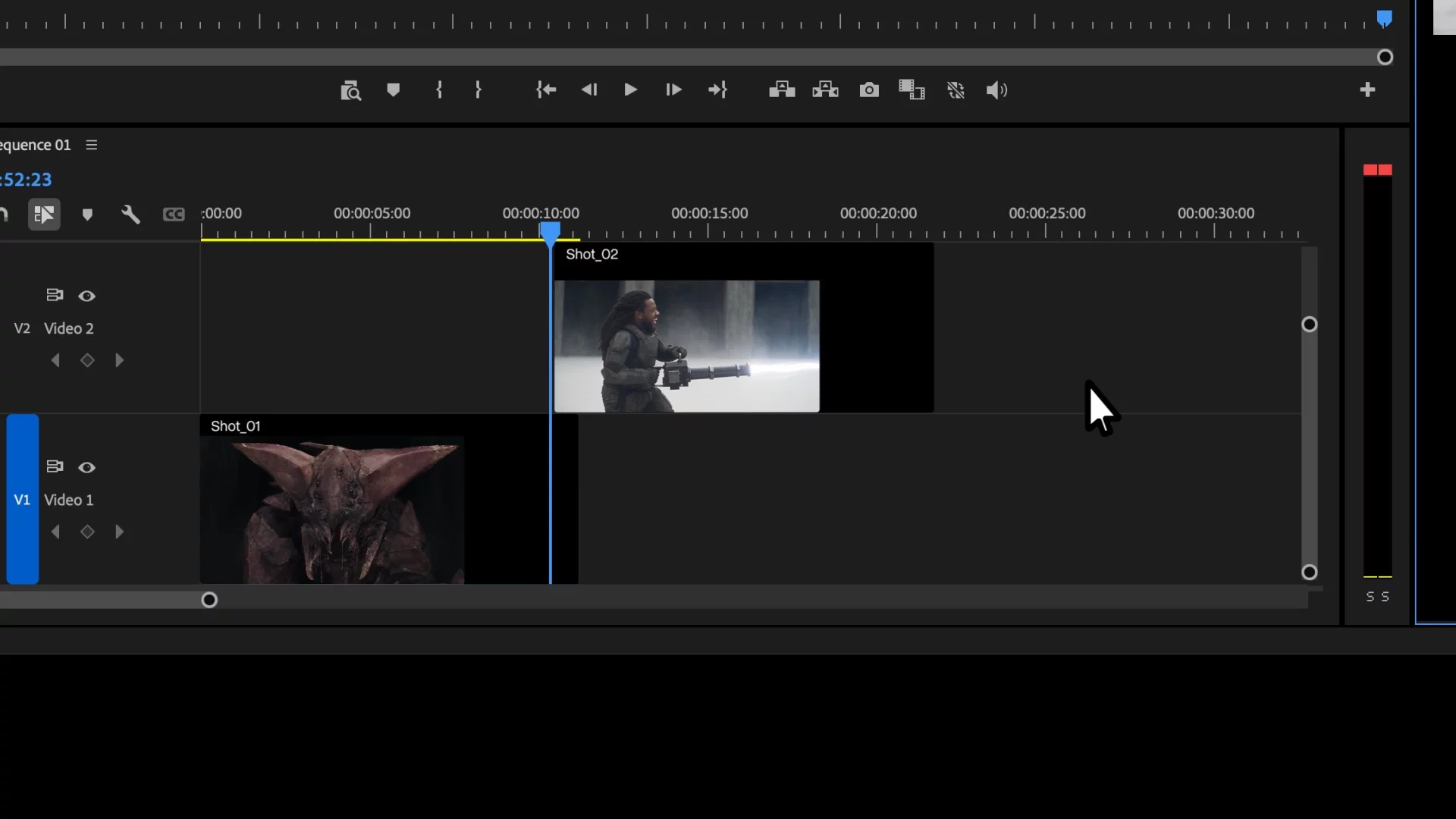
Runway Plugins
Generate, edit and extend footage with Runway's models directly inside Premiere Pro and After Effects. No exports, no round trips. Your timeline stays your timeline.
Generate, edit and extend footage with Runway's models directly inside your editing tools.
Step 1
Download the Plugin
Download the plugin for free. One download covers both After Effects and Premiere Pro.
Step 2
Launch the Installer
Open the package and follow the guided setup. It detects your Adobe apps and installs the plugin in a few clicks.
Step 3
Find Runway inside of Adobe's Extensions
In After Effects, go to Window → Extensions → Runway. Sign in and start generating on your timeline.
By downloading the plugin, you agree to our Terms of Use and acknowledge our Privacy Policy.
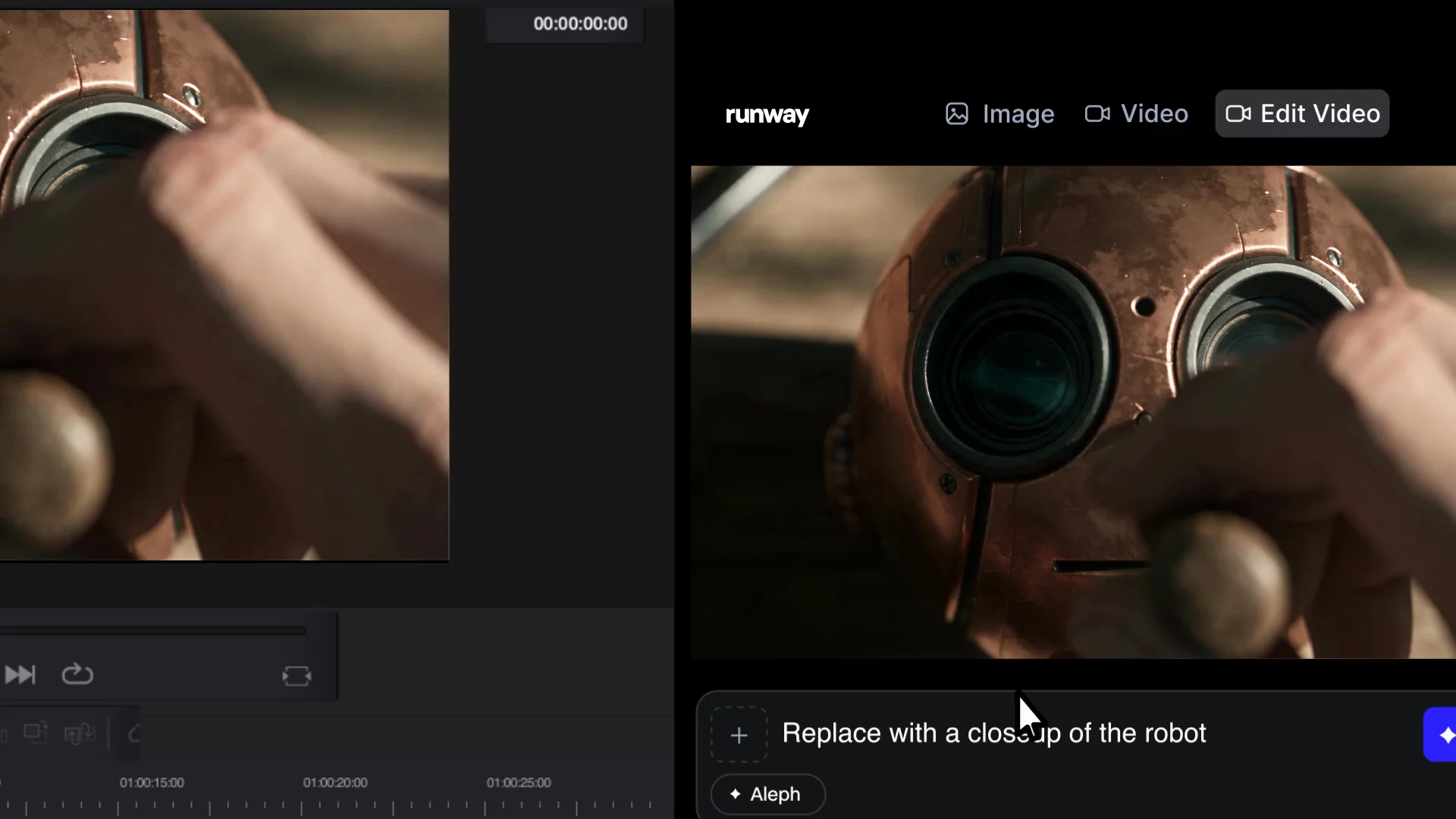
Runway, directly inside your editing tools
Prompt for video and stills, re-render clips, upscale to delivery, all from a panel inside Premiere Pro, After Effects or DaVinci Resolve. Results land at the playhead, not in an export queue.
Download Now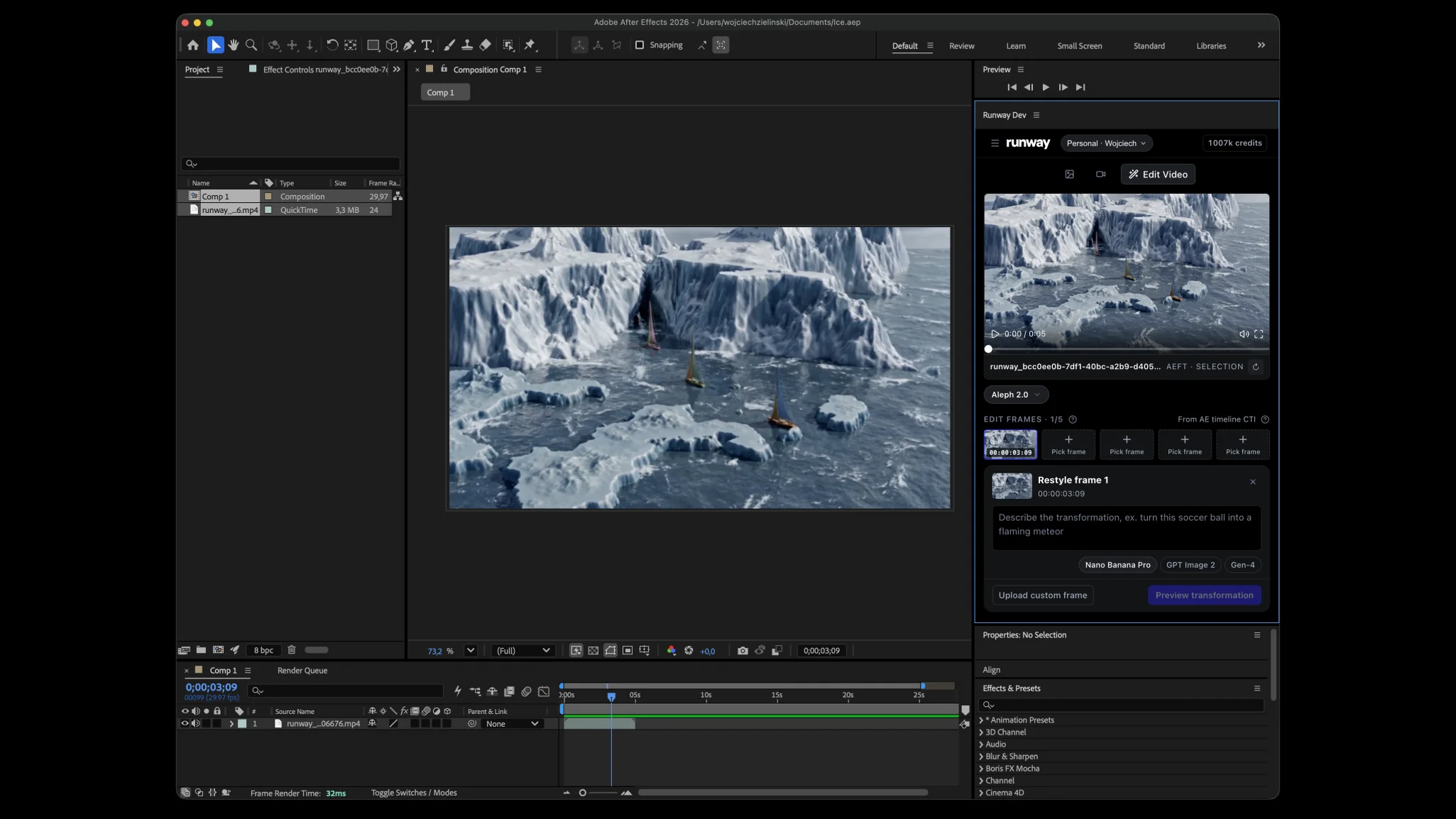
Generate right where you work. Create videos and images with Runway directly inside your native Adobe workflow.
Create and keep editing. Move your generations into the timeline in one click so you can keep creating without interruption.
Perfect for docking. The plugin stays close to the creative workflow, making its tools instantly accessible without breaking focus.
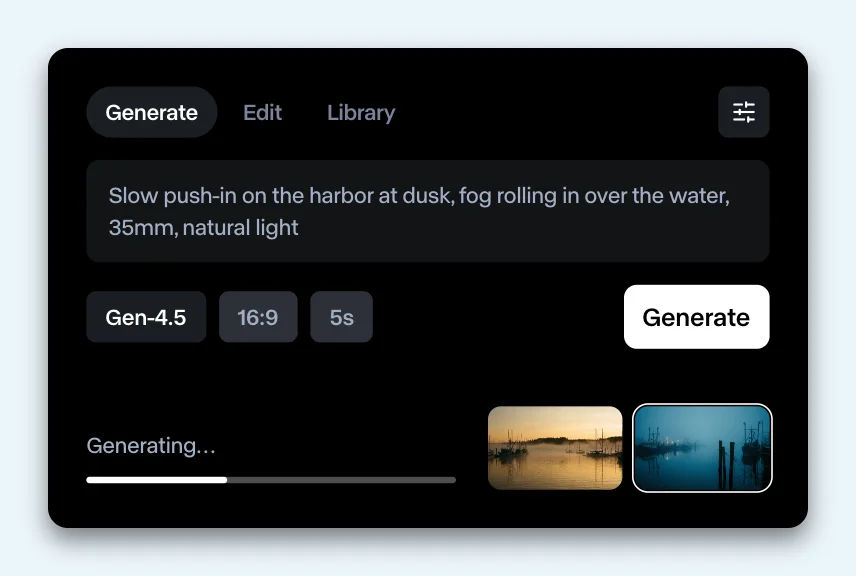
Generate where you edit
Prompt for video or stills from the panel. Gen-4.5, Seedance 2.5, Kling 3.0 Pro and Veo 3.1 for video. Gen-4 Image, Nano Banana and GPT Image 2 for stills. Duration, aspect ratio and resolution options follow each model, and results resolve in the panel while you keep cutting.
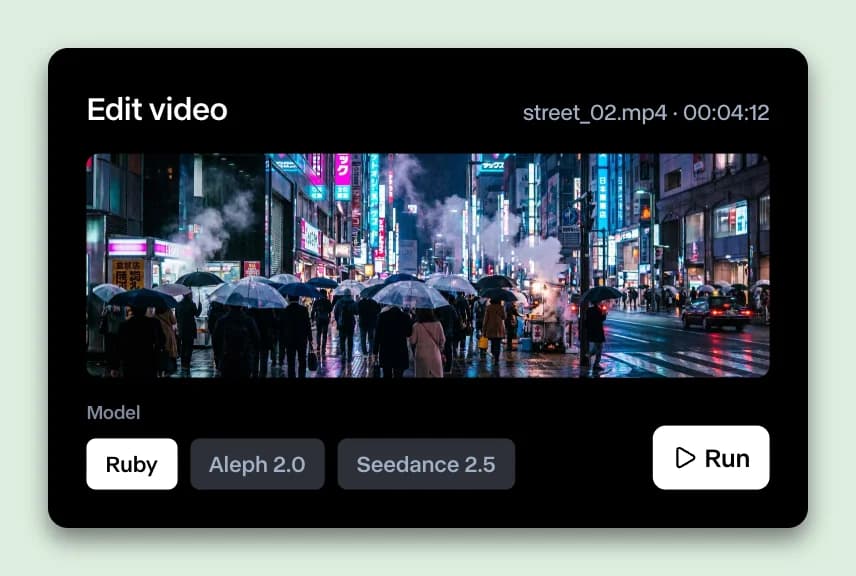
Video-to-video and HDR
Re-render a timeline clip with Aleph 2.0, including HDR conversion with Runway Ruby. Or generate in HDR from the start.
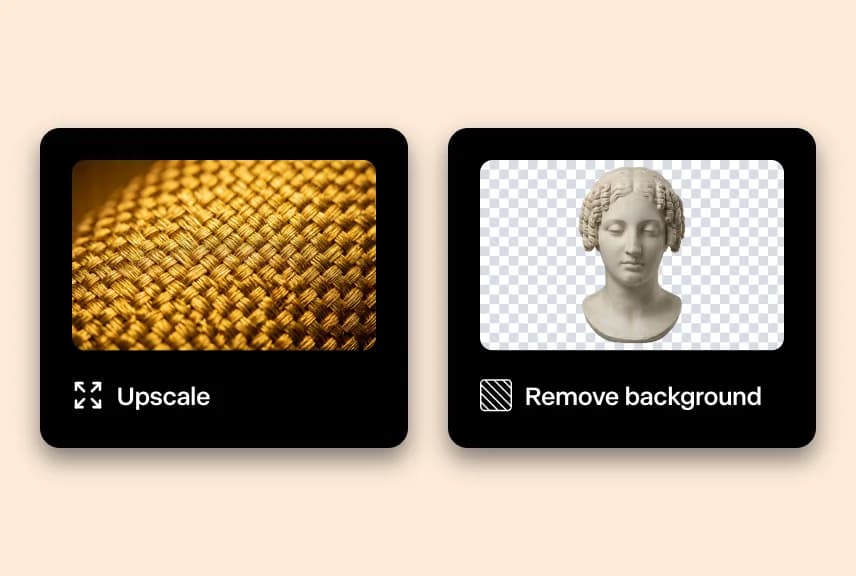
Finish the shot in the panel
Get to final faster with our upscalers, or isolate a subject without masking by hand: prompt the subject, invert the selection and set the output frame rate.
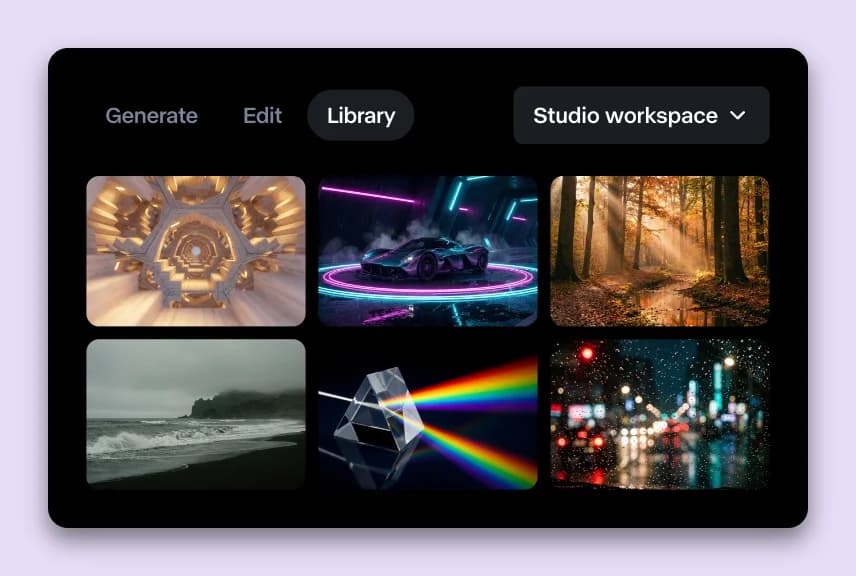
Your library and workspaces
Anything you generated on the web is one click from your timeline. A workspace switcher in the panel header decides where generations land and which credits they use.
Your next re-render, without the round trip.
Free to install. Generating uses the credits on the plan you already have.
By downloading the plugin, you agree to our Terms of Use and acknowledge our Privacy Policy.