What is a spec ad?
A spec ad, short for speculative advertisement, is a mock commercial built for a company or client that never commissioned it. Creatives make them to show what they can do for a client they want to work with, using the brand's name and product or project without a signed brief or a media budget behind them.
Spec ads have circulated in advertising for decades, mostly as portfolio pieces. For example, a junior art director might storyboard a spot for a brand they admire, or a production company could cut a trailer for a studio it wants to pitch.
Today, thanks to AI, even lean teams and solo creators can afford to make professional-looking spec ads. A concept that used to require multiple crew members and commercial directing now only needs a laptop and a few hours with an AI image generator, AI video generator, voice tool and editing software.
Why AI is changing the category
AI has significantly lowered the barrier to creating a polished spec spot, so marketing and advertising agencies and freelancers now have a more level playing field as they compete for the same accounts. Brands are also seeing themselves reflected back by people who were never in the war room.
Imagine you generate and share a spec commercial for a beverage or car company. You'll be effectively acting as an uninvited brand ambassador with creative freedom, though reception can vary. Some companies treat spec campaigns as unpaid pitches worth a call back, while others see them as noise that muddies a carefully managed visual identity.
Either way, a spec ad doubles as informal focus-group data, showing how a brand reads to someone with no obligation to stay on-brief.
Spec ads on social and digital platforms work best for broader, low-cost reach, while traditional media like radio and print are more ideal for local targeting. AI tools like Runway already help creative teams like Fred & Farid generate clean, white-labeled spec spots to pitch to their dream clients.
None of this makes spec ads a shortcut to real client work, though. Spec ad AI generators just make the format faster to test, which means the ones that land are doing so on campaign concept and creative thinking, unlike in the past when production budget was a huge blocker.
How to make a spec ad with AI in 7 quick steps
From selecting the right brand to ideating, planning and execution, creating a spec ad with AI is similar to producing one without it. AI speeds up each stage and requires fewer resources. For your first (or next) AI-generated spec ad:
1. Pick a brand you actually understand rather than one you simply admire
Knowing your target company's product, existing campaigns and brand tone well enough will help you create an on-brand spec ad that reads like a pitch the brand's in-house team or external agency could have made.
Start with a shortlist of companies you'd like to work with, brands similar to your past or current clients, or an ABM list for an industry you're trying to expand into. Then narrow it down to brands with enough public information to understand their positioning, target audience and creative instincts.
Research the finalists more deeply and prioritize one that also offers a genuine creative opportunity, such as a new product, geographic expansion, seasonal campaign or rebrand.
2. Write the concept and script before touching a tool
AI tools won't make a bad idea good, and current video models don't handle overcomplicated plots or multiple locations and characters particularly well. That's why a clear concept executed cleanly beats a complex one that ends up looking unfinished and underwhelming.
Pick a single spec ad idea and hero shot, then brainstorm with your creative team or use a large language model as a strategic thinking and brand research partner. Ask questions like:
- What's the simplest version of this ad that still lands?
- What would make this feel unmistakably like [brand]?
- What are three ways to communicate this idea without adding locations or characters?
You can also ask an AI agent to poke holes in your creative vision and concept rationale, suggest stronger hooks or turn the winning direction into a short script and shot list. Once it's clear, on-brand and realistic, stop refining and move into production.
3. Generate key visuals
As with live productions, mood boards, product shots, lead-character frames and the core environment provide a consistent visual reference before you create anything.
Start with HD product images and reference photos of any real-world actors or locations you plan to use. Then build on those references or generate what you need from scratch. When prompting, get specific about physical details, ambiance, lighting, composition and mood. For example:
- Character reference: “A young Black woman in a [sneaker brand] running campaign, athletic build, short natural hair, black running gear, golden-hour lighting, cinematic commercial photography.”
- Product shot: “A [beverage brand] bottle on a sunlit kitchen counter, condensation on the glass, warm morning light, shallow depth of field, premium commercial photography.”
- Hero environment: “A [electric vehicle brand] driving through a metropolitan city at night, wet streets, neon reflections, cinematic lighting, premium automotive commercials.”
Treat your strongest outputs as references for subsequent shots. For characters in particular, a clear, well-lit reference image can help maintain consistency across scenes and angles.
4. Animate the scenes
If you're creating a cinematic video spec ad, bring static frames to life with a single deliberate camera move. An orbit, push-in, close-up or slow pan will render much cleaner than layering complex blocking into a single shot.
Use a video generator that lets you upload a still photo and describe the movement you want so it can animate the reference image while preserving its visual details. Focus the prompt on what should move; don't spend time re-describing everything already in the still.
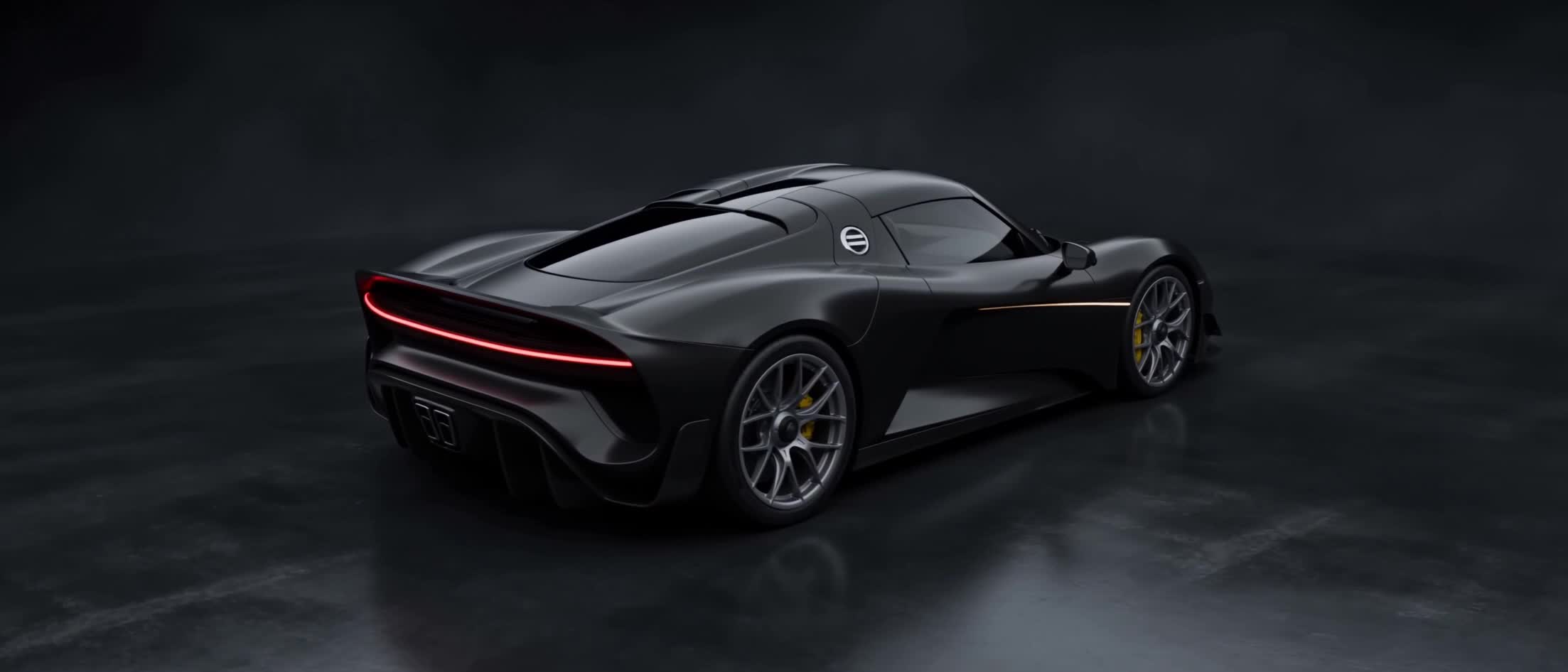
For example, you can tell the AI agent to “Slow dolly toward the car as sunlight glides across the hood. The camera settles into a close three-quarter view.” Start simple, then add detail if the movement isn't landing the way you want.
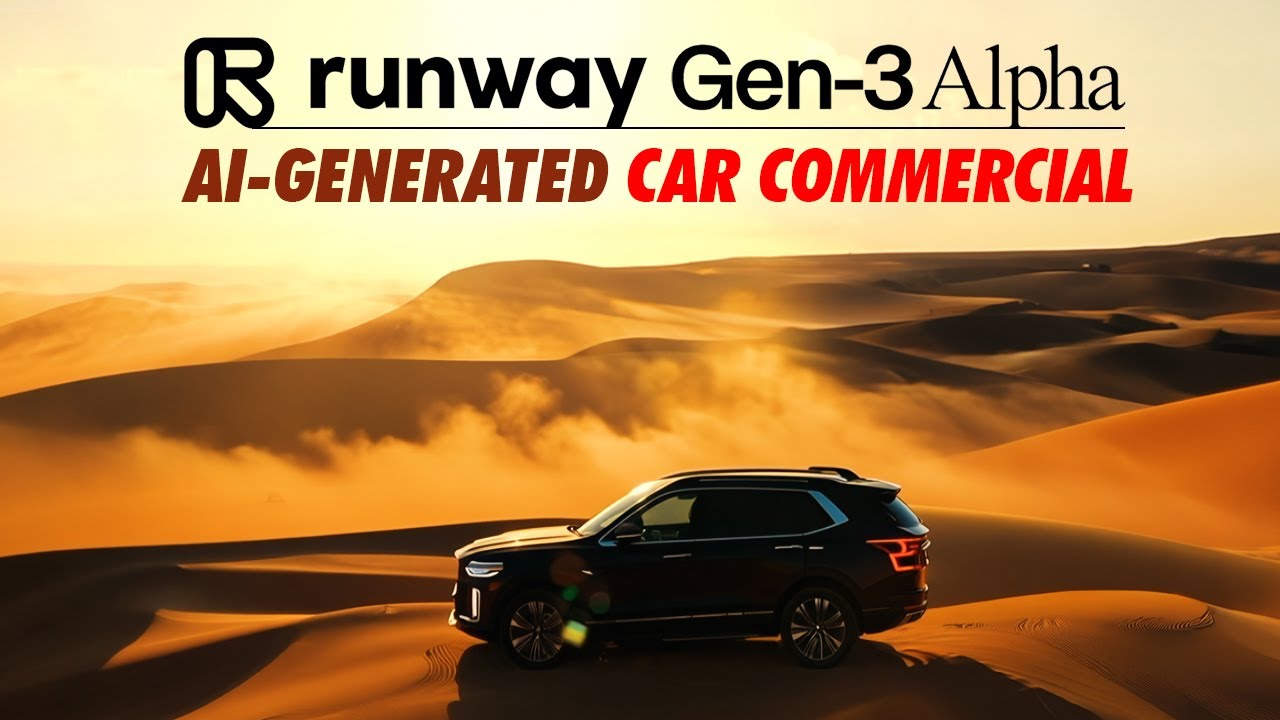
Spec ad example, created with Runway
5. Record the voiceover
If you'll be adding speech to your ad, a voice model gives you narration or dialogue without booking a studio or hiring an actor. Audition two or three voices against the script before committing.
Match the voice to the brand, audience and creative direction rather than simply choosing the most polished-sounding option. Pay attention to pacing, pronunciation and where the model places emphasis. And if a take feels off, regenerate individual lines as needed.
6. Build the sound design
Music and ambient sound do more work than most people expect in a 30-second spec commercial or demo reel. A cinematic build under the right cut can make an average shot feel finished, and a flat music bed can undercut a great one.
To keep costs minimal, focus on free-to-use sounds that still support the emotional arc and don't compete with the voiceover. Or better still, quickly generate the music and sound effects you need with detailed text prompts.
7. Cut it together
Assemble the clips, lock the voiceover and music, and handle color grading in a standard editor. Pacing and sound mix, not the individual shots, are usually what separate a rough spec from a real submission. You can also create variations of the same ad for different audience segments.
If your AI tool is an end-to-end production suite, you can handle every step, including editing, in that single platform. But if it isn't or you want more advanced editing functionality, export the final video, upload it into a dedicated editor and finalize it there.
Tools you need for an AI spec ad
| Stage | What it does | Common tools |
|---|---|---|
| Concepting | Scripts, body copy, mood boards, key visuals, storyboards | Claude, Runway, Midjourney, Adobe Firefly |
| Animation | Turns stills into directed video shots | Runway, Pika, Luma AI |
| Voice | Narration and dialogue | Runway, ElevenLabs, Murf AI |
| Editing | Assembly, pacing, color, sound mix | Runway, Adobe Premiere Pro, DaVinci Resolve, CapCut |
| End-to-end | Generates and edits image, video and audio assets | Runway |
Should you make a spec ad with AI?
Make a spec ad with AI if you're:
- Trying to only spend a fraction of the cost of a real production, especially if budget is tight or you need to limit your exposure in case it doesn't lead to actual work.
- Pressed for time or just want to roll out the campaign in days vs weeks.
- Looking to pitch potential clients you might never get budget approval to shoot for on the off chance they'd see it and hire you.
Don't make a spec ad with AI (or even the conventional way) if you're:
- Worried it may come off as off-brief because you don't know the brand well.
- Not sure the brand you're considering is one that sees unsolicited spec work as noise rather than a pitch.
- Going to need real iteration to get visual and voice consistency right.
Used well, an AI spec ad is a content creation exercise with a specific audience of one: the brand or agency you're trying to reach. Treat it that way, and it works the same as any other spec spot always has, as a demonstration rather than a shortcut. That's just as true for teams already working across media and entertainment, where spec work has long doubled as a way to pitch a studio or network directly.
Frequently asked questions
What does spec mean in advertising?
"Spec" is short for speculative: creative work produced without a commission, signed client brief or guaranteed payment. A spec commercial is made at the creator's own initiative to demonstrate capability, usually to sell it outright at a preset asking price or to win future paid work from the real brand or creative agency featured in it. Spec ads also give entry-level creatives and teams a low-stakes way to test their storytelling skills.
Which AI video model should I use for my spec ad?
The right choice depends on what the shot needs. For directed camera movement and control over a specific visual style, a purpose-built video generator tends to outperform general-purpose tools. Test the same still frame across two or three models before committing. Consistency across a whole spot matters more than any single impressive clip.
How long should a spec ad be?
Spec ads often run for 15 to 30 seconds, matching standard broadcast ad lengths. That tight runtime also plays to AI's current strengths, since shorter spots need fewer continuous shots, which means less stitching and fewer consistency errors across the cut.
Are spec ads legal?
Yes, generally speaking, creating an unsolicited spec ad isn't illegal. However, what you do with it matters. To avoid misleading audiences, clearly label the work as unofficial, avoid misleading claims of brand affiliation, and do not use the work commercially without permission. Also, be careful about using trademarks and copyrighted assets. Rules can vary by jurisdiction, so get legal advice if you're planning to promote or monetize the work.
Make a spec ad today
The best spec ads look like something the brand could have made, and that starts with a focused campaign concept that comes to life with the right tools. Generate the key visuals, animate them into directed shots and finish the cut with an AI video editor so the whole spot comes out of one connected creative workflow.