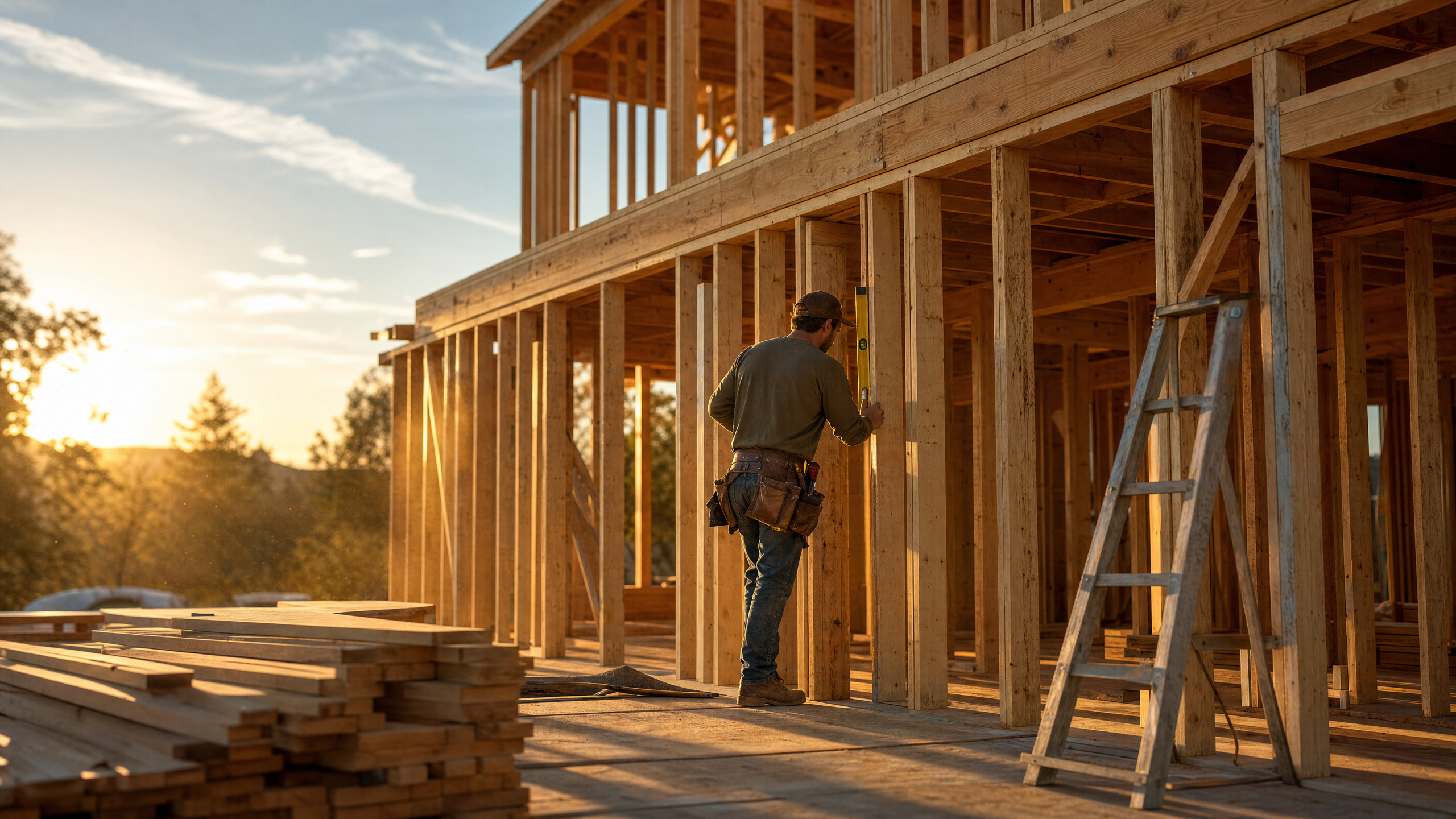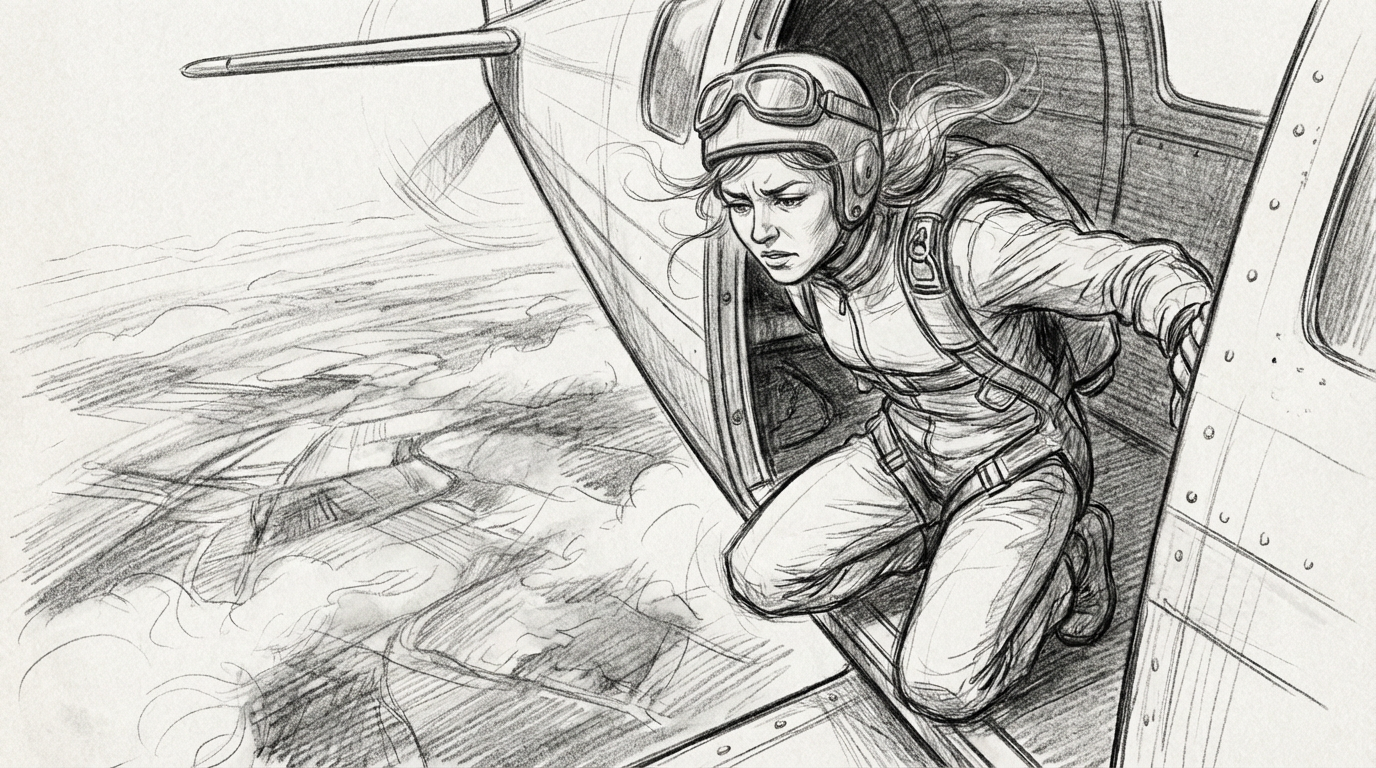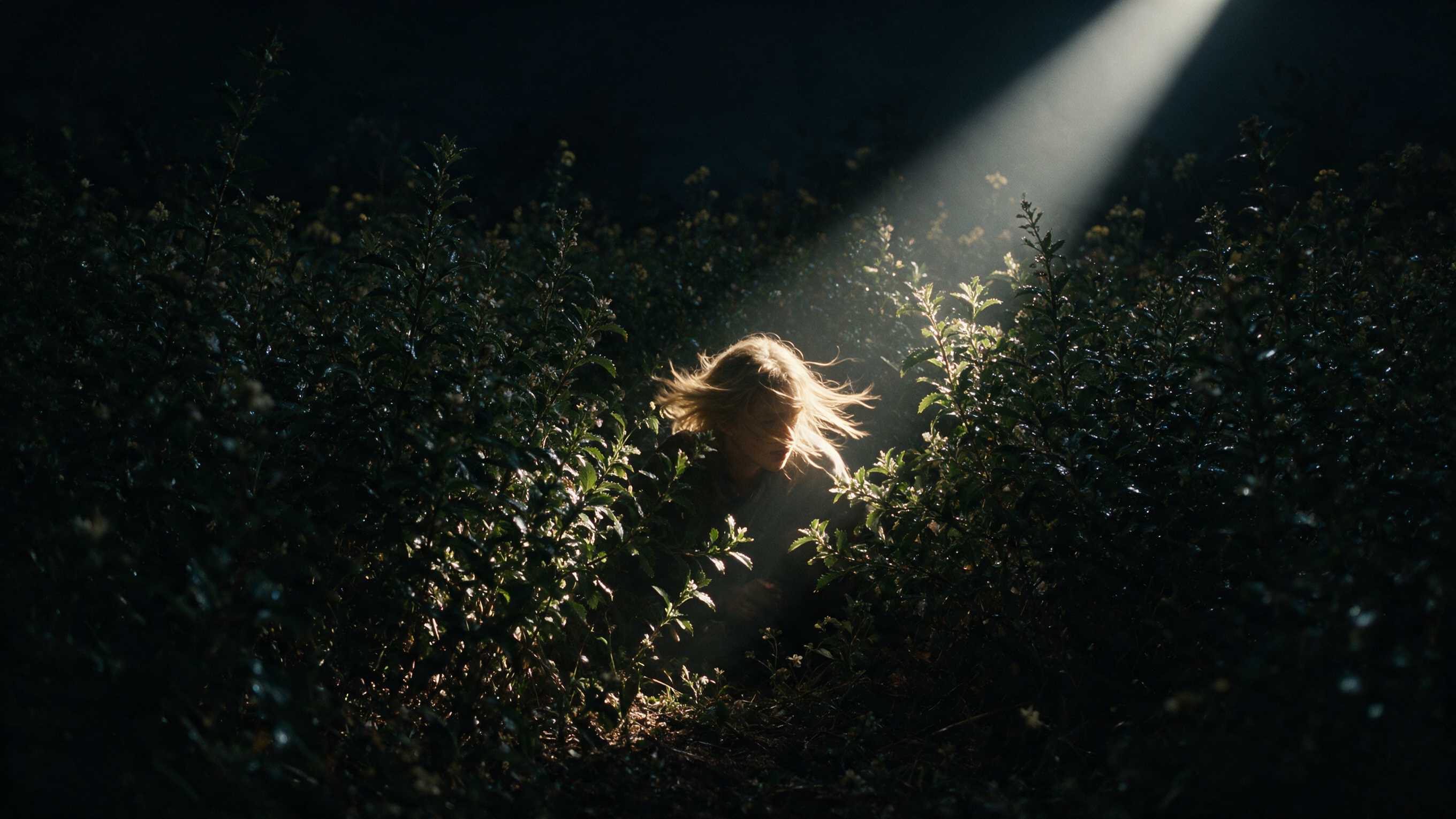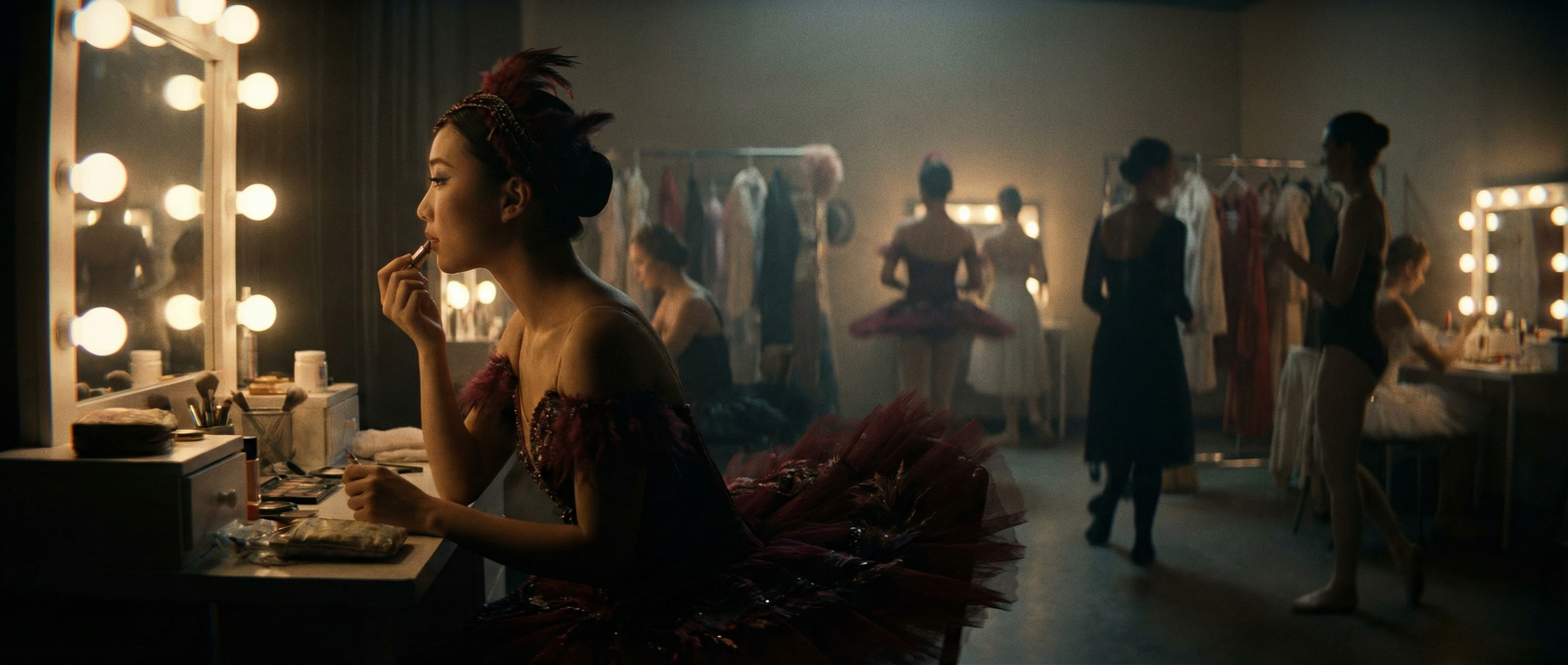
A recent Runway study found that over 90% of participants couldn't reliably tell a Gen-4.5 clip from real footage when judging five-second videos one at a time. Consistency is a large part of why, and it's the same underlying reason video is harder to generate than a single image. Images just need one shot that looks right, but videos have to hold each frame together to look convincing.
This guide breaks down the pipeline video generation models actually run, the different types of AI video generation and why some clips still glitch.
What is AI video generation, and how is it different from animation or editing?
AI video generation is the process of creating moving footage from a text prompt, an image or existing video, using a model that predicts each frame. It does not involve human drawing, live filming or direct compositing.
Traditional animation builds a scene frame by frame through manual drawing or 3D rigging, and conventional video editing works with pre-captured footage. AI video generation skips both steps. The model generates the pixels themselves, based on what it learns from large-scale video data during training.
| Traditional video production | AI video models |
|---|---|
| Precise, deterministic control over every joint, camera angle and keyframe | Focuses on speed, with control expressed via prompts, reference images and editing software |
| Demands significant production time; days to weeks | A usable clip in minutes instead of days; agile iteration |
| Separates writing, shooting and editing into distinct stages, each with its own crew and schedule | Compresses much of that into a single step: describe the shot, generate it, refine the prompt or swap the reference image, and regenerate |
| Operating cameras and managing teams | Prompting or directing the generation model |
The production pipeline and craft are still the same; AI models just enable a different, faster workflow with output that holds together when the input stays consistent. So instead of managing continuity between takes on a traditional production set, the work is steering a model toward a result that holds together on its own.
How does AI turn a text prompt into a moving video?
The text-to-AI video generation process runs through five stages, from a sentence typed into a text box to a finished clip.
- Encode the prompt. A text encoder converts the words into a numerical representation that captures the concepts in the prompt, things like subject, setting, lighting and motion. This encoding, not the literal words in a prompt, is what actually guides the model's video output.
- Start from noise. Most modern video models are diffusion models. Generation often begins with a frame (or a full sequence of frames) of pure random noise, closer to television static than to anything resembling the final scene.
- Denoise in steps. The model removes a small amount of noise at a time, checking its progress against the encoded prompt at each step. A recognizable shape emerges first, then detail, then a finished frame. This process repeats across dozens of steps.
- Hold frames together over time. A video model can't denoise each frame in isolation. Transformer layers track relationships across both space and time to ensure temporal consistency, where an object stays the same as the camera moves and the scene evolves. This step decides whether a clip is usable, so even if everything else works perfectly, a shot can still fail here.
- Decode and render. Working directly on full-resolution pixels would be far too expensive, so generation happens in a compressed mathematical representation called latent space. Once denoising finishes, a decoder converts the latent result back into standard video frames, and additional models can sharpen resolution, frame rate and motion smoothness.
Runway's own video creation model releases trace this same arc. Gen-1, released in 2023, applied the structure of one video to the style of a prompt or image. Each generation since has pushed further on the hardest part of the pipeline: holding a scene together over more frames, motion and shots. Gen-4.5 is the current result of that work.
What is a diffusion model, and how does denoising work?
A diffusion model is trained by doing the opposite of what it will eventually do: it takes video, adds noise in increasing amounts until nothing recognizable remains, and learns to predict the noise added at each step. Reverse that process, starting from noise and repeatedly subtracting what the model predicts, and the result is generation.
Denoising is that reversal in practice. At each step, the model looks at the current noisy frame and the encoded prompt, and predicts a slightly cleaner version. Run enough steps and a coherent scene emerges. Fewer steps mean faster generation; more steps trade speed for fidelity. Modern systems balance the two so a clip renders quickly without looking unfinished.
The prompt's influence doesn't stop after the first step. Every denoising pass checks back against the encoded prompt, which is why a model can course-correct across the generation instead of committing to an interpretation early and drifting from it. This is also why prompt wording changes results: a more specific description gives the model a tighter target to steer toward at every step, not just the first one.
Transformers do a separate job in the same pipeline. Where diffusion handles the "what should this frame look like" question, spatiotemporal transformers handle "how does this frame relate to the ones around it," tracking an object's position and identity across the full clip rather than generating each frame as an isolated image. Combining the two is what lets modern models hold a character, object or camera move together across an entire shot.
| Diffusion model | Denoising | Transformers |
|---|---|---|
| Trained to reverse noise into a coherent scene, guided by an encoded prompt | The step-by-step process of removing noise from a frame until a clear image emerges. | Track how a frame relates to those around it, keeping objects & motion consistent over time. |
Neither piece solves consistency alone. A diffusion model with no sense of time would happily generate a beautiful, sharp frame ten that has nothing to do with frame nine. A transformer with no diffusion process underneath it would have relationships between frames to track but no way to actually render convincing pixels for any of them. The pairing is why "latent diffusion transformer" shows up as one term in most technical descriptions of modern video models rather than two separate techniques bolted together.
Types of AI video generation
Three broad AI video generation approaches cover most of what's available today, and each suits a different starting point and level of control, though text-to-video models are more common.
| Approach | Input required | Control level | Best-fit use case |
|---|---|---|---|
| Text-to-video | A written prompt | Lower: style and composition are inferred from language | Fast concepting, exploring a scene before committing to a direction |
| Image-to-video | A reference image (start frame, end frame, or both) | High: identity, framing and style are locked in from the image | Product shots, character consistency, matching an existing visual reference |
| Video-to-video | An existing video clip | Highest: the model edits or restyles footage that already exists | Reworking captured footage, applying a new style or look to a real shot, targeted edits |
- Text-to-video creates the scene from language alone, making it fast for early ideation and giving the model full creative range.
- Image-to-video anchors the result to something concrete: supply a starting frame and the model animates motion outward from it, which makes it the more precise choice whenever a specific look needs to carry through to the final clip.
- Video-to-video starts one step further along, applying a new style or making a targeted change to existing video footage.
Runway lets users generate videos with all three approaches, so the barrier to start experimenting is basically non-existent, whether for small marketing teams, mid-sized businesses, or enterprise firms. For example, AI-native production studio Silverside already builds ad campaigns for clients like Coca-Cola using Runway's generative video tools, cutting production costs by roughly 65% and timelines from months to weeks.
A separate category worth naming directly is avatar-based tools like Colossyan, Synthesia and HeyGen, which generate an AI presenter speaking a script. That's a narrower, adjacent problem: matching a face and voice to a script, rather than generating an open-ended scene from scratch. These tools are well suited to training videos, compliance modules and other content where a presenter reads a script to camera.
Runway Characters solves a related problem differently: build interactive, expressive characters with custom voices, knowledge and tools, ready for live interaction. To select the right AI system, evaluate backward from the problem you're actually solving.
Where AI video still shows its seams
Most visible errors in AI video trace back to the same frontier. A hand with an extra finger, on-screen text that shifts between frames, a reflection that doesn't quite match what it's reflecting. These are failures of holding a scene together, not failures of rendering a single frame. A video model is predicting likely pixels, not simulating a physical scene, so the longer and more complex the motion, the more chances there are for the illusion to slip.
Hands and faces are the hardest cases, since a hand has many small, fast-moving parts and a face is a subject viewers are unusually attuned to noticing errors in. Short video clips with natural motion already hold up well, and every recent model generation has pushed the visible seams further out.
Runway's perceptual research puts numbers on where those seams still show. 1,043 participants each judged 20 five-second clips, half real and half generated with Gen-4.5, one at a time. Overall detection accuracy was 57.1%, barely above chance, and only about 9.5% of participants scored well enough to count as reliable. The category breakdown is the more interesting result: detection held up best on faces, hands and human action at 58-65%, and fell below chance on animals and architecture at 45-47%, where participants were likelier to mistake a generated clip for real than the other way around.
Where AI video generation is headed
The clearest trend across the field isn't resolution. The issue is duration and control, which is the consistency problem again. Longer clips, multiple shots that stay consistent with each other, native audio and background music generated alongside the picture rather than added after, and finer-grained control over camera movement and motion.
Runway's work on real-time video generation explores a related shift: video that responds and updates as it generates rather than rendering once and stopping.
Frequently asked questions
Is AI video generation the same thing as a deepfake?
No. A deepfake specifically replaces or manipulates a real person's likeness, usually without consent, to make it appear they did or said something they didn't. AI video generation is the broader underlying technology. The same techniques that generate a deepfake also generate an entirely original scene with no real person involved, which is the far more common use case. Runway's usage policy prohibits “use of an image, video, or audio of another person without their permission”, and Runway also implements C2PA and automatically embeds machine-readable C2PA metadata in Runway model outputs.
How much compute or energy does it take to generate an AI video?
This varies by model, resolution and clip length. Still, video is far more compute-intensive than image generation, since a five-second clip at 24 frames per second means generating roughly 120 consistent frames instead of one.
Can AI video generators create realistic human faces and motion?
Yes, for most everyday shots. Short clips with natural motion, a person talking, walking or gesturing, are well within reach of modern models. The harder cases are complex physical interaction, like two people shaking hands, and longer sequences where a face needs to stay consistent across many seconds. Human subjects remain the easiest category for viewers to identify as generated. Read our guide to maintaining AI character consistency for more context and video generation tips.
What's the difference between text-to-video and image-to-video generation?
Text-to-video builds the entire scene from a written description, giving the model full creative latitude over what it invents. Image-to-video starts from a reference image and animates motion from that fixed point, which trades some creative range for tighter control over identity, framing and style. Many AI tools support using either text or image prompts.
Do you need coding or AI experience to use an AI video generator?
No. Most AI video tools, including Runway, are built around prompts, reference images and a visual interface, with no programming required. Developers who want programmatic access can use an API, but that's optional.
Can I use AI-generated video commercially?
Usually yes, but it turns on two things: the terms of the tool you generated with, and the rights to whatever you fed into it.
Commercial rights vary by platform and by tier, so check the terms for the specific model you're running, not just the platform. With Runway, what you generate is yours on every plan, including Free. Runway doesn't claim ownership of your inputs or outputs or restrict commercial use, so long as you're complying with the terms. Reference material is a separate question: footage, images, audio or someone's likeness carries whatever rights it came with. Runway's usage policy also prohibits generating against IP you don't hold or in the style of a named living artist.
Try Runway Gen-4.5
Holding a shot together is the hard part, and it's exactly what Gen-4.5 is built around. Generate a clip from a prompt or a reference image with Runway's AI video generator and go from idea to finished shot in minutes. Get started for free.
Related: How to make realistic AI videos | How to make AI videos fast | Runway Academy: learn AI video creation