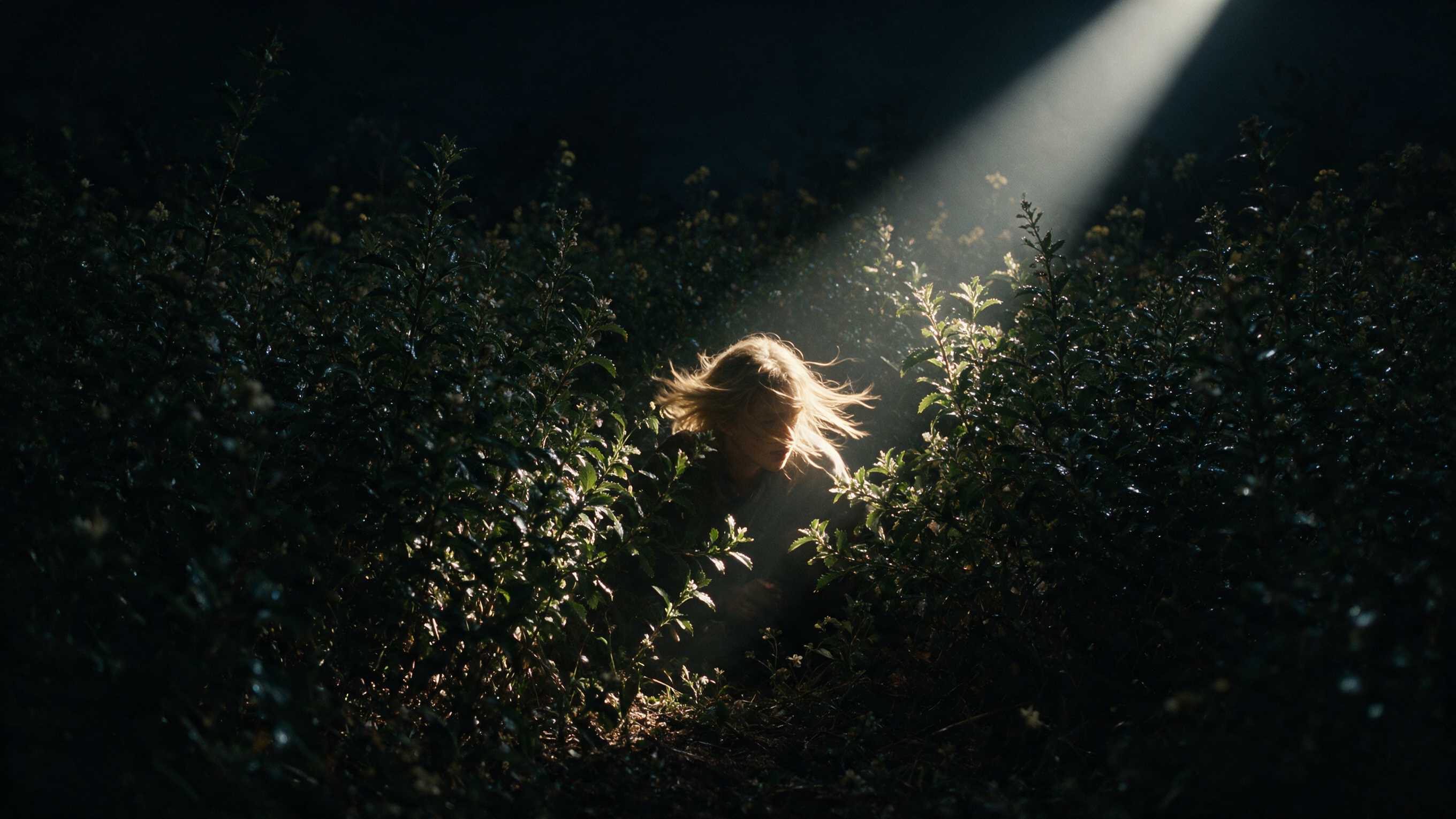
What is an AI shot list?
A shot list is a numbered inventory of every shot needed for a scene or project. Each entry specifies the camera setup, the subject action and the technical parameters required to execute it. Traditional shot lists are built manually in spreadsheets or dedicated software, often starting from a script breakdown or storyboard.
An AI shot list generator parses a script or scene description, identifies the beats that need their own shots, and proposes framing, angle and movement for each. The output is a structured document the director, director of photography (DP) and first assistant director (AD) can react to, refine and eventually take to set.
An AI shot list gives teams a starting point that surfaces decisions quickly so you can test multiple versions and spend your time on creative strategy and decision making.
AI shot list vs. traditional shot list vs. storyboard
| Format | What it is | Best for |
|---|---|---|
| Traditional shot list | A spreadsheet or document built by hand, listing shot numbers, framing, camera movement, subject action and technical notes | Locked documentation a crew can shoot from on the day |
| AI shot list | A shot list generated from a script or scene description, then refined by the creative team | First passes and fast iteration in pre-production, especially on small teams or teams without a dedicated 1st AD |
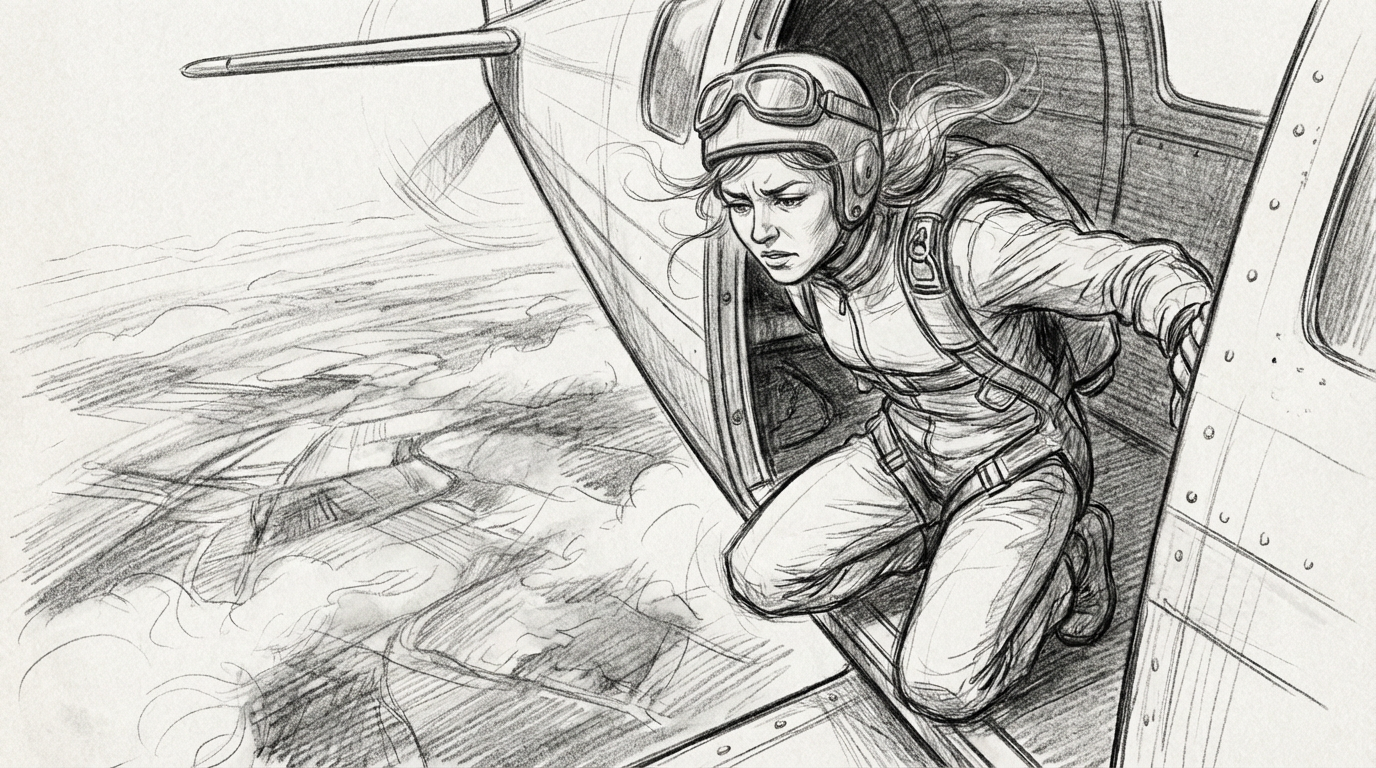
| Storyboard | A visual sequence of frames showing what each shot looks like | Communicating visual intent to clients, DPs, and production designers |
The shot list and storyboard solve related but different problems. The shot list is the text record, the production document that specifies the technical details needed to film each scene. The storyboard is the visual version of the same plan, showing what each shot should look like and how shots connect. Most productions use both: the list for logistics, the board for creative alignment. AI tools increasingly generate both from the same source material, which keeps them in conversation with each other.
What an AI shot list generator does (and does not do)
An AI shot list generator, sometimes called an AI shot list maker, reads a script and extracts structured information: scene locations, characters, actions and dialogue beats. From that, it proposes shot breakdowns. A scene with two characters in a diner might generate a wide establishing shot, two over-the-shoulder coverage shots and a close-up on a prop.
What it does well:
- First-pass speed. A 90-page script can be broken into a rough shot list in minutes.
- Coverage suggestions. The model proposes standard coverage patterns (wide, medium, close-up, inserts) that a director can then modify.
- Structured output. The result is a formatted, sortable document ready for feedback.
- Prompt-ready language. Because the shot list includes framing, angle and movement as structured fields, each line can become the foundation for an AI video generation prompt.
What it does not do:
- Make creative decisions. The model knows a scene has two characters and a prop. It does not know the prop is the emotional center of the scene and deserves a dedicated insert before the final line of dialogue. That is a directorial call.
- Maintain consistency automatically. A model generating shots independently will drift on character appearance, wardrobe and location unless it is anchored with reference images.
- Understand production constraints. The model does not know your budget, your location restrictions or your gaffer's workload. It proposes. You filter.
How to make a shot list with AI: the workflow
Here is the process we recommend, based on building shot lists for both scripted and commercial projects.
1. Start with a script breakdown
A script breakdown is the process of reading through a script and identifying the elements that affect production: locations, characters, props, wardrobe, special effects, stunts. It is time-consuming, detail-oriented work to do by hand.
An AI shot list generator parses the script and flags these elements automatically. The human reviews the output and catches what the model missed: a prop that appears in only one line but is critical to the story, a location the script describes ambiguously.
2. Generate the first-pass shot list
Once the script is parsed, the AI proposes a shot list. Each entry typically includes shot number, scene reference, framing or shot size, camera angle, camera movement, subject and action, and technical notes (lens, lighting, audio, duration).
3. Refine and annotate
The director and DP review the technical details against the storyboard and script. Does the shot match the emotional beat of the scene? What equipment or locations does it require? If the director wants to test a different framing, the AI can regenerate the entry or propose alternatives.
4. Sync with the storyboard
Shot numbers on the board should match shot numbers on the list. When one changes, the other updates. AI tools that generate both from the same script make this synchronization far easier than maintaining two documents by hand. Runway's Storyboard Creator Featured Workflow walks through building a boarded sequence from a script, and the output dovetails with the shot list structure described here.
Learn more about AI storyboarding
5. Export and share
The approved shot list becomes a production document. It goes to the first AD for scheduling, to the DP for camera prep, to the production designer for set requirements and to the client for sign-off. The list stays a living document until the shoot day, but the goal is to lock it before anyone is standing on set waiting.
Where the shot list sits in the pre-production pipeline
The pipeline runs in a fixed order: script → script breakdown → shot list → storyboard → animatic → generation or shoot day. Each stage inherits the decisions of the one before it, which is why iteration and exploration need to happen in the earlier stages. As you get closer to production, each shift in direction means more changes upstream to keep your pipeline consistent.
How AI shot lists flow into video generation prompts
The structured fields in an AI shot list map directly to the camera language AI video models respond to. Any shot list example entry converts to a prompt by stringing its fields together in a fixed order:
[Shot size + angle], [camera movement + speed], [subject + action], [lens], [lighting]. [What the shot reveals].
A shot list entry that reads:
Shot 14: Medium close-up, low angle, slow dolly push-in. Detective lights a cigarette in the rain. 35mm. Neon reflections on wet pavement. Duration: 4 seconds. Reveals: tension.
becomes:
"Medium close-up, low angle, slow dolly push-in over four seconds, on a detective lighting a cigarette in the rain, 35mm lens, neon reflections on wet pavement. The push-in reveals the tension in his face."
Building the shot list with AI-ready language means the pre-production document and the generation prompt are the same work product at different stages. Here are three more translations, across three different scene types:
Dialogue coverage
Shot 03: Over-the-shoulder, eye level, static. Two baristas argue behind the counter during the morning rush. 50mm. Overcast window light. Duration: 6 seconds. Reveals: the distance between them.
"Over-the-shoulder shot at eye level, static camera, on two baristas arguing behind a café counter during the morning rush, 50mm lens, soft overcast window light. The framing holds both characters and emphasizes the distance between them."
Product / commercial
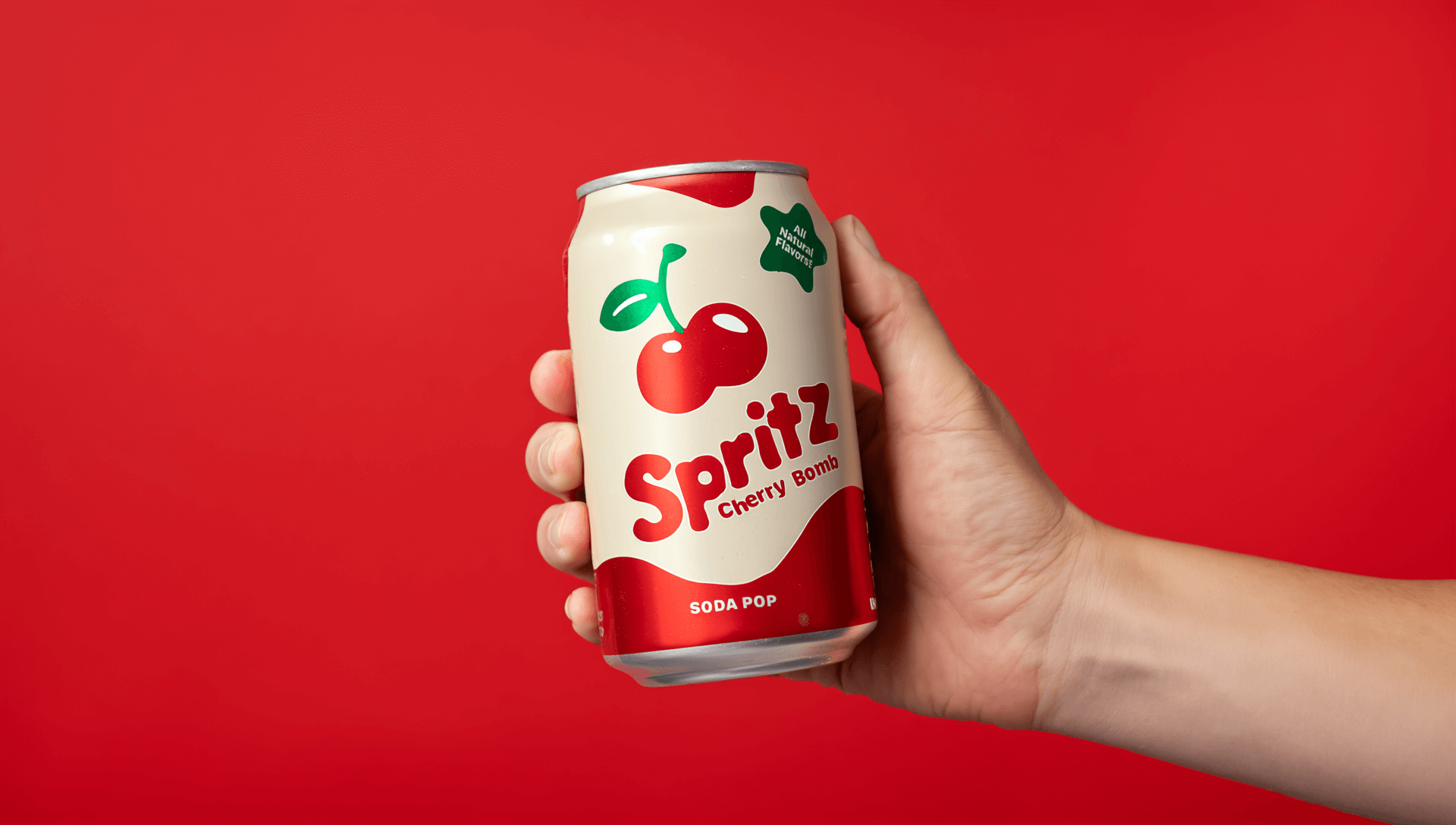
Shot 07: Macro close-up, overhead, slow orbit. Condensation beads on a glass bottle against a dark background. 100mm macro. Hard backlight. Duration: 3 seconds. Reveals: texture and cold.
"Macro close-up from overhead with a slow orbital camera move, condensation beading on a glass bottle against a dark background, 100mm macro lens, hard backlight outlining the glass. The orbit reveals the bottle's texture and chill."
Exterior action
Shot 12: Wide, low angle, fast left-to-right tracking. A cyclist weaves through traffic at golden hour. 24mm. Warm backlight, long shadows. Duration: 5 seconds. Reveals: the speed and chaos of the city.
"Wide shot from a low angle with a fast left-to-right tracking move, following a cyclist weaving through traffic at golden hour, 24mm lens, warm backlight casting long shadows across the pavement. The move carries the speed and chaos of the city."
Looking for more prompt support? Runway's AI video prompting guide covers the four-part prompt structure (camera movement, scene, action, details) that aligns with this approach.
Technical parameters for modern AI-ready shot lists
A traditional shot list covers the basics: shot number, framing, action. An AI-ready shot list goes further, because the same document serves two purposes: production planning and prompt generation.
| Parameter | What it captures | Why it matters for AI |
|---|---|---|
| Framing (shot size) | Wide, medium, close-up, insert (a close cutaway of a detail), POV | Controls the composition the model generates |
| Camera angle | Eye-level, low, high, Dutch (tilted horizon), overhead | Changes the psychology of the shot and the output |
| Movement | Static, pan, tilt, dolly, handheld, orbit | Needs the most precise wording of any parameter |
| Speed and duration | Slow, deliberate, rapid or explicit timing ("4 seconds") | Sets pacing that models otherwise guess at |
| Subject action | What happens in the frame | Defines the narrative content the model depicts |
| Lens | 24mm, 35mm, 85mm, anamorphic | Anchors the visual aesthetic |
| Lighting | Natural, neon, tungsten, overcast | Sets mood and tone |
| What the shot reveals | The emotional or narrative purpose | Ties the shot to the story and improves coherence |
Shot list terminology for AI prompting
These are the terms AI video models respond to most reliably, worth knowing even if you never touch a camera.
- Wide (establishing) shot: the full scene; sets geography.
- Medium shot: waist-up; the standard framing for dialogue.
- Close-up: a face or object fills the frame; carries emotional weight.
- Insert: a close cutaway of a detail or prop.
- OTS (over-the-shoulder): framed over one character's shoulder at another.
- POV: the camera shows what a character sees.
- Dutch angle: a tilted horizon line; signals unease or instability.
- Dolly vs. pan: a dolly moves the camera through space; a pan pivots it in place. Models treat these differently, so name the right one.
Can AI shot lists help maintain character consistency?
Character consistency is one of the hardest technical problems in AI-assisted pre-production. A shot list that references the same character across 20 shots is only useful if the character looks the same in every generated frame.
When each shot entry includes structured references to characters and locations, the shot list becomes a consistency map. Paired with a tool that uses reference images to lock appearance, the list plus the references keep a cast recognizable across a sequence.
Runway's approach uses two to three reference images per character, applied across generations. Gather those references at the shot list stage, not after generation has started, to keep characters consistent through the process.
AI shot list tools: what to look for
AI shot list software falls into a few categories, and the right choice depends on where you sit in the pipeline.
Script-to-shot-list tools parse a screenplay and generate a structured list directly. Studiovity and ShotKraft sit in this category, aimed at filmmakers and DPs who want camera-ready lists with technical parameters tracked per shot.
Visual planning tools combine shot lists with storyboards on a shared canvas. Storyflow takes this visual-first approach, keeping script prompts, boards and mood boards side by side so the list and the visual plan stay connected.
AI generation platforms build the shot list into a broader pre-production-to-generation workflow. This is where Runway sits: the list is not a separate product but a document that flows directly into frame generation and video prompts, with the same assets and references carrying through from shot list to storyboard to final shot. It can also assist with generating character sheets, reference videos and images, and storyboards to get you started.
Whichever category you choose, evaluate current feature sets before committing, since this space is moving quickly.
The cost of a changed decision
When you build a shot list by hand, every new idea costs time. A change in direction means renumbering the list and reworking the technical specs behind it. With an AI shot list, those steps happen automatically. Your time goes to strategizing how to achieve the shot and pushing creative boundaries until the idea in your head matches the end result.
Frequently asked questions
How do I generate an AI shot list for film production?
Start with a script or scene description. Use an AI shot list generator to parse it and propose a structured list. Review each entry with the director and DP, refining framing, angle and movement, and annotate with emotional intent and technical notes. Export the list as a production document and sync it with the storyboard.
What technical parameters should be included in an AI-ready shot list?
Framing (shot size), camera angle, movement with a speed modifier, subject action, lens, lighting, duration, and the emotional or narrative purpose of the shot. These fields serve both production planning and prompt generation.
How do I write prompts for AI video models using a shot list?
String the structured fields together in order: framing, angle, movement with speed, subject action, lens, lighting, and what the shot reveals. The shot list and the prompt share vocabulary because they serve the same function.
Can I use AI shot lists for corporate video production?
Yes. Corporate video runs on tighter timelines and smaller crews, which makes AI shot lists particularly useful. A marketing team can generate a first-pass list from a creative brief in minutes, refine it with the video team, and feed the same list into AI-generated concept frames for client approval.
How does an AI shot list reduce on-set production time?
By moving decisions earlier. When the list is locked before the shoot day, the crew arrives knowing what needs to be filmed, in what order, with what camera. A comprehensive first pass also surfaces coverage gaps before anyone is on location.
Do I need specialized software to create an AI-optimized shot list?
No. A spreadsheet works as a starting point, and many teams build their first AI-ready lists in Excel or Google Sheets using the parameter fields above. Specialized software automates script parsing and first-pass generation, which matters more as scripts get longer.
What is the difference between a traditional storyboard and an AI-generated shot list?
A shot list is a text document specifying what needs to be filmed; a storyboard is a visual document showing what each shot should look like. They are complementary but not interchangeable. AI tools increasingly generate both from the same source material, which keeps them synchronized.
An AI shot list is a starting point with structure. It parses the script, proposes the shots and surfaces the decisions that need to be made before anyone steps on set. Your role becomes reviewing those decisions for creative intent and exploring new options instead of updating a spreadsheet.
For teams ready to start, the Storyboard Creator Featured Workflow on Runway Academy walks through the full process from script to boarded sequence. Our video prompting guide covers how to turn shot list entries into generation-ready prompts.